The resistor is small, but it is part of the loop load. Its actual value, heating, placement, and voltage drop all affect what the receiver sees. This guide works through the conversion, then shows how to choose and wire the resistor without spending the loop's available voltage by accident.
TL;DR: Put a precision 250 ohm burden resistor in series at the receiver and use V = I x R: 4mA becomes 1V and 20mA becomes 5V. The resistor dissipates 0.1W at 20mA, but its resistance error transfers directly into the voltage reading, so verify tolerance, heat, wiring, and loop headroom (NotebookLM, Analog Signal Standards notebook, 2026).
This guide pairs with 4-20mA versus 0-10V analog signals for the signal-standard tradeoff before conversion. For an introduction to a related industrial protocol, see the HART protocol guide.
How Does a 250 Ohm Resistor Convert 4-20mA to 1-5V?
A 250 ohm burden resistor turns the 4-20mA loop into a 1-5V signal because voltage equals current times resistance. At the live zero of 4mA, the drop is 1.0V; at 20mA, it is 5.0V. A voltage input reads the drop across the resistor rather than trying to measure current directly (NotebookLM, Analog Signal Standards notebook, 2026).
The conversion is simply Ohm's law:
[ V = I \times R ]
For the lower endpoint, substitute 0.004A and 250 ohm:
[ 0.004\text{ A} \times 250\ \Omega = 1.0\text{ V} ]
For full scale, substitute 0.020A:
[ 0.020\text{ A} \times 250\ \Omega = 5.0\text{ V} ]
Citation capsule: A 250 ohm burden resistor implements V = I x R, converting 4mA to 1.0V and 20mA to 5.0V. The resulting 1-5V signal preserves the loop's live-zero offset while giving an ADC, PLC, or microcontroller a proportional voltage to measure (NotebookLM, Analog Signal Standards notebook, 2026).
Why Is 250 Ohm the Standard Value?
A 250 ohm resistor is the common choice because it maps the standard current endpoints to the standard 1-5V range with simple arithmetic and limits receiver burden to 5.0V at 20mA. A 500 ohm resistor reaches 10.0V instead, which uses twice the receiver voltage at the same current (NotebookLM, Analog Signal Standards notebook, 2026).
The value is a compromise, not magic. Every series resistance consumes voltage from the loop supply. The receiver's drop is 5.0V at 20mA with 250 ohm, compared with 10.0V with 500 ohm. That difference leaves more voltage available for the transmitter and the wiring. If the available voltage becomes too small at high process levels, the transmitter may not have enough terminal voltage to operate and the signal can roll off.
Citation capsule: The 250 ohm standard maps 4-20mA directly to 1-5V and consumes 5.0V at 20mA. At the same current, a 500 ohm resistor consumes 10.0V, so the 250 ohm choice preserves more voltage for the transmitter and cable run (NotebookLM, Analog Signal Standards notebook, 2026).
What Precision Does the Burden Resistor Need?
 Burden-resistor tolerance transfers directly to voltage error, so self-heating and temperature drift belong in the measurement budget.
The resistor's percentage error becomes the converted voltage's percentage error at a one-to-one ratio. A 1% resistor therefore adds a ±1% initial calibration offset to the voltage measurement before transmitter drift, cable losses, or ADC noise are considered. Select the resistor against the whole measurement error budget, not as an isolated part choice (NotebookLM, Analog Signal Standards notebook, 2026).
The relationship is direct because resistance is one side of Ohm's law:
[ \frac{\Delta V}{V} = \frac{\Delta R}{R} ]
That is why a nominal 250 ohm part is not automatically a precision 250 ohm part. The packet uses a 0.1% overall measurement target to show the mismatch: a 1% resistor alone consumes ten times that total error allowance. The resistor must leave room for the other contributors to the measurement result.
Temperature adds a different kind of error. Ambient cabinet or junction-box temperature can change resistance. The resistor also warms itself while carrying loop current. This temperature-driven resistance change becomes a moving voltage error, which is harder to remove with a one-time calibration than a fixed initial offset. The research packet does not prescribe a universal tolerance or temperature-coefficient number; use the accuracy requirement and the component data to make that selection.
Citation capsule: Because V = I x R, burden-resistor error propagates to converted-voltage error at a 1:1 percentage ratio. A 1% resistor creates a ±1% initial voltage offset, while a 0.1% overall measurement target leaves no room for that resistor error alone (NotebookLM, Analog Signal Standards notebook, 2026).
How Much Loop Voltage and Resistor Power Must You Allow?
 At full-scale current, the 250 ohm resistor consumes 5V and dissipates 0.1W, so both load and heat require checking.
At 20mA, a 250 ohm burden resistor drops 5.0V and dissipates 0.1W under P = I² x R. That voltage is part of the loop's total load, while the heat can shift resistance and therefore voltage. Check both quantities at the highest current the loop must support (NotebookLM, Analog Signal Standards notebook, 2026).
The power calculation is:
[ P = I^2 \times R ]
At 0.020A and 250 ohm, the result is 0.1W. The packet identifies 1/4W and 1/2W metal-film precision resistors as suitable physical choices at that load. Choosing a resistor that can carry the wattage is necessary, but the reason is measurement quality as well as survival: self-heating can change resistance, and resistance change appears as a changed reading.
What should be checked first? Start from the maximum current, then list every series drop. At that current, a 250 ohm conversion resistor costs 5.0V. A 500 ohm resistor costs 10.0V. Long runs add their own loss. This approach finds an insufficient-voltage design before a transmitter flatlines at the top of its process range.
Citation capsule: A 250 ohm burden resistor dissipates 0.1W at 20mA and drops 5.0V from the loop supply. That drop must be included with transmitter and cable requirements, because a larger receiver burden can leave the transmitter without enough terminal voltage at high current (NotebookLM, Analog Signal Standards notebook, 2026).
Where Should You Wire the Conversion Resistor?
 Put the burden resistor at the receiver so the voltage input measures directly across the converted 1–5V drop.
Wire the burden resistor at the receiving input. On a single-ended analog card, it sits between the signal channel and shared AI common; on a differential card, it sits directly across that channel's positive and negative terminals. The receiver measures the converted voltage at those terminals (NotebookLM, Analog Signal Standards notebook, 2026).
A differential card gives each channel separate positive and negative terminals. Place the resistor across those two terminals. The input measures the voltage across the resistor, rather than the voltage from one side to the shared PLC common. Common voltage present on both conductors is rejected by the differential measurement, subject to the card's common-mode limit.
Differential measurement rejects common voltage, but it has a limit: the packet gives a typical ±10V to ±15V common-mode range. Above it, the input can saturate. An isolator is required to break a ground path; a higher-impedance input does not remove it.
Citation capsule: At the receiver, place a burden resistor between signal and shared common for a single-ended input, or directly across positive and negative terminals for a differential input. Differential measurement rejects common voltage but typically has a ±10V to ±15V common-mode limit (NotebookLM, Analog Signal Standards notebook, 2026).
When Does a 500 Ohm Resistor Make Sense?
Use a 500 ohm burden resistor when the receiving voltage range calls for 2-10V and the loop has the extra voltage headroom. The same 4-20mA signal then produces 2.0V at live zero and 10.0V at full scale, but the resistor drops 10.0V at 20mA rather than 5.0V (NotebookLM, Analog Signal Standards notebook, 2026).
There is also a power consequence. Since P = I² x R, doubling the resistance doubles dissipation at the same current. A 500 ohm resistor at 20mA dissipates 0.2W by calculation from the packet's formula. Treat the different range as a loop-load decision, then check the receiver's voltage range and the full voltage budget together.
Citation capsule: A 500 ohm burden resistor converts 4-20mA to 2-10V: 4mA produces 2.0V and 20mA produces 10.0V. It also drops 10.0V at full scale and 11.0V at 22mA, doubling the voltage burden of a 250 ohm receiver (NotebookLM, Analog Signal Standards notebook, 2026).
What Measurement Errors Should You Check First?
Start with resistor value, voltage across the resistor, and the receiver reference. A 1% resistor causes a ±1% converted-voltage offset, a 250 ohm resistor at 20mA should show 5.0V, and ground differences can corrupt a single-ended measurement. These checks separate conversion error from scaling or process error quickly (NotebookLM, Analog Signal Standards notebook, 2026).
First, measure the loop current and the voltage directly across the burden resistor. Apply V = I x R with the actual installed resistor value. A 12mA current through 250 ohm should produce 3.0V. If the current and voltage disagree with that relationship, look at the resistor, its connections, or where the voltage probes are placed before changing software scaling.
Finally, distinguish an electrical conversion fault from a valid process signal or a loop-fault condition. The 4mA live zero represents the bottom of the calibrated span; zero current does not represent the same thing. Do not mask that distinction with a low-end clamp.
Citation capsule: A practical conversion check compares loop current with the voltage across the burden resistor: 12mA through 250 ohm yields 3.0V, while 20mA yields 5.0V. A mismatch can come from resistance error, wiring or probe placement, heating, or a ground-referenced measurement problem (NotebookLM, Analog Signal Standards notebook, 2026).
How Do You Scale the Converted Voltage Back to Engineering Units?
A 250 ohm conversion leaves a linear 1-5V signal in which 1.0V represents 0% span and 5.0V represents 100% span. Scale the measured voltage by its 1V-to-5V endpoints, then map the normalized result to the transmitter's engineering range. The voltage conversion changes the electrical form, not the process relationship (NotebookLM, Analog Signal Standards notebook, 2026).
Use the interpolation formula:
[ \text{Process Value} = \left(\frac{V_{\text{measured}} - V_{\text{min}}}{V_{\text{max}} - V_{\text{min}}}\right) \times (EU_{\text{max}} - EU_{\text{min}}) + EU_{\text{min}} ]
For the 1-5V conversion, set the voltage endpoints to 1V and 5V. A 3.0V reading is halfway through that four-volt span. If the transmitter covers 0-1000 psi, the formula produces 500 psi. The packet's example makes the relationship visible: 3.0V is 50% of the converted voltage span and therefore 50% of the engineering span.
Use the PLC raw-count scaling guide for the controller-side calculation and its checks. Keep the two questions separate during troubleshooting: first establish that current became the right voltage, then establish that the voltage became the right process value.
Citation capsule: With a 250 ohm conversion, 1.0V is 0% span and 5.0V is 100% span. A 3.0V measurement is halfway through the 1-5V range, so a 0-1000 psi transmitter scales to 500 psi using linear interpolation (NotebookLM, Analog Signal Standards notebook, 2026).
Frequently Asked Questions
Can I use a 250 ohm resistor with a voltage-only PLC input?
Yes. A 250 ohm precision burden resistor converts the 4-20mA loop to 1-5V, so a voltage input can measure the drop across it. The input must be connected across the resistor, and the loop must retain enough voltage for the transmitter and wiring (NotebookLM, Analog Signal Standards notebook, 2026).
Why does 4mA become 1V instead of 0V?
The 4mA live zero is the lower calibrated endpoint of the current loop. Across a 250 ohm resistor, 0.004A times 250 ohm is 1.0V, so the conversion retains the live-zero distinction rather than treating the lower process limit as zero volts (NotebookLM, Analog Signal Standards notebook, 2026).
Can I use a 1% resistor for a 4-20mA conversion?
A 1% resistor will produce a working conversion, but its resistance error becomes a ±1% voltage error at a one-to-one ratio. For a loop targeting 0.1% overall measurement precision, that resistor alone consumes ten times the total error allowance (NotebookLM, Analog Signal Standards notebook, 2026).
Does a 500 ohm resistor always produce a better voltage signal?
No. A 500 ohm resistor produces a 2-10V range, but it drops 10.0V at 20mA, compared with 5.0V for 250 ohm. Choose it only when the receiver needs that range and the supply can still support the transmitter and cable (NotebookLM, Analog Signal Standards notebook, 2026).
Should the resistor go at the transmitter or receiver?
Put the conversion resistor at the receiver where the voltage is read. A single-ended card uses the resistor between signal and shared common; a differential card uses it across independent positive and negative terminals (NotebookLM, Analog Signal Standards notebook, 2026).
Conclusion
A 250 ohm precision resistor converts a 4-20mA loop into 1-5V: 1V at 4mA, 3V at 12mA, and 5V at 20mA. Include its voltage drop in the loop budget and choose its accuracy against the total measurement allowance.
Install it at the receiver and measure across it before troubleshooting PLC scaling.
]]>The useful distinction is simple. A two-wire instrument lives inside the current loop. A three-wire instrument has its own power but shares a return. A four-wire instrument separates power and signal completely. Get that distinction right before selecting an input card or pulling cable.
TL;DR: Use a 2-wire loop-powered transmitter when one pair must carry both power and a passive 4-20mA signal. Use a 3-wire model when separate power and a shared common suit the installation. Choose 4-wire when higher-power functions or complete galvanic isolation matter; it has separate power and signal pairs (NotebookLM, Analog Signal Standards notebook, 2026).
This comparison pairs with 2-wire, 3-wire, and 4-wire sensor wiring, which expands the terminal-level differences.
How Does a Loop-Powered 2-Wire Transmitter Work?
 A two-wire transmitter regulates a supply-driven series loop while its electronics must operate below the 4mA live-zero current.
A loop-powered transmitter sits in series and regulates the current that an external loop supply drives. Its two conductors carry supply power to the device and the 4-20mA measurement back to the receiver, while its electronics must consume less than the 4mA live-zero current (NotebookLM, Analog Signal Standards notebook, 2026).
The transmitter is not a source of loop voltage. It behaves as a variable current-sinking regulator. The supply, transmitter, receiver burden, and cable form one continuous series path. As the process value changes, the transmitter controls the current in that path from 4mA to 20mA.
This is why two-wire is both elegant and constrained. It needs no independent supply at the instrument, and it needs one field pair. Yet every volt consumed by the transmitter, input burden, and cable comes from the same loop supply. If the available voltage runs out, the transmitter cannot sustain the commanded current at the upper end of range.
A passive two-wire output also needs a circuit that can supply excitation. A passive PLC input cannot wake it by itself. A sourcing input card may provide that excitation, or a separate DC supply can be wired in series. Match the electrical roles before connecting terminals; a transmitter label alone does not establish the complete loop.
Citation capsule: In a 2-wire 4-20mA loop, an external supply drives current through a series-connected transmitter, receiver burden, and cable. The transmitter sinks and regulates that current while using less than the 4mA live-zero current for internal electronics, so it requires an adequately powered loop (NotebookLM, Analog Signal Standards notebook, 2026).
What Changes With a 3-Wire Transmitter?
A 3-wire transmitter uses an independent supply for its electronics, two power connections, and a third signal-output conductor. The power circuit and output share one common ground, which releases the loop-power limit for device features but does not provide complete signal isolation (NotebookLM, Analog Signal Standards notebook, 2026).
The dedicated supply means the instrument does not need to take its operating energy from the analog loop. That lets designers support more power-hungry functions such as larger local displays, keypads, and heavier processing without asking the signal current to cover those loads.
The shared common is the tradeoff. It reduces conductor count relative to a fully separated four-wire design, but it ties the signal return to the power reference. When the transmitter and receiver see different ground potentials, that common path can carry unwanted current. The resulting error looks like a signal problem even when the process is stable.
Citation capsule: A 3-wire transmitter receives independent power through two conductors and sends its analog output through a third conductor with a shared common ground. Separate operating power supports higher-draw electronics, but the shared return leaves the signal only partially isolated and susceptible to ground-loop interference (NotebookLM, Analog Signal Standards notebook, 2026).
Why Choose a 4-Wire Transmitter?
 Dedicated power lets a four-wire transmitter support higher-draw functions while its active output supplies current only to a passive receiving input.
Choose a 4-wire transmitter when the instrument needs dedicated power or the output must be isolated from its supply. Two conductors power the device and two distinct conductors carry its analog signal, so the transmitter can support higher-draw functions without using the 4-20mA loop as its energy source (NotebookLM, Analog Signal Standards notebook, 2026).
The output is normally active. The transmitter uses energy from its dedicated supply to provide loop excitation and source the 4-20mA current toward a passive receiving input. That is useful, but it changes the commissioning question: the receiving card must not also push its own excitation voltage onto that signal pair.
Citation capsule: A 4-wire transmitter is externally powered through one pair and normally sources a 4-20mA output through a separate pair. Its dedicated supply supports higher-power functions such as displays, heaters, communications, and relays, while galvanic isolation separates the power source from the signal loop (NotebookLM, Analog Signal Standards notebook, 2026).
How Do the Wiring Topologies Differ at the Terminals?
A 2-wire transmitter has two loop terminals, a 3-wire model has power, signal, and common terminals, and a 4-wire unit presents independent power and signal pairs. These terminal layouts reflect the electrical topology and must be matched to a compatible input rather than wired by conductor count alone (NotebookLM, Analog Signal Standards notebook, 2026).
The expensive mismatch is active-to-active wiring. A self-powered transmitter output should not meet a PLC card that supplies loop excitation for passive devices. Both ends attempt to apply voltage. The packet warns that this can saturate the measurement and can permanently damage an input channel through back-feeding and thermal stress.
The opposite error is passive-to-passive wiring. A two-wire transmitter and passive input without a series supply have no voltage source. The device cannot start and the controller sees 0mA. Before a turnover test, identify who provides loop power and who receives it.
Citation capsule: Two-wire transmitters use a series loop, 3-wire transmitters share a power and signal common, and 4-wire transmitters keep power and signal pairs independent. Connecting a sourcing 4-wire output to a sourcing input creates an active-to-active conflict, while a passive 2-wire device connected to a passive input has no loop power (NotebookLM, Analog Signal Standards notebook, 2026).
How Does the Power Budget Change the Decision?
The 2-wire loop supply must exceed the transmitter minimum voltage, receiver burden drop, and round-trip cable drop at the required current. A typical loop supply is 24V DC, while the transmitter minimum is typically 8V to 12V; a four-wire transmitter does not consume this signal-loop headroom for its internal power (NotebookLM, Analog Signal Standards notebook, 2026).
The consequence is top-end roll-off. A starved two-wire transmitter cannot maintain its intended maximum current, so the measurement can flatten below the top of range. This is a power-budget fault, not proof that the process itself stopped changing.
For a worked method, use the 4-20mA loop power budget and resistance guide. Build the calculation from the actual transmitter minimum voltage, receiver burden, cable length, conductor resistance, and supply. Do not select by wire count alone.
Citation capsule: A loop-powered transmitter needs a supply voltage greater than its minimum operating voltage plus the receiver burden and round-trip wire drops; typical values cited are a 24V DC supply and an 8V to 12V transmitter minimum. A 4-wire transmitter's internal power does not consume that loop headroom (NotebookLM, Analog Signal Standards notebook, 2026).
When Does Isolation Matter More Than Fewer Wires?
 Galvanic isolation lets the signal loop float independently, blocking circulating ground currents that can distort a shared-common measurement.
Isolation matters when a shared ground can introduce circulating current or common-mode error. A 4-wire transmitter separates power and signal galvanically, so its output floats independently of the supply; 3-wire systems share a common, and the research packet warns that even 1V to 2V ground differences can corrupt that shared path (NotebookLM, Analog Signal Standards notebook, 2026).
A four-wire transmitter breaks the direct copper path between its power network and output loop. This prevents circulating ground current from entering the signal route. The packet describes the result as virtually eliminating ground-loop and common-mode noise issues, especially useful around electrically noisy equipment.
Isolation has alternatives when replacement is impractical. The galvanic isolation guide for signal isolators explains where an isolator can break a troublesome path. That is a circuit decision, not a substitute for checking the transmitter and PLC input specifications.
Citation capsule: Four-wire transmitters provide galvanic isolation by keeping their power and analog signal circuits separate, allowing the signal loop to float independently. This blocks circulating ground currents that can corrupt a shared-common installation; the packet notes that 1V to 2V ground differences can cause errors in non-isolated systems (NotebookLM, Analog Signal Standards notebook, 2026).
When Should You Use 2-Wire, 3-Wire, or 4-Wire?
Use 2-wire for efficient, cost-sensitive field measurement; use 3-wire when separate device power is needed and a managed common is acceptable; use 4-wire when the instrument needs high power or complete isolation. Two-wire is the simplest and most cost-effective topology, while four-wire needs more cable, conduit, panel space, and labor (NotebookLM, Analog Signal Standards notebook, 2026).
Choose two-wire when the instrument is a standard field measurement, a single twisted pair is valuable, and the voltage calculation has adequate margin. Its low inherent energy also makes it well suited to intrinsically safe circuits when correctly paired with safety barriers. Barriers reduce available capacity, so they belong in the power-budget calculation.
Commission each arrangement in the same order. Read the transmitter diagram. Identify whether its output sources or sinks. Identify whether the PLC input sources or receives. Confirm the supply route and ground reference. Then check the loop at a known current before trusting an HMI value. That sequence is shorter than troubleshooting a mismatched installation later.
Citation capsule: Two-wire transmitters minimize cabling and suit standard or intrinsically safe field loops when the voltage budget works. Three-wire transmitters add dedicated device power with a shared common. Four-wire transmitters add cost and wiring complexity but support high-draw functions and complete galvanic isolation from the signal output (NotebookLM, Analog Signal Standards notebook, 2026).
Frequently Asked Questions
A wiring decision starts with the source of operating power and ends with a compatible receiving input. The two-wire loop uses less than 4mA for its electronics at live zero, while three-wire and four-wire devices use independent power; the four-wire topology alone separates power and signal pairs completely (NotebookLM, Analog Signal Standards notebook, 2026).
What is a loop-powered transmitter?
A loop-powered transmitter is a two-wire device whose operating power comes directly from the 4-20mA loop. The same two conductors carry power to the instrument and the signal back to the receiver. Its electronics must operate below the 4mA live-zero current, typically under 3.5mA to 4.0mA (NotebookLM, Analog Signal Standards notebook, 2026).
What is the difference between a 3-wire and a 4-wire transmitter?
A three-wire transmitter has separate device power but shares a common ground with its output. A four-wire transmitter has two dedicated power conductors and two separate output conductors. That four-wire separation provides complete galvanic isolation between power and signal, while a three-wire arrangement has only partial isolation (NotebookLM, Analog Signal Standards notebook, 2026).
Why does a 2-wire transmitter need a loop power supply?
A two-wire transmitter has no independent supply, so the loop supply must power its internal electronics and drive the signal path. At the required current, the supply must exceed the transmitter minimum voltage, the receiver burden drop, and round-trip cable drop. Without a voltage source, a passive transmitter cannot boot (NotebookLM, Analog Signal Standards notebook, 2026).
Can a 4-wire transmitter connect to any PLC analog input?
No. A four-wire transmitter normally has an active, sourcing output powered from its dedicated supply. It must connect to a passive receiving input. Connecting it to a sourcing PLC card creates an active-to-active voltage conflict that can saturate the signal and can damage the input channel (NotebookLM, Analog Signal Standards notebook, 2026).
When should I choose a 4-wire transmitter?
Choose a four-wire transmitter when an instrument needs features such as a large display, heaters, communications, relays, or complex analytical sensing, or when galvanic isolation is needed. Its dedicated power supply supports internal loads outside the 4-20mA loop, keeping them out of the loop voltage budget (NotebookLM, Analog Signal Standards notebook, 2026).
Citation capsule: The practical choice is governed by operating-power source and signal isolation: two-wire devices run from the 4-20mA loop, three-wire devices use separate power with a shared common, and four-wire devices use independent power and signal pairs. Match the active or passive output to the PLC input before energizing the circuit (NotebookLM, Analog Signal Standards notebook, 2026).
Conclusion: Select the topology that solves the actual installation constraint. Start with two-wire when one pair and a sound voltage budget meet the requirement. Move to three-wire for separately powered electronics with a controlled common. Use four-wire where device power or isolation is the reason to pay for separate pairs. For the broader signal decision, revisit 4-20mA versus 0-10V analog signals.
]]>The first method keeps both receivers in the original loop. The second reads the signal through a powered isolated device and creates separate output loops. The right choice depends on voltage headroom, grounding, and what must keep working when another receiver is serviced.
TL;DR: Put two compatible passive receivers in series and each sees the same 4-20mA current, but add their burdens and calculate the loop at the transmitter's maximum alarm current. Two 250 ohm receivers total 500 ohms and drop 10 V at 20 mA; use a powered isolated splitter when headroom, grounding, or independent downstream loops matter (NotebookLM, Analog Signal Standards notebook, 2026).
This guide pairs with the 4-20mA loop power-budget calculation for the supply-side check and converting 4-20mA to voltage for the burden-resistor view of an analog input. The circuit is simple. The commissioning decision is not.
Can One 4-20mA Loop Feed Two Receivers in Series?
 Compatible passive receivers in series carry identical current, whereas parallel passive inputs divide it and produce incorrect readings.
Yes. Place the receivers in series in one continuous current loop, and the identical loop current passes through both devices at every operating point. If the transmitter regulates the loop at 12 mA, each series receiver carries 12 mA, rather than a fraction of it (NotebookLM, Analog Signal Standards notebook, 2026).
Parallel passive inputs do the opposite. Two equal 250 ohm burdens in parallel have an equivalent resistance of 125 ohms. With a 12 mA transmitter output, the two equal paths receive 6 mA each. Each 250 ohm burden then develops 1.5 V, not the 3 V that a 12 mA reading normally produces. Unequal burdens divide current unequally, so the resulting readings also disagree (NotebookLM, Analog Signal Standards notebook, 2026).
Citation capsule: A 4-20mA transmitter can feed two series receivers because the current is identical at every point in one series loop. At 12 mA, each series receiver carries 12 mA; by contrast, two equal 250 ohm passive inputs wired in parallel each receive 6 mA (NotebookLM, Analog Signal Standards notebook, 2026).
How Do You Check the Two-Receiver Voltage Budget?
Add every series voltage drop and compare that sum with the supply voltage at the transmitter's maximum current. The governing check is supply voltage greater than or equal to transmitter minimum voltage plus wire drop plus all receiver drops; the equivalent resistance form limits total receiver burden after the wire drop (NotebookLM, Analog Signal Standards notebook, 2026).
Write the check before tightening a terminal:
[ V_{supply} \ge V_{min} + V_{wire} + \sum V_{receiver} ]
[ \sum R_{receiver} \le \frac{V_{supply} - V_{min} - V_{wire}}{I_{max}} ]
The first equation makes the physical requirement plain. The supply must leave the transmitter its specified minimum terminal voltage after the current has crossed the wire and every burden. The second lets you solve for the maximum combined receiver resistance. Use round-trip wire resistance, because current traverses both conductors, and identify the transmitter's specified minimum voltage rather than treating the whole supply as available load voltage.
Use the transmitter's maximum over-range, fault, or alarm current for (I_{max}), not the nominal 20 mA top of the normal measuring span. The packet gives 22 mA as a standard safety over-range example and up to 24.4 mA for some manufacturer fault signaling. Voltage drop rises linearly with current, so a loop that passes 20 mA can still starve before it reaches its high alarm (NotebookLM, Analog Signal Standards notebook, 2026).
Citation capsule: Size a two-receiver loop with (V_{supply} \ge V_{min} + V_{wire} + \sum V_{receiver}) at the transmitter's maximum alarm or over-range current. Using 20 mA instead can conceal top-end roll-off, because receiver and wire voltage drops increase with current (NotebookLM, Analog Signal Standards notebook, 2026).
What Does a Two-250-Ohm Series Example Look Like?
 Two 250-ohm burdens consume loop voltage together, so the final calculation must include wire loss at alarm current.
Two 250 ohm receiver burdens add to 500 ohms. They drop 10 V at 20 mA, or 5 V per receiver; that is why each familiar 250 ohm input presents a 1-5 V burden over the normal 4-20mA range. The final pass or fail decision still belongs at the alarm current, not at 20 mA (NotebookLM, Analog Signal Standards notebook, 2026).
The notebook packet provides a complete example: a 24 V supply, an 8 V transmitter minimum, 1,500 feet of 24 AWG wire, and a 22 mA sizing current. The round-trip length is 3,000 feet. At 26.2 ohms per 1,000 feet, the wire resistance is 78.6 ohms. Multiplying by 22 mA produces a 1.73 V wire drop (NotebookLM, Analog Signal Standards notebook, 2026).
That leaves ((24 - 8 - 1.73) / 0.022 = 648) ohms for all series receiver burdens. Two 250 ohm receivers total 500 ohms, leaving the configuration inside the calculated limit. At 22 mA, each 250 ohm receiver drops 5.5 V, so the two receivers consume 11 V and still leave the transmitter above its 8 V minimum when the stated wire drop is included.
Citation capsule: In the notebook's 24 V, 8 V-minimum, 22 mA example, 3,000 feet of 24 AWG wire has 78.6 ohms of round-trip resistance and drops 1.73 V. The remaining receiver budget is 648 ohms, so two 250 ohm burdens totaling 500 ohms pass the check (NotebookLM, Analog Signal Standards notebook, 2026).
What Can Make a Series Connection the Wrong Electrical Choice?
A series connection is wrong when its devices create more than one ground reference, use incompatible single-ended inputs, or cannot tolerate one shared uninterrupted loop. Even a series loop with enough calculated voltage can develop erroneous readings if stray ground current bypasses its intended path (NotebookLM, Analog Signal Standards notebook, 2026).
Tie the loop to earth at one point only, commonly at the supply negative terminal. Multiple earth references can form a ground loop, especially when receivers have non-isolated single-ended inputs with shared internal returns. The extra path allows circulating current to enter the measurement circuit, which can corrupt readings at every device on the shared loop.
Ground-potential differences of 1 V to 2 V are identified in the packet as common across plant sections. Differential input cards reject some common-mode voltage, but their limit is typically plus or minus 10 V to plus or minus 15 V. Above that range, the input amplifier can saturate and clamp the reading at a maximum or minimum limit. A single-ended input does not offer the same rejection (NotebookLM, Analog Signal Standards notebook, 2026).
Maintenance is the other shared consequence. Removing a panel indicator or losing power to one series receiver opens the continuous path. The other receiver then loses the loop signal too. This can be acceptable when both observations are part of one local, controlled circuit. It is a poor fit when the PLC signal must remain available while a downstream display is changed.
When mapping the terminals, confirm whether the transmitter is loop-powered or separately powered before assigning supply and return paths. Verify each device's wiring requirements rather than assuming that its supply and signal terminals share the same arrangement.
Citation capsule: Series sharing requires one intentional earth reference and compatible receiver inputs. Ground differences of 1-2 V can drive circulating current, while differential inputs typically have only a plus-or-minus 10 V to plus-or-minus 15 V common-mode range; opening one series receiver also interrupts every receiver on that loop (NotebookLM, Analog Signal Standards notebook, 2026).
How Does an Active Signal Splitter Create Independent Outputs?
 A powered isolated splitter regenerates separate outputs, keeping a downstream fault or maintenance break from interrupting the primary measurement.
An active isolated splitter reads the input loop, breaks the direct ground path, and uses its external power and internal drivers to regenerate separate 4-20mA output loops. Unlike a series connection, one downstream output can have its own isolated ground and receiver burden without adding that burden directly to the original field loop (NotebookLM, Analog Signal Standards notebook, 2026).
A powered splitter applies that principle to distribution. It accepts the primary signal and drives two or more separate outputs. Because each output is physically and ground-isolated from the input and from the other output, a ground fault, noise event, or failed downstream receiver on one channel does not feed backward into the primary measurement or the other output. That separation is the real reason to add a splitter; it is not merely a more elaborate way to draw a series loop.
For the isolation mechanism, limitations, and grounding rationale in more detail, see galvanic isolation with signal isolators. A splitter still needs correct supply, output-load, and terminal checks; isolation changes the topology, not the need to read the device documentation.
Citation capsule: A powered active splitter receives one 4-20mA input and regenerates two or more isolated outputs using internal drivers. Optical couplers or transformers break the direct copper ground path, so a fault or ground loop on one output does not corrupt the primary loop or another isolated output (NotebookLM, Analog Signal Standards notebook, 2026).
When Is Series Wiring Correct, and When Is a Splitter Worth It?
Choose series wiring when both receivers are electrically compatible, one continuous loop is acceptable, and the calculated burden plus cable drop leaves the transmitter enough voltage at its maximum current. Choose an active isolated splitter when those conditions fail, especially for separate grounds, single-ended inputs, excessive loop load, or required downstream independence (NotebookLM, Analog Signal Standards notebook, 2026).
A splitter moves the design boundary. The primary loop sees the splitter as its downstream load, while the powered device drives the secondary loops. That is useful where the original supply cannot carry all receiver burdens, where a higher supply would exceed a transmitter's maximum rating, or where different plant sections create unwanted ground relationships. It is also the safer topology when servicing one display must not interrupt the control input.
HART requires an additional device-specific check. The packet establishes that HART overlays a roughly 1 mA peak-to-peak AC FSK signal using 1,200 Hz and 2,200 Hz tones on the 4-20mA loop, but it does not establish how a particular splitter routes that digital overlay. If HART configuration or diagnostics must cross the distribution device, verify HART compatibility and pass-through in that device's documentation. The HART protocol guide explains the overlay and its point-to-point versus multidrop operating modes.
Citation capsule: Series wiring is appropriate only when total burden and wire resistance fit the loop voltage budget and all receivers can share one ground reference and one continuous path. An active isolated splitter is appropriate when headroom, common-mode voltage, single-ended inputs, or downstream failure independence prevent that arrangement (NotebookLM, Analog Signal Standards notebook, 2026).
Frequently Asked Questions
These questions resolve the checks that decide whether a two-receiver loop is safe: current must remain series-connected, the total burden must fit the voltage budget, and isolated outputs are needed when grounding or continuity cannot be shared between receivers (NotebookLM, Analog Signal Standards notebook, 2026).
Can one transmitter run two 4-20mA inputs?
Yes, if the passive receiver inputs are wired in series rather than parallel. In series, a 12 mA loop current passes through both inputs. Two equal 250 ohm inputs in parallel would instead split that 12 mA into 6 mA per input, creating wrong readings (NotebookLM, Analog Signal Standards notebook, 2026).
Do two 250 ohm receivers create a 1-5 V signal at both devices?
Each 250 ohm receiver develops 1 V at 4 mA and 5 V at 20 mA by (V = I \times R), so each presents the familiar 1-5 V burden range. Together they total 500 ohms and drop 10 V at 20 mA, before cable loss is counted (NotebookLM, Analog Signal Standards notebook, 2026).
Why is a 20 mA budget check not enough?
A transmitter may need to drive a high alarm above the normal range. The packet gives examples from 21.75 mA through 24.4 mA. Because burden and wire drop rise with current, a loop that holds 20 mA can still starve before it reports the higher fault signal (NotebookLM, Analog Signal Standards notebook, 2026).
Will an isolated splitter fix a ground loop?
A galvanically isolated splitter physically breaks the copper path between the input and output grounds. Optical or transformer coupling moves the measurement across the barrier, preventing circulating ground current from using the signal wiring. The packet describes continuous isolation ratings from 500 V AC to 1,500 V AC for industrial isolators (NotebookLM, Analog Signal Standards notebook, 2026).
Can I assume a splitter passes HART communication?
No. The packet explains that HART uses 1,200 Hz and 2,200 Hz FSK tones over the DC loop current, but it does not state how a specific isolator or splitter passes that bidirectional signal. Confirm HART pass-through against the exact splitter documentation before depending on it (NotebookLM, Analog Signal Standards notebook, 2026).
Citation capsule: Two receivers can share one 4-20mA transmitter only when their series burden, wire resistance, and grounding meet the loop requirements. Two 250 ohm receivers total 500 ohms and drop 10 V at 20 mA, while a HART-capable distribution path requires device-specific confirmation (NotebookLM, Analog Signal Standards notebook, 2026).
Conclusion: Choose the Topology That Preserves the Measurement
A series loop is a valid way to feed two compatible receivers. The transmitter regulates one current, so both burdens see the same 4-20mA value. The design passes only when the supply can cover transmitter minimum voltage, round-trip cable loss, and every receiver burden at the actual maximum loop current.
Use an active isolated splitter when the receivers cannot safely share that electrical life: separate grounds, single-ended returns, inadequate headroom, or a maintenance requirement for independent outputs. Start with the voltage calculation, then inspect the grounding and failure path. The correct topology follows from those checks, not from a preference for a shorter wiring diagram.
Citation capsule: A two-receiver 4-20mA design preserves the measurement when it uses either a properly sized series loop or a powered isolated splitter. Series connections share identical current but also share voltage, grounding, and continuity constraints; splitters regenerate independent loops when those constraints cannot be met (NotebookLM, Analog Signal Standards notebook, 2026).
]]>A current loop is much less distance-sensitive than a voltage signal because the receiver measures current, not a voltage reduced by a long wire run. That advantage does not erase cable limits. Wire resistance consumes voltage, cable capacitance slows response, and a poorly grounded shield can turn a long run into a noise path.
TL;DR: A 4-20mA loop commonly runs 1,000 to 3,000 feet, while 0-10V is typically limited to 100 to 300 feet in clean environments. Use the whole loop voltage budget at maximum current, including round-trip wire resistance; a 24V example with 24 AWG calculates to 9,108 feet (NotebookLM, Analog Signal Standards notebook, 2026).
This guide pairs with the 4-20mA vs 0-10V signal comparison for the underlying signal trade-off and the 4-20mA loop power-budget guide for a deeper look at every voltage drop in the circuit.
How Far Can a 4-20mA Current Loop Run?
A 4-20mA current loop typically runs 1,000 to 3,000 feet, and a 24V DC loop using thicker 18 AWG cable can make runs beyond 2,000 feet highly practical. By contrast, 0-10V runs are typically 100 to 300 feet in clean environments and should ideally stay under 100 feet in noisy industrial settings (NotebookLM, Analog Signal Standards notebook, 2026).
The difference starts with what each receiver measures. In a series current loop, the current is the same at every point in the conductor. Series wire resistance does not reduce the current value the receiver sees; instead, it consumes part of the voltage available to operate the loop. That makes the current signal resilient to distance until the remaining transmitter voltage falls below its required minimum.
Distance still has a practical boundary: the supply must overcome the transmitter minimum, receiver burden, and both conductors. Cable length is a power-budget problem. The loop power budget and resistance guide explains those series loads.
Citation capsule: A 4-20mA loop commonly runs 1,000 to 3,000 feet because series wire resistance consumes voltage rather than changing the measured current. A 0-10V signal is typically limited to 100 to 300 feet in clean environments, and under 100 feet is preferred in noisy industrial locations (NotebookLM, Analog Signal Standards notebook, 2026).
How Does Voltage Drop Set the Hard Cable-Length Limit?
 The hard distance limit arrives when transmitter minimum voltage, receiver burden, and both wire conductors consume the available supply.
The hard limit arrives when the voltage left after the receiver and round-trip cable drop is less than the transmitter's required minimum. The loop must satisfy V_supply greater than or equal to V_min plus V_receiver plus V_wire, and the wire term grows linearly with physical cable length because both conductors carry loop current (NotebookLM, Analog Signal Standards notebook, 2026).
The two-wire loop travels out and back, so use twice the installed distance as wire length. Omitting the return conductor makes the cable limit twice as optimistic as the circuit permits.
At maximum current, the receiver burden also consumes more voltage. A common 250 ohm burden produces 5.0V at 20mA. The design calculation needs the transmitter's maximum over-range or alarm current instead, typically 22mA to 24.4mA, because a loop that only works at 20mA can lose transmitter voltage during a high alarm. The resulting symptom is top-end signal roll-off: the transmitter cannot drive the intended high current (NotebookLM, Analog Signal Standards notebook, 2026).
Use the documented V_min with the actual burden, supply voltage, and maximum current; the exact device values decide the route.
Citation capsule: Cable length is limited by the loop equation V_supply greater than or equal to V_min plus V_receiver plus V_wire. Design at the transmitter's maximum alarm or over-range current, typically 22mA to 24.4mA, rather than 20mA, because insufficient voltage at the high end causes signal roll-off (NotebookLM, Analog Signal Standards notebook, 2026).
Calculate the Cable Limit From the Actual Loop Budget
 A stated 24V loop budget can produce a 9,108-foot ceiling only after transmitter, burden, maximum current, and return resistance are included.
A 24V loop with an 8V transmitter minimum, a 250 ohm receiver burden, 22mA sizing current, and 24 AWG copper has a calculated one-way limit of 9,108 feet. This is an absolute budget result for those stated components, not a substitute for checking the transmitter's own minimum-voltage specification and the installed cable (NotebookLM, Analog Signal Standards notebook, 2026).
Start with the receiver. At 22mA, a 250 ohm burden uses 5.5V:
V_receiver = 0.022 A x 250 ohm = 5.5 V
The supply therefore leaves 10.5V for the cable:
V_wire = 24 V - 8 V - 5.5 V = 10.5 V
At 22mA, that voltage allows 477.27 ohms of total round-trip wire resistance:
R_wire_max = 10.5 V / 0.022 A = 477.27 ohm
The stated 24 AWG resistance is 0.0262 ohms per foot. Two conductors make that 0.0524 ohms per installed foot, so 477.27 divided by 0.0524 gives a one-way limit of approximately 9,108 feet (NotebookLM, Analog Signal Standards notebook, 2026).
Treat this as a ceiling. The packet's usual practical range is 1,000 to 3,000 feet, and any added component or changed transmitter requirement takes voltage from the same pool.
Citation capsule: With 24V supply, 8V transmitter minimum, 250 ohm receiver burden, 22mA sizing current, and 24 AWG at 0.0262 ohms per foot, the cable budget is 10.5V and 477.27 ohms round trip. Dividing by 0.0524 ohms per installed foot gives a 9,108-foot physical limit (NotebookLM, Analog Signal Standards notebook, 2026).
Which Cable Gauge and Construction Fit a Long Run?
 Shielded twisted pair from 18 to 24 AWG protects long-run voltage headroom, with thicker conductors preserving more of the loop budget.
Shielded twisted-pair cable is the standard recommendation for 4-20mA loops, and the usual conductor range is 18 AWG to 24 AWG. At 25 C, 18 AWG copper has 6.510 ohms per 1,000 feet while 24 AWG has 26.17 ohms per 1,000 feet, so thicker cable protects the voltage budget on a long route (NotebookLM, Analog Signal Standards notebook, 2026).
Choose gauge from the completed loop calculation rather than from cable availability. A lower AWG number means thicker wire and lower resistance per foot. As a rule of thumb from the packet, moving three gauges lower halves resistance. That reduction cuts the wire's voltage drop at the same current and extends the distance before the transmitter is starved of its minimum voltage (NotebookLM, Analog Signal Standards notebook, 2026).
The packet calls runs beyond 2,000 feet with 18 AWG and a standard 24V supply highly practical. The transmitter minimum voltage and receiver burden still decide the acceptable route.
Citation capsule: Shielded twisted-pair cable in the 18 AWG to 24 AWG range is the standard 4-20mA recommendation. At 25 C, reducing from 24 AWG at 26.17 ohms per 1,000 feet to 18 AWG at 6.510 ohms per 1,000 feet reduces cable resistance and preserves loop voltage for longer runs (NotebookLM, Analog Signal Standards notebook, 2026).
What Does Cable Capacitance Change for Fast Signals and HART?
Long wire runs introduce capacitive loading that slows signal response, but the research packet does not provide cable capacitance per length, maximum loop capacitance, or an RC time-constant limit. That means you can identify capacitance as a possible long-run constraint from this packet, but cannot calculate a cutoff frequency or a HART length from it (NotebookLM, Analog Signal Standards notebook, 2026).
Resistance calculations only test DC operating voltage. They do not certify response speed or HART communication. For slow response, the packet directs you to check total loop resistance and reduce cable length.
HART superimposes AC FSK on the DC loop: 1200 Hz represents 1 and 2200 Hz represents 0 at 1200 bits per second. Its symmetrical waveform averages to zero and does not alter the analog process value (NotebookLM, Analog Signal Standards notebook, 2026).
On long unshielded or improperly shielded runs, capacitance can attenuate the 1200 Hz and 2200 Hz carriers and cause HART dropouts. A 0.1 microfarad capacitor across the receiver input filters high-frequency noise; 1 microfarad or greater may be needed for 60 Hz noise (NotebookLM, Analog Signal Standards notebook, 2026).
The packet reports smart-transmitter operation over twisted pair up to 2 km, approximately 6,560 feet, but no universal HART limit or barrier-resistance threshold. Intrinsically safe barriers limit voltage and current to the transmitter. See what the HART protocol adds to a current loop.
Citation capsule: Long cable capacitance can slow loop response and attenuate HART's 1200 Hz and 2200 Hz FSK tones, but the research packet provides no capacitance-per-length figure, RC time-constant limit, or universal HART length limit. It does report smart-transmitter transmission over twisted pair up to 2 km (NotebookLM, Analog Signal Standards notebook, 2026).
Where Should the Shield Be Grounded on a Long 4-20mA Run?
Ground a 4-20mA cable shield at one end only, typically the PLC or receiver end, and leave the field end isolated from the transmitter chassis or local earth ground. This lets the shield intercept EMI and RF noise while avoiding a second ground reference that can drive circulating current through the shield (NotebookLM, Analog Signal Standards notebook, 2026).
At the control end, terminate the shield at the cabinet's single-point signal ground. At the field end, cut back, insulate, and float it so it cannot contact conduit or an earth-grounded enclosure.
Grounding both ends creates a loop when the transmitter and PLC grounds differ in potential. The resulting shield current creates an electromagnetic field that cross-couples noise into the twisted pair (NotebookLM, Analog Signal Standards notebook, 2026).
Symptoms include unstable readings when motors or VFDs switch, offset error, or clamping. Common-mode voltage above the input rating, typically plus or minus 10V to plus or minus 15V for standard differential cards, can saturate the input amplifier. Loop-noise troubleshooting and cable shielding and grounding cover the wiring path.
Citation capsule: A long 4-20mA cable shield should be grounded at the PLC or receiver end only and isolated at the field end. Grounding both ends creates a circulating shield current when ground potentials differ, which can cross-couple noise into the signal pair and produce erratic readings, offsets, or clamping (NotebookLM, Analog Signal Standards notebook, 2026).
Frequently Asked Questions
These cable-length questions all resolve to the same checks: loop voltage at maximum current, round-trip resistance, cable construction, and shield termination. The packet gives a typical 1,000 to 3,000 foot 4-20mA range and a 9,108-foot calculation for one stated 24V and 24 AWG configuration, while providing no numeric HART capacitance limit (NotebookLM, Analog Signal Standards notebook, 2026).
How far can a 4-20mA current loop run?
The packet gives 1,000 to 3,000 feet as the typical practical range for a 4-20mA loop. With a standard 24V DC supply and thicker 18 AWG cable, runs exceeding 2,000 feet are highly practical. The real limit is still the voltage headroom after the transmitter, receiver, and round-trip wire drops (NotebookLM, Analog Signal Standards notebook, 2026).
Why do I calculate resistance using twice the cable route?
A standard two-wire loop carries current from the supply to the field transmitter and then back to the receiver. Both conductors add resistance and voltage drop, so a 1,000-foot installed route has 2,000 feet of electrical conductor in the loop-resistance calculation (NotebookLM, Analog Signal Standards notebook, 2026).
Is 24 AWG adequate for a long 4-20mA run?
It can be, but the loop budget decides. The packet's 24V, 8V transmitter-minimum, 250 ohm, 22mA example gives 24 AWG a calculated 9,108-foot physical maximum. At 25 C, its 26.17 ohms per 1,000 feet consumes more headroom than 18 AWG at 6.510 ohms per 1,000 feet (NotebookLM, Analog Signal Standards notebook, 2026).
Does HART impose a fixed shorter maximum length?
The packet does not give a universal HART maximum length, an RC time constant, or a maximum loop capacitance. It reports that smart transmitters can drive twisted pair up to 2 km, approximately 6,560 feet, while long-run capacitance can slow response and attenuate the HART carrier tones (NotebookLM, Analog Signal Standards notebook, 2026).
What should I check when a long loop reads noisily?
Check the shield termination, total loop resistance, and cable length. The packet directs a one-end shield ground, usually at the receiver, and says long runs can suffer from ground loops, capacitive loading, and electromagnetic coupling. For severe ground-potential problems, galvanic isolation for sensor signals can break the electrical connection that carries ground current (NotebookLM, Analog Signal Standards notebook, 2026).
Citation capsule: A 4-20mA loop's usable distance depends on its voltage headroom, round-trip wire resistance, and cable construction. The packet gives a typical range of 1,000 to 3,000 feet, a 24 AWG worked maximum of 9,108 feet for one specified 24V loop, and a one-end shield-grounding practice (NotebookLM, Analog Signal Standards notebook, 2026).
Conclusion
A 4-20mA loop runs farther than 0-10V because wire resistance consumes voltage headroom rather than attenuating the measured current. Start with the complete loop budget at maximum current and round-trip length. It is a power-budget decision, not merely a cable-distance decision (NotebookLM, Analog Signal Standards notebook, 2026).
Choose shielded twisted pair and gauge from the remaining voltage budget. Treat capacitance as a separate response and HART concern, and ground the shield at one end so it does not become a current path.
For the next decision, compare 4-20mA with 0-10V, calculate the loop power budget, and use the noise troubleshooting guide if the installed run already behaves badly.
Citation capsule: 4-20mA loops typically run 1,000 to 3,000 feet, but their hard cable limit is set by the supply voltage left after transmitter, receiver, and round-trip wire drops. A long run also needs shielded twisted pair, a one-end shield ground, and separate consideration of capacitive response and HART tones (NotebookLM, Analog Signal Standards notebook, 2026).
]]>The useful question is not whether a terminal is called input or output. Ask which device provides loop excitation and which device receives or regulates the current. Once that is clear, every basic connection reduces to one rule: give the loop one source of power and a compatible sinking path.
TL;DR: An active 4-20mA output sources loop power; a passive output regulates current supplied elsewhere. Match an active output to a sinking input, or a passive transmitter to a sourcing input. A passive-to-passive loop reads 0 mA without external excitation, while two sourcing devices can clamp the signal or damage hardware (NotebookLM, Analog Signal Standards notebook, 2026).
This guide pairs with the 4-20mA versus 0-10V signal comparison for the signal itself and the loop-powered versus 4-wire transmitter guide for choosing a field-device topology.
What Do Active, Passive, Sourcing, and Sinking Mean in a 4-20mA Loop?
An active, or sourcing, output supplies loop excitation as well as the 4-20mA signal; a passive, or sinking, output regulates current supplied by another source. Active devices commonly create 24 V DC internally. A classic 2-wire loop-powered transmitter draws operating power from the loop and does not create that voltage (NotebookLM, Analog Signal Standards notebook, 2026).
Current leaves an active transmitter's positive terminal, passes through the load, and returns to its common reference. A passive transmitter instead acts as a variable current-sinking regulator: it accepts current from an external positive supply, adjusts it to represent the process variable, and passes it to ground (NotebookLM, Analog Signal Standards notebook, 2026).
The same terms describe inputs. A sourcing PLC input supplies excitation for a passive transmitter. A sinking input measures current across its burden resistor without providing power, so it needs an active transmitter or a separate series supply (NotebookLM, Analog Signal Standards notebook, 2026).
Citation capsule: An active device sources loop excitation, commonly 24 V DC, while a passive device regulates externally supplied current. A sourcing PLC input powers a passive transmitter; a sinking input measures current without providing loop power (NotebookLM, Analog Signal Standards notebook, 2026).
How Do You Match a Transmitter to a PLC Input?
 An active transmitter pairs with a sinking receiver, while a passive two-wire transmitter needs a sourcing input or series supply.
Use source-to-sink or sink-to-source wiring: one side provides loop excitation and the other side receives or regulates the current. An active transmitter connects to a sinking receiver without another supply. A passive two-wire transmitter connects to a sourcing receiver that provides 24 V DC loop excitation (NotebookLM, Analog Signal Standards notebook, 2026).
For source-to-sink wiring, connect transmitter positive to receiver positive, then return from the receiver negative to transmitter common. For sink-to-source wiring, connect the sourcing card positive to transmitter positive, then return from the transmitter to the card's negative input channel (NotebookLM, Analog Signal Standards notebook, 2026).
Two passive devices need an external DC supply in series: supply positive to transmitter positive, transmitter return to receiver positive, and receiver negative to supply negative. A P or Tx terminal usually identifies an input's excitation connection, but the module documentation remains decisive (NotebookLM, Analog Signal Standards notebook, 2026).
Citation capsule: A correct loop pairs an active transmitter with a sinking receiver or a passive transmitter with a sourcing receiver. A passive transmitter and sinking input require an external DC supply in series because neither device supplies excitation voltage (NotebookLM, Analog Signal Standards notebook, 2026).
Why Do Two Powered Devices Fight Each Other?
 Two sourcing devices can clamp the signal or back-feed each other, so an isolated conditioner separates their incompatible power roles.
A sourcing transmitter wired directly to a sourcing PLC input puts two loop-voltage sources on the same signal lines. Both devices attempt to drive DC voltage, so the transmitter cannot regulate current normally; the reading can clamp or saturate, and back-feed can permanently damage analog circuitry (NotebookLM, Analog Signal Standards notebook, 2026).
Use a galvanically isolated signal conditioner or repeater for that connection. It accepts the active signal on its input side, breaks the direct electrical path, and provides a compatible passive or active output on the receiver side. That creates two matched circuits rather than one argument between sources (NotebookLM, Analog Signal Standards notebook, 2026).
Isolation also blocks ground-loop current. A 1 V to 2 V difference between intended common points can create circulating current that corrupts the process signal. Breaking the continuous copper path prevents that current from flowing. See signal isolators and galvanic isolation for the isolation mechanism (NotebookLM, Analog Signal Standards notebook, 2026).
Citation capsule: Two sourcing devices on one loop can clamp the signal and damage analog circuitry. A galvanically isolated conditioner breaks the direct electrical path, blocks ground-loop current, and provides a compatible signal for the receiving side (NotebookLM, Analog Signal Standards notebook, 2026).
Which Field Devices Are Passive and Which Are Active?
Two-wire transmitters are normally passive, loop-powered current regulators; three-wire and four-wire devices have separate power conductors and may provide active outputs. A two-wire transmitter uses one pair for power and signal, while a four-wire transmitter uses dedicated power and separate signal pairs (NotebookLM, Analog Signal Standards notebook, 2026).
Common two-wire instruments include basic pressure, temperature, level, and simple flow transmitters. Their electronics must consume less than 3.5 to 4.0 mA while 4 mA remains the live-zero signal, so a supply or sourcing input card must excite the loop (NotebookLM, Analog Signal Standards notebook, 2026).
A three-wire device has independent power plus a signal wire sharing a common ground. A four-wire device has separate power and signal pairs and is typically self-powered, so its 4-20mA signal output behaves as active. Confirm each channel's configured signal role rather than inferring it from conductor count alone (NotebookLM, Analog Signal Standards notebook, 2026).
The loop-powered versus 4-wire transmitter guide explains the practical selection trade-off (NotebookLM, Analog Signal Standards notebook, 2026).
Citation capsule: A two-wire transmitter is normally a passive loop-powered regulator requiring external excitation. A four-wire transmitter has separate power and signal pairs, so its self-powered 4-20mA output behaves as an active source for a passive receiver (NotebookLM, Analog Signal Standards notebook, 2026).
How Do PLC Analog Inputs Expose Sourcing and Sinking Options?
PLC analog inputs expose their power role through terminals and channel configuration. A sourcing input supplies 24 V DC through a dedicated excitation terminal, often P or Tx, for a passive two-wire transmitter. A sinking input exposes signal and common return and measures current without powering the loop (NotebookLM, Analog Signal Standards notebook, 2026).
Some modules select the arrangement by field wiring; others use jumpers, slide blocks, DIP switches, or software channel settings. Wiring and configuration must agree. An active transmitter on a sourcing input causes a two-source conflict; a passive transmitter on a sinking input with no external supply cannot boot and produces 0 mA (NotebookLM, Analog Signal Standards notebook, 2026).
Once loop power and polarity are correct, a wrong displayed process value becomes a scaling issue. See scaling 4-20mA PLC raw counts for that next stage (NotebookLM, Analog Signal Standards notebook, 2026).
Citation capsule: A sourcing PLC input makes 24 V DC available at a dedicated P or Tx terminal for passive transmitters. A sinking input measures current without supplying power, so a passive transmitter needs an external series supply or the channel will read 0 mA (NotebookLM, Analog Signal Standards notebook, 2026).
How Do You Diagnose a Sinking or Sourcing Mismatch in the Field?
 A 0 mA reading demands a power-and-continuity trace, because an open loop and an unpowered passive loop produce the same symptom.
Start with the current behavior: continuous 0 mA indicates an unpowered or open loop, while a fixed maximum or minimum indicates a source-to-source conflict or common-mode saturation. A transmitter that works only after polarity reversal indicates cross-wired positive and negative conductors (NotebookLM, Analog Signal Standards notebook, 2026).
For 0 mA, identify every power source and trace the complete series path. A passive two-wire transmitter on a sinking input has no excitation without an external supply, but an open wire or complete power failure produces the same reading (NotebookLM, Analog Signal Standards notebook, 2026).
For a reading stuck at a limit, check whether both transmitter and input source voltage. For polarity-dependent behavior, trace positive supply to transmitter positive, then return through the receiver to supply negative. Reverse-polarity protection blocks backward wiring and leaves the loop at 0 mA (NotebookLM, Analog Signal Standards notebook, 2026).
Use an isolator for an active-to-active or ground-reference conflict; use an external series supply for a passive-to-passive loop. When adding a device, check the 4-20mA loop power budget and resistance guide before commissioning (NotebookLM, Analog Signal Standards notebook, 2026).
Citation capsule: Diagnose 0 mA by checking the excitation source and series path; diagnose a fixed limit by checking for two sourcing devices; diagnose polarity-dependent operation by tracing reversed conductors. These symptoms identify distinct wiring conditions (NotebookLM, Analog Signal Standards notebook, 2026).
Conclusion
Correct 4-20mA wiring starts by assigning exactly one source of loop excitation. Active outputs pair with sinking inputs. Passive transmitters pair with sourcing inputs, or with a sinking input only when an external supply closes the series loop (NotebookLM, Analog Signal Standards notebook, 2026).
Use the symptom to focus the check: zero current means trace power and continuity; a clamped reading means check for competing sources; polarity-dependent operation means trace the conductors. For the base signal, revisit the 4-20mA versus 0-10V guide (NotebookLM, Analog Signal Standards notebook, 2026).
Citation capsule: A working 4-20mA loop has one excitation source and a compatible receiving or regulating path. Zero current points to an open or unpowered loop, a clamped reading points to competing sources, and polarity-dependent operation points to reversed conductors (NotebookLM, Analog Signal Standards notebook, 2026).
]]>A raw analog-to-digital count means nothing on its own. Every scaling block on every platform runs the same linear formula, and every scaling bug is that formula going wrong in one of three specific places. Once you know the formula and where it breaks, you can hand-check any 4-20mA conversion in under a minute.
TL;DR: Every 4-20mA scaling block runs the same linear interpolation: Engineering Value = ((mA - 4) / 16) x (Scale_max - Scale_min) + Scale_min. A 12 mA reading on a 0-1000 psi transducer works out to ((12 - 4) / 16) x 1000 = 500 psi. The PLC never sees milliamps directly - it sees raw counts from its analog-to-digital converter, and resolution depends on card bit depth: 12-bit spans 0-4095 counts (3.9 microamps/count), 14-bit spans 0-16383 counts (0.98 microamps/count), 16-bit spans 0-65535 counts (0.24 microamps/count), though noise typically knocks a "16-bit" card down to 13-14 effective bits (NotebookLM, Analog Signal Standards notebook, 2026).
This piece pairs with the 4-20mA vs 0-10V guide, which covers the base signal and its live-zero rationale, and with the NAMUR NE 43 guide for what a reading outside the normal band actually means. If you're deciding between controller platforms before you get to scaling at all, PLC vs PAC vs RTU is the place to start.
What Is the One Formula Behind Every 4-20mA Scaling Block?
Every 4-20mA scaling instruction, on every platform, runs the same linear interpolation: Engineering Value = ((mA_reading - 4) / 16) x (Scale_max - Scale_min) + Scale_min (NotebookLM, Analog Signal Standards notebook, 2026). Learn this one line and you've learned every vendor's scaling block at once.
Each term does a specific job. Subtracting 4 first removes the live-zero offset, since 4mA represents 0 percent of range, not 0mA. Dividing by 16 normalizes the reading against the full functional span of the signal, because 20mA minus 4mA equals 16mA. Multiplying by the engineering span and adding the minimum stretches that normalized fraction back out into real units - psi, gallons per minute, degrees, whatever the transducer measures.
Run the numbers on a worked example. A pressure transducer covers 0-1000 psi across its full 4-20mA range. At 12 mA, the formula gives ((12 - 4) / 16) x 1000 = 500 psi (NotebookLM, Analog Signal Standards notebook, 2026). Halfway up the current span lands exactly halfway up the engineering span, which makes sense - the relationship is linear from end to end.
Collapse Allen-Bradley's SCL, Siemens' FC105 SCALE, and Omron's YAWSCL down to their math, and they're the identical formula wearing three different names. An engineer who understands this line doesn't have to relearn scaling every time a project switches platforms - only the instruction name and the module inputs change.
Citation capsule: Every 4-20mA scaling block runs Engineering Value = ((mA_reading - 4) / 16) x (Scale_max - Scale_min) + Scale_min, regardless of vendor. A 12 mA reading on a 0-1000 psi transducer scales to exactly 500 psi (NotebookLM, Analog Signal Standards notebook, 2026).
What Does the PLC Actually See - Raw Counts, Not Milliamps?
The analog input card never reads "12 mA." It reads a raw digital count from its own analog-to-digital converter, and the scaling block's real job is translating that count back into the formula above (NotebookLM, Analog Signal Standards notebook, 2026). Milliamps are the label engineers talk in; counts are what the hardware and firmware actually pass around.
That distinction matters the moment something looks wrong. The ADC maps the 4-20mA span onto a count range set by the card's resolution - more on that in the next section - and the scaling instruction's input range has to match that count window exactly. Get the window wrong and the reading shifts, even though the milliamp signal arriving at the terminal is perfectly correct.

In practice, a common trap is treating the milliamp figure as the thing to debug, when the raw count register is the one that actually tells you what the card believes it's measuring. Pull up the raw count in the programming software before you trust anything downstream of it - the scaling block can only be as accurate as the count feeding it.
Citation capsule: An analog input card measures a raw digital count from its analog-to-digital converter, not milliamps directly - the scaling instruction's job is converting that count back into an engineering value using the linear formula (NotebookLM, Analog Signal Standards notebook, 2026).
12-Bit vs 14-Bit vs 16-Bit: Why Does Resolution Matter?
Card resolution sets how finely the 16 mA span gets sliced into discrete counts. A 12-bit card spans 0-4095 counts at 3.9 microamps per count, a 14-bit card spans 0-16383 counts at 0.98 microamps per count, and a 16-bit card spans 0-65535 counts at 0.24 microamps per count (NotebookLM, Analog Signal Standards notebook, 2026).
The resolution formula is simple: microamps per count equals 16 mA divided by (2^n - 1), where n is the card's bit depth (NotebookLM, Analog Signal Standards notebook, 2026). More bits means more counts across the same 16 mA span, which means each count represents a smaller slice of current - and a finer distinction between two nearly identical process values.
That precision matters most on small-span or high-accuracy loops. A temperature transducer covering a narrow 10-degree window benefits enormously from a 16-bit card's 0.24 microamp resolution; a wide-span level transmitter may never notice the difference between 12-bit and 16-bit in practice.
Here's the caveat competitors leave out: a "16-bit" card rated for 65,536 counts typically delivers only 13-14 effective bits once electrical noise is factored in (NotebookLM, Analog Signal Standards notebook, 2026). The advertised resolution assumes a perfectly clean signal, and real plant wiring is never perfectly clean.
Citation capsule: Resolution follows microamps per count = 16 mA / (2^n - 1): 3.9 uA/count at 12-bit, 0.98 uA/count at 14-bit, 0.24 uA/count at 16-bit. A card rated for 16-bit resolution typically delivers only 13-14 effective bits once electrical noise is accounted for (NotebookLM, Analog Signal Standards notebook, 2026).
How Does the 250 Ohm Resistor Turn Current Into a Countable Voltage?
Most analog input cards don't measure current directly. They drop the 4-20mA loop across a precision resistor, commonly 250 ohm, producing a 1-5V range from the 4-20mA loop, and digitize that voltage instead (NotebookLM, Analog Signal Standards notebook, 2026). The ADC then converts that voltage into the raw count the scaling block reads.
Some cards carry the resistor built in; others need it wired externally across the input terminals. Either way, the math is fixed: 4mA times 250 ohm equals 1V, and 20mA times 250 ohm equals 5V. Whatever the card's ADC does with that 1-5V window sets the raw count range the scaling instruction has to match. Whether the transmitter or input supplies the loop current is the active-versus-passive 4-20mA connection question.
Loop supply headroom matters here too. The supply has to overcome the total loop resistance - wire, resistor, and transmitter burden combined - to push the full 20mA through at the top of range. A long cable run with too little supply voltage degrades accuracy before the signal ever reaches the ADC (NotebookLM, Analog Signal Standards notebook, 2026).
Noise on that voltage stage gets filtered before digitizing. A 0.1 microfarad capacitor across the receiver's input terminals knocks down high-frequency noise, and a 1 microfarad or larger capacitor targets 60 Hz noise from nearby power wiring. Some modules, including Siemens' AI 8xU/R/RTD/TC on the S7-1500, offer configurable built-in filtering instead of relying on discrete capacitors (NotebookLM, Analog Signal Standards notebook, 2026).
Citation capsule: A 250 ohm precision resistor converts a 4-20mA loop into a 1-5V range before an ADC digitizes it, with 0.1 uF capacitors filtering high-frequency noise and 1 uF or larger capacitors targeting 60 Hz noise at the receiver terminals (NotebookLM, Analog Signal Standards notebook, 2026).
How Do You Scale an Analog Input on Allen-Bradley, Siemens, and Omron?
The formula never changes across platforms - only the instruction name and module numbers do. Allen-Bradley ControlLogix and CompactLogix scale with the SCL instruction in RSLogix or Studio 5000, reading 1756-IF16 or 1756-IF8 modules; Siemens S7-1200/1500 uses FC105 SCALE in TIA Portal with AI 4xU/I/RTD modules; Omron NJ/NX uses YAWSCL in Sysmac Studio with NX-AD units (NotebookLM, Analog Signal Standards notebook, 2026).
Each instruction wants the same two pieces of configuration: the raw input range and the engineering output range. The engineering range is whatever the transducer's datasheet specifies - 0-1000 psi, 0-500 GPM, whatever it measures. The raw input range is the part that trips people up, because it has to match the card's actual electrical range, not a number copied from a different project.
That's the single most important habit in this whole guide: never assume the raw range from memory or from a template project. Confirm it against the module's own documentation before you enter it into SCL, FC105 SCALE, or YAWSCL. If the Siemens vs Allen-Bradley input cards comparison is useful for discrete I/O differences between these two vendors, the same "check the datasheet, don't assume" discipline carries straight over to analog scaling.
I've seen a scaling block copied wholesale from an older project onto a new one, raw range and all, because the two projects "used the same card." They didn't - one module had different firmware defaults for its input range. The engineering values it produced were close enough to look plausible and wrong enough to matter, which is a worse combination than an obviously broken reading.
Citation capsule: The scaling formula stays identical across vendors - Allen-Bradley's SCL instruction on 1756-IF16/1756-IF8 modules, Siemens' FC105 SCALE on AI 4xU/I/RTD modules, and Omron's YAWSCL on NX-AD units all configure the same raw-input-to-engineering-output relationship, just under different names (NotebookLM, Analog Signal Standards notebook, 2026).
What Does the Scaling Line Look Like, and Where Does It Break?
Plot milliamps against percent of engineering span and the correct relationship is a straight line running from (4 mA, 0 percent) to (20 mA, 100 percent). The most common scaling bug draws a second, wrong line instead - one that starts at (0 mA, 0 percent), as if the signal were 0-20mA rather than 4-20mA.
That single mistake shifts the whole line, not just one end of it. At 12 mA, the correct line reads 50 percent - our 500 psi worked example. The wrong line reads 60 percent at the same current, because it treats the full 20mA as the top of a 0-20 span instead of a 16mA span starting at 4. The error isn't a one-time glitch; it's proportionally wrong at every single point on the line.
That plotted line doubles as a one-minute hand-check. Note the mA reading, note what the HMI shows, and see which line it falls on. In practice, a wrong reading almost always traces back to one of three corruptions of this single line: a raw count window that doesn't match the card's real range, a missing 4mA offset (the wrong-line bug above), or integer math that truncates the fractional part before it reaches the display. Each leaves its own signature - a window mismatch produces a reading that's off by a fixed ratio across the whole range, a missing offset shows the exact "always 60 percent instead of 50 percent" pattern above, and truncation shows up as a reading that's a little low and inconsistent, never a clean multiple of anything.
If the noise on the loop itself is what's driving a reading toward the wrong side of a boundary, rather than the scaling math, that's a separate problem - see troubleshooting 4-20mA loop noise before you start second-guessing the scaling block.
Citation capsule: The correct 4-20mA scaling line runs from (4 mA, 0 percent) to (20 mA, 100 percent); the classic missing-offset bug draws a second line starting at (0 mA, 0 percent) instead, reading 60 percent where the correct value is 50 percent at 12 mA - a proportional error across the entire range, not a one-time glitch.
Why Is 4mA "Live Zero," and What Does an Out-of-Range Reading Mean?
4mA is 0 percent of the engineering span by design, and 0mA is never a valid reading - it signals a broken wire or a dead loop, not a legitimate 0 percent value (NotebookLM, Analog Signal Standards notebook, 2026). Any scaling block that treats 0mA as "0 percent" is quietly hiding a wiring fault instead of flagging one.
A common trap sits right here: clamping a scaling block's output at the low end so an out-of-range signal just reads as the engineering minimum. That looks tidy on an HMI, but it erases the difference between "the process is genuinely at its floor" and "the wire is cut." NAMUR NE 43 exists specifically to formalize that distinction, defining a valid measuring range of 3.8-20.5 mA, with faults declared at or below 3.6 mA and at or above 21.0 mA (NotebookLM, Analog Signal Standards notebook, 2026). The NAMUR NE 43 guide covers the full six-zone map and why manufacturers' exact fault values vary.
Whether your scaling logic clamps an out-of-range count to the nearest valid value or raises a discrete fault flag is a design choice for your specific process - and it's a choice worth making deliberately, not by default, because clamping silently and flagging loudly produce very different downstream behavior on an HMI trend.
Citation capsule: 4mA is the live-zero point, representing 0 percent of the engineering span by design, while 0mA is never a valid measurement - it signals a broken wire or a fully de-energized loop. NAMUR NE 43 formalizes the valid range at 3.8-20.5 mA with fault zones at or below 3.6 mA and at or above 21.0 mA (NotebookLM, Analog Signal Standards notebook, 2026).
How Do You Sanity-Check a Scaling Block During Commissioning?
A commissioning sanity check needs nothing more than a loop calibrator and a pencil. Inject 4 mA, 12 mA, and 20 mA in turn, read what the scaling block reports, and compare it against the formula worked out by hand for each point.
At 4 mA, the reported value should equal exactly Scale_min - if it doesn't, the offset is wrong before you even get to the math. At 20 mA, it should equal exactly Scale_max. At 12 mA, it should land at the midpoint of the engineering span, matching the 500 psi worked example from earlier if your transducer covers 0-1000 psi. Three points, three hand calculations, and a mismatch at any one of them tells you exactly where to look next.
A step-by-step version of that check:
- Set the loop calibrator to source exactly 4.00 mA into the input terminals.
- Read the scaled value on the HMI or in the programming software's watch table, and confirm it equals Scale_min.
- Step the calibrator to 12.00 mA and confirm the reading matches the hand-calculated midpoint of the engineering span.
- Step to 20.00 mA and confirm the reading equals Scale_max exactly.
- If any point is off, check the raw count in the watch table against the card's documented range before touching the scaling instruction's configuration.
This isn't a one-time startup task. Re-run it any time a scaling block is copied between projects, a module gets swapped, or an HMI reading and a field gauge stop agreeing - the same three-point check that catches a commissioning error catches a drifted one just as fast.
Frequently Asked Questions
How do you scale a 4-20mA signal in a PLC?
Apply Engineering Value = ((mA - 4) / 16) x (Scale_max - Scale_min) + Scale_min inside the platform's scaling instruction - SCL on Allen-Bradley, FC105 SCALE on Siemens, or YAWSCL on Omron (NotebookLM, Analog Signal Standards notebook, 2026).
What is the formula to convert raw counts to engineering units?
First convert the raw count to milliamps using the card's resolution, 16 mA divided by (2^n - 1), then run that milliamp value through the scaling formula above (NotebookLM, Analog Signal Standards notebook, 2026).
Why does my 12-bit and 16-bit analog input give different raw counts for the same signal?
Resolution scales with bit depth. A 16-bit card slices the same 16 mA span into far more counts, 0.24 microamps per count, than a 12-bit card at 3.9 microamps per count (NotebookLM, Analog Signal Standards notebook, 2026).
How do you scale an analog input in Studio 5000 with the SCL instruction?
Configure the SCL block's input range to match the 1756-IF16 or 1756-IF8 module's raw count range, and its output range to the engineering span - the instruction then applies the linear formula for you (NotebookLM, Analog Signal Standards notebook, 2026).
Why is my scaled reading off by a constant factor?
Check for a wrong raw count window, a missing 4mA offset, or integer truncation in the scaling math - these are the three ways the formula breaks, and each leaves a distinct symptom.
Conclusion
One linear formula governs every 4-20mA scaling block, regardless of platform. Resolution - bit depth - sets how finely that line is sliced into raw counts, and noise means your 16-bit card really behaves like a 13-14 bit one. A wrong reading is always a wrong raw window, a missing offset, or truncated math running through that same line - never a mysterious failure that resists diagnosis.
Next time an HMI value and a field gauge disagree, don't guess. Inject 4, 12, and 20 mA with a calibrator, check the raw count against the card's documented range, and run the formula by hand. For the base signal these numbers ride on, revisit the 4-20mA vs 0-10V guide; for what a reading outside 4-20mA actually means, see the NAMUR NE 43 guide. For the wider picture these loops fit into, start with the industrial sensors guide.
]]>Without a shared standard, an out-of-range current is ambiguous. It could be a real process value pushing past 100 percent, a transmitter saturating at the top of its range, or a device declaring itself dead. NAMUR NE 43 exists to remove that ambiguity, and once you know its zone map, a raw mA reading stops being a guess.
TL;DR: NAMUR NE 43 standardizes what an out-of-range current on a 4-20mA loop means, so a transmitter can tell you it has failed instead of reporting a dead zero. The valid measuring range runs 3.8mA to 20.5mA (4.0mA is 0 percent, 20.0mA is 100 percent). Below 3.6mA and above 21.0mA, the loop sits in a manufacturer-declared fault state - low faults land between 3.2mA and 3.5mA, high faults between 21.5mA and 22.8mA. Narrow differentiation and saturation zones sit in between, separating a legitimate over-range reading from a declared failure. 0mA is never valid: it means a severed wire or total power loss, because 4mA (the "live zero") also powers a 2-wire transmitter's electronics. The catch: NE 43 sets the zones, but each manufacturer picks its own fault levels inside them, so two transmitters can saturate or alarm at different currents.
This piece complements the 4-20mA vs 0-10V guide, which covers the base signal and its live-zero rationale, and pairs with signal isolators if noise is what's pushing your reading around in the first place. If the reading itself is jittery rather than genuinely out of range, start with troubleshooting 4-20mA loop noise before you trust any boundary this article describes.
What Is NAMUR NE 43?
NAMUR, the German user association of automation technology in the process industries, publishes NE 43 to standardize fault levels in 4-20mA signals. The standard separates valid measurement from equipment failure, eliminating the old dead-zero problem where 0mA could mean either 0 percent or a broken wire (NAMUR, 2021).
NAMUR isn't a manufacturer. It's a user group: the process-industry companies that buy and operate instrumentation, not the vendors that build it. That distinction matters. NE 43 wasn't written by a supplier locking in its own convention - it came from plants tired of every brand handling faults its own way.
Before a common standard, "out of range" meant something different depending on which transmitter you'd bought. One vendor's device might peg at 22mA and hold; another might drop to 0mA on internal failure. A control-system programmer had to know every vendor's quirks by heart, and that knowledge rarely survived staff turnover or an instrument swap.
NE 43 fixes that with a shared language: one band of currents means "valid," a band above and below means "fault," and the space between exists to keep noise from tripping a false alarm. Once every compliant transmitter speaks that language, a PLC or DCS can write one piece of fault logic and trust it across brands.
Citation capsule: NAMUR, the German user association of automation technology in the process industries, publishes NE 43 to standardize fault levels in 4-20mA analog signals - separating valid measurement from equipment fault and eliminating the ambiguity of a dead zero (NAMUR, 2021).
Why Is 4mA the Live Zero, Not 0mA?
In a 4-20mA loop, 4mA represents 0 percent of the measured range, and it also supplies the power that runs a 2-wire loop-powered transmitter's electronics. That's why 0mA can never be a legitimate reading - it means the wire is severed or the loop has lost power entirely (Industrial Monitor Direct, 2026).
Think about what an older 0-20mA scheme could and couldn't tell you. If 0 percent of range reads as 0mA, and a severed wire also reads 0mA, the receiver has no way to distinguish "the process is genuinely at zero" from "there's no signal at all." Both conditions collapse to the same number. That's the dead-zero problem, and it's a design flaw baked into the scheme itself, not something you can fix with better wiring.
Shifting the zero point to 4mA solves it in one move. A healthy transmitter, at rest with a 0 percent process value, still draws 4mA. A wire that snaps, a connector that corrodes loose, or a power supply that drops out, all collapse to 0mA. Because a healthy loop never produces 0mA under any real operating condition, seeing 0mA at the receiver is unambiguous: something has failed.
The power-sharing part deserves its own mention. A 2-wire transmitter has no separate power conductors - the same two wires that carry the measurement also run its internal circuitry. Setting the floor at 4mA, rather than 0mA, guarantees the transmitter always has current to work with, even at the bottom of its range. That's a second, independent reason the standard settled where it did, layered on top of the diagnostic benefit. For the supply-headroom calculation that keeps the transmitter operating across the whole loop, see calculating a 4-20mA loop power budget.
Citation capsule: 4mA represents both 0 percent of range and the operating power for a 2-wire loop-powered transmitter's electronics, so 0mA can never be a legitimate measurement - it always means a severed wire or a total loss of loop power (Industrial Monitor Direct, 2026).
What Are the Six NE 43 Zones?
NE 43 divides the 0 to 22.8mA axis into fault, saturation, and differentiation bands. At the boundaries: a low failure zone at or below 3.6mA, a lower differentiation zone from 3.6 to 3.8mA, the valid measuring range from 3.8 to 20.5mA (including low saturation from 3.8 to 4.0mA and high saturation from 20.0 to 20.5mA around the 4.0 to 20.0mA normal span), a high differentiation zone from 20.5 to 21.0mA, and a high failure zone at or above 21.0mA (NAMUR NE 43, 2021).
Read left to right, each band answers a specific question about the current you're looking at. Fault-low means the device has declared itself broken on the bottom end. Differentiation-low is a transition band with no fixed meaning of its own - it exists purely as a buffer. Valid is a real process measurement, mapped so 4.0mA equals 0 percent and 20.0mA equals 100 percent, with saturation sub-bands at each end for process values just outside that span. Differentiation-high is the mirror buffer at the top - an intentionally empty gap between high saturation and fault-high. Fault-high means the device has declared itself broken on the top end.
The guard bands aren't padding for padding's sake. The low guard runs 0.2mA (4.0 down to 3.8), and the high guard runs 0.5mA (20.0 up to 20.5), for 0.7mA total - 4.375 percent of the 16mA functional span (NAMUR NE 43, 2021). That margin exists so ordinary electrical noise near a boundary doesn't flip a reading between "valid" and "fault" every few seconds.
Citation capsule: NE 43 splits the 0-22.8mA axis into fault-low (<=3.6mA), differentiation-low (3.6-3.8mA), valid (3.8-20.5mA, including high saturation up to 20.5mA), differentiation-high (20.5-21.0mA), and fault-high (>=21.0mA) - with 0.7mA of total guard band (4.375 percent of the 16mA span) built in to stop noise from tripping a false fault (NAMUR NE 43, 2021).
Where Must the Manufacturer Declare a Fault?
NE 43 requires the manufacturer to issue a specific fault signal inside each alarm zone, not just anywhere past the boundary. The low fault signal must land between 3.2mA and 3.5mA, and the high fault signal between 21.5mA and 22.8mA (NAMUR NE 43, 2021).
That's a deliberate design choice, not an oversight. A single fixed number for every device would be simpler to write into a standard, but it would strip manufacturers of the room to differentiate fault types. A range instead lets one vendor pick 3.4mA for a broken sensor element and a different value inside the same range for an internal electronics failure, if their diagnostics can tell the two apart. The receiver still only needs to know "below 3.6mA is a fault" - it doesn't need to parse which exact sub-value came back.
Common triggers include a broken sensor element, an internal diagnostic failure the electronics detect, or an input so far outside the sensor's range that the device can't trust it. This is what turns a vague "the current looks weird" into a definite "the device is telling you it's broken."
In practice, most transmitters let you choose which direction a fault drives the loop - low or high - through jumpers or configuration software. Pick fail-low when a lost signal should read as a safe minimum and stop a downstream process; pick fail-high when it should trigger a maximum-response alarm instead. That choice belongs to the system integrator, tuned to what a false minimum or maximum would actually do downstream.
Citation capsule: NE 43 requires the manufacturer's declared fault signal to land inside a defined sub-range, not anywhere past the zone boundary - 3.2mA to 3.5mA for a low fault, 21.5mA to 22.8mA for a high fault - giving vendors room to differentiate fault causes while keeping the receiver's logic simple (NAMUR NE 43, 2021).
How Do You Check a Reading With a Multimeter?
Most analog inputs read a voltage drop across a burden resistor rather than current directly. At the standard 250 ohm value, NE 43's mA thresholds convert with V = I x 250 ohm: a low fault (<=3.6mA) reads 0.9V or below, the valid range spans roughly 0.95V to 5.125V, and a high fault (>=21.0mA) reads 5.25V or above (NAMUR NE 43, 2021).

That conversion matters in the field, because you don't always trust the card's raw mA display - a DCS input channel can lie when the channel itself, not the transmitter, has failed. (For how the card turns that current into the number your HMI shows, see scaling 4-20mA raw counts to engineering units.) Clamping a multimeter across the burden resistor and reading voltage directly cuts the card's own electronics out of the question.
The same live-zero logic carries straight through to voltage. Just as 0mA always means a dead loop rather than a real zero, 0V across the burden resistor means the same thing - a wire down or a total power loss, never a legitimate reading. Once you know the five reference points, a suspect signal takes one multimeter check to classify.
Citation capsule: Across a standard 250 ohm burden resistor, NE 43's current thresholds convert directly to voltage: a low fault (<=3.6mA) reads 0.9V or below, the valid range spans roughly 0.95V to 5.125V, and a high fault (>=21.0mA) reads 5.25V or above - a field multimeter check that bypasses a suspect input card entirely (NAMUR NE 43, 2021).
Is Manufacturer Variance a Real Trap?
NE 43 defines the zone structure, but leaves the exact saturation and alarm values inside those zones to each manufacturer. Assuming every NE 43-compliant transmitter shares identical thresholds is the most common way engineers get caught out (EE World Online, 2025).
Here's a worked example. One vendor's pressure transducer might saturate high at 20.8mA - a common manufacturer default that sits inside the differentiation-high band unless the device is ordered with strict NAMUR settings. That same vendor's temperature transducer might saturate at 20.5mA instead, the NE 43 high-saturation limit (EE World Online, 2025). Neither is "wrong" for general process use, but only the 20.5mA device is strictly inside the high-saturation band. If you assumed a shared saturation point across your panel, you'd misread one of them.
I've watched exactly this play out during a commissioning walkdown: two transmitters from the same manufacturer, wired into the same rack, alarming at slightly different points on what should have been an identical process condition. Nobody had done anything wrong on the wiring side - the confusion was pure assumption, carried over from one device's datasheet to the other without checking.
If left unchecked, that mismatch produces overlapping fault signals across a panel - one device flags saturation while an identical process swing on a neighboring loop reads as still valid, or a real fault gets missed because you'd tuned an alarm to the wrong vendor's number. The fix is always the same: confirm the exact saturation and alarm values against the specific device's datasheet, never assume them from the standard alone.
Citation capsule: NE 43 sets the zone boundaries but leaves specific saturation and alarm values to each manufacturer - one vendor's pressure transducer may saturate high at 20.8mA while their own temperature transducer saturates at 20.5mA, both common factory defaults with different strict-compliance implications (EE World Online, 2025). Always confirm the exact figure against the device datasheet, not the standard alone.
How Does NE 43 Feed HART and Safety Instrumented Systems?
NE 43's fault levels don't operate in isolation. HART superimposes digital diagnostics over the same analog loop without disturbing the analog value, and NE 43's clean separation of fault from measurement is what lets Safety Instrumented Systems trust that a signal failure will never masquerade as a valid reading (Orion Technical Solutions).
HART carries its digital layer as a Bell 202 Frequency Shift Keying signal riding on top of the 4-20mA current (Fabrico, 2026). Because that FSK carrier is symmetrical around the DC value, it averages to zero over time and never disturbs the underlying analog measurement. A transmitter can push detailed diagnostic data, configuration parameters, and even secondary measurements down the same two wires as its primary reading, and the receiver still sees a clean 4-20mA signal underneath.
Safety Instrumented Systems run parallel to a plant's Basic Process Control System, watching the same field devices for conditions that demand an independent, guaranteed response. That guarantee depends on trustworthy fault detection - if a failed transmitter could produce a current that looked normal, a SIS logic solver couldn't tell a real process excursion from a broken sensor. NE 43's differentiation zones between saturation and fault bands are exactly the property a SIS needs (Orion Technical Solutions). That fault-current behavior feeds directly into the transmitter's own safety integrity rating; our SIL vs Performance Level guide covers how a device's SIL rating gets determined and what it means for selecting a transmitter into a SIS loop. For the loop-specific application, see using 4-20mA signals in safety-instrumented systems.
Citation capsule: HART rides a Bell 202 FSK signal on top of the 4-20mA current, symmetrical enough to average to zero and never disturb the analog measurement underneath (Fabrico, 2026). Safety Instrumented Systems rely on NE 43's differentiation zones to prevent ambiguity between process out-of-range and transmitter failure (Orion Technical Solutions).
What Should You Check When Commissioning a Loop?
A commissioning walkdown is where the manufacturer-variance trap either gets caught or gets missed, so treat every device's datasheet as the source of truth, not the standard. Pull each transmitter's specific fault and saturation values before you trust a panel-wide assumption.
Before signing off a loop, work through this checklist:
- Confirm each device's declared low fault value falls inside 3.2mA to 3.5mA, and each high fault value inside 21.5mA to 22.8mA, against its datasheet, not a generic NE 43 reference.
- Note each device's saturation-high and saturation-low breakpoints individually - don't assume they match a neighboring device from the same vendor.
- Set fail-low or fail-high per loop, based on what a lost signal should do to that specific process, not a single panel-wide default.
- Verify the 250 ohm burden resistor with a multimeter reading at the live zero (4mA/1V) and top of range (20mA/5V) before trusting the input card's own display.
- Confirm HART diagnostics are enabled and reporting, if the loop uses them, so a fault has a second data path beyond the raw current.
- Document every device's actual fault and saturation values in the loop drawing, so the next engineer who touches this panel doesn't have to relearn the trap.
That last step is the one most walkdowns skip, and it's the one that saves the most time later. A drawing with the actual numbers on it turns a repeat investigation into a five-second lookup.
Frequently Asked Questions
What does NAMUR NE 43 define?
NE 43 defines fault, saturation, and valid-measurement zones on a 4-20mA loop, so a receiver can classify any current as a real reading, an over-range signal, or a declared instrument fault (NAMUR NE 43, 2021).
What does 3.6mA mean on a 4-20mA loop?
3.6mA is the top of the low failure zone. At or below it, the transmitter has declared a fault - the actual fault signal must sit between 3.2mA and 3.5mA (NAMUR NE 43, 2021).
What does 21mA mean on a 4-20mA loop?
21mA is the start of the high failure zone. At or above it, the transmitter has declared a fault - the actual fault signal must sit between 21.5mA and 22.8mA (NAMUR NE 43, 2021).
Why is 0mA always a fault and never a valid reading?
4mA is the live zero: 0 percent of range and the power that runs a 2-wire transmitter's electronics. 0mA means the wire is severed or the loop has lost power, never a legitimate 0 percent (Industrial Monitor Direct, 2026).
Are NE 43 fault thresholds the same on every transmitter?
No. NE 43 sets the zone boundaries, but each manufacturer picks the exact saturation and alarm values inside them - two devices from the same vendor can differ (EE World Online, 2025).
Conclusion
NE 43 replaces an ambiguous dead zero with a zone map: fault-low, differentiation-low, valid (with saturation sub-bands inside), differentiation-high, and fault-high. The 4mA live zero means 0mA is never valid - it's always a severed wire or a dead loop. The exact fault and saturation thresholds inside those zones are manufacturer-specific, so check the datasheet before trusting the standard alone.
Next time a reading sits just outside 4-20mA, you don't have to guess. Read it against the zone map, check it with a multimeter across the burden resistor if you need a second opinion, and confirm the specific device's thresholds before you trust a panel-wide assumption.
For the base signal these thresholds ride on, revisit the 4-20mA vs 0-10V guide. If a noisy signal is what's pushing a reading toward a false boundary in the first place, signal isolators are the fix, and the industrial sensors guide covers the wider picture these loops fit into.
]]>The calculation is short, but the current choice matters. A loop designed around nominal 20 mA can fail exactly when a transmitter needs to report over-range or a high fault. Budget the whole series path—transmitter, cable, burden, and any other receiver load—at the highest current the device must drive.
TL;DR: Calculate maximum total loop resistance as Rmax = (V_supply - V_min) / I_max. Use the transmitter’s over-range or alarm current, commonly 22 mA, rather than nominal 20 mA. With a 24 V supply and 8 V transmitter minimum, the 22 mA allowance is about 727 ohms before splitting it among wire and receiver loads (NotebookLM, Analog Signal Standards notebook, 2026).
Pair this guide with the 4-20mA versus 0-10V comparison to understand why current loops tolerate long runs differently, then use scaling 4-20mA PLC raw counts after the signal reaches the input card.
What Is the Maximum 4-20mA Loop Resistance Formula?
Maximum allowable loop resistance equals the supply voltage left after the transmitter’s minimum terminal voltage, divided by the highest current the loop must drive: Rmax = (V_supply - V_min) / I_max (NotebookLM, Analog Signal Standards notebook, 2026). The result is the combined allowance for every series resistance outside the transmitter, including wire and receiver burdens.
V_supply is the DC loop supply, V_min is the transmitter’s required terminal voltage, and I_max is the highest loop current. A two-wire transmitter draws operating power from that same series current.
The corresponding voltage balance is:
[ V_{supply} \ge V_{min} + V_{wire} + V_{receiver} ]
Start with the transmitter’s published minimum voltage. Add round-trip wire resistance and every series receiver load. If their total exceeds Rmax, the transmitter cannot retain its required terminal voltage at the chosen current.
Use 22 mA when it is the transmitter’s maximum over-range, alarm, or fault current. The research packet identifies 22 mA as a common robust design current and gives 23 mA and 24.4 mA as device-specific alternatives (NotebookLM, Analog Signal Standards notebook, 2026). A nominal 20 mA calculation can leave no compliance voltage for the signal above normal full scale.
Wire drop rises linearly with current. A loop that holds 20 mA may clamp before it reaches a high-fault band; the NAMUR NE 43 fault-current guide explains why that matters.
Citation capsule: Rmax = (V_supply - V_min) / I_max gives the total series-resistance allowance for a 4-20mA loop. Size I_max for the transmitter’s highest required output—commonly 22 mA, with 23 mA and 24.4 mA used by some devices—not nominal 20 mA (NotebookLM, Analog Signal Standards notebook, 2026).
How Does a 24 V Loop Budget Work in Practice?
 With a 24 V supply, the transmitter minimum, round-trip cable drop, and receiver burden must share one finite voltage allowance.
A 24 V loop with an 8 V transmitter minimum and 22 mA sizing current has about 727 ohms of total resistance allowance: (24 V - 8 V) / 0.022 A (NotebookLM, Analog Signal Standards notebook, 2026). That figure is not receiver capacity alone; cable resistance consumes part of it before a burden resistor or input card receives anything.
Use the documented cable example. A 1,500-foot physical run of 24 AWG cable becomes 3,000 feet round trip. At 26.2 ohms per 1,000 feet, it has 78.6 ohms of total wire resistance:
[ R_{wire} = 3{,}000\ \text{ft} \times \frac{26.2\ \Omega}{1{,}000\ \text{ft}} = 78.6\ \Omega ]
At 22 mA, that cable drops 1.73 V:
[ V_{wire} = 0.022\ \text{A} \times 78.6\ \Omega = 1.73\ \text{V} ]
The remaining receiver-resistance allowance is therefore:
[ R_{receiver_max} = \frac{24\ \text{V} - 8\ \text{V} - 1.73\ \text{V}}{0.022\ \text{A}} = 648\ \Omega ]
All series receiver loads together must stay at or below 648 ohms in this example (NotebookLM, Analog Signal Standards notebook, 2026). A 250 ohm burden drops 5.5 V at 22 mA. The simplified 24 V, 10 V, 20 mA calculation gives 700 ohms, showing how V_min changes the budget; typical two-wire V_min is 8-12 V DC, but the installed configuration controls (NotebookLM, Analog Signal Standards notebook, 2026).
Citation capsule: In the documented 24 V example, an 8 V transmitter minimum and 22 mA sizing current allow about 727 ohms total. A 3,000-foot round trip of 24 AWG cable uses 78.6 ohms and 1.73 V, leaving 648 ohms for all receiver loads (NotebookLM, Analog Signal Standards notebook, 2026).
How Do Wire Gauge and Cable Length Spend the Budget?
 Cable resistance uses round-trip length, so gauge and every installed segment directly reduce the loop's available receiver resistance.
Wire resistance is a series load: it consumes loop voltage by V_wire = I × R_wire and belongs in the same Rmax total as the receiver burden (NotebookLM, Analog Signal Standards notebook, 2026). Calculate cable resistance from round-trip length, not the one-way distance printed on a site drawing.
Current travels out to the transmitter and returns to the receiver. A 1,500-foot installation therefore has 3,000 feet of loop conductor in the resistance calculation. Gauge then sets the resistance per length. At 25 °C, the packet lists 18 AWG at 6.510 ohms per 1,000 feet, 20 AWG at 10.35 ohms, 22 AWG at 16.46 ohms, and 24 AWG at 26.17 ohms per 1,000 feet (NotebookLM, Analog Signal Standards notebook, 2026).
Moving from 18 AWG to 24 AWG increases resistance by a factor of four (NotebookLM, Analog Signal Standards notebook, 2026). Add every loop segment, then multiply the finished resistance by I_max to find its voltage cost.
The useful bookkeeping form is:
[ R_{max} \ge R_{wire} + R_{receiver} ]
Add all series receiver loads before comparing the total to Rmax. If the budget fails, shorten the run, raise the supply voltage, or use thicker wire (NotebookLM, Analog Signal Standards notebook, 2026). Use galvanic isolation and signal isolators for ground-potential differences, not simple resistance.
Citation capsule: Cable resistance is part of the loop’s series resistance and must use round-trip length. At 25 °C, 18 AWG is listed at 6.510 ohms per 1,000 feet and 24 AWG at 26.17 ohms per 1,000 feet; that wire drop rises linearly with the selected maximum current (NotebookLM, Analog Signal Standards notebook, 2026).
What Does Loop Starvation Look Like Above Rmax?
When wire plus receiver resistance exceeds Rmax, the transmitter loses terminal-voltage headroom as loop current rises, even if it looks normal at low current (NotebookLM, Analog Signal Standards notebook, 2026). The usual field signature is top-end roll-off: the output plateaus below its intended value because the transmitter cannot drive the requested current and keep its own electronics powered.
At 4 mA, series voltage drops are small enough that an overstretched loop can appear healthy. As the process rises, I × R rises too. Once transmitter terminal voltage falls below V_min, the output may flatline before 20 mA. The packet gives clipping at 16 mA or 18 mA as examples of this premature saturation (NotebookLM, Analog Signal Standards notebook, 2026).
High-fault currents can range from 21.0 mA to 22.8 mA, with some manufacturer limits reaching 24.4 mA; a 20 mA calculation can clamp before the controller sees that band (NotebookLM, Analog Signal Standards notebook, 2026). Severe under-voltage can also reboot the transmitter microprocessor or disrupt current modulation. For a noisy but stable signal, start with 4-20mA loop-noise troubleshooting; for a top-end failure, calculate compliance voltage first.
Citation capsule: Excess resistance causes transmitter starvation as current rises: output can roll off or clip below 20 mA, and severe under-voltage can cause erratic behavior. The packet gives 16 mA and 18 mA as examples of premature clipping and identifies 21.0-22.8 mA as a typical high-fault band (NotebookLM, Analog Signal Standards notebook, 2026).
How Does a 250 Ohm HART Load Fit the Budget?
 A 250 ohm burden converts the loop signal while consuming 5.5 V at 22 mA, so it belongs in the resistance budget.
A 250 ohm burden converts the nominal 4-20mA signal to 1-5 V and drops 5.5 V at 22 mA, so it must be counted as a substantial series load in the power budget (NotebookLM, Analog Signal Standards notebook, 2026). It is often a receiver input burden, not an extra resistor added without checking the existing load.
HART superimposes 1200 Hz and 2200 Hz FSK tones on the analog loop, and the symmetric waveform averages to zero without changing the analog DC measurement (NotebookLM, Analog Signal Standards notebook, 2026). The packet says 250 ohms is typically used for a 1-5 V receiver conversion but does not establish a universal 250 ohm HART-modem minimum. Confirm the communicator’s required impedance in its documentation, include the actual burden in R_wire + R_receiver, and see what HART protocol adds to a 4-20mA loop.
Citation capsule: A 250 ohm burden creates a 1-5 V signal from nominal 4-20mA and drops 5.5 V at 22 mA. The bound packet confirms HART’s 1200 Hz and 2200 Hz FSK tones but does not establish the physical basis for a universal 250 ohm modem-minimum claim (NotebookLM, Analog Signal Standards notebook, 2026).
How Do You Check a Loop Budget Before Commissioning?
Before accepting the field run, check the loop at the transmitter’s documented minimum voltage and maximum required output current, then compare all series resistance against Rmax (NotebookLM, Analog Signal Standards notebook, 2026).
- Record V_supply and the installed transmitter’s V_min. Typical two-wire V_min is 8-12 V, but the device specification controls (NotebookLM, Analog Signal Standards notebook, 2026).
- Use the transmitter’s maximum over-range, alarm, or fault current as I_max; 22 mA applies only when it matches the device requirement.
- Convert every cable section to round-trip resistance, then add the receiver burden and all other series loads.
- Confirm R_wire + R_receiver does not exceed Rmax and, as a cross-check, calculate remaining transmitter terminal voltage at I_max.
Do not change PLC scaling before checking a top-end clamp. Verify loop current and transmitter terminal voltage at high demand, then return to PLC raw-count scaling only after the electrical budget holds.
Citation capsule: A loop-budget check uses the transmitter’s specified V_min, its maximum required current, round-trip wire resistance, and every series receiver load. The governing comparison is R_wire + R_receiver ≤ (V_supply - V_min) / I_max; with a 24 V supply, 8 V minimum, and 22 mA, the total allowance is about 727 ohms (NotebookLM, Analog Signal Standards notebook, 2026).
Frequently Asked Questions
What is the maximum loop resistance formula for a 4-20mA loop?
Use Rmax = (V_supply - V_min) / I_max. The terms are the loop’s DC supply, the transmitter’s minimum operating voltage, and the highest current it must drive; Rmax covers the combined wire and receiver resistance (NotebookLM, Analog Signal Standards notebook, 2026).
Should I calculate a 4-20mA loop at 20 mA or 22 mA?
Use the transmitter’s maximum over-range, alarm, or fault current rather than nominal 20 mA. The packet gives 22 mA as a common design point and identifies 23 mA and 24.4 mA as examples from other devices (NotebookLM, Analog Signal Standards notebook, 2026).
How much voltage does a 250 ohm burden resistor drop?
A 250 ohm burden drops 1.0 V at 4 mA and 5.0 V at 20 mA, producing a 1-5 V signal. At a 22 mA design current, the same burden uses 5.5 V of loop headroom (NotebookLM, Analog Signal Standards notebook, 2026).
How do I include cable resistance in a loop power budget?
Calculate resistance over the round-trip conductor length and include it as R_wire. In the documented example, 3,000 feet of 24 AWG wire totals 78.6 ohms and drops 1.73 V at 22 mA (NotebookLM, Analog Signal Standards notebook, 2026).
What happens when a 4-20mA loop exceeds maximum resistance?
The transmitter can lose terminal voltage as current rises, leading to brownout, premature top-end roll-off, clipping below 20 mA, missed high-fault current, or erratic behavior. The packet gives 16 mA and 18 mA as example clipping levels (NotebookLM, Analog Signal Standards notebook, 2026).
Citation capsule: The loop-budget FAQ resolves to one check: total wire and receiver resistance must remain within Rmax at the transmitter’s highest required current. At 22 mA, a 250 ohm burden alone drops 5.5 V, so long cable runs and receiver loads must share the remaining voltage deliberately (NotebookLM, Analog Signal Standards notebook, 2026).
Conclusion
A loop power budget is a compliance-voltage calculation: calculate Rmax = (V_supply - V_min) / I_max, then allocate it across round-trip wire and every receiver load (NotebookLM, Analog Signal Standards notebook, 2026).
The 24 V, 8 V, 22 mA example allows about 727 ohms total. Its 24 AWG cable consumes 78.6 ohms, leaving 648 ohms for receiver loads; a 250 ohm burden costs 5.5 V at 22 mA (NotebookLM, Analog Signal Standards notebook, 2026). For related diagnosis, see 4-20mA versus 0-10V, 4-20mA noise troubleshooting, and NAMUR NE 43 fault currents.
Citation capsule: A 24 V loop with an 8 V transmitter minimum and 22 mA maximum current supports about 727 ohms of total series resistance. Design within that allowance—after including round-trip cable and receiver burdens—to prevent top-end roll-off and preserve high-current signaling (NotebookLM, Analog Signal Standards notebook, 2026).
]]>That does not make an analog loop safe by itself. The loop is one element in a Safety Instrumented Function (SIF), alongside the final element and a dedicated logic solver. Still, its live zero and fault-current conventions give a SIF a simple, testable way to reject a value when the transmitter says it cannot be trusted.
TL;DR: In a Safety Instrumented System, 4-20mA carries the process variable from 4.0mA to 20.0mA, while NAMUR NE 43 reserves currents at or below 3.6mA and at or above 21.0mA for device faults. That separation lets a safety logic solver reject an untrustworthy reading and move the process toward its predefined safe state (NotebookLM, Analog Signal Standards notebook, 2026).
This article pairs with the detailed NAMUR NE 43 fault-current guide, which maps the current bands, and with signal isolators and galvanic isolation, which explains how an electrical barrier protects the diagnostic signal from ground-current corruption.
Why Does a Safety Instrumented System Use a 4-20mA Loop?
A Safety Instrumented System uses a 4-20mA loop as its primary safety variable because the loop continuously carries the measurement while its wiring and current bands support online fault reporting. The Basic Process Control System optimizes operation; the SIS runs in parallel to identify deviations and take the process to a safe state (NotebookLM, Analog Signal Standards notebook, 2026).
A smart transmitter converts a physical parameter into proportional current and sends it to a safety PLC. Under normal conditions, 4.0mA represents 0% of the calibrated span and 20.0mA represents 100%. The solver digitizes that current, applies the SIF application logic, and uses it to decide whether the process has crossed a trip condition.
The useful distinction starts at the bottom of the scale. A reading of 4mA may mean that a tank level, pressure, or temperature is at the engineering zero. A complete 0mA drop is not another valid process value. It indicates an open circuit or loss of loop power. The live-zero arrangement therefore makes a simple wiring failure visible rather than allowing it to masquerade as a genuine zero-percent reading.
Citation capsule: A 4-20mA loop is the primary safety variable in an SIS because it continuously transmits the process measurement while its physical wiring and signal bands support online fault reporting; 4.0mA represents 0% of the calibrated span, whereas 0mA signals an open circuit or lost loop power (NotebookLM, Analog Signal Standards notebook, 2026).
How Does NAMUR NE 43 Separate a Process Excursion From a Device Fault?
NAMUR NE 43 separates a valid but out-of-range process value from a transmitter fault by reserving 3.8-4.0mA and 20.0-20.5mA for saturation, 3.6-3.8mA and 20.5-21.0mA as guard bands, and currents at or below 3.6mA or at or above 21.0mA for device alarms (NotebookLM, Analog Signal Standards notebook, 2026).
Saturation means the device remains healthy but the process is beyond its calibrated span. A pressure transmitter might hold 20.5mA when a real process excursion pushes it above its upper calibrated limit. The solver can treat that as a process condition requiring action without confusing it with a failed transmitter.
Fault signaling means something different. When internal diagnostics detect a sensor, converter, or hardware malfunction, the transmitter must not continue presenting a credible process value. It actively drives its output into a low or high fault band. Manufacturers commonly use low alarms from 3.2mA to 3.5mA and high alarms from 21.5mA to 22.8mA, subject to the device configuration.
Citation capsule: NAMUR NE 43 keeps a healthy out-of-range condition distinct from a failed instrument: saturation occupies 3.8-4.0mA or 20.0-20.5mA, differentiation zones span 3.6-3.8mA and 20.5-21.0mA, and a device alarm is at or below 3.6mA or at or above 21.0mA (NotebookLM, Analog Signal Standards notebook, 2026).
What Does a SIL Rating Actually Measure?
A SIL rating measures SIF reliability and risk-reduction performance under IEC 61508 and IEC 61511. SIL 1 is lowest and SIL 4 highest; low-demand SIF PFDavg ranges run from at least 10^-2 to below 10^-1 for SIL 1 through at least 10^-4 to below 10^-3 for SIL 3 (NotebookLM, Analog Signal Standards notebook, 2026).
The standards' evaluation has three linked parts. Systematic Capability addresses the design quality of each device; its rating must meet or exceed the SIF target unless the owner documents a prior-use justification. Architectural constraints determine whether the hardware structure and fault tolerance are adequate. The PFDavg calculation then tests whether the assembled SIF meets its risk-reduction target.
Citation capsule: IEC 61508 and IEC 61511 grade SIF reliability from SIL 1 through SIL 4; the supplied low-demand PFDavg bands are ≥10^-2 to <10^-1 for SIL 1, ≥10^-3 to <10^-2 for SIL 2, and ≥10^-4 to <10^-3 for SIL 3, alongside systematic and architectural requirements (NotebookLM, Analog Signal Standards notebook, 2026).
How Does an Analog Transmitter Contribute to a SIL-Rated Loop?
A safety-critical analog transmitter contributes through quantified failure rates, automatic diagnostics, and periodic proof tests—not merely by producing 4-20mA. Internal monitoring converts some dangerous undetected failures into dangerous detected failures, and NAMUR NE 43 communicates those detected faults to the safety PLC at or below 3.6mA or at or above 21.0mA (NotebookLM, Analog Signal Standards notebook, 2026).
Microprocessor-based transmitters can monitor sensor continuity, internal reference conditions, ADC behavior, loop supply, and actual loop output. A guided-wave radar example in the research packet also evaluates reference-pulse location and strength to identify a probe that has become compromised. When the device finds a fault, its current output becomes the immediate analog warning to the safety logic solver.
Diagnostics raise Diagnostic Coverage and can improve Safe Failure Fraction because they move failures out of the dangerous-undetected category. The packet gives one example: a Type B transmitter with HFT of zero typically needs at least 90% SFF for architectural compliance in a SIL 2 SIF, while the cited Eclipse 706 example has a nominal 93% SFF and 90% Diagnostic Coverage.
Citation capsule: A SIL-rated 4-20mA transmitter supports a SIF through FMEDA failure data, automatic diagnostics, and proof tests: the supplied example has 93% Safe Failure Fraction and 90% Diagnostic Coverage, while its analog output reports detected faults using NAMUR NE 43 bands at ≤3.6mA or ≥21.0mA (NotebookLM, Analog Signal Standards notebook, 2026).
When Does 2oo3 Voting Improve a 4-20mA Safety Function?
A 2-out-of-3 safety function uses three independent transmitters and three independent 4-20mA loops, then trips when at least two channels identify the trip condition. This arrangement can increase safety availability while reducing a nuisance trip from one faulty transmitter, but only if common-cause failures are included in the SIF design and PFDavg model (NotebookLM, Analog Signal Standards notebook, 2026).
Independence is the condition people can overlook. Three transmitters connected to one non-fault-protected power source are not fully independent. A short circuit or high-current fault on a single loop can collapse the shared supply and disable every channel at once. That common-cause event removes the very protection that three physical transmitters were meant to provide.
That is why voting must be engineered as a system rather than counted as three sensors. Use independent loops, evaluate shared power and shared infrastructure, and ensure every receiver preserves the NE 43 state. For the practical electrical controls behind that last point, see how galvanic signal isolators break ground loops and this guide to troubleshooting 4-20mA loop noise.
Citation capsule: A 2oo3 SIF requires three independent transmitters and loops, with the safety logic solver tripping when at least two channels reach the trip condition. Shared, non-fault-protected loop power can defeat that architecture because one short circuit can collapse the supply to all three transmitters (NotebookLM, Analog Signal Standards notebook, 2026).
Why Must the SIS Stay Separate From the Basic Process Control System?
The SIS must remain physically, electrically, and logically separate from the BPCS because the BPCS controls daily production while the SIS is a parallel safety layer. A shared software freeze, CPU lockup, hardware failure, or electrical fault must not disable the routine controller and the function that takes the process to its safe state (NotebookLM, Analog Signal Standards notebook, 2026).
Electrical independence backs up logical independence. Standard single-ended input cards can share a common return across channels. When field devices sit at different earth references, the shared return enables ground currents to flow and alter the loop signal. Galvanic isolation breaks that copper path while passing the analog measurement through an optical or magnetic coupling.
Isolation also contains energy. The research packet states that isolators can withstand continuous isolation voltages from 250V to 1500V. A field short, water ingress, or high-voltage spike on a BPCS loop is less able to propagate into a parallel SIS channel. The aim is not simply a cleaner signal; it is avoiding a shared electrical event that removes the safety layer.
The NE 43 diagnostic bands depend on that signal arriving intact. Leakage or ground-current effects can move a genuine fault current toward the ordinary measurement band. The safety PLC may then accept a false healthy value precisely when it should reject the channel. Separation and isolation preserve the path from transmitter diagnosis to safety action.
Citation capsule: The BPCS optimizes routine operation, while the SIS independently takes the process to a safe state during a dangerous deviation. Galvanically isolated 4-20mA I/O breaks shared ground paths and can contain faults across a 250V to 1500V continuous isolation barrier, protecting NE 43 diagnostic currents from corruption (NotebookLM, Analog Signal Standards notebook, 2026).
How Does Analog NE 43 Compare With Digital Diagnostic Channels?
Analog NE 43 and digital diagnostics serve complementary roles in safety-loop evidence: the 4-20mA current loop is the fast primary channel for real-time safety action, while HART and PROFIBUS PA provide richer secondary diagnostic information to host and asset-management systems. HART polling delivers 2 to 3 updates per second in the cited material (NotebookLM, Analog Signal Standards notebook, 2026).
The analog path has a narrow job, which is a strength in a SIF. It transmits the process variable in the normal current range and switches to a defined alarm current when the transmitter declares its measurement untrustworthy. The receiver can continuously check its input against those limits and initiate the configured safe action after its dwell time.
The digital channel adds detail that a single current number cannot carry. HART status flags can identify sensor failure, a fixed or saturated loop current, and a configuration change. Asset-management tools can also retrieve measured-value trends, trigger diagnostic simulations, and compare guided-wave-radar echo curves with a commissioning baseline.
For a fully digital safety-bus decision, assess the specific device, logic solver, network architecture, and SIF evidence rather than assuming that more diagnostic fields create a higher safety integrity level. The packet supports a narrower conclusion: richer digital information can supplement the analog safety variable, but it does not replace the need to verify the chosen safety path.
Citation capsule: The supplied evidence identifies 4-20mA as the fast primary channel for real-time safety functions and HART or PROFIBUS PA as secondary channels for richer diagnostics. HART provides status information during polling at 2 to 3 updates per second, including sensor-failure, fixed-current, and configuration-change flags (NotebookLM, Analog Signal Standards notebook, 2026).
Conclusion
4-20mA remains useful in Safety Instrumented Systems because it gives a SIF a process measurement and a compact fault-reporting path on the same pair of wires. The crucial distinction is not simply 4mA versus 20mA. It is the full, configured state map: normal measurement, healthy saturation, reserved guard bands, active device fault, and a 0mA wiring or power failure.
Before accepting a loop, trace that contract end to end. Verify the device's actual alarm settings, the analog input's upper range, status processing, dwell time, shared-power exposure, and proof-test coverage. For the signal-level details, return to the NAMUR NE 43 fault-current guide; for the electrical issues that can spoil a good fault signal, use the 4-20mA loop-noise troubleshooting guide.
Citation capsule: In a SIL-rated SIF, NAMUR NE 43 lets a 4-20mA transmitter communicate a detected fault at ≤3.6mA or ≥21.0mA instead of presenting an untrustworthy process value. That signal contributes to the SIF evidence, but the achieved safety integrity also depends on architecture, proof testing, logic, and the final element (NotebookLM, Analog Signal Standards notebook, 2026).
]]>Its persistence is not nostalgia. The current loop tolerates long wire runs when the voltage budget is adequate, gives a controller a useful failure boundary, and can power a field transmitter through the same pair of conductors. HART then adds digital access without forcing the analog control path to leave the cable it already uses (NotebookLM, Analog Signal Standards notebook, 2026).
TL;DR: 4-20mA remains common because a valid signal spans 4-20 mA while 0 mA exposes an open or unpowered loop, and the same two wires can power a transmitter. HART adds 1200 Hz and 2200 Hz digital tones without changing the loop’s average DC current (NotebookLM, Analog Signal Standards notebook, 2026).
This article pairs with the 4-20mA versus 0-10V comparison for the signal-physics tradeoff and the 4-20mA cable-length guide for a practical voltage-budget check.
Why Has 4-20mA Outlasted So Many New Protocols?
Annual sales of instruments using the established ISA-50.1 analog signal remain larger than sales of all fully digital fieldbus instruments combined (NotebookLM, Analog Signal Standards notebook, 2026). That does not make 4-20mA universally better. It shows that plants still value a field signal whose electrical behavior, fault meaning, wiring, and controller interface are already well understood.
The standard has history behind it. It emerged alongside early electrical industrial control systems in the 1950s and inherited the live-zero logic of 3-15 psi pneumatic instrumentation. The 4-to-20 ratio preserves the pneumatic system’s 1:5 relationship, so a normal low process reading remains visibly different from a dead signal (NotebookLM, Analog Signal Standards notebook, 2026).
The installed base reinforces the choice. Plants have invested heavily in twisted-pair cabling, controllers, input cards, barriers, drawings, spare parts, and maintenance habits. A compatible replacement preserves that work and can add a smart transmitter without first replacing the wiring (NotebookLM, Analog Signal Standards notebook, 2026).
Citation capsule: Instruments using the ISA-50.1 analog signal still sell in greater annual volume than all fully digital fieldbus instruments combined. The 4-20mA loop survives because its 4-to-20 ratio preserves a live-zero fault boundary while fitting the installed wiring and control infrastructure of existing plants (NotebookLM, Analog Signal Standards notebook, 2026).
Why Does a Current Loop Hold Up on Long, Noisy Cable Runs?
A current loop keeps the transmitter’s regulated current the same throughout a closed circuit, so wire resistance does not change the reading if the supply still has enough voltage headroom (NotebookLM, Analog Signal Standards notebook, 2026). That makes 4-20mA a natural fit for remote field instruments; cable length is a voltage-budget constraint, not a direct measurement-error term.
Copper conductors still resist current. The difference is where that resistance appears. In a voltage signal, the drop across the cable subtracts from the value the receiver measures. In a current loop, the transmitter adjusts its internal voltage use to maintain the commanded current. The loop remains accurate until the available supply voltage can no longer meet the needs of the transmitter, receiver, and cable together (NotebookLM, Analog Signal Standards notebook, 2026).
Noise matters too. Motors, VFDs, and high-voltage control circuits induce voltage spikes on nearby conductors. A 0-10V input measures voltage directly, so those spikes can disturb its reading. A 4-20mA receiver measures current instead. Its typical low-impedance termination is about 250 ohms, while a 0-10V input is typically 100 kilohms to 1 megohm (NotebookLM, Analog Signal Standards notebook, 2026).
Citation capsule: In a closed 4-20mA loop, the regulated current remains the same through the circuit despite cable resistance, provided the supply has sufficient voltage headroom. A typical current input is about 250 ohms, versus 100 kilohms to 1 megohm for a 0-10V input, so voltage-induced interference affects the two systems differently (NotebookLM, Analog Signal Standards notebook, 2026).
What Does the 4mA Live Zero Tell a Controller?
The 4 mA live zero gives a controller two separate states: 4 mA means a valid 0% process reading, while 0 mA means the loop is open or unpowered (NotebookLM, Analog Signal Standards notebook, 2026). A dead-zero scheme cannot make that distinction from the primary signal alone, because its valid minimum and its failed condition are both zero.
That distinction becomes more useful when a transmitter can report its own health. Under NAMUR NE 43, the normal measuring region is 3.8 to 20.5 mA. A low device-fault current is at or below 3.6 mA, while a high device-fault current is at or above 21.0 mA (NotebookLM, Analog Signal Standards notebook, 2026). The controller can treat those as maintenance or fault states instead of pretending they are process values.
The 4 mA baseline has another benefit: it is current the transmitter can use. In a two-wire arrangement, the transmitter takes operating power from the same loop that carries the measured value. The instrument must keep its own consumption below roughly 3.5 to 4.0 mA so it does not pull the signal below the live-zero threshold (NotebookLM, Analog Signal Standards notebook, 2026).
For the full map of normal, saturation, and fault states, see the NAMUR NE 43 fault-current guide. It is the right reference when configuring a PLC alarm rather than merely scaling the 4-20mA value.
Citation capsule: The 4mA live zero makes 0mA an identifiable open-loop or power-loss condition rather than a valid 0% process value. NAMUR NE 43 adds standardized boundaries: 3.8-20.5mA for normal measurement, at or below 3.6mA for a low fault, and at or above 21.0mA for a high fault (NotebookLM, Analog Signal Standards notebook, 2026).
How Do Two Wires Keep Field Installation Small?
A two-wire transmitter can receive operating power and send its 4-20mA measurement over one conductor pair because the live zero maintains at least 4 mA in a valid loop (NotebookLM, Analog Signal Standards notebook, 2026). That arrangement removes a separate field-power run, reducing the terminals, cable, conduit space, and installation work required for a remote instrument.
This is not free power. A loop design still needs to account for the transmitter’s minimum operating voltage, the receiver’s burden, cable resistance, and the supply. The valuable simplification is that each field measurement does not require a second power pair merely to keep the transmitter alive. That is particularly meaningful when instruments sit far from the control room.
Citation capsule: A two-wire 4-20mA transmitter shares one conductor pair for DC operating power and the measured signal. The live-zero baseline keeps at least 4mA flowing, while efficient transmitter electronics are designed to consume less than roughly 3.5 to 4.0mA so the valid signal remains above its diagnostic boundary (NotebookLM, Analog Signal Standards notebook, 2026).
How Does HART Keep an Analog Loop Digitally Useful?
HART adds a digital channel to a 4-20mA loop by superimposing 1200 Hz and 2200 Hz Frequency Shift Keying tones on the DC signal (NotebookLM, Analog Signal Standards notebook, 2026). Because the FSK waveform is symmetrical and averages to zero, the primary analog current remains the process signal while a host reads digital data in parallel.
That hybrid approach changes the upgrade question. A plant can keep the analog value feeding its existing controller while using the digital channel to read or write device parameters, inspect diagnostics, and retrieve secondary, tertiary, or quaternary variables. The transmitter does more without requiring the primary process value to move to a different cable or interface.
Citation capsule: HART uses 1200 Hz and 2200 Hz FSK tones, at roughly 0.5mA peak and 1,200 bits per second, on top of a 4-20mA loop. Its symmetrical waveform averages to zero DC current, so the analog primary variable remains intact while digital configuration, diagnostics, and additional variables travel on the same pair (NotebookLM, Analog Signal Standards notebook, 2026).
Why Do Hazardous Areas and Simple Interfaces Still Favor the Loop?
A 20 mA loop has low inherent energy, which makes it easier to limit voltage and current with barrier devices for intrinsically safe hazardous-area work (NotebookLM, Analog Signal Standards notebook, 2026). That physical fit matters in environments where an electrical circuit must be kept below the ignition threshold of surrounding vapors.
Simplicity also has a maintenance value. The standard is governed by mature references including IEC 60381-1 and ANSI/ISA-50.00.01. A compatible transmitter, controller input, indicator, or actuator can be selected from a broad ecosystem rather than from one proprietary network family. Thousands of instruments are built around the common signal (NotebookLM, Analog Signal Standards notebook, 2026).
Citation capsule: The 20mA upper signal level has low inherent energy, making 4-20mA loops compatible with passive barriers that limit voltage and current in hazardous areas. Mature IEC 60381-1 and ANSI/ISA-50.00.01 standards also support a broad ecosystem of interoperable field instruments, controllers, indicators, and actuators (NotebookLM, Analog Signal Standards notebook, 2026).
Where Do Fully Digital Buses Win?
Fully digital buses win when the field connection must routinely carry more than one process variable, detailed diagnostics, or rich remote configuration rather than a single primary value (NotebookLM, Analog Signal Standards notebook, 2026). That is a different requirement from simply delivering a dependable temperature, pressure, flow, or level measurement to a controller.
Digital protocols can expose more of the instrument. HART demonstrates the demand: its digital channel can carry range, damping, tags, units, serial numbers, dates, alarm settings, status flags, and additional dynamic variables. A system designed around a fully digital fieldbus may make those capabilities central rather than supplemental (NotebookLM, Analog Signal Standards notebook, 2026).
Coexistence is the useful operating model. A plant can retain 4-20mA at a point that needs a known, measurable current and a two-wire installation while making separate digital fieldbus, IO-Link, Ethernet/APL, or HART-over-IP choices where richer data is needed. HART supplies a bridge for many plants that need both perspectives (NotebookLM, Analog Signal Standards notebook, 2026).
Citation capsule: Digital field connections are the stronger choice when a point needs remote configuration, detailed diagnostics, or multiple dynamic variables as normal operating data. A 4-20mA loop remains appropriate when one primary variable must travel dependably over an existing two-wire route, and HART can combine those roles without replacing the physical loop (NotebookLM, Analog Signal Standards notebook, 2026).
The Loop Persists Because It Coexists
The durable role of 4-20mA is not to defeat digital fieldbus; it is to carry one primary process value reliably where that is the right job (NotebookLM, Analog Signal Standards notebook, 2026). Its value comes from a simple set of properties: regulated current over a closed loop, a 4 mA live zero, two-wire power, and a long-compatible ecosystem.
The loop that refuses to die is therefore not refusing change. It is doing the narrower job it does well, alongside digital systems that do broader jobs. For a design review, start with the signal’s required information, the cable route, the hazardous-area requirements, the installed equipment, and the maintenance team’s actual workflow.
Citation capsule: 4-20mA remains relevant because it delivers one primary variable through a closed, two-wire loop with a 4mA live-zero diagnostic boundary, while HART adds digital configuration and diagnostics on the same cabling. Fully digital systems can take the lead where richer field data is required; the technologies can coexist point by point (NotebookLM, Analog Signal Standards notebook, 2026).
Conclusion
4-20mA endures because it delivers one process value with few moving parts. Given adequate voltage headroom, the two-wire loop tolerates difficult cable routes, flags an open loop at 0mA, and powers its transmitter from the same pair. Digital systems expand field data, but do not erase the need for that dependable first signal (NotebookLM, Analog Signal Standards notebook, 2026).
Specify the technology by the point’s job, not its age. Use a digital field connection when richer data is the requirement. Use a current loop when one primary variable, a simple two-wire route, and a direct diagnostic boundary are the better fit. Where both matter, HART keeps the loop and adds the digital conversation.
]]>TL;DR: IEEE 802.1Qbv schedules Ethernet queue access with a time-aware gate-control list. The matching packet does not support claims about latency, jitter, synchronization accuracy, hardware cost, or migration effort. It also does not establish a general TSN-versus-standard-Industrial-Ethernet recommendation.
TSN vs Standard Industrial Ethernet: What Does Qbv Schedule?
IEEE 802.1Qbv uses a gate-control list to control when queue gates open and close. Those states schedule Ethernet transmissions. This is the mechanism supported by the matching research packet (PatSnap Eureka).
The source does not establish a particular latency, jitter bound, synchronization accuracy, traffic class, guard interval, or end-to-end guarantee.
How Should You Read a Gate-Control List?
The mechanism has three parts:
- A list defines gate states over time.
- Queue gates open or close according to that list.
- Those states determine when associated Ethernet transmissions may be scheduled.
The packet does not explain vendor configuration, clock synchronization, coordination among devices, or traffic outside the scheduled mechanism.
What Does This Evidence Not Establish?
The packet does not support the numerical and comparative claims required for a broad TSN-versus-standard-Ethernet verdict, including:
- latency, jitter, cycle-time, blocking-time, or synchronization figures;
- bounded, sub-millisecond, or other end-to-end performance guarantees;
- behavior attributed to other IEEE amendments or industrial profiles;
- frame preemption, policing, clock election, holdover, or centralized configuration behavior;
- the behavior of standard Ethernet queues, priorities, forwarding, or frames under load;
- compatibility with particular industrial protocols or legacy networks;
- switch, endpoint, ASIC, FPGA, network-interface, timestamping, or oscillator requirements;
- hardware premiums, engineering effort, tooling, training, or commissioning cost;
- migration architecture, coexistence strategy, product readiness, publication dates, or adoption forecasts; or
- selection and security guidance for particular industries or traffic mixes.
How Can You Evaluate a Specific Qbv Implementation?
List the application's requirements, then collect primary evidence for the exact equipment and configuration. Keep the supported Qbv mechanism separate from claims that must be verified elsewhere.
| Question | Evidence to collect |
|---|---|
| What traffic needs scheduling? | Application requirements and traffic inventory |
| How are gate states configured? | Product configuration documentation |
| What timing behavior is required? | Explicit limits and a representative measurement plan |
| Which devices participate? | Compatibility statements for each exact product and version |
| What happens outside scheduled windows? | Documented queue and traffic behavior |
| How is the system commissioned? | Supported engineering and diagnostic workflow |
| How will changes be controlled? | Configuration ownership, review, and rollback procedure |
| What does the system cost? | Hardware, software, engineering, training, and support terms |
This evidence checklist prevents one supported mechanism from being stretched into conclusions about an entire network.
Does Qbv Alone Settle TSN vs Standard Industrial Ethernet?
No. The packet establishes that Qbv uses scheduled queue gates. It does not establish how a complete TSN design compares with a particular standard Industrial Ethernet design for performance, compatibility, reliability, security, or cost.
For related protocol context, see EtherCAT vs PROFINET, PROFINET vs EtherNet/IP, and the IIoT protocol comparison framework. Those links provide navigation, not evidence for claims in this article.
TSN vs Standard Industrial Ethernet Frequently Asked Questions
What does IEEE 802.1Qbv do?
The source supports one mechanism: IEEE 802.1Qbv uses a time-aware gate-control list to open and close queue gates and schedule Ethernet transmissions.
Does the available evidence establish a TSN performance improvement?
No. The available evidence does not support the article’s former latency, jitter, synchronization, cycle-time, or end-to-end performance figures.
Does this evidence show which TSN hardware is required?
No. It does not establish switch, endpoint, silicon, oscillator, timestamping, or replacement requirements. Verify those details for the intended implementation with primary documentation.
Can this article recommend when to adopt TSN?
No. The packet does not support use-or-skip guidance, cost estimates, migration plans, readiness dates, or market forecasts. Those decisions need additional application-specific evidence.
]]>Both failures trace back to the same decision: whether an edge gateway sits between the controller and the cloud, or the PLC talks to the cloud directly. That single architectural choice determines your bandwidth bill, your exposure during an outage, and how exposed your control network is to the internet.
TL;DR: An edge gateway filters, buffers, and secures data between PLCs and the cloud; a direct connection skips all three. Report-by-exception filtering plus binary compression can cut a machine's monthly cellular data from 311 GB to under 5.18 GB (NotebookLM, Edge Gateway notebook, 2026). Direct connections make sense on IPC-based controllers with spare CPU, or for a single machine with no fleet to manage - everything else favors a gateway.
Sparkplug B and MQTT do the heavy lifting on both sides of this decision. If you need the transport fundamentals first, see what Sparkplug B actually structures and how OPC UA compares to MQTT for the semantic layer riding on top of either architecture.
What Does Each Architecture Actually Do?
A direct PLC-to-cloud connection runs a cloud client, usually MQTT or HTTPS, inside the controller's own firmware, publishing telemetry straight to a broker with no intermediate hardware (NotebookLM, Edge Gateway notebook, 2026). An edge gateway sits between the PLC and the cloud, polling the controller over its native protocol and republishing a translated, filtered version northbound.
The gateway earns its place by acting as what the research calls a universal translator. Southbound, it speaks the plant floor's protocols: Modbus TCP and RTU, PROFINET, EtherNet/IP, Siemens S7comm, BACnet, HART. Northbound, it republishes over MQTT with Sparkplug B, OPC UA, or a REST API, in a format the cloud actually expects (NotebookLM, Edge Gateway notebook, 2026).
That translation does more than change wire formats. A raw Modbus register like 40001 carries no meaning outside a lookup spreadsheet. The gateway attaches engineering units, asset hierarchy, and a timestamp before the value ever leaves the building, converting an opaque number into a self-describing tag (NotebookLM, Edge Gateway notebook, 2026).
Direct connections skip that layer entirely. Vendors increasingly build MQTT and OPC UA clients into controller firmware, but the PLC still has to do the translation work itself, competing for CPU cycles against the deterministic control loop it was built to run.
Citation capsule: An edge gateway polls PLCs over native OT protocols like Modbus and PROFINET, then republishes normalized, structured data over MQTT, Sparkplug B, or OPC UA northbound. A direct connection runs that same client inside the PLC's own firmware instead, with no translation layer between the controller and the cloud (NotebookLM, Edge Gateway notebook, 2026).
Not every direct connection is a bad one. Controllers like Beckhoff TwinCAT 3 run on multi-core industrial PCs rather than constrained microcontrollers, with spare CPU to handle JSON serialization and secure MQTT publishing inside the real-time loop without degrading scan time (NotebookLM, Edge Gateway notebook, 2026). That changes the calculus for the next section, but it does not change the outage problem.
What Happens When the Network Drops?
A PLC has no onboard SSD, no local database, and no RAM to spare for buffering telemetry during an outage - so a dropped WAN connection on a direct architecture means permanent data loss, not a delayed delivery (NotebookLM, Edge Gateway notebook, 2026). An edge gateway solves this with disk-backed store-and-forward buffering that PLCs structurally cannot provide.
The mechanism is straightforward. The gateway constantly monitors the health of its connection to the cloud broker. The instant it detects a disconnect, it reroutes incoming PLC tags, alarm transitions, and historical records to a local SQLite database or onboard SSD instead of trying to push them out (NotebookLM, Edge Gateway notebook, 2026).
Two details make that buffer trustworthy once the network comes back. Every reading gets a source-level timestamp marking the exact millisecond it was polled from the PLC, so a four-hour outage doesn't compress into a single misleading timestamp when the backlog finally drains. And the gateway replays that backlog in strict chronological order, first in first out, before resuming live data (NotebookLM, Edge Gateway notebook, 2026).
Buffer capacity isn't unlimited. Typical onboard storage runs 4 to 32 GB, and gateways raise a high-water mark alarm around 80 percent full, warning operators before the drive actually overflows (NotebookLM, Edge Gateway notebook, 2026). That alarm is the difference between a planned response and silent data loss on a long outage.
Citation capsule: PLCs lack the onboard storage to buffer telemetry through a network outage, guaranteeing data loss on a direct connection. Edge gateways resolve this with disk-backed store-and-forward buffering, source-level timestamping, and chronological FIFO replay once the connection returns (NotebookLM, Edge Gateway notebook, 2026).
What Does the Bandwidth and Cost Math Actually Look Like?
Uncompressed JSON polling 1,000 tags every second can consume more than 311 GB per machine per month on a direct connection, while an edge gateway running report-by-exception filtering with Sparkplug B compression drops that same load below 5.18 GB (NotebookLM, Edge Gateway notebook, 2026). That's a 90 to 99 percent cut in WAN traffic, and it changes which cellular plan even makes sense.
The two mechanisms behind that cut work together. Report-by-exception publishes a value only when it crosses a deadband threshold, so a motor holding steady at one temperature generates no traffic at all. Sparkplug B's Protobuf encoding then shrinks whatever does get sent to about 20 bytes per tag, against roughly 120 bytes plus 500 bytes of headers for a JSON payload (NotebookLM, Edge Gateway notebook, 2026).
Cellular carriers price by the megabyte, and the gap between plan tiers is steep. NB-IoT runs $1 to $5 a year for payloads under 1 KB; LTE-M costs $1 to $3 a month; standard LTE or 5G for high-bandwidth traffic runs $5 to $10 or more a month (NotebookLM, Edge Gateway notebook, 2026). Pay-as-you-go data sits at $0.05 to $0.10 per MB, while pooled enterprise plans push that below $0.01 per MB at fleet scale.
Overage fees are where a direct connection turns into a real liability. Carrier overage rates commonly run $1.50 per megabyte, so a firmware bug that pushes 1 GB of diagnostic data in a single day can generate an unexpected $1,500 bill that month, a 150-fold jump over the plan's normal rate (NotebookLM, Edge Gateway notebook, 2026).
| Cost driver | Direct PLC to cloud | Edge gateway |
|---|---|---|
| Typical monthly data, 1,000 tags at 1 Hz | 311 GB (uncompressed JSON) | Under 5.18 GB (RBE + Sparkplug B) |
| Bytes per tag | ~120 + 500-byte headers | ~20 (Protobuf) |
| Firmware bug overage risk | Up to $1,500/month at $1.50/MB | Bounded by deadband filtering |
| Cellular plan tier needed | Standard LTE/5G, $5-10+/month | LTE-M or NB-IoT, $1-5/month |
Citation capsule: A direct PLC connection sending uncompressed JSON at 1,000 tags per second can consume over 311 GB a month per machine, while an edge gateway with report-by-exception filtering and Sparkplug B compression cuts that below 5.18 GB, a 90 to 99 percent reduction in WAN traffic (NotebookLM, Edge Gateway notebook, 2026).
Where Should the Security Boundary Sit?
The security boundary between the plant floor and the cloud belongs at an Industrial Demilitarized Zone, positioned at the junction of Level 3 site operations and Level 4 enterprise IT under the IEC 62443 zones-and-conduits model (NotebookLM, Edge Gateway notebook, 2026). An edge gateway is what physically enforces that conduit; a direct PLC connection routes straight through it, or around it.
Three mechanisms make the gateway's placement work. It runs dual network interfaces, one on the isolated OT network and one facing the DMZ or cellular link, bridging the two without ever routing IP packets between them (NotebookLM, Edge Gateway notebook, 2026). That stops an attacker who compromises the IT side from pivoting straight into the controller backplane.
The gateway also initiates outbound-only connections, typically over port 443 or 8883, which lets the local firewall block all inbound traffic and keeps the OT network invisible to external scanners (NotebookLM, Edge Gateway notebook, 2026). And it absorbs the cryptographic burden - TLS 1.3, mutual authentication, X.509 certificate verification - so legacy PLC protocols with no built-in authentication never touch an encrypted channel directly.
A direct PLC connection removes that protocol break. The controller's own IP now sits on a path toward the internet, and most PLCs lack the secure hardware, like a TPM chip, to protect credentials; static tokens and certificates often end up stored in plain-text flash memory instead (NotebookLM, Edge Gateway notebook, 2026). If you're evaluating the wider architecture that a UNS-style deployment plugs into, what a Unified Namespace actually centralizes covers the layer that typically sits on the cloud side of this same boundary.
Citation capsule: IEC 62443's zones-and-conduits model places the OT-to-IT security boundary at an Industrial Demilitarized Zone between Level 3 and Level 4. An edge gateway enforces that conduit with dual-homed interfaces, outbound-only connections, and a protocol break that absorbs TLS encryption on behalf of PLCs that have none built in (NotebookLM, Edge Gateway notebook, 2026).
Why Does Control Have to Stay Local?
PLC scan cycles run in single-digit milliseconds, while a round trip to the cloud over a WAN or cellular link takes 200 to 2,000 milliseconds - roughly three orders of magnitude too slow for deterministic control (NotebookLM, Edge Gateway notebook, 2026). That gap is why control logic never moves to the cloud, regardless of which architecture handles telemetry.
The risk isn't abstract. Robotic controllers hold sub-millisecond timing across a motion profile, and just 50 milliseconds of network jitter is enough to break a pick-and-place sequence (NotebookLM, Edge Gateway notebook, 2026). A PLC forced to also compile JSON payloads and manage TLS handshakes for a direct cloud connection can see its scan time spike from 5 milliseconds to 15-50 milliseconds under that added load.
Those spikes compound when multiple direct connections run in parallel. A controller feeding a local SCADA system, a cloud historian, and a diagnostic tool simultaneously can saturate its own communication processor, and that resource starvation degrades the scan cycle enough to trip a hardware watchdog and halt the machine (NotebookLM, Edge Gateway notebook, 2026).
An edge gateway removes that contention by taking over translation and encryption entirely, leaving the PLC free to run its control loop without competing for CPU. If you're choosing the controller class before you even reach this problem, PLC vs PAC vs RTU covers where each platform's real-time budget comes from in the first place.
Citation capsule: A cloud round trip runs 200 to 2,000 milliseconds against a PLC scan cycle measured in single-digit milliseconds, and even 50 milliseconds of jitter can break a robotic motion sequence. Direct cloud connections risk scan-time degradation from 5 milliseconds to 15-50 milliseconds under IT workload, which an edge gateway avoids by keeping that work off the controller (NotebookLM, Edge Gateway notebook, 2026).
Who Patches What, and How Often?
PLC firmware gets patched rarely, often across a five to twenty year hardware lifecycle, and only after the system integrator or manufacturer validates the update - a manual change cycle that consumes about 59.8 hours of skilled engineering time (NotebookLM, Edge Gateway notebook, 2026). Edge gateways patch far more often, and mostly without a person in the loop.
That gap exists because a gateway faces the outside network directly, so a critical vulnerability has to be fixed within hours or days, not weeks or months (NotebookLM, Edge Gateway notebook, 2026). Fleet management platforms like balenaCloud, Mender, and Siemens Industrial Edge push cryptographically signed over-the-air updates to hundreds of gateways at once, and roll a device back automatically if an update fails midway.
Skipping that discipline on the PLC side produces what the research calls baseline drift: undocumented changes accumulate, firmware versions diverge across sites, and nobody can say with confidence what's actually running where (NotebookLM, Edge Gateway notebook, 2026). A gateway sitting in front of that PLC absorbs the patching burden instead, treating the controller underneath as a sealed, untouched black box.
The stakes are not theoretical. Manufacturing downtime has cost an estimated $17 billion across 858 documented incidents since 2018, and unmanaged, poorly tested changes to industrial systems are a recurring cause (NotebookLM, Edge Gateway notebook, 2026). A gateway's automated rollback exists specifically to keep a failed update from becoming one of those incidents.
Citation capsule: PLC firmware patches happen rarely, requiring manufacturer validation and roughly 59.8 hours of manual engineering time per cycle. Edge gateways patch within hours or days via automated, signed over-the-air updates with automatic rollback, isolating the PLC from that burden entirely (NotebookLM, Edge Gateway notebook, 2026).
How Do You Choose?
Choose an edge gateway by default for any fleet larger than a handful of machines, anywhere a metered cellular link is involved, or wherever the PLC touches a network you don't fully trust. Choose a direct connection only where the controller has genuine spare CPU or the deployment is small enough that a gateway's overhead doesn't pay for itself.
Beckhoff TwinCAT 3 running on an industrial PC is the clearest case for direct: it has multi-core headroom and native MQTT support built into the real-time environment, so the translation work doesn't compete with control (NotebookLM, Edge Gateway notebook, 2026). Simple retrofits extracting a cycle count from an AutomationDirect or Click PLC fall into the same bucket - low frequency, low stakes, no fleet to manage.
Fleet scale flips the answer. Operating hundreds of PLCs without a gateway architecture reliably produces baseline configuration drift, and the manual labor to keep that fleet patched and compliant becomes its own ongoing cost center (NotebookLM, Edge Gateway notebook, 2026). At that scale, a gateway's automated OTA updates and store-and-forward buffering stop being a nice-to-have and start being the only practical way to operate.
Licensing costs push the same direction. The embedded OPC UA server on a Siemens S7-1500 needs a paid runtime license tiered by node count, and restricts you to 100 variables without one - a gateway like the Opto 22 groov EPIC ships with a free CODESYS runtime instead, sidestepping that constraint entirely (NotebookLM, Edge Gateway notebook, 2026).
Hardware selection follows from whichever path you pick. A gateway handling protocol translation and local analytics needs an x86 board with 4-8 GB of RAM if you're running containerized workloads, or a lighter ARM board for simple aggregation; either way it needs a fanless design rated -40C to +70C, DIN-rail mounting, 30g shock tolerance, and a 9-36 VDC wide input to survive a factory cabinet (NotebookLM, Edge Gateway notebook, 2026).
Frequently Asked Questions
What does an edge gateway do that a direct PLC connection cannot?
An edge gateway translates OT protocols like Modbus and PROFINET into MQTT or OPC UA, buffers data to local storage during outages, and terminates TLS so the PLC never touches the open network directly (NotebookLM, Edge Gateway notebook, 2026).
Can a PLC buffer data during a network outage without a gateway?
No. PLCs run on constrained RAM reserved for real-time control, with no onboard SSD or database, so a dropped connection means permanent data loss rather than a queued backlog (NotebookLM, Edge Gateway notebook, 2026).
How much does an edge gateway cut cellular data costs?
Report-by-exception filtering combined with Sparkplug B compression drops a machine sending 311 GB a month of raw JSON down to under 5.18 GB, a reduction of roughly 90 to 99 percent in WAN traffic (NotebookLM, Edge Gateway notebook, 2026).
Where should the security boundary sit between the plant floor and the cloud?
At an Industrial Demilitarized Zone between Level 3 site operations and Level 4 enterprise IT, per IEC 62443 zones and conduits, with the gateway enforcing outbound-only connections and dual-homed network interfaces (NotebookLM, Edge Gateway notebook, 2026).
Does control logic ever run in the cloud instead of on the PLC?
No. Round-trip latency to the cloud runs 200 to 2,000 milliseconds against a PLC scan cycle measured in single-digit milliseconds, so deterministic control stays on the controller regardless of which cloud architecture handles telemetry (NotebookLM, Edge Gateway notebook, 2026).
Conclusion
The bandwidth math settles most of this argument on its own: 311 GB against 5.18 GB is not a marginal difference, and neither is a 59.8-hour manual patch cycle against an automated rollback. Direct connections earn their place only when the controller has spare CPU or the deployment is too small to justify a gateway's overhead.
Everywhere else, the gateway wins on buffering, on the security boundary, and on who has to stay up at 2 a.m. patching firmware. Pair that decision with the transport layer running underneath it - Sparkplug B at the edge, OPC UA against MQTT for the semantic layer above it - and the rest of the stack falls into place.
]]>The Purdue hierarchy describes functions and trust boundaries. IEC 62443-3-2 provides the risk-based system-design basis for grouping assets into zones and controlling communication through conduits. An industrial DMZ is a recognized pattern for brokering enterprise-to-OT exchanges, but it is not the only topology that can satisfy the standard.
TL;DR: IEC 62443-3-2 groups assets with common security requirements into zones and protects communication between them through conduits. SR 5.1 covers network segmentation; deny-by-default communication across zone boundaries is tied more precisely to SR 5.2 RE1. An industrial DMZ, often called Level 3.5 as a later security convention, can broker enterprise-to-OT exchanges. NotPetya, although not designed specifically for OT, disrupted connected enterprise and operational environments and caused an estimated $10 billion in global damage (NotebookLM, OT Segmentation notebook, 2026).
What Is the Purdue Model, and Where Does It Still Hold?
The Purdue Enterprise Reference Architecture describes a common six-level operational hierarchy, from Level 0 through Level 5 (NotebookLM, OT Segmentation notebook, 2026). Theodore J. Williams and the Industry-Purdue University Consortium developed PERA in 1992 to integrate enterprise systems, automation, and information flow. Security teams later adapted the hierarchy to discuss OT trust boundaries; it was not created as a cybersecurity standard.
Level 0 covers the physical process and sensing. Level 1 contains basic control. Level 2 provides area supervision through systems such as HMIs and SCADA. Level 3 covers site operations, including MES and plant historians. Levels 4 and 5 cover enterprise systems and external or cloud connectivity (NotebookLM, OT Segmentation notebook, 2026).
Levels 2 and 3 combine process supervision or plant-wide operational coordination with routable networks and general-purpose computing, making them high-consequence pivot targets (NotebookLM, OT Segmentation notebook, 2026). An attacker can use a compromised host as a path toward systems that influence the physical process. The site's architecture and controls still determine the risk.
Citation capsule: The Purdue hierarchy runs from Level 0 physical processes through Levels 4 and 5 enterprise and external connectivity. Levels 2 and 3 deserve close attention in segmentation design because they combine process supervision or operational coordination with routable networks and general-purpose computers. PERA supplies a useful functional hierarchy, but IEC 62443 zones, conduits, and risk assessment supply the security design basis (NotebookLM, OT Segmentation notebook, 2026).
The Purdue hierarchy does not decide where to place a unified namespace. The design team should document the broker's zone and every required conduit. The hierarchy can locate trust boundaries, but documented operational need and risk should determine allowed communication.
| Purdue Level | Common Assets | Example Boundary Guidance |
|---|---|---|
| Level 0 - Physical Process | Sensors, actuators, valves, drives | Document required exchange with basic control |
| Level 1 - Basic Control | PLCs, RTUs, IEDs, SIS controllers | Limit exchange to required control and status flows |
| Level 2 - Area Supervisory | HMIs, SCADA, local historians | Control communication with site operations |
| Level 3 - Site Operations | MES, plant historians, OPC servers | Broker required enterprise exchanges through controlled services |
| Level 3.5 - Later iDMZ convention | Jump services, patch staging, historian replicas | Terminate or broker approved IT/OT exchanges |
| Level 4/5 - Business and External Connectivity | ERP, email, corporate WAN, external services | Avoid direct access to controllers; use controlled intermediaries |
What Are Zones and Conduits, in Practice?
A zone groups assets that share common security requirements, while a conduit governs and protects communication between zones (NotebookLM, OT Segmentation notebook, 2026). A robotic cell, chemical dosing skid, or maintenance network may form a zone when the risk assessment supports that boundary. Firewalls and data diodes are possible conduit controls, not the definition of a conduit itself.
IEC 62443's Foundational Requirement 5 is Restricted Data Flow. SR 5.1 covers network segmentation, while SR 5.2 RE1 is the more precise basis for denying communication across zone boundaries unless explicitly permitted (NotebookLM, OT Segmentation notebook, 2026). A conduit can begin with no allowed cross-zone communication, then add only the endpoints, services, and directions justified by operational need.
Boundary controls cannot compensate for poorly grouped assets. Business systems, safety systems, temporary equipment, and wireless or mobile systems may need separate zones when the risk assessment finds different security requirements (NotebookLM, OT Segmentation notebook, 2026). IEC 62443 does not mandate that list for every site; system risk and required communication determine the zone design.
Citation capsule: IEC 62443-3-2 uses zones and conduits as the basis for risk-based segmentation. A zone groups assets with common security requirements, while a conduit governs communication between zones. Foundational Requirement 5 is Restricted Data Flow: SR 5.1 addresses network segmentation, and SR 5.2 RE1 addresses deny-by-default communication at zone boundaries (NotebookLM, OT Segmentation notebook, 2026).
Zones and conduits avoid reliance on an assumed air gap. Vendor access, cellular connections, and external analytics can create paths that must be identified and governed. Document existing connections and contain them through explicit boundaries instead of assuming physical isolation.
What Is the Industrial DMZ For?
An industrial DMZ is an intermediary trust zone between enterprise IT and OT (NotebookLM, OT Segmentation notebook, 2026). It is often labeled Level 3.5, but that number is a later industrial-security convention rather than an original Purdue level, and not every architecture numbers it the same way.
An iDMZ can terminate or broker enterprise-to-OT exchanges through controlled services instead of allowing enterprise systems to connect directly to Level 3 or below (NotebookLM, OT Segmentation notebook, 2026). Historian replication, log collection, patch or update staging, file transfer, and remote-access jump services are common examples. The exact flows must follow the site's risk assessment and operational requirements.
An outer IT-facing firewall and an inner OT-facing firewall can add defense in depth to an iDMZ. Independent administration, including the use of products from different vendors, can reduce common-mode exposure. Different vendors also add cost and operational complexity, and IEC 62443 does not universally require two firewalls or two vendors (NotebookLM, OT Segmentation notebook, 2026). Colonial Pipeline is not evidence that an iDMZ stopped ransomware: attackers used a legacy VPN profile without a one-time passcode, the ransomware affected business IT, and Colonial shut pipeline operations down as a containment and safety decision.
An iDMZ should host narrow intermediary services rather than become another general-purpose server network. Jump services, patch staging, telemetry brokers, historian replicas, controlled file transfer, and log collection are common candidates. A plant bridging OPC UA to enterprise analytics can terminate that exchange on a controlled intermediary instead of using a dual-homed host. Dual-homed systems can bypass boundary enforcement and should not casually bridge enterprise and control networks. The Triton/TRISIS incident compromised Schneider Triconex safety controllers, underscoring the importance of separating safety systems, but the evidence does not show that one segmentation topology alone would certainly have prevented it (NotebookLM, OT Segmentation notebook, 2026).
Which Firewall and Conduit Rules Survive Contact With Production?
Conduit rules should name specific endpoints, services, and directions instead of allowing unrestricted subnet-to-subnet traffic. Port-and-IP filtering cannot distinguish every legitimate industrial exchange from malicious use of the same service. OT-aware, stateful inspection can improve visibility into industrial protocols, but deploying it is a product and risk decision, not an automatic prerequisite for every boundary (NotebookLM, OT Segmentation notebook, 2026).
Each rule should state its direction, endpoints, service, owner, and business purpose. A narrow rule set can let an OT historian send data to a read-only iDMZ replica, gateways publish telemetry to a broker, OT endpoints forward logs to a collector, and remote users connect to an iDMZ gateway rather than a controller (NotebookLM, OT Segmentation notebook, 2026).
Temporary access is especially prone to drift. Assign every exception an accountable owner, a documented purpose, and an expiry tied to site policy and the approved work. Where practical, use a brokered access gateway instead of leaving a standing firewall hole (NotebookLM, OT Segmentation notebook, 2026).
Review enforced rules against documented conduits at an interval suited to the site's risk, policy, and change volume; IEC 62443 does not prescribe a universal interval. Also watch for dual-homed devices that can bypass the intended boundary by connecting enterprise and control networks.
Citation capsule: Directional rules limited to named endpoints, services, and business need are a defensible operating practice for OT conduits. Protocol-aware inspection can improve visibility when the risk and protocol justify it, while temporary exceptions should have an owner and expiry. These are architecture and governance choices applied within IEC 62443's Restricted Data Flow framework, not a universal product prescription (NotebookLM, OT Segmentation notebook, 2026).
When Are Data Diodes Justified?
A data diode or unidirectional gateway enforces one-way transfer through a physical one-way mechanism rather than a reversible firewall rule (NotebookLM, OT Segmentation notebook, 2026). That property can suit a high-consequence zone that must export approved data but has no justified inbound flow.
One-way transfer works only when the process and operational communications are compatible with it. An application that expects bidirectional exchange may require gateway services that reproduce the outward data on the receiving side, or a different controlled conduit. Start with the required flow, not a product category.
Nuclear, electric-grid, pipeline, and defense environments are examples where one-way boundaries may be suitable because the consequences are high and some flows only need to leave a protected zone (NotebookLM, OT Segmentation notebook, 2026). These are use cases, not universal prescriptions. A high Target Security Level also does not automatically make a diode mandatory; the selected controls must follow the risk assessment and applicable IEC 62443 requirements.
Use a diode for a justified one-way flow that must not accept a return connection, and a controlled bidirectional conduit when operations require traffic in both directions. Generic downtime-payback claims do not justify either design; cost and consequence are site-specific.
How Should You Frame SL1 Through SL4?
A risk assessment establishes the Target Security Level for each zone, using IEC 62443 security levels SL1 through SL4 to frame increasing attacker capability (NotebookLM, OT Segmentation notebook, 2026). A short list of authentication, firewall, or monitoring controls does not define a security level; each selected control must trace to the applicable requirements and the zone's risk.
SL1 addresses protection against casual or accidental misuse. Practical measures may include basic access control, network separation, and reducing unnecessary services, but those examples are not a complete statement of SL1 requirements (NotebookLM, OT Segmentation notebook, 2026).
SL2 raises the attacker model to intentional misuse with simple means, lower resources, generic skills, and low motivation (NotebookLM, OT Segmentation notebook, 2026). Role-based access, brokered remote access, and deny-by-default boundary rules may be appropriate design choices, but IEC 62443 does not assign SL2 to most production zones by default.
SL3 addresses a sophisticated attacker with moderate resources, IACS-specific skills, and moderate motivation (NotebookLM, OT Segmentation notebook, 2026). MFA for remote access, monitoring, and protected communications may form part of an SL3 architecture where the applicable requirements and risk call for them; they are not a complete definition of SL3.
SL4 addresses a sophisticated attacker with extended resources, IACS-specific skills, and high motivation (NotebookLM, OT Segmentation notebook, 2026). Hardware-enforced isolation can be one architecture option for the most consequential one-way flows, but neither a data diode nor any short control checklist is universally mandated for every SL4 zone.
How Do You Stage a Segmentation Project?
The following six stages form a practical brownfield plan, not a sequence prescribed by IEC 62443. Incremental enforcement reduces the chance of blocking an undocumented but required flow.
Stage one: build the asset inventory. Passive discovery and observed-flow mapping reduce operational risk (NotebookLM, OT Segmentation notebook, 2026). During planned maintenance, targeted read-only active collection can identify silent assets that passive monitoring misses.
Stage two: map data flows, not just devices. Record the endpoints, direction, services, and operational purpose of required communication (NotebookLM, OT Segmentation notebook, 2026). This map provides the basis for conduit rules; without it, enforcement relies on assumptions.
Stage three: draw zones around risk, not geography. Group assets by criticality, function, ownership, security requirements, and required communication. Safety systems and temporary contractor equipment may warrant separate zones when their risk and requirements differ; IEC 62443 does not mandate the same zone list for every site.
Stage four: establish the DMZ before changing firewall rules between existing zones. Put jump servers, historian replicas, and patch mirrors into service first. This gives remote access and IT reporting an approved path before the other paths close.
Stage five: apply deny-by-default incrementally, one conduit at a time. Blocked traffic may reveal a data flow missed in stage two.
Stage six: broker vendor remote access. Replace direct access to the OT subnet with an iDMZ gateway or jump service. Use MFA, named accounts, narrow authorization or schedules, and comprehensive session logs; record sessions where risk and policy justify it (NotebookLM, OT Segmentation notebook, 2026). Colonial Pipeline shows the risk of legacy VPN access without MFA, but the compromise was in business IT and the operational shutdown was a containment and safety decision. Oldsmar should not be treated as a settled external intrusion: later reporting indicated that internal operator action may have caused the change, but the FBI could not confirm that explanation.
If the PLC, PAC, or RTU platform choice remains open, document the required Level 1-to-Level 2 communication before finalizing boundaries. Choices such as PROFINET or EtherNet/IP affect the services and monitoring capabilities the conduit design must accommodate. These are engineering inputs, not IEC 62443 prescriptions.
Frequently Asked Questions
What is the Purdue model in OT security?
The Purdue Enterprise Reference Architecture is a six-level manufacturing automation and information-flow hierarchy, from the physical process at Level 0 to enterprise and external connectivity at Levels 4 and 5 (NotebookLM, OT Segmentation notebook, 2026). Security teams later adapted it for segmentation. Level 3.5 is a later convention for an industrial DMZ, not an original Purdue level.
What is the difference between a zone and a conduit in IEC 62443?
A zone groups assets with common security requirements into one defined perimeter (NotebookLM, OT Segmentation notebook, 2026). A conduit governs and protects communication between zones. Firewalls and data diodes are possible conduit controls, selected according to required flows and risk.
Do I need a data diode or a firewall for my OT DMZ?
Use firewalls where the required exchange is bidirectional and consider a data diode where a high-consequence zone only needs one-way transfer (NotebookLM, OT Segmentation notebook, 2026). Two independently administered firewalls can add defense in depth, but IEC 62443 does not universally require dual firewalls, different vendors, or a diode.
What security level, SL1 through SL4, does a typical plant need?
Choose a Target Security Level for each zone through risk assessment rather than assigning one level to a typical plant (NotebookLM, OT Segmentation notebook, 2026). SL1 through SL4 describe increasing attacker capability. Any control checklist must be traced to the applicable IEC 62443 requirements; it does not define a security level by itself.
How should I build an OT asset inventory?
Use passive asset discovery and observed-flow mapping to build the inventory (NotebookLM, OT Segmentation notebook, 2026). Targeted read-only active collection during a planned maintenance window can close gaps by identifying silent assets.
Conclusion
NotPetya disrupted industrial operations through connected enterprise and operational environments, although it was not designed specifically for OT. Triton/TRISIS compromised safety controllers. Colonial Pipeline's legacy VPN lacked MFA, while its pipeline shutdown followed compromise of the business network as a containment and safety decision (NotebookLM, OT Segmentation notebook, 2026). These incidents do not support a single flat-network explanation.
Inventory assets and observed flows, group assets with common security requirements into zones, and govern required cross-zone communication through conduits. Broker necessary enterprise-to-OT data and access through controlled iDMZ services instead of treating direct controller access as normal. Set each zone's Target Security Level from its risk assessment.
Roll out the design incrementally. Verify allowed and denied paths and review logs. Segmentation cannot guarantee containment, but it reduces unnecessary paths through which one compromised system can affect the rest of the plant.
]]>TL;DR: MQTT QoS 1 provides at-least-once delivery. The sender keeps a local copy until it receives the matching PUBACK and may retransmit while waiting. That retransmission can deliver the same message more than once.
What Does MQTT QoS 1 Mean?
QoS 1 means at least once. It does not mean exactly once. The sender keeps the message locally while it waits for the corresponding PUBACK (HiveMQ).
QoS 1 describes acknowledgment-based delivery behavior. It does not establish a latency figure, bandwidth cost, broker capacity, or suitable industrial use case. Those conclusions need evidence about the broker, clients, network, and workload.
Why Does the Sender Keep a Local Copy?
The local copy gives the sender something to retransmit if the matching PUBACK does not arrive within a reasonable time (HiveMQ). Retrying supports at-least-once delivery, but it can also produce another delivery.
Why Can QoS 1 Produce Duplicate Delivery?
Duplicate delivery is possible because QoS 1 permits retransmission while the sender waits for PUBACK. The protocol-level promise is therefore at least once, not once and only once (HiveMQ).
For an industrial design review, this leaves a practical question rather than a universal rule: what would happen if the same message were delivered again? The answer depends on the application. The QoS label alone does not settle it.
What QoS 1 Does Not Establish
The source supports only the QoS 1 behavior described here. It does not establish the mechanics of QoS 0 or QoS 2, session persistence, retained messages, Last Will and Testament, Sparkplug B, cellular keepalive settings, or edge buffering. Nor does it provide general latency, throughput, traffic, or cost figures.
Frequently Asked Questions
What delivery behavior does MQTT QoS 1 provide?
MQTT QoS 1 provides at-least-once delivery. The sender retains a local copy while waiting for the matching PUBACK and can retransmit the message if that acknowledgment does not arrive (HiveMQ).
Why can MQTT QoS 1 deliver a duplicate?
Retransmission can produce a duplicate delivery. That possibility is part of the difference between at-least-once and exactly-once delivery.
Does PUBACK mean a message can appear only once?
No. PUBACK participates in the QoS 1 exchange, but the sender may retransmit while it is waiting for the matching acknowledgment. QoS 1 therefore retains duplicate risk.
Conclusion
MQTT QoS 1 provides at-least-once delivery. The sender retains a local copy, waits for PUBACK, and retransmits when the matching acknowledgment does not arrive within a reasonable time. That same mechanism can produce duplicates. Performance and deployment choices remain separate questions requiring separate evidence.
]]>That statement is narrower than a complete security architecture. It identifies the application instance, the X.509 certificate, and the peer applications involved in the trust relationship. It does not settle every question about policies, users, transports, certificate operations, or hardening.
TL;DR: Each OPC UA application instance uses an X.509 certificate to establish trust with peer OPC UA applications. This is the supported starting point, not proof that every other security control or configuration choice has been addressed.
What Role Does the X.509 Certificate Play?
An OPC UA application instance uses its certificate to establish trust with the other OPC UA applications it communicates with (Microsoft Learn). This wording names the participating application instances instead of hiding the relationship behind a broad claim that “OPC UA is secure.”
What Does “Application Instance” Add to the Explanation?
“Application instance” ties the claim to a specific participant in OPC UA communication. The source describes a certificate used by each instance for trust with communicating applications, not one universal certificate for a plant or deployment.

What Can This Certificate Statement Not Prove?
The presence of an application-instance certificate does not, on its own, answer every OPC UA security question. The bound source for this article does not establish separate user-authentication behavior, message security modes, algorithm choices, transport protection, certificate lifecycle workflows, or IEC 62443 alignment.
It also does not support internet-wide misconfiguration rates, product-study totals, named vulnerabilities, or a universal hardening checklist. Those topics need direct sources.
The Supported Trust Statement
Each OPC UA application instance uses an X.509 certificate to establish trust with the other OPC UA applications it communicates with (Microsoft Learn). Questions about specific certificate-management workflows or security policies require separate evidence.
Frequently Asked Questions
What does an OPC UA application instance use to establish trust?
It uses an X.509 certificate to establish trust with the other OPC UA applications it communicates with (Microsoft Learn).
Is the certificate associated with an OPC UA application instance?
Yes. The supported statement associates the X.509 certificate with each OPC UA application instance and its trust relationship with communicating peer applications.
Does this explain every OPC UA security setting?
No. It explains the narrow role of an application-instance certificate in establishing trust with peer applications. Policy selection, user identity, certificate lifecycle, transport, audit behavior, and hardening fall outside the evidence bound to this article.
Conclusion
Each OPC UA application instance uses an X.509 certificate to establish trust with the other OPC UA applications it communicates with. That statement names the application instance, certificate, and relationship. It does not replace separately sourced guidance for the rest of an OPC UA security design.
]]>TL;DR: Do not select a safety relay or safety PLC from a fixed device-count threshold. The recovered source supports only a product-bounded claim for Guardmaster DI, DIS, SI, CI, EM, and EMD relays, conditional on the complete architecture and application. A real crossover decision needs exact controller sources and project-specific evidence that this packet does not provide.
What does the recovered relay source establish?
Rockwell's Guardmaster safety relay selection guide lists the DI, DIS, SI, CI, EM, and EMD safety relays as suitable for high-integrity applications up to:
- PL e, Category 4 under EN ISO 13849-1:2006; and
- SIL Claim Limit 3 under IEC 61508:2010 / IEC 62061:2006.
The qualification is essential: suitability depends on the system architecture and application characteristics. The product label alone does not establish that a completed safety function achieves those limits.
This is a named-model statement. It must not be expanded to all Guardmaster products, all safety relays, configurable safety controllers, or safety PLCs.
Does the rating settle relay versus safety PLC?
No. A rating ceiling for several relay products does not compare logic-solver architectures. Without an exact authoritative safety-PLC source, the packet cannot establish that a relay and a safety PLC achieve the same rating, that one provides a higher ceiling, or that the logic-solver choice never affects the result.
The complete function and application still matter. Use the named product claim as one input to a design assessment, not as permission to copy a rating into the project.
The packet also does not ground generic descriptions of relay internals or PLC capabilities. Claims about dual-channel cross-comparison, force-guided contacts, test pulses, redundant processors, safety zones, networked safety, drive functions, or channel-level diagnostics require direct sources for the products being compared.
Why is there no fixed crossover here?
A rule such as “use relays below this many functions and a safety PLC above it” needs evidence connecting function count to hardware, engineering, validation, diagnostics, panel space, and lifecycle cost. No such comparative evidence was recovered.
The packet does not support:
- a fixed function-count threshold;
- product or installed-cost ranges;
- claims that a hardware premium pays back at a certain scale;
- universal diagnostics or repair-time advantages;
- a standard paperwork burden for either architecture; or
- a universal hybrid arrangement.
The missing inputs remain visible instead of being hidden behind unsupported numbers.
How should you compare the architectures?
Build a project-specific comparison using exact candidate documentation:
- Define each required safety function and the intended system architecture.
- Identify exact relay, configurable-controller, and safety-PLC candidates rather than comparing categories in the abstract.
- Verify each candidate's claim limits and application conditions.
- Determine whether the candidate supports the required logic and interfaces from its authoritative manuals.
- Estimate hardware, engineering, validation, change, and maintenance work from the actual design—not a universal crossover chart.
- Validate the complete safety function against its requirements.
These questions do not imply that one technology always performs better. The answer can change with the architecture, application, organization, and selected products.
What should a named-model review record?
For the recovered Guardmaster statement, record the exact model designation, the applicable source revision, the claimed ceiling, and the condition that architecture and application characteristics govern suitability. Then connect that product evidence to the complete design assessment.
Do not substitute a nearby model name or a family-level summary. The packet's safe core names DI, DIS, SI, CI, EM, and EMD. It does not ground the earlier article's claims about Pilz, Sick, Schneider, Allen-Bradley processors, or other product examples.
What remains unproven about safety PLCs?
This packet does not establish what a safety PLC adds beyond a relay. It contains no grounded comparison of diagnostics, programming, safety signatures, event logging, network protocols, safety zones, or maintenance effort.
Those may be legitimate product-selection topics, but each needs an exact source for the controller being evaluated. Until then, do not use them as categorical reasons to select one architecture.
The same caution applies to hybrid systems. Output current, protocol boundaries, and monitoring arrangements are design-specific. A generic hybrid recipe could be wrong for the selected devices and application.
Frequently Asked Questions
When should I use a safety relay instead of a safety PLC?
This packet cannot give a universal threshold. Compare exact candidates against the required functions, architecture, application, integration, and validated lifecycle evidence.
Can the named Guardmaster relays support PL e or SIL Claim Limit 3 applications?
Rockwell lists DI, DIS, SI, CI, EM, and EMD relays as suitable for applications up to PL e, Category 4 and SIL Claim Limit 3, depending on system architecture and application characteristics.
Does that mean the completed system automatically reaches those limits?
No. The source makes suitability conditional on the architecture and application. The complete safety function must be assessed and validated.
Can I use function count to choose the platform?
Function count may be a project input, but this packet does not establish any crossover number. It also does not ground cost or maintenance claims tied to such a threshold.
Conclusion
The evidence supports a conditional claim limit for six named Guardmaster relay types and nothing broader. Compare exact relay and safety-PLC candidates with exact sources, then assess the complete architecture and application without relying on an unsupported threshold.
]]>This failure traces back to a single wrong call about shielding or grounding. Ground a shield at one end on a fast-switching VFD cable, and it radiates like an antenna. Ground it at both ends on a slow analog loop, and it becomes the ground loop it was supposed to prevent. The right answer turns on frequency, cable length, and what else shares the tray - change any one of those and the answer flips.
TL;DR: Ground a shield at one end for low-frequency loops like 4-20mA, RTD, and thermocouple wiring below roughly 100 kHz - this breaks the DC path a ground loop needs. Ground it at both ends, with a full 360-degree termination, for VFD, servo, and high-speed digital cable, where an ungrounded end turns the shield into a resonant antenna (NotebookLM, Cable Shielding notebook, 2026).
This guide covers what a shield does, the two ways noise gets into a cable, the one-end-versus-both-ends decision and its exceptions, how to terminate a shield for the frequency you're fighting, routing and separation distances, and what to do when you can't fix the grounding.
What Does a Cable Shield Protect Against?
A cable shield is a grounded conductive layer wrapped around the signal conductors. It intercepts electric-field noise before it reaches them and does little against magnetic-field noise on its own (NotebookLM, Cable Shielding notebook, 2026). Treat it as a Faraday cage for one coupling mechanism only.
You add shielded cable, the noise doesn't go away, and you conclude shielding doesn't work. The noise was mostly magnetic, and shielding was never built to stop it. The twisted pair inside the cable was supposed to handle that job.
Leave both ends ungrounded and the shield does nothing - just an insulated conductor sitting next to your signal wires. Ground one end and it blocks electric-field coupling while breaking the DC path a ground loop needs. Ground both ends and it adds a low-impedance path for high-frequency noise, but any low-frequency ground potential difference now drives current straight through it (NotebookLM, Cable Shielding notebook, 2026).
Citation capsule: A cable shield is a grounded conductive layer that intercepts electric-field (capacitive) coupling before it reaches the signal conductors; it does little against magnetic-field (inductive) coupling, which twisted pairs handle (NotebookLM, Cable Shielding notebook, 2026). Whether you ground that shield at one end, both ends, or not at all depends on the frequency of the noise you're fighting. No single scheme is correct for every application.
Capacitive vs Inductive Coupling: Which One Is Corrupting Your Signal?
Capacitive coupling is driven by a fast voltage change (dV/dt) across a parasitic capacitance between conductors. Inductive coupling is driven by a fast current change (di/dt) through a shared magnetic field (NotebookLM, Cable Shielding notebook, 2026). Fix one and the other keeps getting through.
Capacitive coupling injects a displacement current into your signal wire whenever a nearby conductor's voltage swings fast - a VFD's switching edges are a textbook source. A grounded Faraday shield intercepts that displacement current and routes it to ground before it reaches the signal conductor. Separation helps too: coupling capacitance falls with distance.
Inductive coupling follows a different path. A high-current conductor's changing magnetic field penetrates the loop formed by your signal-forward and signal-return conductors, inducing an EMF proportional to the loop's area. A conventional copper or aluminum shield does little at low frequency. Twisting the two conductors together cancels the induced voltage instead: each half-twist, or lay, sees the field with reversed polarity, and the induced voltages cancel at the receiver (NotebookLM, Cable Shielding notebook, 2026). Tighter, more regular twists reject higher frequencies better. An uneven twist creates a flux-trapping area that breaks the cancellation.
Keeping the loop area small matters as much as the twist. Run send and return conductors close together, and route the pair tight against a grounded metal structure like a conduit or tray rail - both moves shrink the loop and cut pickup and radiated emission. Most industrial noise mixes both mechanisms, which is why instrumentation cable standardizes on shielded twisted pair, combining both defenses in one construction.
Citation capsule: A grounded shield intercepts displacement current and stops capacitive coupling, which scales with dV/dt. Twisting the conductors cancels induced voltage every half-lay and stops inductive coupling, which scales with di/dt (NotebookLM, Cable Shielding notebook, 2026). A standard copper shield does little against low-frequency magnetic fields alone - that job belongs to the twist, or to a high-permeability steel shield where a shield alone must do it.
Should the Shield Go to Ground at One End, Both Ends, or Neither?
Ground the shield at one end for signals and interference below roughly 100 kHz to 1 MHz. Ground it at both ends above that threshold, or once the cable's length approaches a real fraction of the interfering noise's wavelength (NotebookLM, Cable Shielding notebook, 2026). That frequency threshold is the whole rule. The rest of this section works out which side of it your cable sits on.
Single-point grounding suits classic process instrumentation: 4-20mA loops, thermocouples, RTDs, and other slow analog signals, where 50/60 Hz power distribution is the main threat. Leaving one end floating breaks the DC path a ground loop needs. Ground the shield at the signal source to match the voltage reference, or at the receiving end if the source floats (NotebookLM, Cable Shielding notebook, 2026).
Both-ends grounding fits VFD output cable, servo motor cable, high-speed digital links like Industrial Ethernet, and anything sharing space with radiated RF. Once a cable's length reaches roughly one-sixth to one-quarter of the interfering wavelength, a shield grounded at only one end stops acting as a shield and starts acting as a resonant antenna, radiating internal noise and absorbing external RF energy (NotebookLM, Cable Shielding notebook, 2026). Lift one end of a ten-meter cable and it becomes an antenna for anything above roughly 3 MHz.
Both-ends grounding fails on a low-frequency loop because of a parasitic ground loop. Two ground points in an industrial plant rarely sit at the same potential - motors, VFDs, and heavy machinery inject stray current into the earth. That potential difference forces current through any shield bonded at both ends. On a 4-20mA loop it shows up as 50 to 500 mV AC riding on the signal, the fault covered in troubleshooting 4-20mA loop noise (NotebookLM, Cable Shielding notebook, 2026). Heavier applications push the numbers further: a well-meshed grounding system spreads that current across so many parallel paths that any single shield carries a negligible share, a servo cable at full torque can see roughly 1 A with microsecond rise times, and shield currents as high as 5 A are tolerated without noise where the cable bonds straight to chassis rather than into a sensitive circuit's 0V reference (NotebookLM, Cable Shielding notebook, 2026).
IEC 61000-5-2 complicates the traditional one-end rule. It treats most industrial environments as already polluted with high-frequency noise from VFDs, switch-mode supplies, and digital communications, and recommends both-ends bonding by default, paired with a meshed grounding structure and a parallel earth conductor to keep loop current out of the shield rather than lifting an end (NotebookLM, Cable Shielding notebook, 2026). Single-point grounding at the receiver still works for a 4-20mA loop in a quiet cabinet, and it's the simpler install. Near VFDs, servo drives, or dense digital wiring, treat both-ends-plus-PEC as the safer default.
A hybrid termination splits the difference when neither pure approach fits. Hard-ground the shield at the source, and bond the far end through a ceramic capacitor, roughly 10 to 100 nF. The capacitor acts as an open circuit to 50/60 Hz, blocking ground-loop current, and as a short circuit to high-frequency RF, giving that noise the low-impedance path both-ends grounding provides (NotebookLM, Cable Shielding notebook, 2026).
Citation capsule: A parasitic ground loop forms because two earth points in a plant rarely sit at the same potential. Bond a shield at both ends on a low-frequency loop, and that potential difference drives current through it - 50 to 500 mV AC on a 4-20mA loop (NotebookLM, Cable Shielding notebook, 2026). Decision rule: single-point ground below roughly 100 kHz on classic instrumentation loops, both ends with 360-degree termination above that threshold or near VFD and high-speed digital cable, and a capacitor-coupled hybrid when one cable must satisfy both conditions.
How Do You Terminate a Shield Correctly?
A shield termination is only as good as its bond to the enclosure. A wire pigtail is the most common way installers wreck an otherwise sound cable. Terminate the shield with a full 360-degree circumferential connection where the cable enters the enclosure (NotebookLM, Cable Shielding notebook, 2026).
A pigtail termination means unpicking the braid, twisting it into a single lead, and landing it on a terminal. It adds roughly 10 nH of parasitic inductance per centimeter. At low frequency that inductance is negligible. At high frequency, the impedance it presents (X_L = 2πfL) blocks the noise current the shield is supposed to carry to ground and lets it leak into the surrounding circuit. A 25mm pigtail can ruin shielding effectiveness at frequencies as low as 30 MHz; testing has measured a pigtailed connection at roughly 6,000 times worse transfer impedance at 100 MHz than a proper 360-degree termination (NotebookLM, Cable Shielding notebook, 2026).
A 360-degree gland, EMC-rated compression fitting, or metal backshell makes continuous metal-to-metal contact around the braid's full circumference, so the shield acts as an unbroken extension of the enclosure instead of a wire dangling off one point. A saddle clamp that clips the braid against a grounded backplate works as an approximation where a full gland isn't practical - it leaves the braid undisturbed and avoids most of the pigtail's parasitic inductance.
| Scheme | Protects against | Risk | Typical use |
|---|---|---|---|
| Shield floating, unterminated | Nothing | No noise protection | Indicates an incomplete install |
| Single-point ground (source or receiver) | Capacitive coupling, low-frequency ground loops | Becomes a resonant antenna on long or high-frequency cable | 4-20mA, RTD, thermocouple, other slow analog loops |
| Both ends, 360-degree termination | Capacitive coupling and high-frequency/RF noise | Opens a low-frequency ground-loop path unless a PEC or mesh network handles the current | VFD output, servo motor, high-speed digital, RF-noisy environments |
| Hybrid (grounded one end, capacitor-coupled other) | Both mechanisms at once | More complex to implement; inductance in series with the capacitor degrades it | Mixed-frequency or borderline cases where a single scheme underperforms |
Conduit deserves the same discipline as a cable gland. Steel conduit is the better choice at low frequency: its higher magnetic permeability damps magnetic fields effectively up to roughly 100 kHz, better than aluminum or copper (NotebookLM, Cable Shielding notebook, 2026). Above that, into the megahertz range, aluminum and copper become the more effective shielding materials. Bonding conduit sections with a green ground wire defeats the point. The joints need metal-to-metal contact, and end terminations need the same 360-degree bond a cable gland provides - typically a conduit nut with grub screws that bite through to bare metal.
Citation capsule: A pigtail termination adds roughly 10 nH/cm of parasitic inductance - enough for a 25mm pigtail to ruin shielding at frequencies as low as 30 MHz, and to measure roughly 6,000 times worse transfer impedance than a proper 360-degree termination at 100 MHz (NotebookLM, Cable Shielding notebook, 2026). Terminate every shield with a full circumferential metal-to-metal bond at the enclosure entry - a gland, backshell, or saddle clamp - never a twisted pigtail.
What Cable Routing and Separation Rules Matter Most?
Separation is the cheapest EMC fix, and it works on both coupling mechanisms at once: capacitive coupling falls off with distance, and inductive coupling falls off faster still. IEEE 518 sets numbers: roughly 670 mm (26 in) between bare cable trays carrying sensitive signal and heavy power cable, 460 mm (18 in) if one tray is covered, and 310 mm (12 in) if both run in separate steel conduit (NotebookLM, Cable Shielding notebook, 2026). A simpler field rule: 12 inches minimum from VFD cable for shielded instrumentation cable, widened to 36 inches for unshielded. For 4-20mA-specific distance constraints, see how cable length affects a 4-20mA loop.
These distances aren't fixed once a run gets long. For parallel runs exceeding 100 meters, multiply the base separation by 1.5 to account for cumulative inductive coupling over the extra length. Keep parallel runs short - ten feet or less of close-quarters routing next to a VFD cable is a reasonable target - and cross power and signal cable at 90 degrees to minimize the loop area exposed to the field (NotebookLM, Cable Shielding notebook, 2026).
Cable tray layout matters as much as distance. Stack power on top, control cabling in the middle, and instrumentation on the bottom. That order puts the most susceptible cables farthest from the noise source, keeps rising heat from power cable away from delicate insulation, and puts the cabling technicians touch most often within reach. If different cable classes share a single tray, a grounded steel divider between them removes most of the separation requirement, often cheaper than running a second tray (NotebookLM, Cable Shielding notebook, 2026).
Route VFD power cable and instrument signal cable in separate conduit, no matter how short the run or how clean the load looks. High-frequency switching noise on the VFD conductors couples into anything sharing that raceway, which is why a dedicated conduit for VFD cabling is standard practice (NotebookLM, Cable Shielding notebook, 2026). The same principle applies to 2-wire, 3-wire, and 4-wire sensor wiring: more conductors in a shared raceway means more chances for a noise path to form.
Citation capsule: IEEE 518 sets minimum separation between sensitive signal cable and power cable at roughly 670 mm for bare trays, 460 mm with one covered tray, and 310 mm when both run in separate steel conduit, with a 1.5x multiplier for parallel runs over 100 meters (NotebookLM, Cable Shielding notebook, 2026). Decision rule: stack power on top and signal on the bottom of a shared tray, cross at 90 degrees where paths must intersect, and keep VFD power and instrument signal cable in separate conduit.
When Grounding Can't Be Fixed, Isolation Is the Answer
Every technique above assumes you control the grounding at both ends of a cable run. A plant retrofit, a leased building, or a sensor on someone else's skid often means you don't. When the ground potential difference is out of reach, stop chasing the shield and break the electrical path.
A galvanic signal isolator recreates the signal on the far side of an isolation barrier - optical, capacitive, or transformer-coupled - with no conductive connection between input and output. That barrier blocks the DC path a ground-loop current needs, regardless of how the two ends are wired or grounded. If you've worked through the termination and routing steps above and the loop is still noisy, run the 50 mV AC threshold test from the 4-20mA loop noise troubleshooting guide to confirm a ground loop before reaching for an isolator.
Isolation earns its cost where grounding is unfixable: long runs between buildings on separate grounding systems, sensors that float at a high common-mode voltage, or a control cabinet you don't have authority to rewire. A passive, loop-powered isolator is often the more practical answer than a plant-wide grounding audit, and the fix outlasts the next facility renovation.
Field Checklist Before You Pull Cable
Confirm the frequency first: a slow analog loop, or a VFD, servo, or high-speed digital run. That answer decides one-end versus both-ends before anything else. Check whether the sensor floats or is grounded, since that decides which end gets the single-point bond.
Specify shielded twisted pair, and check the run's length against the wavelength fraction that decides one-end versus both-ends grounding (NotebookLM, Cable Shielding notebook, 2026). Choose termination hardware - a 360-degree gland or backshell, not a pigtail - before the cable arrives on site. Check the separation from the nearest VFD or power cable against IEEE 518 or the 12-inch/36-inch field rule, and route the tray so power sits above signal.
Bond conduit and tray sections metal-to-metal, not with a ground wire alone, wherever either is doing shielding duty. If the two ends of the run sit on grounds you don't control, budget for an isolator instead of a grounding fix you can't make.
Frequently Asked Questions
Should I ground a shield at one end or both ends?
Ground at one end, the source or receiver, for slow analog loops like 4-20mA, RTD, and thermocouple wiring below roughly 100 kHz. Ground at both ends, with 360-degree termination, for VFD, servo, and high-speed digital cables, where high-frequency noise and antenna effects dominate (NotebookLM, Cable Shielding notebook, 2026).
What happens if I ground a shield at both ends on a 4-20mA loop?
Two grounds rarely sit at the exact same potential, so the difference drives a circulating current through the shield by Ohm's law. On a 4-20mA loop that shows up as 50 to 500 mV AC across the signal terminals, riding on top of your measurement (NotebookLM, Cable Shielding notebook, 2026).
Does a pigtail shield termination matter that much?
A pigtail termination adds roughly 10 nH of parasitic inductance per centimeter, and a 25mm pigtail can ruin shielding effectiveness at frequencies as low as 30 MHz. A proper 360-degree gland measures roughly 6,000 times lower transfer impedance at 100 MHz (NotebookLM, Cable Shielding notebook, 2026).
How far should signal cable stay from VFD power cable?
IEEE 518 calls for about 670 mm (26 in) between bare cable trays, 460 mm (18 in) with one covered tray, and 310 mm (12 in) when both run in separate steel conduit. A simpler field rule is 12 inches minimum for shielded cable, 36 inches for unshielded (NotebookLM, Cable Shielding notebook, 2026).
Twisted pair or shielded cable - which one do I need?
Twisting cancels magnetic (inductive) coupling by reversing the loop polarity every lay; a shield intercepts electric (capacitive) coupling. Most industrial signal cable needs both, since plants generate both noise types at once (NotebookLM, Cable Shielding notebook, 2026).
Conclusion
Frequency decides whether a shield goes to one end or both. Slow analog loops get single-point grounding to break the DC ground-loop path. VFD, servo, and high-speed digital cable gets both ends bonded through a 360-degree termination, because an ungrounded end on a long or high-frequency cable stops shielding and starts radiating.
Every noisy loop I've traced back to grounding turned out to be one of two mistakes: a pigtail where a 360-degree gland should have been, or a shield bonded at both ends on a cable that should have had one end floating. Neither mistake is visible on a bench test. Both show up the moment a VFD ramps up fifty feet away.
Get the shield termination and separation distance right at pull time, and most of this guide never comes up again in the field. A signal isolator breaks the path when the ground is out of your control, often cheaper than the grounding audit it replaces. For the base signal these loops carry, see 4-20mA vs 0-10V analog signals.
]]>TL;DR: Choose the protective function before the product category. Workspace size, shape, and environment are grounded factors when comparing a safety laser scanner with a safety mat. Devices may also be combined: the source shows a light curtain used with a scanner and/or mat to keep hazardous motion stopped while a worker remains inside a perimeter. Confirm the final design from exact device and application documentation.
What does this comparison establish?
The matched Omron safety guide covers light curtains, safety laser scanners, and safety mats as distinct safeguarding devices. It also shows that they need not be mutually exclusive.
In the guide's example, a light curtain works with a scanner and/or mat to keep hazardous motion stopped while a worker is inside the machine perimeter. The devices support one protective strategy rather than compete as universal alternatives.
This narrow evidence does not support blanket claims about detection construction, resolution classes, stopping-before-touch behavior, achievable Performance Level, or environmental immunity. Those details vary with the selected product and application and must come from the applicable manuals and safety design sources.
How should you choose between a scanner and a mat?
For presence detection around a machine, the Omron guide says the choice between a safety laser scanner and a safety mat depends on the size, shape, and environment of the workspace. Use those three factors as questions, not as shortcuts:
- Size: What area must the protective function cover?
- Shape: What boundary and access paths must the design account for?
- Environment: What site conditions does the exact device permit?
These questions organize the comparison without forcing a categorical answer. They do not prove that scanners always suit irregular spaces, that mats resist a particular contaminant, or that either option costs less over its life. Check those claims against the exact candidate devices before using them in a design decision.
Where can a light curtain fit?
A light curtain can be one part of a combined perimeter and presence-detection strategy. The source supports using it with a scanner and/or mat in the example above, but it does not establish a universal application prescription for presses, shears, robot cells, or other named machinery.
The packet contains one precise Type 4 detail: at an emitter-to-receiver distance of 3 m, the effective aperture-angle requirement is 2.5 degrees, and exceeding that angle must switch the safety outputs off. Keep the condition attached to the number. It is not a general mounting rule for every distance or every light curtain.
For any actual installation, use the exact device instructions and the standards applicable to the safeguarding function. This article does not provide a safety-distance formula, muting or blanking procedure, resolution-to-body-part table, or stopping-time calculation because the matched source packet does not ground those details.
A defensible selection workflow
- Define the hazardous motion and the presence or access condition the safeguarding function must detect.
- Decide whether one device or a combination is needed to maintain protection throughout access and occupancy.
- Compare scanner and mat candidates using workspace size, shape, and environment.
- Verify every rating, limit, mounting condition, and integration detail in the exact product and application documentation.
- Validate the complete safeguarding design rather than treating the device category as proof of performance.
Relative prices, replacement intervals, environmental limits, field geometries, and safety ratings cannot be inferred from the words light curtain, scanner, or mat alone.
Frequently Asked Questions
Are light curtains, safety laser scanners, and safety mats interchangeable?
No. They are separate safeguarding device types. The correct choice depends on the protective function and the evidence for the exact device and application.
Can a light curtain be combined with a scanner or mat?
Yes. The Omron guide includes an example in which a light curtain is combined with a scanner and/or mat to keep hazardous motion stopped while a worker remains inside a machine perimeter.
Does this comparison prove which device has the highest safety rating?
No. The packet does not support universal Performance Level, Category, or SIL ceilings for the three categories. Use the complete architecture and exact product documentation to establish an achievable rating.
Does this article provide safety-distance or muting calculations?
No. The research packet does not ground those calculations or procedures. They should not be reconstructed from an unsourced summary.
Conclusion
No device category is a universal winner. Start with the protective function. For scanner-versus-mat presence detection, compare workspace size, shape, and environment. Then verify the complete design against the exact authoritative documentation.
]]>TL;DR: The source says ISO 13849-1 evaluates a safety function using average probability of dangerous failure and expresses the result as a Performance Level. Its comparison table associates PL a with no SIL, PL b and c with SIL 1, PL d with SIL 2, and PL e with SIL 3 for frequent operation request or continuous mode. Use that table only within its stated context and verify the governing standard, mode, assumptions, and complete design evidence.
“PL d equals SIL 2” omits the conditions and source required for the project.
What does Performance Level mean in this source?
The IDEC overview of ISO 13849-1 says that ISO 13849-1 evaluates safety functions using average probability of dangerous failure and expresses the result as a Performance Level (PL).
The page also presents supporting tables and design concepts. This article does not reproduce the probability bands, category rules, MTTFd ranges, diagnostic-coverage ranges, common-cause scoring, or risk graph. Consult the current authoritative standards and project documentation before using those details.
For a project, record the required safety function and the authoritative basis for its evaluation. A label without its framework, assumptions, and calculation evidence cannot support a design decision.
How can PL be associated with SIL?
The IDEC source says the current ISO 13849-1 approach permits PL to be associated with SIL. It contrasts this approach with the 1999 edition, whose categories could not be correlated with SIL.
For frequent operation request or continuous mode, the page's comparison table associates PL a with no SIL, PL b and c with SIL 1, PL d with SIL 2, and PL e with SIL 3.
Use associated deliberately. A table entry does not make the labels universally equal, interchangeable, or automatically compliant for a particular component or safety function.
Why should you avoid a context-free conversion?
The comparison table does not replace the project's governing evidence. Before applying different rating labels, answer:
- Which standard and edition governs the requirement?
- Which operating mode and table conditions apply?
- What exactly is being rated: a component capability, subsystem, or complete safety function?
- What calculation, architecture, and assumptions support the claimed result?
- What validation evidence must accompany the design?
Keep every table entry within the context in which it was established.
What should you not infer from the comparison table?
The table alone does not establish:
- that a component carrying one label automatically satisfies a project requirement written with the other;
- which standard or edition governs a particular machine, process, or jurisdiction;
- ratings or ceilings for a selected sensor, light curtain, relay, PLC, valve, or transmitter;
- the architecture, calculations, validation, proof testing, or documentation required for a complete design; or
- the cost, maintenance, or safety-value consequences of choosing a higher target.
Each question requires the applicable authoritative standards, exact product evidence, and a project-specific assessment.
A defensible way to handle mixed labels
When a datasheet and project requirement use different labels:
- Preserve the wording of each claim exactly; do not convert it mentally.
- Identify the standard, edition, scope, and rated object behind each label.
- Obtain an authoritative source for the proposed association.
- Check the complete design evidence and assumptions required by that source.
- Record the rationale rather than treating the labels as synonyms.
If the available sources cannot answer these questions, mark the comparison unresolved rather than bridge it with a context-free conversion.
Frequently Asked Questions
Does the IDEC table associate SIL 2 with PL d?
Yes. For frequent operation request or continuous mode, the table associates PL d with SIL 2. That entry does not by itself prove compliance for a particular component or safety function.
Does Performance Level use dangerous-failure probability?
Yes. The IDEC overview says ISO 13849-1 evaluates safety functions using average probability of dangerous failure and expresses the result as PL.
Can a component's PL label automatically satisfy a SIL requirement?
No. The comparison table does not replace the governing standard, applicable mode, product evidence, calculation assumptions, or validation for the complete project.
Which standard applies to my machine or process?
This article cannot answer that project-specific question. Consult the standards and authoritative sources governing the actual application and jurisdiction.
Does a higher SIL or PL always mean a better design?
This source set does not support a cost, safety-value, or maintenance comparison between targets. Select and justify the required target through the applicable safety process.
Conclusion
ISO 13849-1 expresses a safety function's average probability of dangerous failure as PL. The IDEC table associates PL with SIL for frequent operation request or continuous mode, but does not validate a component or complete function against a project requirement. Use the project's governing standard, assumptions, product evidence, and validation.
]]>Six common choices cover much of industrial level measurement: float or displacer, capacitive, hydrostatic or differential pressure, ultrasonic, non-contact radar, and guided-wave radar. This guide compares them without unsupported universal ranges, prices, or failure rankings.
TL;DR: Start with process compatibility, not a technology ranking. Decide whether contact is acceptable, identify the variables that affect the measurement principle, and confirm the required range and accuracy on the exact model. Frequency class does not substitute for an application review.
For a focused radar-versus-ultrasonic comparison, see radar vs ultrasonic level measurement.
Which Level Technology Fits Your Tank?
Use the table to screen options, not replace an application review or manufacturer selection data.
| Technology | Contact with material | Measurement basis | Main questions before selection |
|---|---|---|---|
| Float / displacer | Yes | Buoyancy and mechanical movement | Can moving parts move freely? Are material density, buildup, turbulence, and mounting compatible? |
| Capacitive | Usually | Change in capacitance around a probe | Is the material’s electrical behavior stable enough? Can buildup affect the probe? |
| Hydrostatic / DP | Yes, through a pressure connection or seal | Pressure produced by the liquid column | Is density known and stable enough? How will the reference side, seals, and mounting be arranged? |
| Ultrasonic | No | Acoustic time of flight | Is the vapor space suitable for sound propagation? Are the surface, obstructions, and mounting geometry acceptable? |
| Non-contact radar | No | Electromagnetic time of flight or frequency processing | Will the material return a usable echo? Are nozzle, antenna, obstructions, and false echoes addressed? |
| Guided-wave radar | Probe contacts material | Electromagnetic signal guided along a probe | Is probe contact acceptable? Can the probe be installed, supported, cleaned, and kept clear of obstructions? |
Do not fill a bid comparison with “typical” accuracy, range, dielectric threshold, or price from this table. State the required conditions in the specification and compare compliant models on the same basis.
How Do Float and Displacer Level Sensors Work?
A float follows the liquid surface and transfers its movement to an indicator, transmitter, or switch. A displacer responds to buoyancy as its immersed portion changes. Both are contact methods whose mechanical and process interfaces must remain free to move.
These technologies are attractive when their simplicity suits the vessel. Check liquid density, material compatibility, coating or debris, turbulence, mounting space, and the consequence of a stuck mechanism. The research packet does not support the former price, range, accuracy, or failure-frequency figures; compare those values by model.
How Does Capacitive Level Measurement Work?
A capacitive instrument detects changes in the electrical field around its sensing element as the surrounding material or coverage changes. The application depends on the probe arrangement and the process material's electrical behavior.
Use vendor application data to evaluate coating, buildup, grounding, vessel construction, material variation, temperature, and calibration. This packet does not establish a universal dielectric threshold, accuracy band, price range, or high-temperature and high-pressure suitability for all capacitive probes.
For the related detection principle outside tank level, see inductive vs capacitive proximity sensors.
How Does Hydrostatic and DP Level Measurement Compare?
Hydrostatic level measurement relates pressure to liquid-column height and density. Differential-pressure arrangements can account for pressure above the liquid by measuring between appropriate connections.
The packet does not establish a universal installed-price or lifecycle-cost comparison.
Density is part of the measurement relationship, so include its variation in the accuracy review. Also check impulse lines or seals, reference-leg behavior, elevation, pressure limits, wetted materials, and maintenance access. The packet did not establish the previous numeric accuracy and range claims.
See pressure sensor types compared for the wider pressure-instrument family.
When Does Ultrasonic Level Measurement Make Sense?
Ultrasonic instruments measure distance by sending an acoustic pulse toward the surface and timing its return. This avoids a wetted probe, but the path includes the vapor space and target surface.
Evaluate vapor composition, temperature gradients, foam, condensation, dust, surface agitation, obstructions, nozzle geometry, blanking distance, and vessel pressure against the selected instrument's data. The packet did not ground the former price ratio, accuracy, range, vacuum cutoff, or claim that foam and vapor have no reliable mitigation.
For the underlying principle, see how ultrasonic sensors work.
What Should You Check for Non-Contact Radar?
Non-contact radar measures distance with an electromagnetic signal from an antenna above the material. It avoids a probe in the process, but the antenna, nozzle, vessel geometry, obstructions, buildup, and returned-echo strength still matter.
Do not use frequency alone as an accuracy ranking. Compare the actual antenna and beam geometry, range, process connection, target material, mounting constraints, false-echo handling, and warranted performance for the selected transmitter.
This packet did not establish universal immunity to temperature, pressure, vapor, or dust, or that 26 GHz always performs better through heavy dust or steam.
When Should You Consider Guided-Wave Radar?
Guided-wave radar directs an electromagnetic signal along a rod, cable, or other probe that contacts the material. This guided path distinguishes it from non-contact radar and makes probe installation part of the measurement design.
Check probe length and configuration, process connection, material compatibility, buildup, mechanical loading, nearby structures, and whether the duty is level or interface measurement. The packet recorded a source returning a dielectric value around 1.4, but the source lacks the required canonical identity, so the article does not use that threshold as a design rule.
The packet did not establish the previous GWR price, range, accuracy, interface-dielectric, foam-performance, or lowest-lifecycle-cost claims. Get these values from the selected product and application review.
How Do You Choose Between These Six Technologies?
Use a requirements sheet before comparing products:
- Process material: composition, density, electrical behavior where relevant, coating tendency, solids profile, and compatibility.
- Vessel: height, geometry, internals, nozzles, agitators, pressure, temperature, and available mounting positions.
- Measurement duty: point or continuous level, interface if required, range, accuracy, response, and behavior during filling or emptying.
- Environment: hazardous-area classification, ambient conditions, vibration, ingress protection, and electromagnetic installation requirements.
- Operations: maintenance access, cleaning, calibration, proof testing, diagnostics, spare strategy, and acceptable downtime.
- Commercial basis: instrument, installation, commissioning, maintenance, and replacement cost over the site’s chosen evaluation period.
Eliminate technologies that conflict with the physical requirements, then compare models against the same written specification. A low purchase price does not prove low total cost, and high headline accuracy is not installed accuracy.
Safety and overfill protection
Do not derive an overfill-protection architecture from a general technology comparison. The research did not establish the former API 2350 claims about alarm independence, Category 3 tanks, tank-size thresholds, or the stated IEC/SIL design rules. Consult the applicable standards and the site's functional-safety process, and keep the safety function separate from routine inventory measurement where the assessed requirements demand it.
What Are the Common Failure Mechanisms?
Review failures by measurement principle rather than using a universal ranking.
- Mechanical devices can be affected when movement is obstructed or components wear.
- Capacitive instruments can be affected when buildup or material properties change the electrical measurement.
- Hydrostatic and DP measurements can be affected by density assumptions and pressure-connection or seal conditions.
- Ultrasonic measurements depend on the acoustic path and target surface.
- Radar measurements depend on installation geometry, antenna condition, and a usable return echo.
- Guided-wave radar adds probe condition and mechanical installation to the echo review.
These are engineering prompts, not evidence that one mechanism fails more often than another. The packet did not support the former ranking of foam, vapor, and agitation above hardware faults or the detailed case histories and universal mitigation claims.
Frequently Asked Questions
What is the difference between guided-wave radar and non-contact radar level sensors?
Non-contact radar measures from an antenna without a probe in the material. Guided-wave radar directs its signal along a probe that contacts the material. Compare installation, compatibility, mechanical exposure, measurement duty, and the selected models’ limits.
How should 26 GHz and 80 GHz radar options be compared?
Do not treat frequency alone as an accuracy ranking. Compare warranted performance, antenna and beam geometry, process conditions, vessel geometry, and installation limits for the specific transmitter.
Which level technology is cheapest?
The packet does not support a universal price table or five-year total-cost ranking. Compare installed and ongoing costs for the site.
What does API 2350 require for this tank?
This packet did not establish the article’s previous detailed API 2350 requirements. Use the applicable edition, the actual tank category and operating mode, and a competent overfill-protection review.
What should you verify before ordering?
Confirm process and vessel conditions, measurement duty, range, installed accuracy, compatibility, certification, mounting, diagnostics, maintenance, and lifecycle cost on the exact offered model.
Selection Rule
Write the requirements first, eliminate incompatible measurement principles, and compare compliant models. For radar, compare the warranted performance of the selected product instead of treating frequency class as an accuracy ranking. Use the actual vessel and applicable safety review for everything else.
]]>TL;DR: Sparkplug B uses the
spBv1.0namespace, defined message types, birth and death messages, and Google Protocol Buffer payloads. Birth messages establish an edge node's or device's metric model for the current session. Death messages let host applications mark affected metrics stale when that state ends.

What Is Sparkplug B?
Sparkplug B is the payload encoding defined by the Eclipse Sparkplug specification for MQTT-based SCADA and IIoT communication. The specification covers three connected concerns: an MQTT topic namespace, MQTT session-state management, and the payload carried by Sparkplug messages.
The B identifies the Sparkplug B encoding scheme. In a topic, spBv1.0 identifies that scheme and its payload version. The Sparkplug 3.0 specification governs the wider topic and session behavior while retaining spBv1.0 as the namespace token for Sparkplug B payloads.
How Is the Sparkplug B Topic Namespace Structured?
Sparkplug edge-node and device traffic follows this structure:
namespace/group_id/message_type/edge_node_id/[device_id]
For Sparkplug B, namespace is spBv1.0. The group_id logically groups edge nodes. The combination of group_id and edge_node_id identifies an edge node within the MQTT infrastructure. The optional device_id identifies a device attached, physically or logically, to that node.
Device topics include device_id for DBIRTH, DDEATH, DDATA, and DCMD. Node topics omit it for NBIRTH, NDEATH, NDATA, and NCMD. The specification also defines STATE messages for Sparkplug Host Application state (Eclipse Sparkplug 3.0 specification).
What Do the Sparkplug Message Types Mean?
Sparkplug assigns a purpose to each message type:
| Scope | Birth | Data | Command | Death |
|---|---|---|---|---|
| Edge node | NBIRTH | NDATA | NCMD | NDEATH |
| Device | DBIRTH | DDATA | DCMD | DDEATH |
NBIRTH and DBIRTH establish node and device metrics. NDATA and DDATA update those metrics. NCMD and DCMD carry commands addressed to a node or device. NDEATH and DDEATH end the corresponding online state. STATE reports a Sparkplug Host Application's state.
These names are protocol terms, not suggested labels. Their placement in the topic tells a compliant client how to interpret the accompanying payload.
How Do Birth, Death, and Session State Work?
A Sparkplug session begins after an edge node establishes an MQTT connection and publishes NBIRTH. NBIRTH describes the edge node's metrics and current values. DBIRTH messages then establish the metrics and current values for attached devices. Data messages follow the birth sequence for that session.

NDEATH identifies the end of the edge node's session. The edge node registers NDEATH as the Will Message in its MQTT CONNECT packet, allowing the MQTT server to publish it if the connection is lost without a graceful disconnect. For an intentional disconnect, the edge node publishes NDEATH before ending the connection.
When a host application receives the matching NDEATH, the specification directs it to mark the edge node's metrics and the associated device metrics stale. DDEATH serves the device-level case: it tells host applications that the device is no longer providing current values through its edge node.
Birth and death are therefore session-state messages with defined effects. They do not, by themselves, prove anything about the physical health of a sensor beyond the state represented by the Sparkplug client and its MQTT session.
What Does a Sparkplug B Payload Contain?
Sparkplug B payloads use Google Protocol Buffers. The top-level payload definition includes a timestamp, a list of metrics, a sequence field, a UUID field, and an optional binary body. Which fields must appear depends on the message type.
A metric can include a name, alias, timestamp, datatype, value, and defined metadata or property fields. Birth messages establish metric definitions and current values. Later data and command messages can refer to metrics by alias when aliases were declared in the birth message.
The schema also defines datasets, templates, historical and transient flags, explicit null values, and file or byte data. These are payload capabilities. The specification does not attach a universal performance result, bandwidth percentage, cost outcome, or implementation recommendation to their use.
Frequently Asked Questions
How does Sparkplug B relate to MQTT?
Sparkplug B uses MQTT as its base messaging technology. The Sparkplug specification defines the topic namespace, message types, session-state behavior, and payload encoding used by compliant edge nodes and host applications.
What is the Sparkplug B topic namespace?
Sparkplug edge-node and device topics use namespace/group_id/message_type/edge_node_id/[device_id]. For Sparkplug B payloads, the namespace token is spBv1.0. Device-level topics include the device ID; node-level topics do not.
What are the Sparkplug message types?
NBIRTH, NDEATH, NDATA, and NCMD apply to edge nodes. DBIRTH, DDEATH, DDATA, and DCMD apply to devices. STATE carries Sparkplug Host Application state.
What do Sparkplug birth and death messages mean?
NBIRTH and DBIRTH establish the metrics and current values for an edge node and its devices during a Sparkplug session. NDEATH and DDEATH tell host applications to mark the affected metrics stale. An edge node registers NDEATH as its MQTT Will Message.
What is in a Sparkplug B payload?
Sparkplug B uses Google Protocol Buffers. Its top-level payload can carry a timestamp, metrics, a sequence field, a UUID, and a binary body. Metrics can carry names or aliases, timestamps, datatypes, values, and defined metadata fields.
Conclusion
Sparkplug B gives MQTT traffic a specified topic namespace, message vocabulary, session-state model, and payload schema. Its core sequence is straightforward: birth messages establish the metric model, data and command messages use that model, and death messages end the represented online state. Those are the claims supported here; deployment outcomes and selection advice require separate evidence.
]]>That definition needs a qualification. The conference paper used for this article says the term still lacks a standard, common definition. Its authors reviewed existing descriptions and proposed a synthesis; they did not publish a normative standard or a mandatory implementation method (Simons et al., Toward A Coherent Definition Of The Unified Namespace In Industry 4.0).
TL;DR: The paper proposes that a UNS is logically centralized, semantically structured, event-oriented, uniquely addressable, and independent of specific protocols or vendors. It treats loose coupling, cross-level IT/OT integration, state persistence, and historical reconstruction as optional. This is a research proposal, not an external standard.

What Is a Unified Namespace?
The paper defines a UNS at the architectural level. It is a shared and contextualized information space that organizes real-time industrial information so that information can be addressed consistently and exposed through event publication and subscription.
“Unified” describes the logical view, not necessarily one physical machine. Distributed components can still present one coherent namespace. “Namespace” describes the organized information and its meaning, not merely a collection of message paths.
The paper’s proposal combines several characteristics:
- Semantic structure: information follows a shared naming convention and carries enough context to be interpreted consistently.
- Logical centrality: the namespace forms one coherent point of reference even if its implementation is distributed.
- Event orientation: systems expose state changes as events that interested applications can consume.
- Unique addressability and subscribability: information objects can be identified and selectively accessed through the namespace.
- Technology independence: the concept is not inherently tied to a protocol, platform, or vendor.
These are the authors’ synthesized characteristics. They should not be quoted as certification criteria or requirements from a standards body.
Why Does Semantic Structure Matter?
A shared transport can move data without making the data understandable. The paper distinguishes a UNS from generic messaging infrastructure by the semantic organization of information: shared names, hierarchy, and context let different systems navigate and interpret the same information space.
That distinction also separates the namespace from the technology carrying its events. Middleware can transport and route messages, while the UNS supplies the logical and semantic organization used to locate and understand industrial information. The paper therefore positions a UNS as an organizational pattern rather than a particular software component.
Is a Unified Namespace Physically Centralized?
Not necessarily. The paper uses logical centrality to describe a single coherent information space. It explicitly distinguishes that concept from mandatory physical centralization, so a distributed implementation can still present a unified point of reference.
This distinction prevents an architectural description from turning into an unsupported deployment rule. The source does not require one server, one product, one broker, or one network topology. It also does not specify capacity, latency, availability, or scaling targets.

Which Characteristics Are Optional?
The paper separates its proposed core definition from characteristics that may appear in implementations. It classifies asynchronous and loosely coupled communication, integration across operational and business domains, state persistence, and historical reconstruction as optional.
That boundary matters. A UNS may use those patterns or capabilities, but the paper does not treat them as constitutive parts of every UNS. It also does not make a historian, retained state, or any particular communication mechanism mandatory.
Is a Unified Namespace a Standard?
No standard or common definition is established in the paper. The authors describe inconsistent terminology across academic and practitioner sources, then offer a synthesized definition to support further discussion and research.
The proposal is useful vocabulary, but it has limits. It does not establish compliance tests, required products, mandatory topic hierarchies, or an implementation checklist. It also does not make an external reference model a UNS requirement. Treating the paper’s classification as a normative standard would overstate its authority.
What Are the Governance Implications?
A shared semantic namespace makes naming, meaning, and ownership organization-wide concerns. The paper’s conclusion identifies governance, versioning, ownership, quality assurance, and the long-term evolution of namespace structures as areas that still need further work.
Those items are open questions, not a prescribed governance framework. The source does not assign mandatory roles, define approval workflows, or recommend security controls. A project can use the list to frame decisions, but its actual policies require evidence and requirements beyond this paper.
What Does This Source Not Establish?
This article is deliberately limited to one conference paper. That source supports a proposed definition, a classification of architectural characteristics, and a list of unresolved governance topics. It does not establish:
- numeric performance, bandwidth, latency, reliability, or cost results;
- market size, adoption, savings, or return-on-investment claims;
- a required protocol, vendor, broker, product, or deployment topology;
- mandatory use of ISA-95 or another hierarchy;
- security architecture or controls;
- implementation steps, sizing rules, or procurement advice; or
- universal claims about how a UNS must interact with SCADA, historians, data lakes, or other systems.
Those questions need separate, directly bound evidence.
Frequently Asked Questions
What is a unified namespace in manufacturing?
A Unified Namespace is an architectural principle for exposing real-time industrial information through a shared, semantically structured namespace. The Hannover paper proposes logical centrality, consistent addressing, event publication and subscription, and independence from any specific protocol or vendor technology as its defining characteristics.
Is a Unified Namespace a standard?
No standard or common definition has been established. The source used here is a conference paper that reviews earlier descriptions and proposes a synthesized definition. Its classification of core and optional characteristics is the authors’ proposal, not a normative industry requirement.
Does a Unified Namespace require one central server?
Not according to the paper’s proposed definition. It describes the namespace as logically centralized: users and systems see one coherent information space, while the physical implementation may be distributed. The paper does not prescribe a deployment topology.
What governance does a Unified Namespace need?
The paper identifies governance, versioning, ownership, quality assurance, and the long-term evolution of namespace structures as open questions for further work. It does not specify a governance framework, mandatory roles, or implementation checklist.
Conclusion
The most defensible definition of a Unified Namespace in the bound source is narrow: a logically centralized, semantically structured, event-oriented way to expose real-time industrial information through consistent addresses and subscriptions without tying the concept to one technology.
It is a proposed definition, not a standard. The paper helps separate the concept’s defining traits from common but optional implementation choices, while leaving governance and validation open for future work.
]]>The standard covers more than message transport. It defines an information model, a message model, a communication model, and a conformance model. Together, those models give applications a shared way to represent information and interact across different systems (OPC Foundation, OPC UA Part 1).
TL;DR: OPC UA organizes server information as nodes and references in an AddressSpace. Clients interact with that AddressSpace through standard services and can maintain sessions and subscriptions. Common types, services, and conformance profiles support interoperability, but implementations may expose different capability subsets.
What Does OPC UA Define?
OPC UA defines a common infrastructure for information exchange. Part 1 describes four parts of that infrastructure: an information model for structure and meaning, a message model for application interactions, a communication model for moving data between endpoints, and a conformance model for interoperability.
This layered design separates the core architecture from particular computing platforms and network transports. OPC UA can therefore expose a consistent AddressSpace and service model while allowing mappings and encodings to be specified separately. Part 1 names text, binary, and JSON encodings, along with several underlying transports, but leaves their detailed definitions to other parts of the series.
That boundary matters. Part 1 is an overview of the architecture, not an implementation guide. It explains the roles of clients, servers, services, sessions, nodes, references, types, and profiles. Detailed service definitions, protocol mappings, security rules, and information-model definitions live in other parts of OPC 10000.
How Do OPC UA Clients and Servers Interact?
In the client-server model, an OPC UA client calls services that an OPC UA server exposes. The client sends a service request; the server performs the operation and returns a response. A client may interact with multiple servers, and a server may interact with multiple clients.
The services cover distinct parts of the interaction. Discovery services help a client find servers and connection information. Session services establish an application-layer connection for a user. Attribute, method, and view services let a client work with information exposed by the server. Monitored-item and subscription services let the server return notifications about changes and events.
A session holds state across requests. Part 1 lists subscriptions, user credentials, and continuation points as examples of session state. The session is a logical connection rather than the underlying transport itself, so the client-server interaction is not reduced to a single request on a socket.
Subscriptions change how a client receives updates. The client creates monitored items for variables, attributes, or event notifiers. When a monitored condition occurs, the server creates a notification and returns it through a subscription. This is part of the defined client-server service model, not a vendor-specific polling convention.
What Is the OPC UA AddressSpace?
The AddressSpace is the collection of information a server makes visible to clients. OPC UA represents its contents as nodes connected by references. A reference is an explicit, named relationship from one node to another, so the model can express more than a flat list of tags.
Nodes represent real objects, their definitions, and their relationships. An Object node can represent a physical or abstract part of a system. A Variable node contains a value. A Method is a callable function associated with an object. Attributes hold primitive characteristics of nodes, including the values of variables.
References let a server arrange nodes into hierarchies or a more interconnected network. The top levels of the AddressSpace follow a common structure, while a server can organize its own nodes for the system it represents. A server may also expose a View, which is a subset of the AddressSpace intended to simplify client access.
This structure makes browsing possible. A client can use services to inspect the nodes and references a server exposes instead of relying only on a separately agreed list of names. Browsing does not mean every client understands every domain model automatically, but it gives the client a standard way to discover the available structure.
How Does OPC UA Model Meaning?
OPC UA information models use nodes, references, types, and data-type definitions to describe a system. A server can expose type definitions for objects and their components. Those definitions may be common, system-specific, defined by a standards organization, defined by a vendor, or defined by an end user.
The type system gives a client more context than a value alone. Part 1 states that clients can query metadata describing data formats and, in many cases, determine an unfamiliar format at runtime. It does not promise that every client can interpret every model without prior domain knowledge.
Part 1 uses a temperature transmitter as an example of the integrated object model. A server can represent the transmitter as an object composed of a temperature value, alarm parameters, and alarm limits. The point is the relationship between those elements: the object groups data and related behavior within one model.
Industry groups can define how their information models are represented in a server AddressSpace. This provides shared modeling building blocks without requiring every server to expose the same domain-specific objects.
How Does OPC UA Support Interoperability?
OPC UA supports interoperability through common models, services, and conformance profiles. The common AddressSpace and service model establish how clients inspect information and request operations. Type definitions and references establish how servers describe the information they expose.
Profiles address differences in implementation scope. OPC UA defines a broad set of capabilities, but a server may implement only a subset. A profile groups capabilities for conformance, and a client can discover the profiles a server claims and tailor its interactions accordingly.
This is a more precise claim than saying that any OPC UA product works with every other product without configuration. The architecture supplies shared rules and discoverable capabilities. Actual interoperability still depends on the profiles, information models, transports, and encodings supported by the applications involved.

Part 1 also places security inside the overall architecture. It describes authentication, confidentiality, integrity, secure channels, and configurable security profiles at a high level. It does not establish that every mechanism is always required or enabled; installation designers select and configure measures for the needs of their system. Detailed security requirements belong to the security part of the specification.
What Part 1 Does Not Tell You
Part 1 is a conceptual foundation. It does not provide performance benchmarks, latency figures, adoption rates, market forecasts, project costs, or vendor comparisons. It also does not prescribe one deployment pattern for every plant.
Use it to understand the architecture and vocabulary. For detailed AddressSpace rules, services, mappings, profiles, or security behavior, follow the corresponding part of the OPC 10000 series identified in Part 1. For a separate discussion of messaging choices, see OPC UA vs MQTT.
Frequently Asked Questions
What is OPC UA?
OPC Unified Architecture is a platform-independent standard for exchanging information between systems and devices. It defines information, message, communication, and conformance models rather than tying the architecture to one platform or one representation of industrial data.
What is an OPC UA AddressSpace?
An AddressSpace is the collection of information an OPC UA server makes visible to clients. It represents that information as nodes connected by references. Attributes describe primitive characteristics of nodes, while object and variable types give the modeled information a defined structure and meaning.
How do OPC UA clients and servers interact?
A client calls services exposed by a server. Those services let the client send requests and receive responses, browse or access the AddressSpace, and create subscriptions for notifications. A session keeps state such as subscriptions and user credentials across multiple requests.
Does OPC UA automatically make every product interoperable?
No. OPC UA provides common models, services, and conformance profiles that promote interoperability. Servers may implement different subsets of the available capabilities, so a client can discover a server’s profiles and adapt its interactions to the functions that server supports.
Conclusion
OPC UA gives clients and servers a shared architecture for exchanging modeled information. The server exposes an AddressSpace of nodes and references; clients use services, sessions, and subscriptions to interact with it. Types and profiles make capabilities discoverable and support interoperability without promising that every implementation exposes the same functions.
The useful next step depends on the question you need to answer. Read the relevant OPC 10000 part for implementation detail, or use the IIoT protocol comparison to place OPC UA beside other industrial communication approaches.
]]>Too many teams treat this as a brand loyalty question - Beckhoff versus Siemens, pick your camp. It's a cycle-time, topology, and safety question, and the wrong answer locks a machine's performance ceiling for a decade. This comparison pairs with our PROFINET vs EtherNet/IP guide and sits one layer below OPC UA vs MQTT in the stack.
TL;DR: EtherCAT and PROFINET are both Industrial Ethernet, but built differently. EtherCAT uses a "processing on the fly" summation frame - one telegram passes through every node, each reading and writing its slice as it goes - hitting sub-100 microsecond cycles and sub-microsecond jitter via Distributed Clocks, with no managed switches, on a strict line topology. PROFINET layers real-time on standard Ethernet with flexible star/line/ring topologies and roughly 79 million installed nodes (HMS Networks); its IRT tier reaches 31.25 microsecond cycles but needs certified managed switches. EtherCAT wins tight coordinated motion; PROFINET wins plant-wide flexibility.

What Is the Core Difference Between EtherCAT and PROFINET?
EtherCAT is a summation-frame protocol built for tight, coordinated motion; PROFINET is standard Ethernet plus a real-time layer, built for flexible, plant-wide automation. They share a cabling family and little else underneath.
Both fall under EtherCAT Technology Group (ETG) and PROFINET (PI) certification and ride on standard 802.3 cabling. That's roughly where the similarity ends. EtherCAT uses a master/slave architecture where dedicated ESC (EtherCAT Slave Controller) hardware chips process data inline. PROFINET IO uses a controller/device model layered on conventional Ethernet switching, split into RT and IRT tiers based on how much determinism a machine needs.
A machine builder speccing a six-axis pick-and-place cell cares about coordinated servo timing down to the microsecond. A plant engineer wiring a bottling line's PLCs, HMIs, and drives across three buildings cares about topology flexibility and diagnostics that plug into TIA Portal. Neither is wrong - they're solving different problems with the same cable.
Citation capsule: EtherCAT and PROFINET both run over standard 802.3 Ethernet cabling but use fundamentally different engines underneath. EtherCAT (ETG) relies on dedicated ESC hardware in every slave device to process a single summation frame as it moves through the line, achieving sub-100 microsecond cycle times without any external switches. PROFINET (PI) instead layers a real-time protocol on top of conventional Ethernet switching, splitting into an RT tier for standard I/O and an IRT tier for hardware-scheduled motion control, and depends on managed or certified switches to enforce that determinism. The choice between them is less about brand and more about whether a machine needs tightly coordinated axis-level motion or flexible, plant-wide connectivity across a large device count.

How Does EtherCAT "Processing on the Fly" Work?
One EtherCAT telegram travels down the entire line through every slave in turn; each slave's ESC chip reads and writes its data directly into the moving frame at wire speed, then the frame returns to the master. No per-node store-and-forward step, no switches between devices.
The Summation Frame Mechanic
A conventional Ethernet switch receives a full packet, buffers it, inspects the destination, then forwards it - a receive-decode-forward cycle that adds latency at every hop. EtherCAT skips that. The ESC hardware in each slave taps the passing frame, extracts the bits addressed to it, and inserts its own response bits. It then lets the frame keep moving without ever fully stopping. That's the "on the fly" part - a hardware trick, not a software scheduler.
Why Sub-100 Microsecond Cycles Are Achievable
Because the frame never stops moving, cycle time scales with physical propagation delay through the line, not per-node processing overhead - that's what gets EtherCAT to sub-100 microsecond cycles in real deployments (ETG). Distributed Clocks (DC), a hardware scheme that keeps every slave's internal clock aligned to a reference master clock, pushes jitter below 1 microsecond, since every node shares one coherent time base instead of estimating it in software.
Why No Managed Switches Are Needed
Because the frame moves point-to-point through each device rather than being routed by a switch, EtherCAT needs no external managed switches - the network topology itself is the switching fabric. The cost savings follow from that design, not the other way around. The tradeoff is architectural: devices must sit in a strict line, since the frame has to physically pass through each node in order.
Citation capsule: EtherCAT's "processing on the fly" mechanism sends one summation frame through every slave device in sequence; each device's ESC hardware chip reads and writes its data slice as the frame passes at wire speed, without stopping or buffering it (ETG). Combined with Distributed Clocks - a hardware scheme that keeps every node's internal clock synchronized to a common reference - this delivers cycle times below 100 microseconds and jitter under 1 microsecond. No external switches are required, because the line of devices forms the switching path itself, which is why EtherCAT networks skip the managed-switch cost entirely. Because cycle time scales with the line's physical propagation delay rather than per-node processing overhead, adding devices barely changes the timing budget. That efficiency comes with an architectural constraint: devices must sit in a strict line or daisy-chain, since the frame has to pass through each node in order to reach the next.
How Does PROFINET Achieve Real-Time? RT and IRT Explained
PROFINET layers real-time performance on standard Ethernet through two tiers: RT (Real-Time), running 1-10 millisecond cycles on software-prioritized frames over ordinary switches, and IRT (Isochronous Real-Time), reaching as fast as 31.25 microseconds through hardware-scheduled time slots on certified managed switches.
RT bypasses the TCP/IP stack for cyclic I/O, mapping data straight to Layer 2 Ethernet frames with an IEEE 802.1Q priority tag. That's fast enough for most conveyor, packaging, and material-handling work, and it runs on off-the-shelf unmanaged switches. That's also why PROFINET can coexist with regular TCP/IP traffic like HTTP diagnostics on the same wire.
IRT works differently: it physically reserves hardware-scheduled time slots for critical cyclic traffic, so motion data never waits behind a broadcast storm or a diagnostic query. That guarantee only works with specialized switches carrying dedicated ASICs, such as Siemens SCALANCE X-series hardware, because the reservation scheme has to be enforced in silicon at every hop (PROFINET/PI). Done right, IRT reaches 31.25 microsecond cycles with sub-microsecond jitter - close enough to matter for some motion applications, though EtherCAT still edges it out on raw cycle time.
The gap between RT and IRT is what most comparisons gloss over. A plant running standard PROFINET RT at 1-10 ms is nowhere near EtherCAT's territory, and pretending otherwise sets the wrong expectation in a design review. Only IRT closes that gap, and it comes with its own switch bill.
Topology and Wiring: What Does Each Protocol Demand?
EtherCAT mandates a line or daisy-chain topology, with an optional ring for redundancy, and needs no external industrial switches. PROFINET supports star, line, tree, and ring topologies on standard managed switches, with certified ASIC switches required specifically for IRT.
That constraint cuts both ways. EtherCAT's line topology is simple and cheap to wire - no switch cabinet, no port licensing, just device-to-device cable runs. It's also inflexible: adding a device mid-line means breaking into the chain, and a brownfield retrofit around existing conduit can force awkward routing a star topology would sidestep.
PROFINET's flexibility mirrors that tradeoff. Star, line, tree, and ring topologies all work, so a plant network can grow organically as cells get added without replanning the whole line. Ring topologies also unlock Media Redundancy Protocol (MRP), which recovers a broken connection in under 200 milliseconds - real margin where one cut cable shouldn't stall the whole line.
I've walked machines where a controls engineer wanted PROFINET's star flexibility bolted onto what was really a tightly coupled six-axis motion cell. It's the wrong instinct. That cell never needed to grow topology - it needed the tightest possible cycle time. EtherCAT's rigid line was never the constraint people assumed it would be. The line-topology "limitation" people worry about mostly matters for plant-wide device counts in the hundreds, not for a fixed motion cell that was never going to be rewired anyway.
What About Functional Safety? FSoE vs PROFIsafe
Both safety layers certify to IEC 61508 SIL 3 / Performance Level e under the same black-channel principle - the underlying network is treated as untrusted, with independent error checking on top. The difference is timing: FSoE (Fail Safe over EtherCAT) runs 1-4 millisecond safety cycles with about 6 bytes of overhead, while PROFIsafe runs 4-32 milliseconds with about 12 bytes.
FSoE inherits EtherCAT's Distributed Clocks precision, so its watchdog timers evaluate against a genuinely coherent clock rather than a software estimate - that's what lets it run faster without sacrificing certainty about a fault window. PROFIsafe instead relies on a software-based F-Watchdog Time, part of why its typical cycle runs an order of magnitude slower.
Nobody quantifies this trade-off in comparison content, but it matters for fast-reacting or collaborative machinery. A cobot cell sharing a workspace with a person needs its emergency stop signal to propagate and act within a tight window; a 1-4 ms FSoE cycle gives meaningfully more margin than a 4-32 ms PROFIsafe cycle when a light curtain trips. On a slower line where nobody's hand is near a pinch point, that margin rarely changes the outcome.
I once reviewed a cobot cell where the integrator had specced PROFIsafe purely out of platform habit, not because the line demanded it. Once we walked through how close the operator's hands actually got to the pinch point during normal cycles, the safety cycle time margin became the deciding factor, not the PLC brand already on the shelf.
Citation capsule: FSoE (Fail Safe over EtherCAT) and PROFIsafe both certify to IEC 61508 SIL 3 / Performance Level e under the black-channel principle, treating the underlying network as untrusted. FSoE, inheriting EtherCAT's Distributed Clocks precision, runs safety cycles of 1-4 milliseconds with roughly 6 bytes of overhead per frame. PROFIsafe, relying on a software-based watchdog timer, runs 4-32 millisecond safety cycles with roughly 12 bytes of overhead. Neither is "less safe" - both meet the same certification ceiling - but the timing gap matters directly for fast-reacting or collaborative machinery where a shorter safety cycle buys real margin on an emergency stop. That margin shows up concretely in a cobot cell sharing a workspace with a person, where a shorter safety cycle gives more time for an emergency stop to propagate and act before a light curtain trip becomes a collision risk.
Ecosystem, Governance, and Market Share
PROFINET is PI-led (Siemens-aligned) with the larger installed base - roughly 79 million nodes and about 30% of new industrial network installs in 2025, up from 27% the year before. EtherCAT is governed by ETG, founded by Beckhoff but run as a vendor-neutral group, and sits at about 20% of new installs, up from 17% (HMS Networks).
Governance and Vendor Neutrality
Governance shapes how each ecosystem grows. PI is Siemens-aligned, so PROFINET tooling integrates deeply with TIA Portal - an advantage if that's already your platform, friction if it isn't. ETG runs EtherCAT as an open, vendor-neutral standard; Beckhoff founded it but doesn't control certification, and open-source master stacks like SOEM give smaller integrators a path onto EtherCAT without buying into one vendor's tooling.
Adoption Trends
HMS Networks' 2025 data shows both protocols growing their share of new nodes year over year, with PROFINET holding the larger absolute base thanks to two decades of plant-wide deployments across automotive and process industries. EtherCAT's growth skews toward motion-heavy sectors - packaging, robotics, semiconductor equipment - where cycle time decides, not an incumbent PLC platform.
| Aspect | EtherCAT | PROFINET |
|---|---|---|
| Cycle time | Sub-100 us | RT: 1-10 ms; IRT: 31.25 us |
| Jitter | Under 1 us (Distributed Clocks) | Under 1 us (IRT) |
| Topology | Line / daisy-chain | Star, line, tree, or ring |
| Switches | None needed | Standard for RT; certified managed for IRT |
| Functional safety | FSoE, 1-4 ms | PROFIsafe, 4-32 ms |
| Governance | ETG, Beckhoff-founded, vendor-neutral | PI, Siemens-aligned |
| New-install share, 2025 | About 20% | About 30% |
| Best fit | Coordinated motion, CNC, robotics | Flexible plant-wide automation |
EtherCAT wins raw speed and simplicity; PROFINET wins flexibility and installed base.
Citation capsule: PROFINET holds the larger installed base at roughly 79 million nodes and about 30% of new industrial network installs in 2025, up from 27% a year earlier, reflecting PI's Siemens-aligned governance and two decades of plant-wide deployment. EtherCAT, governed by the vendor-neutral EtherCAT Technology Group, sits at about 20% of new installs, up from 17%, with growth concentrated in motion-heavy sectors like robotics and packaging (HMS Networks). Both figures describe adoption share, not market-size dollars - the takeaway is that both protocols are gaining ground on legacy fieldbuses, not that one is disappearing. The governance models track that split: PI's Siemens-aligned structure ties PROFINET tightly to TIA Portal and the broader Siemens ecosystem, while ETG's vendor-neutral certification and open-source stacks like SOEM keep EtherCAT accessible to smaller integrators building outside any single vendor's platform.
Which Should You Choose: EtherCAT or PROFINET?
Choose EtherCAT for tightly coordinated multi-axis motion - CNC, robotics, semiconductor handling, packaging servos - where sub-100 microsecond cycles and no-switch simplicity outweigh topology flexibility. Choose PROFINET for plant-wide automation and Siemens-integrated lines, where the larger device ecosystem and existing TIA Portal investment matter more than the last few microseconds.
Choose EtherCAT if:
- You need sub-100 microsecond coordinated multi-axis motion.
- The topology is a fixed line that will not be rewired.
- You want no managed switches and open-source master options like SOEM.
Choose PROFINET if:
- You need flexible star, tree, or ring topology across a plant.
- You are integrated into a Siemens/TIA Portal ecosystem.
- RT-class cycle times of 1-10 ms are enough for your process.
That split holds up across most machines I've spec'd. A CNC gantry or six-axis cell needs the tightest loop between controller and servo drive, not topology flexibility. A plant network spanning multiple buildings needs the opposite: flexible topology and a device ecosystem that doesn't require re-platforming every time a machine gets added.
Neither protocol natively interoperates with the other; they use incompatible frame structures. No gateway makes them speak the same language at the field-bus level. Plants that need both run them as separate networks, sometimes bridging tag values through a translation gateway, the way legacy Modbus gets bridged into a modern Ethernet plant. For the layers above, see how OPC UA and OPC UA vs MQTT move plant-floor data to the cloud, and our full IIoT protocol framework for where both fit in the bigger picture.
Frequently Asked Questions
What is the main difference between EtherCAT and PROFINET?
EtherCAT is a summation-frame protocol built for tightly coordinated motion, reading and writing data as one telegram passes through every node at wire speed (ETG). PROFINET is standard Ethernet plus a real-time layer, built for flexible, plant-wide automation with a much larger installed base (PROFINET/PI).
Which is faster, EtherCAT or PROFINET?
EtherCAT runs sub-100 microsecond cycles with sub-microsecond jitter via Distributed Clocks. PROFINET IRT reaches 31.25 microseconds with comparable jitter, but standard PROFINET RT runs 1-10 ms - so the honest answer depends on which PROFINET tier you compare against (ETG; PROFINET/PI).
Do I need special switches for EtherCAT vs PROFINET?
No for EtherCAT - it needs no external switches at all, since each node passes the frame directly to the next. Yes for PROFINET IRT, which needs certified managed switches with dedicated ASICs, like Siemens SCALANCE, to hold hardware-scheduled time slots.
Is EtherCAT or PROFINET better for robotics?
EtherCAT generally wins tightly coordinated multi-axis robotics and CNC work, where sub-100 microsecond cycles and no-switch wiring simplify the cell. PROFINET fits robotics cells that are already Siemens-integrated or need to sit inside a larger plant-wide network.
Can PROFINET and EtherCAT run on the same network?
Not natively - the two use incompatible frame structures and neither speaks the other directly. Plants that need both run them as separate networks, or bridge specific data points through a gateway, similar to how legacy Modbus is bridged into modern Ethernet networks.
Conclusion
Same cabling family, genuinely different engines. EtherCAT's summation frame delivers sub-100 microsecond cycles and sub-microsecond jitter with no switches, at the cost of a strict line topology. PROFINET's RT/IRT tiers trade some of that raw speed for flexible wiring and a much larger installed base. Safety timing tells the same story in miniature: FSoE's 1-4 ms cycles beat PROFIsafe's 4-32 ms, but both certify to the same SIL 3 / PL e ceiling.
Pick on cycle time, topology, and ecosystem, not on which name sounds more familiar. Tightly coordinated motion: EtherCAT's hardware trick wins outright. A flexible, growing plant network with deep Siemens integration: PROFINET's larger ecosystem wins just as clearly. Read our PROFINET vs EtherNet/IP comparison next, or step back to the full IIoT protocol framework to see where both fit against fieldbus and cloud-layer protocols.
]]>Settle that distinction before comparing the rest of a specification sheet. The research packet does not support broad claims about resolution, price, speed, interfaces, environmental performance, functional safety, or preferred applications, so this guide stays with the grounded power-on behavior.
For the broader sensor context, see the industrial sensors guide.
TL;DR: Choose the encoder category by asking what must happen after power returns. If the control system may recover position from a reference, an incremental encoder can fit that position strategy. If the encoder must report a coded position at power-on, evaluate an absolute encoder. Verify all remaining requirements in the selected device's documentation.
What Is the Difference Between Absolute and Incremental Encoders?
The supported difference is how position is represented. An incremental encoder outputs pulses that describe relative motion. The controller uses those pulses to maintain a position relative to a known reference. An absolute encoder assigns a code to position and reports that coded position directly (CALT Sensor).
This is a system-level distinction, not just a label on the encoder. With incremental feedback, the useful position exists in the controller's accumulated state. With absolute feedback, the encoder provides a position code for the controller to read.
Avoid stretching that distinction into claims the evidence does not establish. It does not, by itself, prove that one category is cheaper, faster, safer, more accurate, or more reliable.
What Happens After a Power Interruption?
If an incremental system loses the position held outside the encoder, it must recover that position from a reference. A homing or reference-return process is one way a machine can do that. An absolute encoder can report its coded position when power returns (CALT Sensor).
That does not mean every absolute-encoder machine can resume motion immediately. The complete machine may have other startup checks or state that the encoder does not supply. Likewise, an incremental system's recovery behavior depends on its controller and reference strategy. Review the whole control design rather than inferring machine behavior from the encoder name alone.
Which Power-On Behavior Does the Machine Need?
Start with one question: after power returns, may the system recover position from a reference, or must the encoder report a coded position immediately?
Use the answer to narrow the category:
- Reference recovery is acceptable: evaluate an incremental encoder as part of a control system that maintains relative position and has an approved recovery method.
- Coded position is required at power-on: evaluate an absolute encoder and confirm how the controller reads and validates that position.
This is a screening rule, not a complete selection procedure. The packet does not establish application-specific prescriptions for hoists, robotics, conveyors, machine tools, or other equipment. Those decisions require the machine risk assessment and current documentation for the encoder, controller, and interface.
What Else Must Be Verified Before Selection?
Once the power-on requirement is clear, compare only specifications documented for the actual products under consideration. Do not transfer a range, interface capability, environmental rating, or safety claim from one encoder family to another.
A bounded review should cover:
- the controller's supported input and communication method;
- the required position behavior during startup and recovery;
- the machine's approved reference or homing procedure, if one is used;
- the installation conditions stated by the manufacturer; and
- any safety requirement established by the machine's own assessment and documentation.
The current evidence packet does not support numeric resolution ranges, named serial-interface comparisons, cost premiums, optical-versus-magnetic rankings, or functional-safety claims. Those details are deliberately excluded rather than presented as universal facts.
Common Selection Mistakes
The first mistake is choosing from a resolution figure before defining power-on behavior. A product can meet a numeric target and still use the wrong position strategy for the machine.
The second is assuming that “absolute” describes the state of the entire machine. It describes how the encoder reports position. Controller state, startup interlocks, mechanics, and operating procedures remain separate concerns.
The third is treating category-level marketing as a substitute for a device comparison. Verify each required property in current product documentation and in the control-system design.
Frequently Asked Questions
What is the main difference between absolute and incremental encoders?
An incremental encoder reports relative motion as pulses, so the control system derives position from a reference. An absolute encoder reports a coded position and can provide that position when power returns (CALT Sensor).
Does an incremental encoder know its position after power loss?
The encoder reports motion rather than a self-contained absolute position. If the externally maintained position is lost during a power interruption, the system needs a reference-return or homing process before it can recover position.
Does an absolute encoder need a homing move after power returns?
An absolute encoder can report its coded position at power-on. Whether the complete machine can resume immediately still depends on the controller, startup logic, and machine design.
Is an absolute encoder always the better choice?
No universal ranking follows from the available evidence. Decide whether position must be reported at power-on or may be recovered from a reference, then verify the remaining requirements against current device and machine documentation.
]]>Most buying guides list load-cell types and stop there. They skip the part that causes field failures: what a strain gauge does, how the bridge turns strain into a voltage, and why the install (wiring, shielding, overload stops) matters as much as the spec sheet. This guide covers the mechanism, a type-selection matrix, and the wiring realities that decide whether your reading can be trusted. For the broader picture, see our industrial sensors guide; for a related strain-based technology, see pressure sensor types.
TL;DR: A strain gauge is a foil grid whose electrical resistance changes as it stretches or compresses. A load cell bonds strain gauges - usually four, wired in a Wheatstone bridge - to a spring element that deforms predictably under force, so the bridge outputs a small voltage, typically 1 to 3 mV per volt of excitation, proportional to the load. The spring element's shape sets the job: bending beam and single-point for platform scales, shear beam for higher-capacity and truck scales, S-type for tension and compression, canister/column for high compression. The signal is tiny, so wiring, shielding, and overload protection matter as much as the load cell itself.
What Is the Difference Between a Strain Gauge and a Load Cell?
A strain gauge is the sensing element - a fine metallic foil grid bonded to a surface, whose electrical resistance changes as the surface stretches or compresses, with a gauge factor around 2.0 for common foil gauges (Wikipedia; Omega, 2026). A load cell is the complete device: strain gauges bonded to a spring element and wired into a Wheatstone bridge.
This is the relationship most articles get backwards, and it confuses buyers immediately. You don't choose between a strain gauge and a load cell - a load cell IS how you put strain gauges to work measuring force. Nobody bolts a bare strain gauge under a hopper; they buy a load cell, which already contains the gauges, the spring element, the bridge wiring, and a sealed housing.
Under tension, a strain gauge's zig-zag foil trace stretches - it gets narrower and longer, and its resistance rises. Under compression, the trace shortens and broadens, and resistance falls. The gauge factor (GF) quantifies that relationship: GF equals the fractional resistance change divided by the strain, and for metallic foil gauges it lands just over 2.0 (Vishay, 2026).
That resistance change from a single gauge is too small to read reliably on its own - fractions of an ohm out of a few hundred. A load cell bonds the gauge to a spring element, an elastic metal body machined to flex predictably and repeatably under a known load, and wires multiple gauges into a bridge circuit that amplifies the tiny signal into something a controller can trust.
Citation capsule: Gauge factor around 2.0 tells you how sensitive the foil is to strain, not how accurate the finished measurement will be (Wikipedia; Omega, 2026) - a bare gauge with a good GF is still useless without a spring element machined to flex predictably and a bridge circuit to read it. That's the practical dividing line for a buyer: gauge factor is a datasheet number for the sensing element supplier, while accuracy, capacity, and load direction are properties of the finished load cell you actually specify. Nobody sources gauges and spring stock separately for an industrial application - the decision that matters is choosing the assembled cell, not evaluating the foil inside it.
The spring element's design decides everything downstream: how much load it can carry, whether it reads compression, tension, or both, and how it mounts. That's the subject of the type comparison later in this guide. The bridge circuit is what makes any of those geometries readable - covered next.
How Does a Wheatstone Bridge Turn Force Into a Signal?
Four strain gauges wired into a Wheatstone bridge - two stretching, two compressing as the spring element flexes - unbalance the bridge and produce a small differential voltage proportional to load. The opposing arms also cancel most temperature drift, which is why load cells use a full bridge rather than a single gauge.
A Wheatstone bridge is a diamond of four resistive legs. With no load applied, the resistance ratios in each leg match, the bridge is balanced, and the output voltage is zero. Bond the four gauges to the spring element in alternating tension and compression positions, apply a load, and the legs go out of balance together - producing a measurable output proportional to the applied force (Wikipedia; Omega, 2026).
Excitation and mV/V Output
The bridge needs a known, constant DC supply across it - the excitation voltage - typically 10 V, though it ranges from 5 V on battery-powered setups up to 20 V on some industrial transmitters (Omega, 2026). Because the output is so small relative to that supply, load cell sensitivity is rated in millivolts per volt (mV/V) rather than a raw voltage.
A cell rated at 2.96 mV/V, powered with a 10 V excitation source, outputs 29.6 mV at full rated load. Typical industrial load cells fall between 1 and 3 mV/V (Omega, 2026). At the raw-signal level, that's roughly 100 microvolts to a few millivolts of actual change - smaller than the noise on an unshielded cable, which is why shielding and twisted-pair wiring matter as much as the sensor choice, a point we return to under wiring below.
Temperature Compensation
Temperature moves two things at once: the spring element expands thermally, and each strain gauge's own resistance shifts with heat. A full Wheatstone bridge inherently compensates for a lot of this, because the gauges sit in opposing arms and their temperature-driven errors largely cancel each other out (Omega, 2026).
Manufacturers add two more layers on top of that geometry. Self-temperature-compensated (STC) alloys are matched to the thermal expansion rate of the spring element's base metal, so the gauge and the structure move together. Where that's not enough, a dummy gauge - identical to the active gauge but mounted unstrained, in thermal contact with the load cell - sits in an adjacent bridge arm purely to cancel temperature drift, contributing no strain signal of its own (Wikipedia, 2026).
Citation capsule: The reason load cells use a full four-gauge bridge instead of a single gauge or a half bridge comes down to two problems solved at once: sensitivity and temperature drift. A single gauge's resistance change is too small to read reliably and carries no built-in temperature cancellation, while a full bridge with gauges in opposing arms multiplies the usable signal to 1-3 mV/V on a typical 10 V excitation (range roughly 5-20 V) and cancels most thermal error for free (Omega, 2026). So what: if a spec sheet advertises a half-bridge or quarter-bridge load cell, expect it to need external temperature compensation the full-bridge design gets by geometry alone.
What Are the Main Load Cell Types?
Load cells are named by their spring-element geometry, and geometry sets both capacity and load direction. The common types are bending beam and single-point (lighter platform scales), shear beam (higher capacity, truck scales), S-type (tension and compression), canister/column (high compression), and button (miniature, embedded force sensing).

Beam and single-point cells
Bending beam cells measure bending forces in a low-profile package. Manufacturers typically rate them for light-to-medium industrial weighing: pallet scales, small platform scales, OEM equipment, and small hoppers. Capacity generally tops out around 1,500 lb (Interface, 2026). Treat that ceiling as a typical manufacturer range, not a hard limit; capacities vary by model.
Single-point cells are optimized for compression loads measured accurately regardless of where the weight lands on the platform - off-center loading included. That off-center tolerance is why they dominate small-to-medium platform scales, sized for platforms roughly 200 x 200 mm up to 1,200 x 1,200 mm (Interface, 2026).
Shear beam cells measure shear force in a low-profile design and typically span 100 kg up to 50 tons per cell - a wide enough range that a reinforced dual-shear-beam variant handles truck scales, large tanks, and big hoppers (Interface, 2026).
S-type, canister, and button cells
S-type cells, shaped like the letter they're named for, are the one geometry built to read both tension and compression. Typical capacities run from about 25 lb up to 20,000 lb (roughly 25 kg to 10,000 kg), which is why they show up in hanging tanks, hopper scales, and material-testing rigs where the load pulls rather than pushes (Interface, 2026).
Canister/column cells are heavily reinforced compression-only designs used where extreme capacity matters more than a compact footprint - weighbridges, truck scales, and large hopper installs. Button (miniature) cells are the opposite extreme: compression-only devices rated from around 1 kg up to 1,000 lb, built for space-constrained assemblies, lab equipment, and embedded force feedback in robotics (Interface, 2026).
Citation capsule: Decision rule for the type list: if the load pulls rather than pushes, S-type is the only common geometry that handles it, so tension applications skip straight past bending beam, shear beam, and canister designs entirely (Interface, 2026). For everything compression-only, capacity sorts the rest - bending beam and single-point for platform-scale duty under roughly 1,500 lb, shear beam once capacity climbs past that into truck-scale territory, canister/column when extreme capacity matters more than footprint. Treat every number here as a typical manufacturer range, not a universal limit, and confirm against the specific model before specifying.
How Is a Load Cell Wired and Read?
A load cell has excitation and signal lines - 4-wire (Ex+, Ex-, Sig+, Sig-) as the baseline, or 6-wire, which adds two sense lines that measure the actual voltage arriving at the bridge and correct for resistance drop over long cable runs. The choice matters more as cable length and temperature swings increase.
4-wire vs 6-wire connection
In a 4-wire setup, the same two wires that carry excitation to the bridge also have to carry it back through the return path, and their resistance rises with temperature and cable length. On a short, temperature-stable run that error is negligible. On a long cable run through a hot process area, it isn't - the voltage the bridge receives can differ from what the instrument thinks it's supplying, and the whole reading shifts with it.
A 6-wire cell adds two sense wires connected directly at the bridge's excitation points, carrying no current themselves, just measuring the real voltage there. The instrument compares that sensed voltage to its intended output and automatically corrects for the drop. That fix costs two extra conductors, but it pays for itself on any run long enough, or hot enough, for cable resistance to matter (Omega; Wikipedia, 2026).
In the field, the most common install mistake I see is a signal cable run stapled into the same tray as a VFD power feed for twenty or thirty feet, with the shield left floating at one or both ends. The reading doesn't fail outright - it creeps a few ounces over an hour under a perfectly constant load, and gets misdiagnosed as cell creep for weeks before anyone checks the cable routing. Moving the signal wiring off the power tray and landing the shield at one end only has fixed that same drift every time I've seen it.
Amplification and calibration
The signal integrity problem shows up before the wire-count decision does. A raw bridge output in the 100-microvolt to low-millivolt range is easy prey for electrical noise from nearby VFDs, motor starters, or long unshielded runs. Twisted-pair signal wiring inside a continuous shield, landed properly at one end, is not optional on anything longer than a bench test - see wiring sensor signals for the same principle applied to discrete sensor wiring.
Once the signal reaches an amplifier or transmitter, the instrument converts it to a usable engineering unit and displays it or passes it on to a controller - typically as a 4-20mA transmitter output, since a current loop travels long conduit runs without the voltage drop that would corrupt a raw mV/V reading (see 4-20mA vs 0-10V analog signals for how that choice is made). That instrument also needs periodic calibration: a zero and span check against known test weights, at intervals of roughly 18 to 24 months under standards like ISO 9000. Annual calibration is common practice, though, on cells in continuous industrial service (Wikipedia, 2026) - see sensor calibration and drift for how to size that interval from measured creep and hysteresis rather than a calendar guess.
Citation capsule: So what: budget for 6-wire by default on any run long enough to matter, or where ambient temperature swings meaningfully, because the cost of two extra conductors is trivial next to the labor cost of chasing a drifting reading that traces back to cable resistance (Omega, 2026). Wire count alone doesn't fix noise, though - EMI rejection is a separate problem solved by shielded, twisted-pair signal wiring, not by adding sense lines. Treat 4-wire versus 6-wire as the cable-resistance decision and shielding as the noise-rejection decision, and specify both independently rather than assuming one solves the other.
How Accurate Are Load Cells?
Accuracy is a stack of error terms, not one number - nonlinearity, hysteresis, repeatability, and creep combine into a "combined error" specification, and standards like OIML R60 grade cells (for example, class C3) for legal-for-trade weighing applications (Wikipedia, 2026).
Nonlinearity is the maximum deviation of the actual output curve from a straight line drawn between zero load and rated capacity, expressed as a percentage of full-scale output. Hysteresis is the difference in output for the same applied load depending on direction - whether you're loading up toward capacity or unloading back down. Repeatability is how tightly the cell reproduces the same reading when the same load is applied under the same conditions, repeatedly. Creep is drift that develops over time under a sustained constant load, often introduced by tiny air gaps or flex in the adhesive bonding the gauge to the spring element.
None of those four terms tells the whole story on its own - a cell can be highly repeatable but still creep under sustained load, or perfectly linear but hysteretic between load directions. The combined-error spec is what a buyer should compare across models, and OIML R60's accuracy classes exist precisely to standardize that comparison for trade-legal weighing (Wikipedia, 2026).
Temperature interacts with all four terms. A cell rated tightly at 20°C can drift outside spec at process temperatures far from that reference, which is why the temperature-compensation techniques covered earlier - opposing bridge arms, STC alloys, dummy gauges - matter to the accuracy number, not just to signal stability.
How Do You Choose and Install a Load Cell?
Choose by load direction first, then capacity with a safety margin, accuracy class, and environment - a shear beam or bending beam handles compression-only platform scales, while an S-type is the only common geometry built for tension. Get that first decision wrong and no amount of accuracy-class shopping fixes it.
Choosing the right cell
| Type | Typical capacity | Load direction | Typical use |
|---|---|---|---|
| Bending beam | Up to ~1,500 lb | Compression/bending | Platform and bench scales |
| Single-point | Low to mid | Off-center platform load | Small platform scales |
| Shear beam | ~100 lb to 50 tons | Compression | Floor and truck scales |
| S-type | ~25 to 20,000 lb | Tension and compression | Hanging/inline force, testing |
| Canister/column | High | Compression | Tank/silo, weighbridges |
| Button/miniature | Low | Compression | Robotics, force feedback |
Match load direction first, then let capacity and environment narrow the geometry.
Choose by:
- Load direction - compression only (bending beam, single-point, shear beam, canister, button) versus tension and compression (S-type).
- Capacity plus a safety margin - size for the maximum expected load, not the average, and leave headroom rather than running near rated capacity routinely.
- Accuracy class - OIML R60 grade (e.g. C3) if the application is legal-for-trade; a lighter combined-error spec is fine for internal process monitoring.
- Environment - IP67 sealing for wash-down, outdoor, or wet process areas, since moisture ingress causes offset drift and corrosion inside the bridge over time (Interface, 2026).
- Space and mounting - low-profile bending/shear-beam geometries for tight platform clearance; canister or column cells where a tall footprint under a tank leg isn't a constraint.
Installation and overload protection
Install gotchas cause more field problems than the wrong type ever does:
- Overload protection - mechanical stops built into the mounting hardware, since a spring element that exceeds roughly rated capacity plus a third (on the order of 3,000 microstrain) plastically deforms rather than springing back, which permanently ruins linearity (Wikipedia, 2026).
- Avoid side or moment loading - load cells are calibrated for force along one axis; a bracket that lets the load rock or shift sideways introduces error the spec sheet never warned about.
- Seal against moisture - IP67-rated cells for anything wet, washed down, or outdoors; water intrusion at the gauge level is one of the most common causes of drifting zero readings in the field.
- Manage cable length - 6-wire, or a transmitter mounted close to the cell, on any run long enough for cable resistance to move the excitation voltage.
- Shield against EMI - twisted-pair, shielded signal cable routed away from VFD and motor power runs, given how small the raw bridge signal is.
Laid out side by side, the type-selection logic simplifies to: match direction first, then let capacity and environment narrow the geometry - most spec confusion in the field traces back to skipping that first step and shopping by capacity number alone.

If the application also needs position feedback alongside force - a press axis, a robotic gripper - pair this with encoders for position feedback rather than trying to infer position from load alone. And where vibration, not static weight, is the concern on the same machine, see how to select a vibration sensor.
What Are the Alternatives to Strain-Gauge Load Cells?
Strain-gauge load cells dominate static weighing, but other force-sensing technologies fit niches strain gauges handle poorly - capacitive for high-overload tolerance, hydraulic and pneumatic for hazardous or power-free areas, and piezoelectric for dynamic, impact-driven force rather than a static weight reading.
Capacitive load cells measure the change in capacitance between two non-contacting plates as force closes the gap between them. Because the sensing element strains 5 to 10 times less than a strain-gauge spring element, and there's no physical contact to overload, capacitive designs tolerate massive overloads - up to roughly 1000% of rated capacity in some designs (Wikipedia, 2026).
Hydraulic load cells use a piston compressing fluid, converting force into fluid pressure with no electrical components in the load path - which makes them immune to lightning strikes and a natural fit for hazardous-area installs. Pneumatic load cells work the same way with pressurized gas instead of fluid, and share that same intrinsic safety advantage in explosive atmospheres (Wikipedia, 2026).
Piezoelectric load cells generate a temporary voltage as a piezoelectric material deforms - an impulse, not a static reading, so charge leaks away and the signal decays over time. That makes them a poor fit for a scale sitting under a constant load, but the right choice for dynamic, high-frequency, or impact force measurement where a strain-gauge cell's response is too slow (Wikipedia, 2026).
For nearly all industrial weighing - platform scales, tank and hopper weighing, batching, material testing - strain-gauge load cells remain the default. They're accurate, well standardized, reasonably priced, and every install detail covered above is well documented, which is why the mechanism is worth understanding before you shop the type list.
Frequently Asked Questions
What is the difference between a strain gauge and a load cell?
A strain gauge is the sensing element - a foil grid whose electrical resistance changes as it stretches or compresses, with a gauge factor around 2.0 for metallic foil. A load cell is the finished device: strain gauges bonded to a spring element and wired into a Wheatstone bridge (Wikipedia; Omega, 2026).
How do you choose the right load cell type?
Match load direction first - tension, compression, or both - then capacity with a safety margin, accuracy class, and environment. A shear beam suits high-capacity compression like truck scales; an S-type suits hanging or tension loads (Interface, 2026).
What are the types of load cells?
The common types by spring-element geometry are bending beam, single-point, shear beam, S-type, canister/column, and button (miniature). Each geometry sets the capacity range and whether it reads compression, tension, or both (Interface, 2026).
How accurate are load cells?
Accuracy is a stack of error terms, not one number: nonlinearity, hysteresis, repeatability, and creep combine into a combined-error spec. Standards like OIML R60 grade cells - for example class C3 - for legal-for-trade weighing (Wikipedia, 2026).
Why do load cells use strain gauges?
Strain gauges turn mechanical deformation into a resistance change that a Wheatstone bridge can amplify into a usable voltage, typically 1 to 3 mV/V. That combination is precise, linear, low-cost, and temperature-compensable inside the bridge itself (Omega, 2026).
Conclusion
A load cell is a strain gauge with a job: strain gauges bonded to a spring element, wired into a Wheatstone bridge, outputting a tiny voltage - typically 1 to 3 mV/V - proportional to force. The spring element's geometry decides capacity and load direction, from bending beam platform scales to S-type tension cells to high-capacity canister designs.
None of that accuracy survives bad wiring. The signal is microvolts to a few millivolts, so 4-wire versus 6-wire on long cables, shielded twisted-pair against EMI, mechanical overload stops, and IP67 sealing are not optional extras - they're half the accuracy spec. Match load direction and capacity first, then let environment and accuracy class narrow the final choice.
For more selection frameworks like this one, read the complete industrial sensors guide, and for another strain-based measurement technology, see pressure sensor types.
]]>Engineers still mix these two standards up, wire loops backward, and can't always tell a real zero from a broken wire. Wiring uncertainty is the tax you pay for guessing. By the end of this guide you'll know the physics behind each standard and how to wire a current loop correctly. You'll also know what live zero protects you from, and a clear rule for picking one signal over the other.
TL;DR: 4-20mA and 0-10V are the two dominant analog signaling standards. In a 4-20mA current loop, the same current flows everywhere in the loop, so it resists wire-resistance voltage drop and shrugs off EMI, and its 4mA "live zero" means a broken wire (0mA) reads as a fault rather than a valid zero. That makes 4-20mA the choice for long, noisy field runs (typically 1,000 to 3,000 ft). 0-10V is cheaper and simpler but loses accuracy over distance and has no live zero, so it fits short in-cabinet runs, LED dimming, and HVAC actuators (usually under 50-300 ft).
This piece pairs naturally with the industrial sensors guide for the bigger picture, and with wiring discrete sensor signals if you're also sorting out NPN/PNP outputs on the same panel. If the device in question is a simple on/off switch rather than an analog transmitter, see proximity sensors for choosing between inductive and capacitive sensing technology.
What Is the Difference Between 4-20mA and 0-10V?
4-20mA encodes a measurement as current, where 4mA equals 0% of range and 20mA equals 100%. 0-10V encodes the same idea as voltage, where 0V equals 0% and 10V equals 100%. That one distinction, current versus voltage, decides everything downstream about noise, distance, and wiring.

Current behaves differently from voltage in a series circuit. In a current loop, the same current flows at every point around the loop no matter what happens to the wire in between. Voltage, by contrast, divides across whatever resistance sits in its path - including the resistance of the cable itself. That's the seed of every advantage 4-20mA has over 0-10V.
The 16mA span (4 to 20) isn't arbitrary. Early loop designers chose 4mA as the zero point instead of 0mA for two reasons: it gives the transmitter a small baseline current to run on, and it creates a "live zero" you can distinguish from a dead wire. That live zero is arguably the single best argument for 4-20mA in the field.
You'll also run into 0-5V and 1-5V variants in older or specialized gear. 1-5V behaves like a voltage cousin of 4-20mA - it has an offset zero too, just without the noise immunity that current provides. 0-5V is a dead-zero signal like 0-10V, just half the span. None of these variants have displaced the two workhorses: 4-20mA dominates field transmitters and process instrumentation, while 0-10V dominates short in-panel signals, lighting control, and HVAC.
Citation capsule: In a 4-20mA loop, current stays equal at every point around the circuit by Kirchhoff's current law, so wire resistance cannot alter what the receiver measures. A 0-10V signal instead divides across that same wire resistance, losing accuracy as cable length grows. The ANSI/ISA-50.00.01 standard and IEC 60381-1 formalize 4-20mA as the process-industry default for exactly this reason (ISA; Acromag).
Why Does 4-20mA Resist Noise and Distance?
4-20mA resists noise and distance loss because the loop current can't be changed by wire resistance. Electromagnetic interference can only ride a fraction of a milliamp on top of a 16mA span. A voltage signal has no such protection - it drops across cable resistance and picks up noise proportional to its own small magnitude.
Current is constant, voltage divides
Picture a current loop as a single series circuit: supply, transmitter, wire, sense resistor, wire, back to supply. Kirchhoff's current law says the current entering that loop equals the current leaving it, at every single point. If you measure 12mA at the receiver, 12mA is passing through the transmitter too - the wire in between is irrelevant to the measurement, regardless of its resistance.
A voltage signal has no equivalent guarantee. Every foot of cable adds resistance, and that resistance eats a slice of the signal before it reaches the receiver. Electrical noise compounds the problem: a 50mV noise spike causes a 5% measurement error on a 1V signal, but only a 0.5% error on a 10V signal (Acromag). Run the same math on a current loop and that 50mV of induced noise barely registers, because it's riding on current, not the voltage the receiver actually measures.
Cable length limits
0-10V signals are typically effective under about 50 ft in electrically noisy plant environments, with a practical maximum around 100-300 ft (Industrial Monitor Direct). Beyond that, voltage drop and EMI pickup start to erode accuracy in ways a control system can't correct for after the fact.
4-20mA, by comparison, typically runs 1,000 to 3,000 ft on 18-24 AWG wire with a standard 24V loop supply (Acromag). That's not a hard ceiling - the actual cable distance a 4-20mA loop can support depends on loop resistance versus available supply voltage, covered in the wiring section below. In practice, it means you can run a current loop from a tank farm to a control room without a repeater; you generally can't do that with 0-10V.
Citation capsule: A 50mV noise spike produces a 5% error on a 1V signal but only 0.5% on a 10V signal, and current loops shrug off the same disturbance almost entirely because current, not voltage, carries the measurement. That's why 4-20mA typically runs 1,000 to 3,000 ft while 0-10V is best kept under roughly 50 ft in noisy plant wiring (Industrial Monitor Direct).
What Is Live Zero and Why Does It Matter?
Live zero means 0% of range is still a nonzero signal - 4mA, not 0mA - so a broken wire or dead transmitter reads 0mA and is unmistakably a fault rather than a valid reading. 0-10V has a dead zero: 0V could mean a real zero measurement or a snapped wire, and the receiver has no way to tell which.
This is the strongest practical argument for 4-20mA, and most comparisons barely mention it. Live zero isn't just an offset chosen for power reasons - it's a built-in diagnostic. Any current below the expected minimum tells you something is wrong before a bad reading ever reaches your process logic.
The NAMUR NE 43 standard formalizes this into precise fault boundaries. The standard measurement range runs 3.8mA to 20.5mA. A reading at or below 3.6mA triggers a low fault, typically indicating dead transmitter electronics or a broken wire. A reading at or above 21.0mA triggers a high fault, typically a short circuit or overrange condition (EE World). Those small guard bands between 3.6-3.8mA and 20.5-21.0mA exist specifically so normal signal noise doesn't false-trigger a fault flag.
0-10V has no equivalent scheme, because a dead 0V reading gives a control system nothing to distinguish diagnostically. Some plants bolt on wire-break detection hardware for voltage loops, but it's an add-on, not something inherent to the signal. That's why safety instrumented systems and process plants lean on 4-20mA and treat NAMUR NE 43 compliance as close to mandatory for critical measurements.
Citation capsule: NAMUR NE 43 defines the valid 4-20mA measurement range as 3.8mA to 20.5mA, with readings at or below 3.6mA flagged as a low fault and readings at or above 21.0mA flagged as a high fault. That live-zero fault detection has no equivalent in a dead-zero 0-10V signal, where 0V and a broken wire look identical to the receiver (EE World).
How Is a Current Loop Wired and Read?
A current loop needs four things: a DC supply (typically 24V), a transmitter that regulates the loop current to match the measured value, the loop wire itself, and a sense resistor at the receiver that converts the current back into a voltage the PLC's analog input card can read.
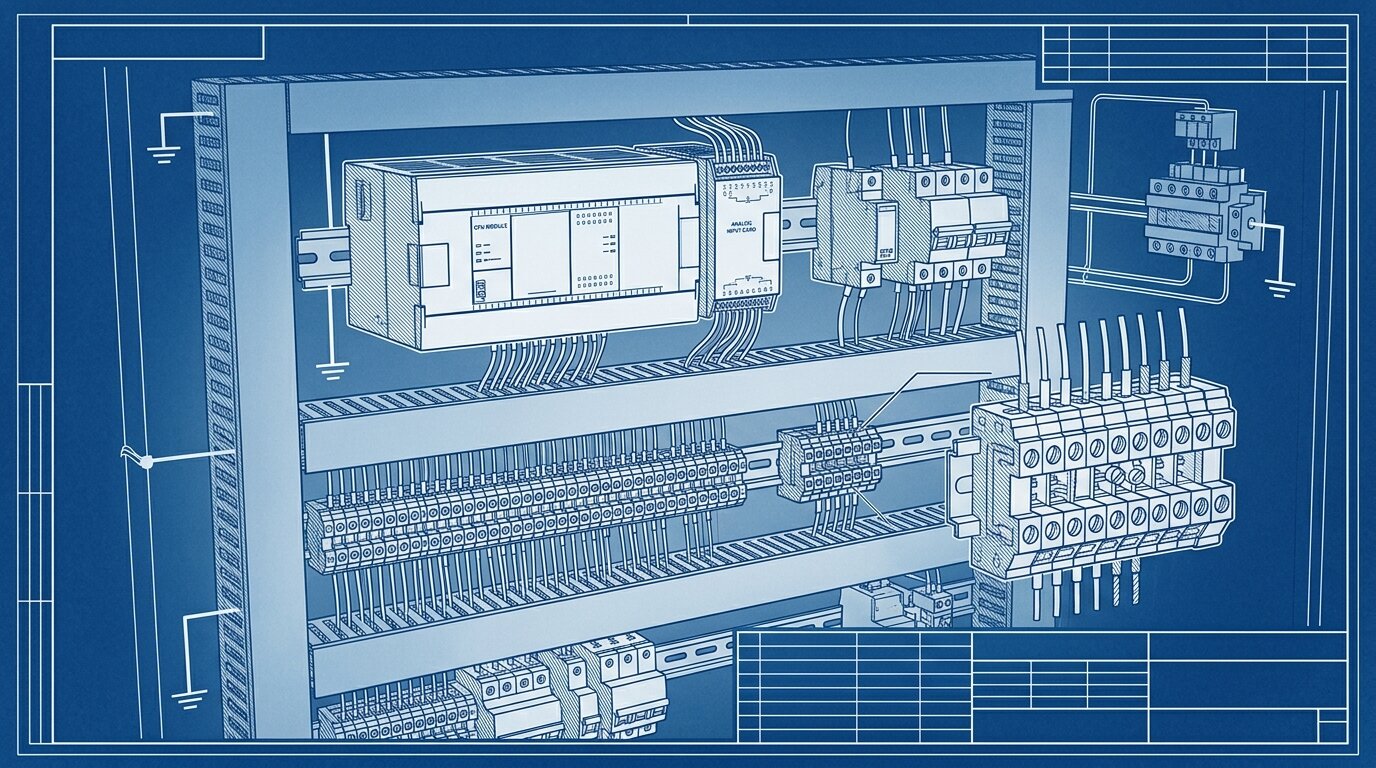
The 250 ohm sense resistor
PLC analog input cards read voltage far more easily than current, so most installations place a precision 250 ohm sense (or burden) resistor across the input terminals. Ohm's law does the rest: 4mA times 250 ohms equals 1V, and 20mA times 250 ohms equals 5V (Acromag). The result is a clean 1-5V signal riding on top of the loop's 4-20mA current, and the PLC card scales that raw signal back into engineering units.
Other burden values show up too - 500 ohms for a 2-10V span, or smaller values for lower-voltage cards - but 250 ohms to 1-5V is the industry default you'll see on most transmitter and PLC documentation.
Loop resistance and supply voltage
Every element in the loop adds resistance: the wire itself, the sense resistor, and the transmitter's own internal burden. The supply has to push the full 20mA through all of that combined resistance at once, or the loop can't reach its top of range. This available loop-voltage headroom is what caps how far you can run a current loop before you need a higher-voltage supply or heavier-gauge wire.
A typical loop uses a 24V supply and 18-24 AWG wire (Acromag). Longer runs eat more wire resistance, so a run pushing toward 3,000 ft usually needs the heavier end of that gauge range, a supply voltage with real headroom above the minimum the transmitter needs to operate, or both. This is also where active and passive 4-20mA wiring and sinking versus sourcing PLC input terminals matter, much like wiring discrete sensor signals - check whether your input card supplies loop power itself or expects an external supply before you wire anything up.
Citation capsule: A 250 ohm precision sense resistor converts a 4-20mA current loop into a 1-5V signal a PLC analog input can read directly - 4mA times 250 ohms equals 1V, 20mA times 250 ohms equals 5V. Total loop resistance, wire plus sense resistor plus transmitter burden, must stay within what a typical 24V supply can drive at full 20mA current (Acromag).
2-Wire vs 3-Wire vs 4-Wire Transmitters
The wire count on a transmitter describes how it gets power and how isolated its signal is, not some arbitrary spec choice. 2-wire transmitters are loop-powered and cheapest to field-install; 3-wire transmitters use a separate supply with a shared return, which enables displays and diagnostics but opens the door to ground loops; 4-wire transmitters carry fully isolated power and signal for the best noise rejection.
A 2-wire transmitter draws its own operating power from the loop current, typically 3.5-20mA, so the same two conductors carry both power and signal (Forbes Marshall). No separate power wiring is needed in the field, which is exactly why this is the default topology for most pressure, level, and flow transmitters - see how this plays out with pressure transmitters as a related example.
3-wire transmitters add a dedicated power wire but still share a common return with the signal path. That shared return is where ground-loop trouble creeps in, particularly on budget input cards without differential inputs (Forbes Marshall; Industrial Monitor Direct). 4-wire transmitters solve that at the cost of a fourth conductor: fully isolated power and signal circuits with no shared reference, which is the topology you'll see on high-power instruments and anywhere ground-loop risk is unacceptable. The same wire-count logic governs discrete switching sensors too - see 2-wire vs 3-wire vs 4-wire sensor wiring for how it plays out on a simple ON/OFF device instead of a continuous transmitter.
Citation capsule: A 2-wire transmitter powers itself from the loop current alone, drawing roughly 3.5-20mA to run its own electronics without any dedicated power wiring. 3-wire transmitters add a separate supply but keep a shared return that risks ground loops, while 4-wire transmitters isolate power and signal completely for the cleanest noise rejection (Forbes Marshall).
When Should You Use 0-10V Instead?
0-10V wins when the run is short, the environment is electrically quiet, and cost matters more than distance or fault detection. It's also the entrenched standard in a few whole ecosystems - LED dimming and HVAC control chief among them - where switching to 4-20mA would mean fighting the market rather than the physics.
Use 0-10V when:
- Cable run is under roughly 50 ft, with a hard ceiling around 100-300 ft even in favorable conditions
- The environment is low-EMI - no VFDs, contactors, or high-current motor wiring nearby
- Cost is the deciding factor and the receiver has a high-impedance input that needs no sense resistor
- You're dimming LED lighting, where 0-10V is the dominant lighting-control standard
- You're driving HVAC actuators or dampers, where 0-10V is the entrenched convention
- You're integrating with a legacy 0-10V system where converting to 4-20mA isn't worth the retrofit cost
(Industrial Monitor Direct)
0-10V also skips the sense resistor entirely, since the receiver reads voltage natively - one less component and one less thing to spec wrong. For short, quiet, indoor runs, that simplicity is a real advantage, not just a consolation prize.
| Attribute | 4-20 mA | 0-10 V |
|---|---|---|
| Signal carrier | Current | Voltage |
| Noise immunity | High - current is unaffected by wire resistance | Lower - error is proportional to signal voltage |
| Max cable run | Typically 1,000-3,000 ft | Typically under 50-300 ft |
| Fault detection | Live zero - a broken wire reads 0 mA | Dead zero - 0V is ambiguous with a real zero |
| Power | 2-wire loop-powered option available | Needs a separate supply |
| Sense/burden resistor | 250 ohm converts loop current to 1-5V | None needed - receiver reads voltage directly |
| Best for | Long, noisy field runs; process plants | Short in-cabinet runs, LED dimming, HVAC |
4-20 mA wins on distance and fault detection; 0-10V wins on simplicity for short, quiet runs.
Citation capsule: 0-10V is the right call for cable runs under roughly 50 ft in low-EMI environments where cost matters, and it remains the entrenched standard for LED dimming, HVAC actuators, and legacy control systems. It needs no sense resistor and connects directly to high-impedance PLC inputs (Industrial Monitor Direct).
How Do You Avoid Ground Loops and Add HART?
A ground loop happens when two points in a circuit that should share one ground reference instead sit at slightly different potentials, and the resulting circulating current corrupts your reading. Fix it with single-point grounding, signal isolators where multiple ground references are unavoidable, differential or isolated input cards, and shielded cable grounded at one end only. In a hazardous area, the loop also needs intrinsic safety barriers to limit the energy that can reach the field wiring, a separate requirement from grounding practice.
0-10V signals are especially vulnerable here - even a 1-2V difference in ground potential between a sensor and its receiver can generate a circulating current strong enough to corrupt a voltage measurement, particularly on budget single-ended input cards that share a common return. 4-20mA current loops are inherently far more resistant to this failure mode, because the measurement rides on current rather than a voltage difference between two ground points (Industrial Monitor Direct).
A short ground-loop prevention checklist:
- Ground the system at a single point; never at both ends of a shielded cable
- Use signal isolators when a transmitter and receiver genuinely can't share one ground reference
- Prefer differential or isolated analog input cards over single-ended ones for noisy plant areas
- Ground cable shields at one end only, and leave the other end floating
In the field, the mistake I see most is a shield grounded at both ends because it "feels" safer to tie everything down. That second ground point turns the shield into its own conductor, and any potential difference between the two cabinets drives a circulating current straight into the sensor's return path. I've chased that exact fault on a level transmitter that read a slow, cyclical drift no calibration could fix - lifting the shield at the receiver end and grounding it only at the source killed the drift in minutes. It's a five-minute check that gets skipped because the wiring already "looks" correct on the drawing. Our guide to cable shielding and grounding goes deeper into why one-end termination works and how to keep signal cable properly separated from VFD power runs.
4-20mA loops can also carry digital data without disturbing the analog measurement, using the HART protocol. HART superimposes a Frequency Shift Keying signal on the Bell 202 standard - 1200 Hz and 2200 Hz tones - transmitting digital data at roughly 1200 bits per second (Fabrico). Because that FSK waveform is symmetrical around the DC loop current, it averages to exactly zero over time, so the primary 4-20mA analog value passes through undisturbed while diagnostics and configuration data ride the same two wires. It's a neat trick that's kept 4-20mA infrastructure relevant decades after fully digital fieldbuses arrived - devices like modern vibration sensors with analog outputs use exactly this pattern to expose extra diagnostics without adding wiring.
Citation capsule: HART rides a Frequency Shift Keying signal on top of the 4-20mA DC current, using Bell 202 tones at 1200 Hz and 2200 Hz to transmit digital data at roughly 1200 bits per second. Because the FSK waveform is symmetrical, it averages to zero and never disturbs the underlying analog measurement, letting diagnostics travel the same two wires as the process signal (Fabrico).
Frequently Asked Questions
What is the difference between live zero and dead zero?
Live zero (4mA) means 0% output is still a nonzero current, so a broken wire reads 0mA and is unmistakably a fault. Dead zero (0V) means a broken wire and a valid zero reading look identical, so 0-10V systems cannot natively tell them apart (EE World).
How does a 2-wire loop-powered transmitter work?
A 2-wire transmitter draws its own operating power from the loop current itself, typically 3.5-20mA, so the same two conductors carry both power and signal. No separate power wiring is needed in the field (Acromag; Forbes Marshall).
How far can you run a 4-20mA signal?
4-20mA typically runs 1,000 to over 3,000 feet on 18-24 AWG wire with a 24V loop supply, limited only by total loop resistance versus available supply voltage. Actual distance depends on wire gauge and supply headroom (Industrial Monitor Direct; Acromag).
Why is 4-20mA better than 0-10V over long distances?
Current stays constant around a series loop by Kirchhoff's law, so wire resistance cannot change what the receiver measures. A voltage signal divides across that same wire resistance, so it loses accuracy as cable length or noise increases (Acromag).
When should I use 0-10V instead of 4-20mA?
Use 0-10V for short runs under roughly 50 feet in low-EMI environments, where cost matters and a live zero is not required, such as LED dimming, HVAC actuators, and legacy 0-10V equipment (Industrial Monitor Direct).
Conclusion
Current beats voltage over distance for one physics reason: loop current stays constant regardless of wire resistance, while a voltage signal divides across it. The 4mA live zero turns that same current into a built-in broken-wire detector, something 0-10V's dead zero can't do. Wire count on a transmitter is a choice about power and isolation, not a random spec field. Those advantages are why 4-20mA remains a standard industrial signal.
None of that makes 0-10V obsolete. For short, quiet, cost-driven runs - in-cabinet signals, LED dimming, HVAC actuators - 0-10V is still the simpler, cheaper pick, and fighting that convention for no reason wastes money. Choose by distance, noise, fault-detection need, and cost, in that order, and you'll rarely wire the wrong one.
Analog signal transmitters aren't the only sensors that need this kind of wiring discipline - load cells and strain gauges run into the same noise and grounding tradeoffs at their own millivolt-level outputs, much like a thermocouple does before its signal gets conditioned into a 4-20mA loop. For the bigger picture on how these signals fit into a plant's sensing layer, start with the industrial sensors guide.
]]>That gap trips up careful specs. An engineer picks by size or price instead of target material and ends up with a sensor that cannot see the part it's supposed to detect. Or the sensor detects the right material at the wrong range because nobody accounted for a target that isn't mild steel.
This guide covers the physics behind each technology, what each can and can't detect, why metal type shrinks inductive range, and how mounting and environment shape your final choice.
TL;DR: Inductive proximity sensors detect only metal, using eddy currents induced in an oscillating field; they switch fast and shrug off dust and moisture. Capacitive sensors detect almost any material, including through a thin container wall, but drift roughly twice as much with temperature and humidity (RealPars; IEC 60947-5-2, 2026). Pick by target material first, then environment and mounting.
For the bigger picture on how these fit alongside other detection technologies, see the industrial sensors guide. If neither inductive nor capacitive fits because the target needs to be sensed at a longer range or through open air, photoelectric sensors cover that third presence-detection family. Once you've settled on a technology, wiring proximity sensors covers the NPN/PNP output side.
What Is the Difference Between Inductive and Capacitive Proximity Sensors?
An inductive sensor detects only metal, sensing the eddy currents a metal target induces in its oscillating field. A capacitive sensor detects almost any material, sensing the change in capacitance as an object enters its field (RealPars, 2026). Same job, non-contact presence detection, different physics.
Both are discrete sensors: they give an on/off output, not a continuous value. That's a different problem from measuring a variable signal - if you also need analog signals for continuous readings, that's a separate wiring standard entirely. Both technologies ship in the same barrel and block housings, in the same NPN or PNP output flavors, and mount with the same hardware.
The fork between them isn't build quality or price. It's what each one can physically sense. Inductive sensors detect ferrous and non-ferrous metal: steel, aluminium, brass, copper. Capacitive sensors detect metals and non-metals alike, including plastic, wood, glass, liquid, and granular powders (RealPars; MISUMI, 2026). If you already know your target isn't metal, you've eliminated half the catalogue before opening a datasheet.
Citation capsule: Inductive proximity sensors detect only electrically conductive metal targets, ferrous and non-ferrous alike, by sensing the eddy currents induced in an oscillating magnetic field. Capacitive proximity sensors detect virtually any material - metal, plastic, wood, glass, liquid, or powder - by sensing a shift in capacitance as the target enters the field (RealPars; MISUMI, 2026). That single distinction, what the target is made of, decides which technology applies before range, mounting, or environment enter the conversation.
How Does Each One Actually Detect a Target?
Inductive sensors run an oscillator through a coil; a metal target absorbs energy from that field via eddy currents, which damps the oscillation and trips the output. Capacitive sensors form one plate of a capacitor; an approaching object shifts the dielectric constant, changing capacitance, which trips the output.
Inductive: oscillator and eddy currents
A coil inside the sensor face, driven by an internal oscillator, generates a high-frequency alternating magnetic field just beyond the sensing surface. When a metal target enters that field, the changing flux induces circulating currents inside the metal itself: eddy currents. Those eddy currents draw energy out of the field.
That energy loss damps the oscillator's amplitude. Below a threshold amplitude, a Schmitt trigger circuit flips the output. Pull the target away and the eddy currents stop, the oscillator amplitude recovers, and the output resets. It's a purely electromagnetic interaction, with no physical contact and no moving parts anywhere in the loop.
Only electrically conductive materials support eddy currents. That's why plastic, wood, and liquids stay invisible to an inductive sensor no matter how close you bring them: there's nothing in the field for the target to interact with.
Capacitive: dielectric and capacitance
A capacitive sensor's active face works as one plate of a capacitor, with air as the initial dielectric between that plate and a virtual ground. The sensor's internal oscillator monitors the resulting capacitance continuously.
Any object entering the field, metal or not, changes the effective dielectric constant near the face and increases capacitance. Once that shift crosses a threshold, often adjustable via an onboard potentiometer, the oscillator amplitude changes enough to trip the output, similar in principle to the inductive trigger stage.
Because capacitance responds to any material with a dielectric constant different from air, capacitive sensors detect plastics, glass, liquids, and granular solids. That's also why they can sense liquid level through a thin non-metal tank wall: the sensor reads the dielectric shift right through the container.
Citation capsule: An inductive sensor's oscillator loses energy to eddy currents induced in a metal target, damping the field until a threshold trips the output - a purely electromagnetic effect limited to conductive materials. A capacitive sensor instead tracks the dielectric constant near its face, so any material entering the field, metal or not, shifts capacitance and trips the output (RealPars, 2026). The eddy-current mechanism is what locks inductive sensors out of non-metal detection entirely.

What Can Each Sensor Detect, and at What Range?
Inductive sensors detect only metal, typically at 1 to 60 mm depending on barrel size. Capacitive sensors detect metals and non-metals, including plastic, wood, glass, paper, liquid, and powder, at a comparable range, but are more sensitive to the target's dielectric properties and to ambient humidity (RealPars; MISUMI, 2026).
Range scales directly with barrel diameter for both technologies. On inductive sensors, an M8 barrel typically reaches roughly 1.5-3 mm, M12 around 2-4 mm, M18 around 5-8 mm, and M30 10-15 mm, with unshielded and extended-range variants stretching further still (Festo; OMRON, 2026). Capacitive sensors run a similar range envelope, typically 3-60 mm overall, with larger block-style models reaching 25-40 mm (MISUMI; Festo; SensorPartners, 2026).
That range figure is only ever "typical." Two sensors rated at the same nominal 10 mm won't necessarily behave the same once you factor in target material, mounting style, and temperature. The next two sections cover exactly that.
| Attribute | Inductive | Capacitive |
|---|---|---|
| Detects | Metal only | Metals + non-metals: plastic, wood, glass, liquid, powder |
| Typical range | ~1-60 mm | ~3-60 mm |
| Through-wall / level sensing | No | Yes |
| Switching speed | Fast, DC up to ~3,000 Hz | Slower |
| Dust + moisture immunity | High | Lower, false-trigger risk |
| Temp drift of range | ~+/-10% | ~+/-20% |
| Min IP rating | IP65 per IEC 60947-5-2 | IP65 |
| Best for | Metal position, counting, harsh/dirty environments | Non-metal presence, level, material verification |
Target material decides the technology first; environment, speed, and mounting settle any remaining tie.
Citation capsule: Inductive proximity sensor range typically scales from about 1.5 mm on an M8 barrel up to 10-15 mm on an M30 barrel, with unshielded variants extending further (Festo; OMRON, 2026). Capacitive sensors span a comparable 3 to 60 mm range depending on size, but detect both metal and non-metal targets - plastic, liquid, glass, wood, and powder - where inductive sensors see nothing at all (MISUMI; SensorPartners, 2026). Range alone rarely decides the technology; target material almost always does.
Why Does Metal Type Change the Inductive Range?
An inductive sensor's rated range assumes a standard mild-steel target. Other metals induce weaker eddy currents and get detected at a shorter distance, so you multiply the rated range by a correction factor for whatever metal you're actually sensing (Rockwell; Pepperl+Fuchs, 2026).
Mild steel sets the baseline at a correction factor of 1.0: the reference target every datasheet range figure is calibrated against. Stainless steel runs 0.6 to 1.0 depending on grade and conductivity. Brass falls to 0.35-0.55. Aluminium sits at 0.3-0.5. Copper is the most conductive common metal and the worst performer for eddy-current coupling, running lowest at 0.2-0.45 (Rockwell; Pepperl+Fuchs, 2026).
Run the numbers on a sensor rated 10 mm against mild steel. Detecting stainless might get you 6-10 mm. Aluminium drops that to roughly 3-5 mm. Copper could shrink it to as little as 2-4.5 mm. I once watched a machine builder spec an inductive sensor for a 10 mm gap against an aluminium bracket. On the bench, with a steel test piece, it triggered fine. On the machine it never fired, because aluminium's 0.3-0.5 correction factor cut the real range to 3-5 mm and nobody had derated the mounting dimension for it. Now the correction factor is the first thing I check before locking a proximity-sensor gap.
A subset of sensors, sold as "Factor 1" models, use a different coil design to detect all metals at the same rated range, eliminating the derating math (Pepperl+Fuchs, 2026). They cost more, but they remove a common source of field call-backs.
| Target metal | Correction factor | Effective range on a 10 mm-rated sensor |
|---|---|---|
| Mild steel | 1.0 | ~10 mm |
| Stainless steel | 0.6-1.0 | ~6-10 mm |
| Brass | 0.35-0.55 | ~3.5-5.5 mm |
| Aluminium | 0.3-0.5 | ~3-5 mm |
| Copper | 0.2-0.45 | ~2-4.5 mm |
Mild steel is the 1.0 baseline every datasheet range figure is calibrated against; "Factor 1" sensors detect all metals at the full rated range.
Citation capsule: Inductive proximity sensor range is calibrated against mild steel (correction factor 1.0); stainless steel derates to 0.6-1.0, brass to 0.35-0.55, aluminium to 0.3-0.5, and copper to as low as 0.2-0.45 of rated range (Rockwell; Pepperl+Fuchs, 2026). A 10 mm-rated sensor facing aluminium may only detect at 3-5 mm - the single most common spec error in inductive sensor selection, and the reason "Factor 1" sensors exist at all.
Shielded vs Unshielded (Flush vs Non-Flush) Mounting
Shielded sensors concentrate the field forward and mount flush in metal, but reach a shorter distance. Unshielded sensors let the field spread outward for a longer range, but must mount proud, with a target-free clearance zone around and ahead of the sensing face (Festo, 2026).
This is a mounting decision, not a quality tier. A shielded sensor wraps its coil in a metal collar that focuses the electromagnetic field straight out the front, so surrounding metal in the mounting fixture doesn't interfere. That lets you sink it flush into a steel bracket with metal touching the barrel on all sides, exactly what a crowded machine frame usually demands.
An unshielded sensor skips the collar, so its field spreads sideways as well as forward, buying meaningfully longer range for the same barrel size. Any nearby metal, the mounting bracket, an adjacent part, a machine frame, can trigger a false detection or shrink the usable range unpredictably. Manufacturers specify a target-free clearance zone around and in front of an unshielded sensor's face to keep the field clean.
Competitors mention flush and non-flush mounting without explaining why the range differs. Field geometry is the whole story: a shielded sensor trades range for mounting freedom, and an unshielded sensor trades mounting freedom for range. Pick whichever is scarcer in your fixture, space or reach.
Citation capsule: Shielded (flush-mountable) inductive sensors concentrate their electromagnetic field straight out the sensing face, letting them mount flush in a metal fixture, but at reduced range compared to an equivalent unshielded model. Unshielded sensors spread the field for longer reach but require a target-free clearance zone around and ahead of the face to avoid false triggers from nearby metal (Festo, 2026). Space-constrained fixtures favor shielded; range-critical applications favor unshielded.
Which Handles Harsh Environments Better?
Inductive sensors are the rugged choice: immune to dust, dirt, and moisture on the target, with tighter temperature drift around plus or minus 10% of rated range. Capacitive sensors drift roughly plus or minus 20% and are more sensitive to humidity and debris buildup, so they need a cleaner, more controlled setting (IEC 60947-5-2; Rockwell, 2026).
Eddy currents only respond to electrically conductive material, so dust, oil film, and water on an inductive sensor's face don't register as a target. A capacitive sensor's dielectric-based detection is far less selective: humidity in the air, condensation on the face, or an accumulated layer of product dust can shift capacitance enough to false-trigger the output (SensorPartners; AutomationDirect, 2026).
IEC 60947-5-2 also defines an "assured operating distance," the zone where correct operation is guaranteed across the full rated voltage and temperature envelope. For inductive sensors that's 0 to 81% of the rated distance; for capacitive sensors it's a tighter 0 to 72% (IEC 60947-5-2; Rockwell, 2026). Both figures are a reminder that the datasheet's headline range is a maximum under ideal conditions, not a guarantee.
Switching speed follows the same pattern. Inductive DC sensors switch fast. Small M5/M8 barrels reach up to roughly 3,000 Hz. Larger M18 models run 800-1,950 Hz, and M30 models run 200-1,150 Hz. AC-powered inductive models are much slower, at 15-30 Hz (OMRON; Rockwell, 2026). None of the sources in this review publish an equivalent capacitive switching-frequency spec. Treat inductive as the clear choice whenever high-speed counting or shaft-speed sensing is the job.
Both technologies must meet a minimum IP65 rating under IEC 60947-5-2, with IP67 and IP69K variants widely available for washdown duty (IEC 60947-5-2, 2026).
Citation capsule: Inductive proximity sensors drift roughly plus or minus 10% of rated range across their operating temperature envelope, versus roughly plus or minus 20% for capacitive sensors, and IEC 60947-5-2 sets the "assured" guaranteed-operation zone at 0-81% of rated distance for inductive versus 0-72% for capacitive (IEC 60947-5-2; Rockwell, 2026). Inductive sensors also switch faster - DC models on small barrels reach up to roughly 3,000 Hz - making them the default for counting and speed-sensing in dirty, wet, or high-cycle environments.
How Do You Choose Between Them?
Start with the target material, then let environment, mounting space, and required speed settle any remaining tie. If the target is metal and the setting is dusty, wet, or high-speed, inductive wins on robustness and switching speed. If the target isn't metal, or you need to sense through a wall, only capacitive can do the job.
Choose inductive when:
- The target is metal, ferrous or non-ferrous
- The environment has dust, dirt, oil, or moisture on the target
- You need high switching speed for counting or shaft-speed sensing
- Mounting space is tight and a flush, shielded sensor fits the fixture
- The application involves washdown, outdoor exposure, or wide temperature swings

Choose capacitive when:
- The target is non-metal: plastic, wood, glass, liquid, granular powder
- You need level or fill-height sensing, including through a thin non-metal container wall
- You're verifying material presence rather than detecting a metal part
- The environment is reasonably clean and humidity-controlled
Both technologies land on the same discrete output types once you've picked the sensor - NPN or PNP, normally open or normally closed. That output-wiring decision is covered separately in wiring proximity sensors, and it applies identically regardless of which detection technology you land on.
Proximity sensors aren't the only presence-detection or condition-monitoring tool on the panel. If the target carries a magnet rather than relying on bulk metal or dielectric properties, Hall-effect sensors sense the magnetic field directly instead of inducing eddy currents, which is a common choice for cylinder position and speed sensing. For pressure measurement points elsewhere on the same line, see pressure sensor types. For rotating machinery health rather than part presence, how to select a sensor walks through the same material-first, environment-second decision process for vibration sensing.
Frequently Asked Questions
What is the difference between inductive and capacitive sensors?
Inductive sensors detect only metal - ferrous or non-ferrous - by sensing the eddy currents a target induces in an oscillating field. Capacitive sensors detect almost any material by sensing a change in capacitance as the target enters the field (RealPars, 2026). The physics dictates what each can see.
When should I use inductive vs capacitive proximity sensors?
Check the target material first. Metal targets in dusty, wet, or high-speed conditions call for inductive; non-metal targets, liquid level sensing, or through-wall detection call for capacitive. Environment, mounting space, and switching speed break any remaining tie (RealPars, 2026).
Can inductive sensors detect non-metallic materials?
No. Eddy currents only form in electrically conductive metal, so plastic, wood, glass, and liquids are invisible to an inductive sensor at any range or gain setting. Use a capacitive sensor for any non-metal target (RealPars, 2026).
Why do inductive sensors have reduction (correction) factors?
Rated range is calibrated against mild steel at a correction factor of 1.0. Other metals induce weaker eddy currents: stainless runs 0.6-1.0, brass 0.35-0.55, aluminium 0.3-0.5, and copper 0.2-0.45, shortening the actual detection distance (Rockwell; Pepperl+Fuchs, 2026).
What is shielded vs unshielded (flush vs non-flush) mounting?
Shielded sensors focus the field forward and can mount flush in a metal fixture, at a shorter range. Unshielded sensors spread the field for longer reach but need a target-free clearance zone around and ahead of the sensing face (Festo, 2026).
Conclusion
The technology choice almost always comes down to one question, asked first: is the target metal? Inductive sensors detect only metal, switch fast, and shrug off dust, oil, and moisture on the target. Capacitive sensors detect almost anything, including liquid through a thin container wall, but drift about twice as much with temperature and need a cleaner environment.
Once the material question is settled, two details keep the choice from becoming a range surprise in the field. Derate inductive range by the target's correction factor if it isn't mild steel. Decide shielded versus unshielded based on whether mounting space or reach is scarcer in your fixture.
For the wider context on where these sensors fit among other detection technologies, read the industrial sensors guide. And once the technology is chosen, wiring proximity sensors covers the output-wiring side of the spec.
]]>TL;DR: Photoelectric sensors detect objects with light, in three modes. Through-beam (Type T) puts the emitter and receiver in separate housings and gives the longest range and highest reliability. Retroreflective (Type R) uses one housing and a reflector for medium-range, one-side install. Diffuse (Type D) uses one housing and bounces light off the target itself, easiest to mount but shortest and least predictable range (IEC 60947-5-2, 2026). Background suppression and enough excess gain keep any of them working once the line gets dirty.
For the wider picture on where optical detection fits among other sensing technologies, start with the industrial sensors guide. If your target is metal and you don't need optical detection at all, inductive vs capacitive proximity sensors covers the non-optical alternative.
What Are the Three Main Types of Photoelectric Sensors?
Every photoelectric sensor uses an emitter and a receiver, but the three modes differ in where those parts sit and what interrupts the light. Through-beam (Type T) and retroreflective (Type R) are dark-on: the output switches when a target breaks the beam. Diffuse (Type D) is light-on: the output switches when reflected light returns (IEC 60947-5-2, 2026).
Through-beam splits the emitter and receiver into two separate housings, one on each side of the detection zone. Retroreflective keeps the emitter and receiver together in one housing, aimed at a reflector across the gap. Diffuse also keeps both in one housing, but there's no reflector at all - the sensor just watches for light bouncing back off the target itself.
That single design choice, where the light goes and what sends it back, sets range, install effort, and reliability for each mode. Otherwise the physics stays the same: an emitter fires light, a receiver measures it, and a switching element trips the output once the received light crosses a threshold.
Citation capsule: IEC 60947-5-2 defines three photoelectric proximity switch types: Type T (through-beam), an indirectly operated sensor where a target breaks the reference axis between a separate emitter and receiver; Type R (retroreflective), where the target breaks the beam between a combined emitter-receiver and a separate reflector; and Type D (diffuse), a directly operated sensor that triggers when the target itself reflects light back to the combined unit (IEC 60947-5-2, 2026). Through-beam and retroreflective are dark-on; diffuse is light-on.
How Does Through-Beam Detection Work?
An emitter and a receiver face each other across the detection zone, and the target is detected the instant it blocks the beam between them. This geometry gives through-beam the longest range and highest reliability of the three modes. It works on any opaque object regardless of color or surface finish, because all it needs is a broken beam (Banner, 2026).
Range is the standout advantage. Through-beam pairs typically reach tens of metres, far beyond what retroreflective or diffuse can manage at a comparable price point. Because detection depends only on the beam being interrupted, a through-beam sensor doesn't care whether the target is matte black, mirror-polished, or transparent enough to scatter some light. If it blocks enough of the beam, it registers.
The cost is install complexity. Two housings mean wiring, mounting, and aligning both sides of the gap, which isn't always practical on a machine with access from only one side. Through-beam earns its keep on long spans, small or thin targets that other modes struggle to see reliably, and dirty environments where its naturally high excess gain (more on that below) buys the most margin.
Citation capsule: Through-beam photoelectric sensors put the emitter and receiver in separate housings on opposite sides of the detection zone, so a target is sensed the moment it interrupts the beam between them (IEC 60947-5-2; Banner, 2026). That geometry gives through-beam the longest typical range and the highest reliability of the three modes, and detection works regardless of target color or surface finish, because only the interruption of the beam matters.
How Do Retroreflective and Polarized Sensors Work?
A retroreflective sensor puts the emitter and receiver in one housing aimed at a reflector on the far side of the zone, and the target is detected when it breaks the beam returning from that reflector. It installs and wires on one side only, at a medium range between through-beam's long reach and diffuse's short one.
That one-side install is the whole appeal. You mount and wire a single housing, aim it at a reflector, and you're done - no second junction box, no alignment across the gap. The trade-off: a standard retroreflective sensor can misread a shiny target the same way it reads its own reflector. A mirror-finish part or a foil label bounces enough light straight back to trip a false detection before the actual target ever gets close.
Polarized retroreflective for shiny and clear targets
Polarized retroreflective sensors solve that failure mode with a 90-degree polarizing filter. A corner-cube reflector depolarizes the light it bounces back, rotating its polarization; a plain specular reflection off a shiny or clear target does not. The filter passes only the depolarized return, so the sensor tells a genuine reflector apart from a shiny target's mirror-like bounce (Baumer, 2026).
That mechanism makes polarized retroreflective the practical answer for detecting glass bottles, clear film, or foil-wrapped packaging - targets a plain retroreflective sensor would either see through or misread as the reflector itself. It's also why most retroreflective sensors sold for general industrial use ship polarized by default rather than as an upcharge option. When a target is clear, liquid, or otherwise unfriendly to any light-based mode, ultrasonic sensors sidestep the optics problem entirely by timing a sound pulse instead.

Citation capsule: A polarized retroreflective sensor uses a 90-degree polarizing filter to distinguish the depolarized light returning from a corner-cube reflector from the specular reflection of a shiny or clear target (Baumer, 2026). Without that filter, a mirror-finish part or foil label can trip a false detection by mimicking the reflector's return - the reason most retroreflective sensors used in general industry ship polarized as standard.
How Does Diffuse (Proximity) Detection Work?
A diffuse sensor puts the emitter and receiver in one housing and detects the light bouncing back off the target itself - no reflector, just the sensor and the part. It's the easiest mode to mount, needing wiring and clearance on one side only. But it has the shortest range, and that range depends heavily on the target's own color and reflectivity (IEC 60947-5-2; AutomationDirect, 2026).
Datasheet range figures for diffuse sensors are rated against a standard 90% reflectivity white-paper target: 100x100 mm for ranges up to 400 mm, and 200x200 mm for ranges beyond that (IEC 60947-5-2, 2026). Swap that white paper for a dark, matte, or textured surface and the same sensor sees dramatically less distance, sometimes barely a fraction of its rated spec.
That reflectivity dependence is the classic diffuse failure mode: a dark or matte part reads short, and a bright or reflective one reads long, so the "rated range" on the box is closer to a best case than a guarantee. In the field, I've watched a plain diffuse sensor false-trigger on a shiny machine frame sitting behind a dark part. The frame reflected more light back than the actual target did, so the sensor fired on the background and missed the part entirely. We fixed it by switching to a background-suppression model that ignores anything past a set cutoff.
Citation capsule: Diffuse photoelectric sensors detect light reflected directly off the target, with datasheet range rated against a standard 90% reflectivity white-paper target measuring 100x100 mm for ranges up to 400 mm and 200x200 mm beyond that (IEC 60947-5-2, 2026). A dark or matte target shortens the effective range well below the rated figure, while a bright or reflective one extends it, which is why diffuse range is never a fixed number in practice.
What Is Background Suppression, and Why Does It Matter?
Background suppression (BGS) is a diffuse-mode feature that triangulates the angle of the returning light instead of just measuring its intensity. The sensor detects targets within a set distance and ignores anything beyond it, including a shiny machine frame right behind the part. It was standardized with new definitions and test procedures in the IEC 60947-5-2 2019 edition.
The geometry behind it is straightforward: the emitter fires a beam, and a position-sensitive receiver reads the angle at which the reflected light returns, not just how bright it is. A near target sends light back at one angle; a far background sends it back at a different, more oblique angle. The sensor's electronics use that angle difference to set a hard cutoff distance, beyond which returning light gets ignored entirely, regardless of how bright or reflective the background is.
That single change fixes the classic diffuse problem covered above: a bright, shiny surface behind the actual target no longer competes with the target for the sensor's attention. Foreground suppression works the same way in reverse, ignoring anything closer than a set distance - useful when a conveyor guide rail or fixture sits in front of the true target zone.
Citation capsule: Background suppression measures the angle of returning light through triangulation rather than its intensity alone, letting a diffuse sensor detect targets within a set distance while ignoring anything past a defined cutoff, including a reflective background directly behind the part. The IEC 60947-5-2 2019 edition introduced dedicated definitions and test procedures for Type D sensors with background suppression, formalizing what had been a manufacturer-specific feature into a standardized one.
What Is Excess Gain, and How Much Do You Need?
Excess gain is the ratio of the light the receiver actually gets to the minimum amount it needs to switch reliably. It's your margin against dust, fog, misalignment, and a weak or distant target - and the dirtier the environment, the more of that margin you should design in from the start (Banner; IEC 60947-5-2, 2026).
Think of excess gain as light in reserve. A sensor with 1x gain is right at its switching threshold - fine on a clean bench, but with zero margin against a film of dust settling on the lens or reflector. As Banner's own rule of thumb frames it, roughly 10x excess gain covers a dusty plant floor, and roughly 50x covers a very dirty or foundry-type environment, where smoke, oil mist, or heavy grime accumulate fast on optical surfaces. That's a design guideline, not a guarantee - actual requirements shift with cleaning schedule, target contrast, and mounting distance.
Excess gain by sensing mode
Excess gain also isn't evenly distributed across the three modes. Through-beam sensors generally carry the most excess gain at a given range, because the full beam only has to travel one way before it's measured directly. Diffuse sensors carry the least, since the light has to hit the target, scatter, and return before the receiver ever sees it. That's one more reason through-beam wins in the dirtiest environments, and diffuse needs the most conservative range derating in the same conditions. Dirt on the lens erodes excess gain gradually over time. That's why a sensor that worked fine at commissioning can start missing targets months later, with no change to the wiring or the part.
Citation capsule: Excess gain is the ratio of light received to the minimum light a photoelectric sensor needs to switch, and it's the practical margin against dust, fog, and misalignment. As a rule of thumb, aim for roughly 10x excess gain in a dusty industrial environment and roughly 50x in a very dirty or foundry setting (Banner, 2026). Through-beam sensors typically carry the most excess gain at a given range; diffuse carries the least.
Which Mode Should You Choose?
Choose through-beam when you can wire both sides and need the longest, most reliable, color-independent detection. Choose retroreflective for one-side install at medium range, adding a polarized filter for shiny or clear targets. Choose diffuse, ideally with background suppression, when you can only mount on one side and the target sits close and consistent.
Choose by:
- Range needed - long spans favor through-beam; short, close-in detection favors diffuse
- Access to both sides - only one side accessible rules out through-beam
- Target color and reflectivity - dark or variable-color targets punish plain diffuse
- Transparency or shine - glass, foil, or clear film needs polarized retroreflective (or through-beam)
- Background clutter - a reflective surface behind the target calls for background suppression
- Environment dirtiness - dustier lines need higher excess gain, favoring through-beam or a conservative range derating
- Cost and wiring effort - diffuse and retroreflective are cheaper to install than a two-side through-beam pair
| Attribute | Through-beam | Retroreflective | Diffuse |
|---|---|---|---|
| Typical range | Longest | Medium | Shortest |
| Reliability / excess gain | Highest | High | Lowest |
| Install side | Two sides | One side + reflector | One side |
| Detects color-independent | Yes | Yes | No, depends on reflectivity |
| Transparent/shiny objects | Yes | Yes, polarized | Hard |
| Relative cost | Higher, two units | Medium | Lower |
| Best for | Long range, small parts, dirty | Medium range, easy install | Short range, tight space, one-side access |
Through-beam wins on range and reliability; diffuse wins on install simplicity - the trade-off runs in a straight line across every row.
Once you've settled on a mode, the output side still needs sorting: NPN or PNP, normally open or normally closed, light-operate or dark-operate. That decision is covered separately in wiring the sensor output, and it applies the same way regardless of which photoelectric mode you land on. If the application calls for a continuous measurement rather than a simple on/off detection, analog output signals covers that separate wiring standard.
What Emitter and Output Options Matter?
The light source and output type round out the spec once the mode is chosen. Visible red light makes alignment easy to see by eye; infrared punches through dust and ambient light better; laser gives a tiny, precise spot for small-target or long-range work. Outputs are NPN or PNP discrete signals with light-operate or dark-operate logic, at a minimum of IP54, with IP67 or IP69K available for washdown duty (IEC 60947-5-2, 2026).
Response time and switching frequency matter more than most specs suggest on paper. A sensor rated for a slow conveyor won't keep up with a fast-indexing part counter, which is why datasheets list switching frequency at all. Hysteresis, sometimes called differential travel, separates the point where the output switches on from the point where it switches back off, which prevents chatter on a vibrating target or a part with a ragged edge (AutomationDirect, 2026).
None of these choices override the mode decision covered above; they fine-tune it. A through-beam sensor with a laser emitter and a fast switching frequency solves a different problem than a diffuse sensor with background suppression and a slow, forgiving response time, even though both get called "photoelectric sensors" on the same page of a catalogue.
Citation capsule: Photoelectric emitters come in three common light sources - visible red for easy alignment, infrared for better penetration through dust and ambient light, and laser for a tiny, precise spot at longer range - paired with NPN or PNP discrete outputs at a minimum IP54 rating per IEC 60947-5-2, with IP67 or IP69K available for washdown environments. Hysteresis separates the operate and release points to prevent output chatter on a vibrating or edge-detected target (AutomationDirect, 2026).
Frequently Asked Questions
What are the three main types of photoelectric sensors?
Through-beam, retroreflective, and diffuse. Through-beam and retroreflective are dark-on (Type T and Type R), switching when a target breaks the beam; diffuse is light-on (Type D), switching when reflected light returns to the receiver (IEC 60947-5-2, 2026).
When should you use through-beam vs retroreflective vs diffuse?
Use through-beam when you can wire both sides and need the longest, most reliable range. Use retroreflective for one-side install at medium range. Use diffuse when you can only mount on one side and the target is close and consistent (Banner, 2026).
What is background suppression and how does it work?
Background suppression is a diffuse-mode feature that triangulates the angle of returning light instead of just its intensity, so the sensor detects targets within a set distance and ignores anything beyond it, standardized in the IEC 60947-5-2 2019 edition.
Can photoelectric sensors detect transparent objects like glass?
Yes, with a polarized retroreflective sensor. A 90-degree polarizing filter tells the depolarized return from a corner-cube reflector apart from a shiny or clear target's specular reflection, so the sensor still sees the reflector through the glass (Baumer, 2026).
How does excess gain affect reliability?
Excess gain is the ratio of light the receiver actually gets to the minimum it needs to switch. A rule of thumb is roughly 10x for a dusty plant and roughly 50x for very dirty or foundry conditions (Banner, 2026).
Conclusion
The three photoelectric modes trade reliability and range for install simplicity, in that order. Through-beam is the most reliable and longest-range option but needs wiring on both sides. Retroreflective installs on one side at medium range, and polarized versions handle shiny and clear targets. Diffuse is the easiest to mount but the shortest-range and most target-dependent, and background suppression is what fixes its classic false-trigger-on-background failure.
Excess gain ties all three together as the practical margin against dirt, fog, and misalignment - the higher the contamination risk, the more of it you want designed in. Pick the mode by range, side access, target properties, and environment, and the sensor that worked on the bench will keep working once the line gets dusty.
For the wider view of where photoelectric sensors fit alongside other detection technologies, read the industrial sensors guide, and for the non-optical alternative, see inductive vs capacitive proximity sensors. For rotating equipment rather than part presence, how to select a sensor walks through the same environment-first selection logic for vibration sensing. None of the three modes above are rated for personnel safeguarding - that's a different product category built to a different standard, covered in our comparison of light curtains, safety laser scanners, and safety mats.
]]>Most engineers default to Type K and stop thinking about it. Then it drifts in a reducing furnace, or someone wires the color code backwards and the reading runs cold when it should run hot. This guide walks through the physics, a per-type spec reference, the color-code trap, and a selection order that gets you past "just use K."
Read more: industrial sensors guide and RTD vs thermocouple for the other main temperature-sensing technology.
TL;DR: A thermocouple makes a tiny voltage from two dissimilar metals joined at a hot junction (the Seebeck effect). The reading depends on knowing the cold (reference) junction temperature - which is why cold-junction compensation matters. Type K (Chromel/Alumel, about -270 to 1372 C, ~41 uV/C) is the general-purpose default, but Type T is more accurate, Type N resists drift, and noble R/S/B reach 1600-1820 C at 10-20x the cost, per Fabrico (2026).
How Does a Thermocouple Actually Work?
A thermocouple joins two dissimilar metals at a point; the temperature difference between that measuring junction and a reference junction produces a small voltage by the Seebeck effect, per Industrial Monitor Direct (2026). It measures a difference, not an absolute temperature - which is the part most spec sheets skip.
That last point matters more than it sounds. A thermocouple can't tell you "it's 400 C" on its own. It can only tell you "the hot end is this much hotter than the cold end." Get the cold end wrong and every reading downstream is wrong by the same amount.
The Seebeck Effect
Join two wires of different alloys at one end and leave the other open. They generate a voltage proportional to the temperature difference between the two ends. Reverse that: if both ends sit at the same temperature, the output is 0 mV, no matter how hot that shared temperature is (Industrial Monitor Direct, 2026). The instrument reading a thermocouple is really reading a voltage and inferring a temperature difference from it.
Cold-Junction Compensation
Because the thermocouple only reports delta-T, the measuring instrument needs to know the temperature of the reference (cold) junction to back out the actual process temperature. Older setups used a literal ice bath at 0 C as the reference. Modern instruments measure the terminal-block temperature electronically and add that offset automatically - cold-junction compensation, or CJC (Industrial Monitor Direct, 2026).
Skip CJC, or let it drift, and the whole reading shifts by whatever the terminal block temperature happens to be that day. A control panel running warm from a nearby motor drive can add a couple of degrees of error to every thermocouple wired into it if the CJC sensor isn't tracking the actual terminal temperature.
Citation capsule: A thermocouple generates voltage from the Seebeck effect. Two dissimilar metals joined at a measuring junction produce an EMF proportional to the temperature difference against a reference junction, not an absolute temperature (Industrial Monitor Direct, 2026). Output is 0 mV when both junctions sit at the same temperature. That's why every thermocouple instrument needs cold-junction compensation, converting the measured delta-T back into a real process temperature reading.
What Are the Base-Metal Thermocouple Types - J, K, T, E, N?
The five common base-metal types - J, K, T, E, and N - cover most industrial temperature work. They differ by alloy pair, usable range, sensitivity, and atmosphere tolerance. Picking among them means matching those four traits to the job.
Type K and Type J
Type K (Chromel/Alumel) is the general-purpose default: about -270 to 1372 C, with a sensitivity around 41 uV/C. It holds up well in oxidizing atmospheres (ITS-90 reference tables, 2026). It's cheap, widely stocked, and "good enough" for most dry, oxidizing industrial applications - which is why it gets specified by habit rather than by fit.
Type J (Iron/Constantan) covers about -210 to 1200 C, with a common practical range closer to -40 to 750 C, per Fabrico and IEC 60584-1 (2026). It outputs a higher EMF than Type K at moderate temperatures, and the iron leg is magnetic. A small magnet stuck to one lead is a genuine field trick for telling a Type J from a Type K when the labels have worn off. The tradeoff: iron rusts in humid environments, and Type J degrades above roughly 760 C (KLEEVME, 2026).
Type T and Type E
Type T (Copper/Constantan) runs about -270 to 400 C and is the most accurate of the base-metal types, per KLEEVME and ITS-90 (2026). Its copper leg is also readily available in high purity. That's part of why it's the standard choice for cryogenic work, cold-chain monitoring, and food-processing applications where sub-zero accuracy matters.
Type E (Chromel/Constantan) spans about -270 to 1000 C and produces the highest EMF of any base-metal type, roughly 63 uV/C (KLEEVME / ITS-90, 2026). That higher sensitivity translates to better resolution on the same instrument - useful for picking a small temperature change out of electrical noise.
Type N
Type N (Nicrosil/Nisil) covers about -270 to 1300 C and exists because Type K wasn't stable enough at high temperature over the long run. It resists the drift and "green rot" that plague Type K in demanding atmospheres. Dual-wall mineral-insulated metal-sheathed (MIMS) construction cuts drift by roughly a factor of three at 1200 C compared to standard sheathing, per NPL (2026). It costs a little more than Type K and isn't stocked quite as widely, but for a new high-temperature installation that will run for years, it's usually worth specifying.
| Type | Alloy pair (+ / -) | Temp range | Sensitivity (nominal, ITS-90 0-100 C average) | IEC Class 1 | Best use |
|---|---|---|---|---|---|
| K | Chromel / Alumel | ~-270 to 1372 C | ~41 uV/C | +/-1.5 C | General purpose, oxidizing |
| J | Iron / Constantan | ~-210 to 1200 C | ~52 uV/C | +/-1.5 C | Older/cheap, dry moderate temp |
| T | Copper / Constantan | ~-270 to 400 C | ~43 uV/C | +/-0.5 C | Cryogenic, food, most accurate base metal |
| E | Chromel / Constantan | ~-270 to 1000 C | ~63 uV/C | +/-1.5 C | Highest sensitivity |
| N | Nicrosil / Nisil | ~-270 to 1300 C | ~28 uV/C | +/-1.5 C | Stable high temp, anti-drift |
| R | Pt-13%Rh / Pt | ~0 to 1600 C practical | ~10 uV/C | +/-1.0 C | Very high temp, noble |
| S | Pt-10%Rh / Pt | ~0 to 1600 C practical | ~10 uV/C | +/-1.0 C | Very high temp, noble |
| B | Pt-30%Rh / Pt-6%Rh | ~0 to 1820 C | near 0 at room temp, rises with heat | Class 2 only | Extreme temp, unreliable below ~50 C |
Eight types, one decision tree: temperature range narrows the field, then atmosphere, accuracy class, and cost pick the winner. Sensitivity values are nominal (ITS-90 0-100 C average) and rise with temperature.
Citation capsule: Among base-metal thermocouples, Type K (Chromel/Alumel, ~41 uV/C) covers about -270 to 1372 C as the general-purpose default. Type E (Chromel/Constantan, ~63 uV/C) delivers the highest sensitivity of the group, per ITS-90 reference tables and KLEEVME (2026). Type T is the most accurate base-metal option for cryogenic work, and Type N was engineered specifically to resist the drift that limits Type K at sustained high temperature.
What Are the Noble-Metal Types - R, S, and B?
When a process runs hotter than base metals survive, platinum-rhodium types R, S, and B take over. They reach up to about 1600 to 1820 C, at roughly 10-20x the cost of a base-metal thermocouple, per Superb Heating and Fabrico (2026). They're specialty instruments, not general-purpose sensors, and the price reflects it.
Type R (Pt-13%Rh/Pt) and Type S (Pt-10%Rh/Pt) both reach about 1600 C practical service. Type B (Pt-30%Rh/Pt-6%Rh) pushes higher still, to roughly 1820 C. But it's unreliable below about 50 C because its output near ambient temperature is low (KLEEVME, 2026). Don't expect a usable reading from a Type B probe sitting at room temperature on the bench - that's normal, not a fault.
All three require compensating cable rather than ordinary copper extension wire, because the platinum-rhodium alloys don't match copper's thermoelectric behavior closely enough to substitute. Glassmaking, ceramics kilns, semiconductor diffusion furnaces, and aerospace test stands are the typical home for noble-metal thermocouples. These are applications where the process temperature exceeds what a base-metal junction can survive.
Citation capsule: Noble-metal thermocouples extend measurement well past what base metals can survive. Type R and Type S (platinum-rhodium alloys) reach about 1600 C, and Type B reaches roughly 1820 C but is unreliable below about 50 C, per Superb Heating, KLEEVME, and Fabrico (2026). They cost roughly 10-20x more than base-metal types and require compensating cable, making them a deliberate specialty choice rather than a default.
What Temperature Range Does Each Type Cover?
Every thermocouple type has a usable window, and those windows overlap in the middle of the range - which is why Type K "works" almost anywhere but is rarely the optimal choice. The overlap hides how differently each type behaves at its extremes.
At the cold end, Types T, E, K, and N all reach down toward -270 C on paper, though Type T is the one rated and commonly used for cryogenic service. At the hot end, base metals top out around 1300-1372 C (Type N and Type K, respectively), while noble Type B alone climbs to about 1820 C. The ranges quoted on datasheets are often the absolute standardized limits. The practical range for continuous service is usually narrower, particularly for Type J above 760 C where iron oxidation accelerates.
The takeaway: don't check only whether a type "covers" your target temperature. Check whether it covers it comfortably, with margin, for continuous duty rather than a brief excursion.
How Accurate Is Each Thermocouple Type?
Accuracy is set by standardized tolerance classes, not a single number. IEC 60584-1 defines Class 1 and Class 2 limits for base-metal thermocouples, and Type T is the most accurate of the base-metal group (IEC 60584-1:2013). Reading a spec sheet without checking which class applies is a common way to overestimate how tight a reading is.
Under IEC 60584-1, Class 1 tolerance is +/-1.5 C or +/-0.4% of reading, whichever is greater; Class 2 tolerance is +/-2.5 C or +/-0.75%, whichever is greater. Type T carries a tighter Class 1 tolerance of about +/-0.5 C, reflecting its status as the most accurate base-metal type (IEC 60584-1:2013).
Noble-metal types R and S reach a Class 1 tolerance of about +/-1.0 C up to 1100 C - tight, but achieved at a much higher price point than any base metal. Type B has no Class 1 grade at all; it's only offered in Class 2, reflecting its lower output and reduced accuracy at moderate temperatures (IEC 60584-1:2013).
It's worth distinguishing standard limits of error from special limits of error, which some manufacturers offer at a premium for tighter tolerances than the base IEC class. If a process needs sub-degree accuracy across a wide range, it's worth checking whether an RTD vs thermocouple comparison points you toward resistance thermometry instead - RTDs generally beat any thermocouple class on stability at moderate temperatures.
Citation capsule: IEC 60584-1 sets base-metal thermocouple tolerance at Class 1 = +/-1.5 C or +/-0.4% (whichever is greater) and Class 2 = +/-2.5 C or +/-0.75%. Type T tightens to about +/-0.5 C at Class 1, the most accurate base-metal type (IEC 60584-1:2013). Noble R and S reach +/-1.0 C at Class 1 up to 1100 C, while Type B is offered only at the looser Class 2 tolerance, with no Class 1 grade available.
What's the Difference Between ANSI and IEC Color Codes?
The wire jacket and lead colors tell you the type and polarity, but ANSI and IEC disagree in a way that can bite you. In ANSI wiring, the negative lead is always red; in IEC wiring, it's always white, per HT-Heater (2026). Mixing the two conventions on the same job is the most common wiring mistake in thermocouple installations.
Take Type K as the example. Under ANSI, the outer jacket is yellow, the positive lead is yellow, and the negative lead is red. Under IEC, the outer jacket is green, the positive lead is green, and the negative lead is white. Same thermocouple type, two different color schemes, and a red wire that means "negative" under one standard and nothing in particular under the other.
That red-wire convention runs backwards from normal electrical practice, where red almost always signals positive or "hot." I've seen a technician wire a Type K the way he'd wire any other control circuit - red to the positive terminal, out of habit. The reading ran cold every time the process ran hot. The thermocouple wasn't faulty. The polarity was reversed, and the instrument reported the mirror image of the true temperature until someone traced the leads back to the junction and swapped them.
Connector bodies add another wrinkle: they almost always use ANSI colors - yellow for K, black for J, blue for T - regardless of which wire standard is inside the cable, per HT-Heater (2026). Check the wire insulation itself, not just the connector shell, before you trust the polarity.
Citation capsule: ANSI and IEC thermocouple color codes use opposite conventions for the negative lead - red under ANSI, white under IEC. Type K appears as a yellow jacket under ANSI and a green jacket under IEC, per HT-Heater (2026). Connector bodies almost always follow ANSI colors regardless of the wire standard inside. Checking the lead insulation itself, not the connector shell, is the only reliable way to confirm polarity before wiring in.
Why Does Type K Drift - and What Is Green Rot?
Type K is cheap and everywhere, but it drifts. In reducing or sulphurous atmospheres its chromel leg oxidizes unevenly, a failure mode known as "green rot." Cycling around 300-500 C adds a separate short-range-ordering drift. Type N was engineered to resist both, per HT-Heater and NPL (2026).
Green rot gets its name from the visible discoloration on the chromel leg where selective oxidation has occurred. In an oxygen-starved or sulphur-bearing atmosphere, chromium in the alloy oxidizes preferentially. That changes the alloy's composition right at the junction and shifts its thermoelectric output - showing up as a slow, hard-to-diagnose reading drift rather than an outright failure. The sensor keeps working; it stops telling the truth.
Short-range-ordering drift is a different mechanism, tied to how the Chromel/Alumel crystal structure rearranges when a junction spends a lot of time cycling through the 300-500 C band. It's less dramatic than green rot but adds up over months of thermal cycling in the same way.
The upgrade path is usually straightforward. If a process runs Type K in a reducing atmosphere, cycles repeatedly through the mid-range, or needs to hold calibration longer between checks, swapping to Type N resolves both drift mechanisms for a modest cost increase. Given the drift risk, it's a trade worth making on any new installation running above a few hundred degrees in anything but a clean, oxidizing atmosphere. Either way, tracking the actual drift rate - rather than assuming a fixed interval - is what sensor calibration and drift covers in more depth.
How Do You Choose a Thermocouple Type?
Choosing a thermocouple type comes down to four questions, answered in order: how hot does it need to read, what atmosphere will it sit in, how accurate does the reading need to be, and how much can the job afford. Type K only wins that comparison by default, not by being the best fit.
Choose by, in order:
- Maximum temperature - rule out any type whose range doesn't comfortably cover your process, with margin for excursions.
- Atmosphere - oxidizing, reducing, vacuum, or corrosive service can eliminate Type K in favor of Type N or a noble metal even when the temperature alone would allow K.
- Accuracy needed - if the process tolerance is tight, check the IEC 60584-1 class, not just the type name; Type T or a noble R/S may be required.
- Cost - noble metals run 10-20x base-metal pricing, so only pay for platinum-rhodium once temperature or atmosphere demands it.
Quick rules of thumb: Type K for general-purpose, dry, oxidizing service; Type J for cheap moderate-temperature work in dry conditions; Type T for cryogenic and food applications where accuracy matters; Type E where you need maximum sensitivity; Type N for stable high-temperature service that would otherwise drift on Type K; and R, S, or B when the process temperature exceeds what any base metal can survive.
If the answer keeps pointing toward tighter accuracy at moderate temperatures rather than extreme range, it's worth revisiting whether a thermocouple is even the right sensor family - see RTD vs thermocouple for when resistance thermometry outperforms any thermocouple class. Once the sensor is chosen, most industrial installations pair it with a transmitter that converts the millivolt signal to a standard loop; see 4-20mA signals for how that conversion typically works. The same how-hot/what-atmosphere/how-accurate framework carries over to other sensor families too - see pressure sensor types and how to select a sensor for the same decision order applied elsewhere.
Frequently Asked Questions
What are the main types of thermocouples?
The common base-metal types are J, K, T, E, and N, covering roughly -270 C to 1372 C between them. Above that, noble-metal types R, S, and B (platinum-rhodium) reach up to about 1820 C, per IEC 60584-1 and ITS-90 reference tables (2026).
How do you tell a Type K from a Type J thermocouple?
Check the color code first: Type K is ANSI yellow, Type J is ANSI black. In the field, the iron leg of a Type J is magnetic - a small magnet sticks to one lead - while neither Type K leg is, per Fabrico (2026).
What is the difference between ANSI and IEC thermocouple color codes?
In ANSI wiring, the negative lead is always red. In IEC wiring, the negative lead is always white - the opposite convention, per HT-Heater (2026). Mixing the two standards on one job is the most common cause of a backwards temperature reading.
Why does a Type K thermocouple drift over time (green rot)?
In reducing or sulphurous atmospheres, the chromel leg of a Type K oxidizes unevenly, producing "green rot" and a downward reading drift; cycling around 300-500 C adds short-range-ordering drift, per HT-Heater and NPL (2026). Type N was engineered to resist both.
Which thermocouple type is the most accurate?
Type T is the most accurate base-metal thermocouple, with an IEC 60584-1 Class 1 tolerance of about +/-0.5 C. Among noble metals, R and S reach Class 1 tolerance of about +/-1.0 C up to 1100 C; Type B has no Class 1 grade at all (2026).
Conclusion
The "type" of a thermocouple is just the alloy pair, and every downstream property - range, sensitivity, atmosphere tolerance, accuracy, cost - falls out of that choice. Type K is the default because it's cheap and works almost everywhere, not because it's the best fit for any job.
Choose by temperature first, then atmosphere, then accuracy, then cost. Reach for Type T when cryogenic accuracy matters, Type E when you need maximum sensitivity, Type N when Type K would drift, and R, S, or B when the process runs hotter than any base metal survives. Keep the Seebeck effect and cold-junction compensation in mind, and never trust a red wire without checking whether the job is wired ANSI or IEC.
For the broader sensor-selection picture, read the industrial sensors guide, and for the other dominant temperature-sensing technology, see RTD vs thermocouple. If resistance thermometry turns out to be the better fit, PT100 vs PT1000 RTDs covers which platinum element to specify.
]]>This guide compares nominal resistance, sensitivity, lead-wire error, wiring, IEC 60751 tolerance classes, and self-heating without treating either resistance value as universally more accurate.
Related: industrial sensors and RTD vs thermocouple.
TL;DR: PT100 is 100 ohms at 0 C with nominal sensitivity of about 0.385 ohms/C; PT1000 is 1000 ohms with about 3.85 ohms/C. In an uncompensated circuit, 1 ohm of lead resistance represents about 2.6 C error for PT100 and 0.26 C for PT1000. Choose the element and wiring together, then verify both against the measuring instrument.
What Is the Difference Between PT100 and PT1000?
The names state the nominal resistance at 0 C: 100 ohms for PT100 and 1000 ohms for PT1000. Their nominal sensitivities are about 0.385 and 3.85 ohms/C respectively (HT-Heater).
The tenfold electrical scale is the useful distinction. A PT1000 produces a larger resistance change for the same temperature change, so a fixed unwanted series resistance causes one tenth of the temperature error. This does not make every PT1000 installation more accurate; sensor tolerance, wiring, excitation, input circuit, and installation still affect the result.
Why Does PT1000 Reduce Lead-Wire Error?
An RTD instrument infers temperature from resistance. In an uncompensated two-wire connection, both leads are in series with the sensing element, so the instrument cannot distinguish their resistance from the sensor's.
Each ohm of uncompensated lead resistance causes about 2.6 C of error for a PT100 and 0.26 C for a PT1000 (HT-Heater). This comparison follows the tenfold difference in sensitivity.
Evaluate a cable run by its measured or calculated loop resistance, not distance alone. Conductor material, cross-section, temperature, terminals, and splices all affect the resistance presented to the instrument.
2-Wire vs 3-Wire vs 4-Wire RTD Wiring: What's the Difference?
The wiring choice determines how the instrument handles lead resistance.
2-wire is the simplest connection but provides no lead-resistance compensation. The instrument measures the sensor and both leads together. Use it only when the resulting error fits the complete measurement budget (Tempsens).
3-wire compensation adds a conductor and assumes the relevant lead resistances match. Conductor gauge, length, terminals, and repairs therefore matter: unequal leads leave residual error (Orion Technical Solutions).
4-wire (Kelvin) uses separate current and voltage-sense paths. Because the sense input draws negligible current, lead resistance does not enter the measured voltage drop across the RTD. Choose it when lead-resistance error must be removed from the measurement (Tempsens).
Do not assume wiring methods are interchangeable. Confirm that the transmitter, input card, or meter supports the selected element and connection.
How Accurate Is Each RTD, and What Do IEC 60751 Classes Mean?
IEC 60751 defines tolerance classes for industrial platinum resistance thermometers (IEC 60751; Beamex). The element class is only one part of installed accuracy.
Do not copy a class coefficient from a summary and use it as the loop specification. Confirm the class formula and valid temperature interval for the actual element from the applicable standard and manufacturer's data sheet. Then add the instrument, excitation, wiring, mounting, and calibration contributions required by the application.
A tighter element tolerance does not dictate a wire count. Three- or four-wire measurement is often chosen when uncompensated lead error would consume too much of the budget, but the decision should follow the actual circuit's error budget.
How Do Self-Heating and Excitation Current Compare?
Measuring an RTD requires excitation current, and power dissipated in the element can raise its temperature above the medium. A PT1000 can use a lower current while producing a usable signal, reducing the self-heating burden compared with a PT100 measurement designed for a similar signal level (Beamex; HT-Heater).
No current setting fits every PT100 or PT1000. Use the instrument's specified excitation and the probe manufacturer's self-heating data, then consider how well the installation transfers heat to the process.
Does Element Construction Change the Choice?
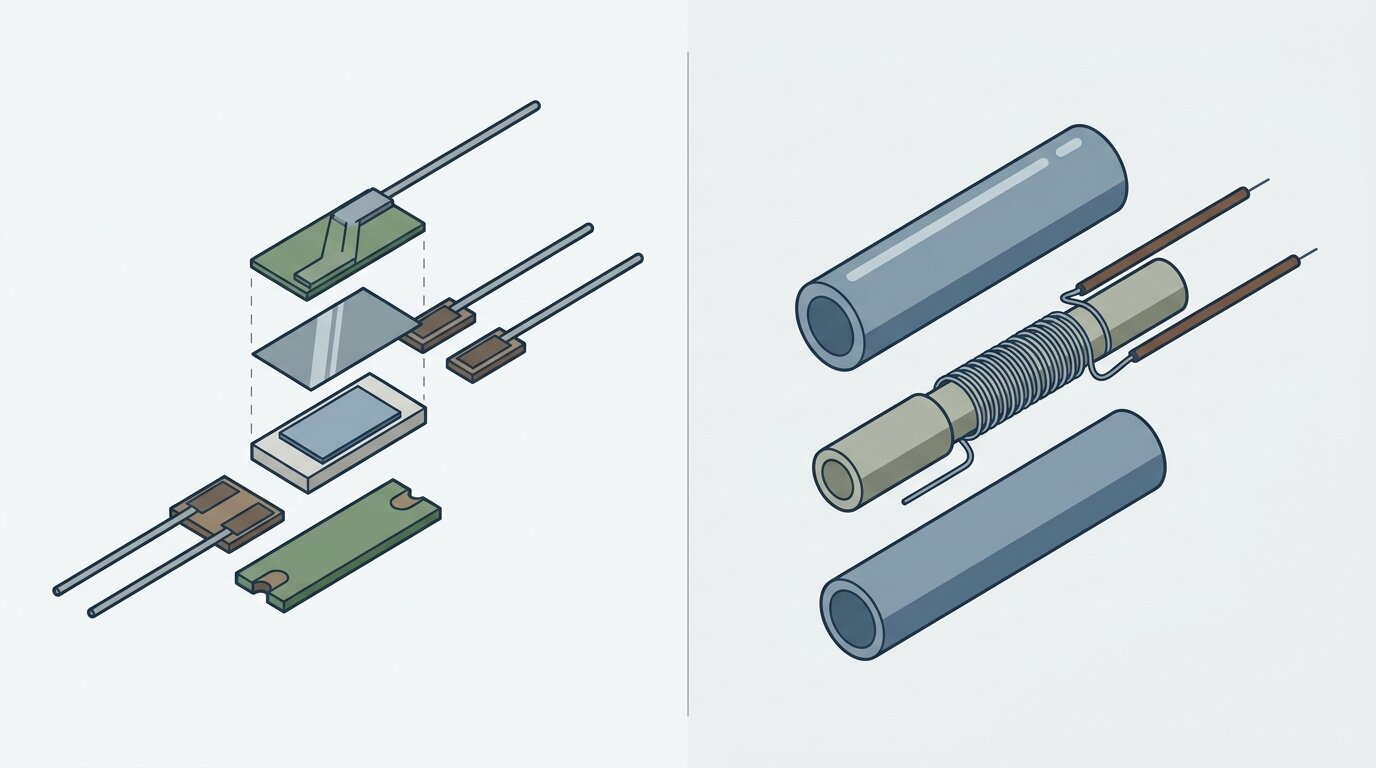
Element construction is separate from nominal resistance. This packet does not establish universal thin-film versus wire-wound limits or performance rankings. Compare the chosen parts' temperature range, response, vibration tolerance, stability, dimensions, and calibration data instead of inferring these properties from “PT100” or “PT1000.”
When Should You Use PT100 vs PT1000?
Decide from the error budget and available input hardware.
Choose PT1000 when uncompensated lead resistance matters and the available wiring cannot remove it, or when lower excitation current is valuable. Choose PT100 when the installed transmitter or control input supports it and the selected wiring meets the accuracy requirement.
Neither choice removes the compatibility check. Confirm nominal resistance, wiring mode, tolerance class, excitation, temperature range, and transmitter configuration on the actual data sheets.
PT100 vs PT1000 at a Glance
| Attribute | PT100 | PT1000 |
|---|---|---|
| Nominal resistance at 0 C | 100 ohms | 1000 ohms |
| Nominal sensitivity | About 0.385 ohms/C | About 3.85 ohms/C |
| Error per 1 ohm uncompensated lead resistance | About 2.6 C | About 0.26 C |
| Lead-resistance strategy | Compensate it or include it in the budget | Tenfold smaller temperature effect, but still include it |
| Excitation | Verify instrument and element data | Lower current can provide a usable signal |
| Accuracy classes | IEC 60751 classes apply | IEC 60751 classes apply |
Frequently Asked Questions
What is the difference between PT100 and PT1000?
A PT100 has a nominal resistance of 100 ohms at 0 C and sensitivity of about 0.385 ohms/C. A PT1000 is 1000 ohms at 0 C and about 3.85 ohms/C (HT-Heater).
What is the difference between 2-wire, 3-wire, and 4-wire RTD wiring?
Two-wire measurement includes lead resistance. Three-wire compensation assumes matched leads. Four-wire Kelvin measurement separates current and sense paths so lead resistance is excluded from the resistance measurement (Tempsens).
How big is RTD lead-wire error?
One ohm of uncompensated lead resistance corresponds to about 2.6 C error for PT100 and 0.26 C for PT1000 (HT-Heater). Calculate the actual circuit rather than assuming a particular cable length produces a fixed error.
Does PT1000 reduce self-heating?
PT1000 can use a lower excitation current for a usable measurement signal, reducing its self-heating burden. Actual error depends on excitation power and how effectively the installed probe sheds heat to the measured medium.
What are IEC 60751 accuracy classes?
IEC 60751 defines tolerance classes for industrial platinum resistance thermometers. Use the applicable standard and the chosen element's data sheet for the exact class formula and valid range; then account for wiring and instrument error separately.
Selection Rule
PT1000's tenfold sensitivity reduces uncompensated lead-wire error and permits lower excitation for a usable signal. PT100 remains a sound choice when compatible hardware and compensated wiring meet the measurement budget.
Related: industrial sensors, RTD vs thermocouple, and thermocouple types.
]]>TL;DR: An ultrasonic sensor times a sound echo bouncing off a target; distance equals speed of sound times time, divided by two. Because it listens instead of looks, it detects almost any material - clear glass, polished metal, liquids - that fools optical sensors. The trade: a blind zone near the face (often up to about 100 mm), a beam cone that needs the target within roughly +/-10 degrees of perpendicular, and a reading that drifts with air temperature unless the sensor compensates (Banner, 2026).
Engineers reach for ultrasonic because it detects almost anything. Then they fight a nuisance trip near the mount, a target that reads fine until it tilts, or a reading that creeps as the plant heats up over an afternoon shift. None of that is a bad sensor. It's the physics of sound, and once you see the pattern, you stop fighting it and start designing around it.
This guide covers the time-of-flight principle, the blind zone, how frequency trades range for resolution, and why beam angle and target angle matter. It also covers how temperature moves readings and which targets it handles well and badly. The guide explains outputs, multi-sensor arrays, and when to pick ultrasonic over photoelectric or inductive sensors. For the broader landscape of detection technologies, start with the industrial sensors guide; for the optical alternative, see photoelectric sensor types.
How Does an Ultrasonic Sensor Work?
An ultrasonic sensor fires a short burst of sound above human hearing and measures how long the echo takes to return. Distance equals the speed of sound multiplied by that elapsed time, divided by two, because the sound travels to the target and back (HC-SR04 analysis, 2026). The transducer does double duty, speaking and then listening.
A piezoelectric element inside the transducer flexes when you apply a voltage pulse, emitting a burst of ultrasonic sound, typically in the tens of kilohertz range, well above what a human ear can pick up. The same element (or a matched second one) then listens for the pressure wave bouncing back off whatever it hits. A timer starts the instant the pulse fires and stops the instant the echo returns.
The "divide by two" matters because the timer measures the round trip, not the one-way distance. If the target sat right against the sensor, the sound would still need to travel out and back, so half the elapsed time gives the actual gap. At 20 C, sound moves through air at roughly 343 m/s (HC-SR04 analysis / Cramer, 2026). It follows the relationship 331.4 + 0.6 x T, where T is temperature in Celsius. That temperature term becomes important later.
Because the sensor is listening for a reflected pressure wave and not reflected light, it doesn't care what the target looks like. Sound bounces off nearly any solid or liquid surface dense enough to reflect a pressure wave, regardless of color, gloss, or transparency. That's the whole appeal, and it's why ultrasonic shows up on lines where photoelectric sensors keep missing the target.

Citation capsule: An ultrasonic sensor measures distance by timing the round trip of a reflected sound pulse: distance equals the speed of sound multiplied by elapsed time, divided by two. At 20 C, sound travels through air at roughly 343 m/s, following 331.4 + 0.6 x T (HC-SR04 analysis / Cramer, 2026). Because detection depends on a reflected pressure wave rather than reflected light, the sensor is largely indifferent to target color, gloss, or transparency, unlike optical detection methods.
Why Is There a Blind Zone?
Right after the transducer fires its pulse, the piezoelectric element keeps physically ringing for a brief moment, and a ringing transducer can't hear a faint echo over its own vibration. That creates a dead zone near the sensor face, typically 0 to about 100 mm depending on the model, where nothing can be reliably detected (ISSR, 2026).
Think of it like a bell. Strike it, and it keeps humming after the strike, even though the striker has stopped moving. An ultrasonic transducer behaves the same way mechanically, and the sensor's electronics have to wait out that ring-down before they can trust anything the receiver reports. A target sitting inside that window either returns no reading at all or an unreliable one, because the echo arrives while the transducer is still shaking from its own pulse.
Mount so the closest expected target sits beyond the blind zone, not right up against the sensor face. This usually means adding stand-off distance during layout rather than fixing it after commissioning. There's also a real trade with range: sensors built for longer maximum range typically ring longer and carry a larger blind zone, so a long-range model isn't automatically the safer choice for a tight, close-mount application.
In the field, I've traced more than one intermittent "no part detected" fault back to a sensor mounted too close to a fixture stop, right inside its own blind zone. The fix was never a wiring change. It was moving the sensor back a few centimeters so the nearest target position cleared the dead band.
Citation capsule: An ultrasonic transducer keeps mechanically ringing for a short interval after it fires, and a ringing element can't distinguish a real echo from its own vibration, creating a blind zone near the sensor face, typically 0 to about 100 mm depending on the model (ISSR, 2026). Longer-range sensors generally carry a larger blind zone, so mounting the nearest expected target beyond that dead band, with deliberate stand-off distance, is a layout decision, not an afterthought.
What Sets the Range - Frequency?
Transducer frequency is the master trade in ultrasonic sensing: lower frequency reaches farther but spreads wider, higher frequency stays short-range but tight and precise. A 40 kHz sensor can typically reach about 10 m; a 200 kHz sensor typically tops out around 1 m, because higher frequencies lose energy to air far faster (Purdue MEMS, 2026).
Air absorbs sound energy as it travels, and that absorption climbs steeply with frequency. 40 kHz sound loses roughly 1 dB per meter; 200 kHz sound loses roughly 10 dB per meter (Purdue MEMS, 2026). Ten times the attenuation per meter means the higher-frequency pulse can't survive a long trip. It fades below the receiver's noise floor well before it would reach a distant target.
Low frequency for range
A lower-frequency transducer, commonly around 40 kHz, wastes less energy to air absorption over distance, so it can still return a usable echo from meters away. The trade is a longer wavelength, which spreads into a wider beam cone and gives coarser resolution - fine positional detail gets averaged out across that wider footprint.
High frequency for resolution
A higher-frequency transducer, up in the 200 kHz range, is absorbed quickly, capping its useful range at around a meter. Its shorter wavelength produces a tighter beam and finer resolution, which makes it the better pick for close-range, precise measurement jobs, like sensing small parts or fine level changes over a short gap, where a 40 kHz sensor's wide cone would be too coarse.
Citation capsule: Ultrasonic transducer frequency trades range for resolution: a 40 kHz sensor typically reaches about 10 m because air absorbs it slowly (roughly 1 dB/m), while a 200 kHz sensor typically maxes out around 1 m because air absorbs it roughly ten times faster (roughly 10 dB/m) (Purdue MEMS, 2026). Lower frequencies suit long-range, coarse detection; higher frequencies suit short-range, high-resolution work.
How Does the Beam Cone and Target Angle Matter?
The sound leaves the transducer as a spreading cone, typically 6 to 12 degrees wide, so the target has to be large enough to intercept it and sit roughly perpendicular to the sensor face (ISSR / application docs, 2026). Tilt the target beyond about +/-10 degrees from perpendicular and the echo deflects away instead of bouncing back, leaving the sensor effectively blind (Newark / ISSR, 2026).
Sound behaves like light hitting a mirror at this scale. A flat surface square to the sensor sends most of the reflected energy straight back to the receiver. Tilt that same surface and the reflection angles off sideways, the same way light off an angled mirror misses your eye. Past roughly +/-10 degrees, not enough energy makes it back for a reliable reading, even though the target never moved out of range.
That cone shape cuts both ways. A wide beam is forgiving of small target-position variation and can catch a small target at range because the cone is wide enough to sweep across it. But the same width means the sensor can pick up unwanted objects at the cone's edge, like a nearby guard rail or an adjacent part on a crowded line, and report a false echo from something you never intended to sense.
I once chased a reading that vanished for no obvious reason on a part that was well within rated range. The bracket holding the sensor had been re-torqued slightly off-square during a maintenance pass, tilting the beam just enough that the target's flat face no longer sat perpendicular to it. Squaring the mount back up fixed the fault instantly, no wiring or parameter change involved.
Citation capsule: Ultrasonic sound leaves the transducer as a cone, typically 6 to 12 degrees wide, and reflects most reliably off a target held roughly perpendicular to the sensor face (ISSR / application docs, 2026). Detection becomes unreliable once the target tilts beyond about +/-10 degrees from perpendicular, because the echo deflects away like light off an angled mirror instead of returning to the receiver (Newark / ISSR, 2026).
How Does Temperature Affect Accuracy?
The sensor's entire measurement rides on the speed of sound, and that speed climbs about 0.6 m/s for every degree C of air temperature (Cramer, 2026). Left uncompensated, that shift makes an ultrasonic sensor drift roughly 1.7% per 10 C change from wherever it was calibrated (HC-SR04 analysis, 2026).
Run the math on the relationship from earlier: 331.4 + 0.6 x T. A sensor calibrated at 20 C assumes sound travels at 343 m/s. Push the air temperature up to 40 C and the true speed rises to roughly 355 m/s. The sensor still calculates distance using its calibrated 343 m/s figure, so it reports a target as farther away than it actually is, because the sound got there and back faster than the sensor assumed.
Temperature compensation fixes most of that error. A compensated sensor carries its own onboard temperature sensor, continuously recalculates the local speed of sound, and adjusts the time-of-flight math on the fly. Banner's data on its compensated QS18U models shows this cuts the error by roughly 90%, holding accuracy to about +/-1.8% across a -20 C to +60 C swing (Banner, 2026). That's the difference between a sensor that drifts noticeably from morning to a hot afternoon shift and one that barely moves.
Compensation handles the average air temperature at the sensor, not every disturbance in the air path. Watch for temperature gradients across the beam path, like a hot exhaust stream crossing between sensor and target, and for strong wind, both of which can still distort a reading even on a compensated unit.
Citation capsule: The speed of sound rises about 0.6 m/s per degree C (Cramer, 2026), so an uncompensated ultrasonic sensor drifts roughly 1.7% per 10 C shift from its calibration temperature (HC-SR04 analysis, 2026). Onboard temperature compensation recalculates the local speed of sound continuously, cutting that error by about 90% and holding accuracy to roughly +/-1.8% across a -20 C to +60 C range (Banner, 2026).
What Can It Detect (and What Defeats It)?
Ultrasonic sensors detect almost any solid or liquid regardless of color, gloss, or transparency, which is the technology's biggest edge over optical sensing. But sound-absorbing surfaces and awkward geometry still defeat it, so "detects anything" always comes with real exceptions.

On the strong side: clear glass, clear plastic film, polished or mirror-finish metal, and liquids all reflect sound well enough for a reliable echo, none of which reliably trip a photoelectric sensor. Bulk solids like grain, powder, or granulated product in a hopper also reflect sound cleanly enough for level sensing, though radar vs ultrasonic for level covers that dedicated tank-level use case in more depth, and our comparison of level measurement technologies lines up ultrasonic against float, capacitive, hydrostatic, and guided-wave alternatives for the same tank.
Soft and sound-absorbing materials are the weak point for ultrasonic sensing. Foam, fabric, loose powder dust clouds, and other porous or fibrous surfaces scatter or absorb pulses instead of reflecting them cleanly. Steep target angles beyond the roughly +/-10 degree window cause detection to fail, even on targets that would otherwise reflect well. Environmental disturbances also degrade readings: heavy wind scatters the pulse, thick dust or fog attenuates it, and strong temperature gradients across the beam path bend the timing. A vacuum defeats ultrasonic outright, because sound needs a medium to travel through.
None of this makes ultrasonic unreliable. It makes it material-independent with known, physics-driven exceptions, which differs from being unpredictable. Once you know the exception list, you can spec around it.
Citation capsule: Ultrasonic sensing detects nearly any solid or liquid target regardless of color, gloss, or transparency, including clear glass, polished metal, liquids, and bulk solids, an advantage optical detection can't match (notebook synthesis, 2026). Sound-absorbing surfaces (foam, fabric, loose powder), steep target angles, heavy wind, thick dust, and a vacuum all defeat or degrade the reading, since these either scatter the pulse, deflect the echo, or remove the air medium sound needs to travel through.
Outputs, Wiring, and Multi-Sensor Use
Ultrasonic sensors ship as discrete switches with one or two set points, wired NPN or PNP, or as analog outputs (0-10 V or 4-20 mA) proportional to measured distance. When several sensors operate near each other, you have to prevent one sensor's pulse from being picked up by a neighboring sensor's receiver.
Discrete models use teach-in or window modes: you set a target distance and the output switches when a part crosses that threshold, or you define a window and the output trips only while a target sits inside it. Analog models instead output a continuous signal that tracks measured distance across a configured range, useful for level or position feedback rather than a simple present/absent decision. Analog wiring follows the same standards covered in most process-instrumentation setups; see the inductive vs capacitive proximity sensors guide for how discrete NPN/PNP output logic works on a comparable non-optical technology, and wiring the output for the wiring details.
Response time follows directly from range, because the sensor has to wait for the echo before it can fire the next pulse. A short-range unit can respond in roughly 15 ms. A sensor working out to about 4 m responds in roughly 47 ms, about 21 Hz. Stretch that to 6 m and response time grows to roughly 70 ms, about 14 Hz (Banner / research, 2026). Farther range means a slower update rate, since the sound has to physically travel farther before the sensor can trust the reading.
Put several ultrasonic sensors within earshot of each other, and one unit's pulse can trigger a false echo on a neighbor's receiver, a problem called crosstalk. The standard fixes are time-division triggering, where sensors fire in a fixed sequence rather than simultaneously, or serial/networked synchronization, where a controller coordinates firing order across the array so no two units listen while another is transmitting.
Ultrasonic vs Photoelectric vs Inductive
Pick ultrasonic when the target is transparent, shiny, liquid, or varies in color and you can tolerate a blind zone and a slower response. For opaque targets that need speed and a long, thin detection beam, photoelectric wins instead. For close-range metal detection in dirty, wet conditions, inductive wins, since sound-absorbing debris would confuse an ultrasonic sensor anyway.
Choose ultrasonic when:
- The target is clear glass, clear plastic, shiny/polished metal, or a liquid surface
- Target color varies and you need a color-independent reading
- The application tolerates a blind zone near the mount and a response time in the tens of milliseconds
- The target can be mounted or presented roughly perpendicular, within about +/-10 degrees, to the sensor
- You need proportional distance/level feedback, not just a hard on/off trip
Photoelectric wins where speed and long thin-beam reach matter most and the target is opaque; see photoelectric sensor types for how through-beam, retroreflective, and diffuse modes split that job further. Inductive wins on close-range metal detection in dirty or wet conditions where an ultrasonic sensor's sound-absorbing-target and beam-angle limits would be the bigger headache; see inductive vs capacitive proximity sensors for that comparison.
| Attribute | Ultrasonic | Photoelectric | Inductive |
|---|---|---|---|
| Sensing principle | Sound echo (time of flight) | Reflected/emitted light | Electromagnetic field |
| Typical range | cm to ~10 m | mm to tens of m | A few mm to ~60 mm |
| Detects transparent/shiny/liquid | Yes | Hard, needs special modes | No, metal only |
| Material independence | High - any solid or liquid | Color/surface dependent | Metal only |
| Speed/response | Slower (tens of ms) | Fast | Fast |
| Blind zone / dead band | Yes, near the face | Minimal | Minimal |
| Environment sensitivity | Wind, temperature, foam | Dust, ambient light | Dirt-immune |
| Best for | Transparent/shiny/liquid targets, longer range | Opaque targets, speed, long thin beams | Close-range metal, dirty conditions |
Ultrasonic wins on material independence and range; photoelectric wins on speed; inductive wins on close-range metal detection in dirty environments.
Frequently Asked Questions
How does an ultrasonic sensor work?
It emits a short burst of high-frequency sound and times how long the echo takes to return. Distance equals the speed of sound times that time, divided by two, since the sound travels to the target and back (HC-SR04 analysis, 2026).
What is the blind zone of an ultrasonic sensor?
A dead band near the sensor face where the transducer is still physically vibrating from its own pulse and cannot yet hear a returning echo, typically 0 to about 100 mm depending on the model (ISSR, 2026).
What is the difference between 40 kHz and 200 kHz ultrasonic sensors?
40 kHz trades resolution for reach, typically hitting about 10 m because air absorbs it slowly; 200 kHz trades reach for resolution, typically maxing out around 1 m because air absorbs it roughly ten times faster (Purdue MEMS, 2026).
How does temperature affect ultrasonic sensor accuracy?
The speed of sound rises about 0.6 m/s per degree C, so an uncompensated sensor drifts roughly 1.7% per 10 C of temperature change. Temperature-compensated models cut that error by about 90%, holding roughly +/-1.8% from -20 C to +60 C (Banner, 2026).
What are the advantages of ultrasonic sensors over optical sensors?
Ultrasonic sensors detect almost any solid or liquid regardless of color, gloss, or transparency, so they see clear glass, shiny metal, and liquids that defeat optical sensors. The trade-off is a blind zone, a wider beam, and a slower response.
Conclusion
An ultrasonic sensor times a sound echo instead of watching for reflected light, which is why it stays material-independent where optical sensors fail on glass, shiny metal, and liquids. That same physics sets the design rules: mount past the blind zone, keep the target roughly perpendicular within about +/-10 degrees, and compensate for temperature if the environment swings. Frequency is the dial that trades range for resolution, so match it to the job rather than defaulting to whatever's in stock.
Use ultrasonic where optical fails - clear, shiny, or liquid targets - not where you need top speed or a foam/fabric target it can't hear well. For the wider view of where it fits among other sensing technologies, read the industrial sensors guide, then photoelectric sensor types and radar vs ultrasonic for level for the dedicated tank-level case.
]]>That effect, discovered in 1879, underpins a sensor family that shows up in nearly every motion or current-sensing application on the panel. The datasheets don't make it easy, though. Digital or linear? Unipolar, bipolar, or omnipolar? Gauss or tesla? Sensitivity in mV/mT? An engineer who just needs to detect a magnet or commutate a motor can lose an afternoon in that thicket.
This guide covers the effect itself, the two output styles, the three pole behaviors, how to read the sensitivity specs, where each type gets used, and when a Hall sensor beats an inductive one.
TL;DR: A Hall-effect sensor is a solid-state chip that produces a small voltage when a magnetic field passes through a current-carrying semiconductor - an effect Edwin Hall found in 1879 (Texas Instruments, 2026). Two choices define it: digital (ON/OFF at a threshold, with hysteresis) versus linear (a continuous voltage centered at Vcc/2), plus unipolar, bipolar-latch, or omnipolar pole response. Because it senses a magnet rather than any metal, it reads through non-magnetic walls and shrugs off dirt.
For the wider family of detection technologies this sensor sits alongside, see the industrial sensors guide. If you've already worked through eddy-current sensing, the inductive vs capacitive proximity sensors comparison covers the metal-detecting alternative this article contrasts against later on.
How Does a Hall-Effect Sensor Work?
Run a current through a thin semiconductor plate and place a magnetic field perpendicular to it. The field deflects the moving charges sideways - the Lorentz force - creating a small voltage across the chip called the Hall voltage, proportional to field strength. Edwin Hall discovered the effect in 1879 (Texas Instruments, 2026).
That raw Hall voltage measures microvolts, far too small to use directly. Every practical sensor is a small integrated circuit: a Hall plate plus an amplifier, a temperature-compensation stage, and an output driver on the same die. The chip handles sensing and signal conditioning in one package, so a modern Hall sensor ships as a three-pin part, not a bare Hall element wired to external electronics.
No moving part and no contact exist anywhere in the loop. The sensor never touches the magnet, never touches a target, and never wears. It reacts to a magnetic field, so it needs a magnet somewhere in the picture - a permanent magnet on a shaft, a magnetized target, or a back-biased assembly. In return, it reads straight through non-magnetic barriers: aluminum housings, stainless brackets, plastic covers, even a sealed enclosure wall. None of these stop a magnetic field the way they'd block a beam of light or a mechanical linkage.
Citation capsule: A Hall-effect sensor generates a small output voltage - the Hall voltage - when a magnetic field perpendicular to a current-carrying semiconductor deflects the moving charge carriers to one side, a phenomenon Edwin Hall discovered in 1879. Modern parts integrate the Hall plate with an amplifier and temperature compensation on one chip, turning a microvolt-scale effect into a usable output (Texas Instruments DRV5055, 2026). Because the sensor reacts to the field rather than physical contact, it reads straight through non-magnetic barriers that would block optical or mechanical sensing.
Digital Switch vs Linear Output - Which Should You Pick?
The biggest split in the Hall sensor world is the output itself. A digital (switch) Hall sensor gives a clean ON/OFF signal when the field crosses a threshold. A linear (ratiometric) Hall sensor gives a continuous voltage proportional to field strength (Texas Instruments; All About Circuits, 2026). Pick the one that matches what you need: a count, or a measurement.
Digital switches and hysteresis
A digital Hall switch compares the surrounding field to an operate point, Bop. Cross it and the output pulls low. The field must weaken past a separate, lower release point, Brp, before the output resets. That gap between Bop and Brp is hysteresis, Bhys - built in deliberately, to stop the output chattering when the field hovers near the threshold (Texas Instruments; All About Circuits, 2026).
Most digital Hall switches ship with an open-collector output, so wiring one looks like wiring the output of an NPN proximity sensor - pull-up resistor, sinking output, same basic PLC input card either way.
I once traced a unipolar switch's weeks-long chatter to hysteresis. A magnet mounted at the edge of its detection zone sat right between Bop and Brp on a part with too narrow a Bhys spec, and machine vibration nudging the gap by a fraction of a millimeter made the output flicker. A part with a wider, properly specified hysteresis band - not a tighter mounting tolerance - fixed it in an afternoon.
Linear (ratiometric) output
A linear Hall sensor's output sits at exactly half the supply voltage, Vcc/2, with no field present. As the field strengthens toward one pole, the voltage rises toward Vcc; toward the other pole, it falls toward zero. Sensitivity - how many millivolts the output moves per millitesla of field - is the spec that defines the part (Texas Instruments DRV5055, 2026).
Ratiometric means the output scales with the supply voltage, not just the field. That sounds like a downside, but it buys you something valuable: as long as the downstream ADC references the same Vcc as the sensor, any drift or noise on the supply cancels out of the measurement automatically. On one current-sensing retrofit, swapping a fixed-reference linear sensor for a ratiometric DRV5055-family part quietly removed a supply-voltage error we'd chased with a bench multimeter for a week.
Citation capsule: A digital Hall switch flips ON when the field exceeds an operate point Bop and OFF only after the field drops below a lower release point Brp, with the gap between them - hysteresis, Bhys - built in to prevent chatter near the threshold. A linear (ratiometric) Hall sensor instead outputs a continuous voltage centered at Vcc/2 with no field, scaling with both the applied field and the supply voltage (Texas Instruments; All About Circuits, 2026). Ratiometric scaling cancels supply-voltage error automatically, provided the ADC shares the same reference.
Unipolar, Bipolar-Latch, or Omnipolar - Which Pole Type Do You Need?
Digital Hall switches also differ by which magnetic pole they respond to. A unipolar sensor reacts to one pole only. An omnipolar sensor reacts to either pole the same way. A bipolar-latching sensor needs alternating poles - one pole switches it on, the opposite switches it off (Texas Instruments; Honeywell, 2026).
Unipolar is the simplest case: a single magnet approaches, one pole faces the sensor, and the output trips. Pick it for basic presence detection where the magnet's orientation is fixed and known, like a door-open switch or a simple limit sensor.
Omnipolar removes an installation headache. It doesn't care which pole faces it, so a technician can mount the magnet either way around without checking polarity first. That helps anywhere field techs swap magnets or parts and a flipped orientation shouldn't cause a false no-detect.
Bipolar-latching is built for rotation. Mount a ring of alternating N and S poles on a shaft, and the sensor's output flips state every time a pole boundary passes, holding each state until the opposite pole arrives - a natural fit for encoders for position feedback style speed and position counting, and for motor commutation, covered next.
Citation capsule: Unipolar Hall sensors respond only to one magnetic pole and ignore the opposite; omnipolar sensors respond identically to either pole, simplifying installation because magnet orientation no longer matters; bipolar-latching sensors require alternating poles - one turns the output on, the opposite turns it off - and hold that state until the field reverses (Texas Instruments; Honeywell, 2026). Bipolar latching is the pole behavior brushless motor commutation depends on.
How Do You Read the Sensitivity Specs - Gauss, Tesla, and mV/mT?
Magnetic field strength is given in gauss (G) or tesla (T): 1 tesla equals 10,000 gauss, so 1 millitesla equals 10 gauss. A linear sensor's sensitivity is its output change per unit of field, in mV/mT (Texas Instruments DRV5055, 2026). Get the units straight before comparing two datasheets, or the numbers mean nothing.
Sensitivity and range trade against each other directly. The Texas Instruments DRV5055 ships in variants at 100 mV/mT over a plus-or-minus 21 mT range, 50 mV/mT over plus-or-minus 42 mT, and 12.5 mV/mT over plus-or-minus 169 mT (Texas Instruments DRV5055, 2026). A 100 mV/mT part resolves small field changes precisely but saturates on a strong magnet or close mounting distance. A 12.5 mV/mT part covers a much wider field range at coarser resolution - pick it when the magnet sits close, runs strong, or the mounting tolerance is loose.
Digital switch thresholds live in this same unit system. A datasheet's Bop and Brp are usually specified in gauss or millitesla, so the same conversion applies whether you're sizing a linear sensor's range or checking whether a given magnet-to-sensor gap will reliably cross a switch's operate point.
Citation capsule: Field strength converts directly between units: 1 tesla equals 10,000 gauss, so 1 millitesla equals 10 gauss. Sensitivity and range trade off on linear Hall sensors - the Texas Instruments DRV5055 spans 100 mV/mT over +/-21 mT, 50 mV/mT over +/-42 mT, and 12.5 mV/mT over +/-169 mT (Texas Instruments DRV5055, 2026). Picking the wrong sensitivity for the expected field either saturates the output or throws away resolution you needed.
What Do Hall Sensors Actually Do?
Because they sense a magnet reliably and without contact, Hall sensors show up anywhere motion or current needs measuring: speed, position, commutation, and current. That range of jobs explains why the sensor is so common despite needing a magnet as a prerequisite (Honeywell; Allegro; MACCON, 2026).
Brushless DC motor commutation is the signature application. Three bipolar-latching Hall sensors, spaced around the rotor, each read a magnet mounted on the shaft and report which pole is passing. The motor controller uses that timing to fire the right coils in sequence; without it, a BLDC motor wouldn't know when to switch (Honeywell, 2026).
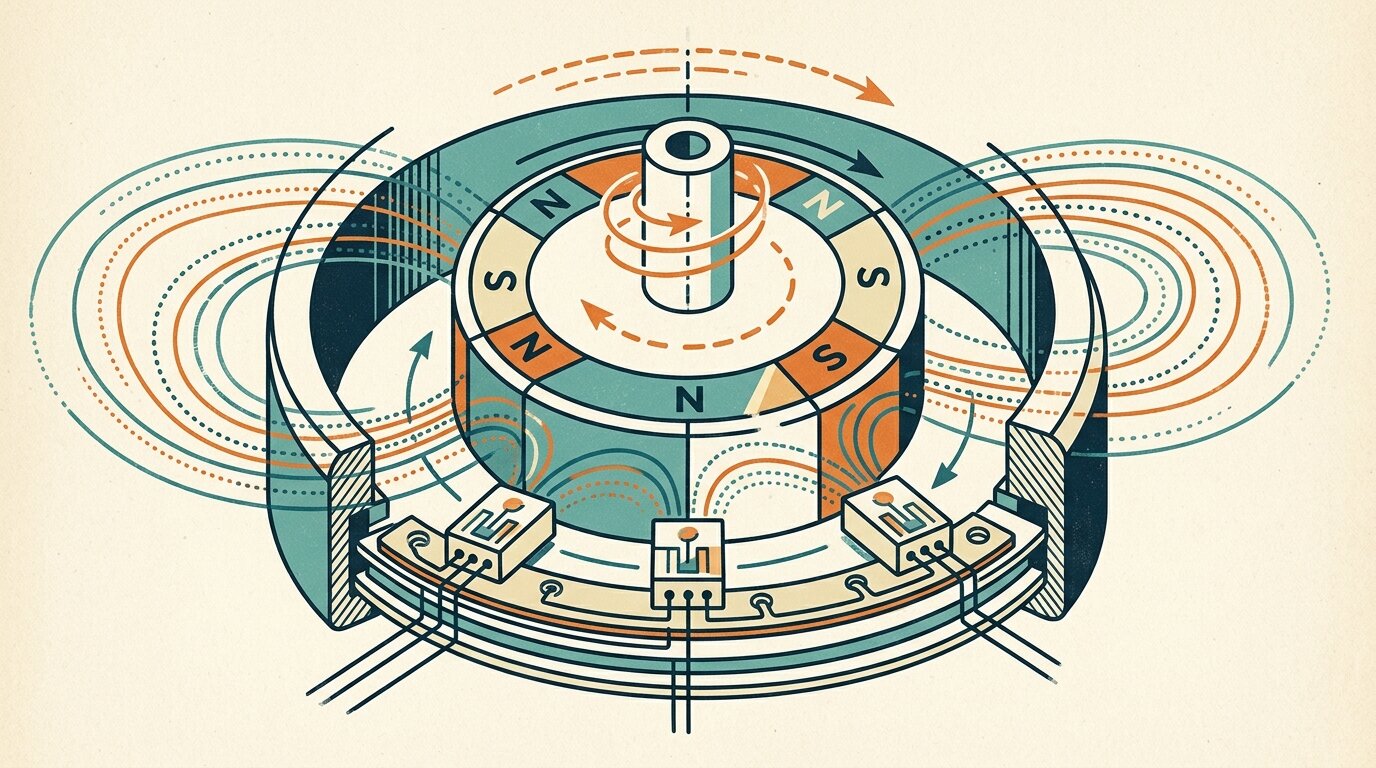
Gear-tooth and wheel-speed sensing pairs a back-biasing magnet with a Hall sensor facing a rotating ferrous target - an ABS tone ring, a gear, a toothed wheel. Each passing tooth disturbs the field enough to trip the sensor, and counting pulses per second gives RPM or wheel speed directly. Rotary and linear position sensing uses the same principle with a linear output instead of a switch, tracking a magnet's position continuously rather than counting pulses - a magnetic alternative to encoders for position feedback.
Non-contact current sensing reads the magnetic field a nearby conductor generates as current flows through it - exactly how a clamp meter measures current without breaking the circuit, galvanically isolated with no direct electrical connection to the sensed conductor. Flow meters use a smaller-scale version of the same trick, with a magnet embedded in a rotor and a Hall sensor counting rotations (Allegro; MACCON, 2026).

Citation capsule: Three bipolar-latching Hall sensors arranged around a brushless DC motor's rotor read a shaft-mounted magnet to tell the controller exactly when to switch coils - the mechanism BLDC commutation depends on entirely (Honeywell, 2026). The same magnet-plus-Hall-sensor principle also drives gear-tooth speed sensing for ABS and RPM, rotary and linear position feedback, non-contact current sensing, and flow-meter rotor counting.
Hall vs Inductive Proximity - When Should You Use Each?
Both are non-contact, but they sense different physical things. A Hall sensor detects a magnetic field, so it needs a magnet or a magnetized target, and it sees straight through non-ferrous barriers. An inductive sensor detects any metal target by eddy currents at close range, no magnet required (MACCON, 2026).
That single distinction - what triggers the sensor - decides the choice before range, cost, or mounting enter the conversation. If your job is magnet-based (position, speed, commutation, current) or the target sits behind a non-magnetic wall, Hall wins outright; inductive sensors can't see through a barrier the way a magnetic field can. If the job is detecting any metal part at close range on a busy production line, inductive is the simpler, cheaper answer, and it skips gluing a magnet to anything.
Choose Hall when:
- The target already is, or can be fitted with, a permanent magnet
- You need to sense through a non-ferrous wall or sealed enclosure
- The job is motor commutation, shaft speed, or current sensing
- Cost matters at scale - a basic Hall IC runs roughly $1 (MACCON, 2026)
Choose inductive when:
- The target is bare metal with no magnet fitted or feasible
- You need to detect any metal part regardless of composition
- The environment is dirty or wet and eddy-current immunity to non-conductive contamination matters more than through-wall reach - see inductive vs capacitive proximity sensors for that comparison in full
| Attribute | Hall-effect | Inductive |
|---|---|---|
| Senses | A magnetic field | Any metal, via eddy currents |
| Needs a magnet | Yes - or a magnetized/back-biased target | No |
| Through non-ferrous walls | Yes | No |
| Typical use | Magnet-based position, speed, commutation, current | Detecting any metal part at close range |
| Environment robustness | Good; solid-state | Very robust to dirt and heat |
| Relative cost | Low, roughly $1 | Higher |
| Best for | Motor commutation, speed, current, sensing through plastic or aluminum | Rugged close-range metal detection in harsh conditions |
Hall wins when a magnet is already there or the target sits behind a non-ferrous wall; inductive wins for bare metal detection in harsh, close-range conditions. For light-based sensing, explore photoelectric sensor types.
Citation capsule: A Hall-effect sensor detects a magnetic field and therefore requires a magnet or magnetized target, but can sense through non-ferrous barriers that would block other technologies entirely. An inductive proximity sensor detects any electrically conductive metal target via eddy currents at close range, with no magnet needed, and a basic Hall IC costs roughly a dollar at volume (MACCON, 2026). The choice comes down to whether the application already has, or can add, a magnet.
How Do Temperature and Drift Affect Reliability?
Hall sensors are solid-state and rugged, but both the sensor chip and its magnet drift with temperature, so industrial-grade parts compensate for it. Neodymium magnets lose roughly 0.12% of their field strength per degree Celsius; ferrite magnets lose about 0.20% per degree Celsius (Texas Instruments; Allegro, 2026).
Modern Hall ICs counter that drift with sensitivity temperature compensation - deliberately increasing the sensor's own sensitivity as temperature rises to offset the magnet's weakening field - plus chopper stabilization, which cancels offset drift in the amplifier stage itself (Texas Instruments, 2026). A well-designed sensor-plus-magnet system holds its calibration far better than either component would alone.
Operating temperature ranges typically span -40 to 85 degrees Celsius for standard parts, up to 125 or 150 degrees Celsius for automotive and industrial grades - but even those high-temp parts see measurement performance degrade above roughly 120 degrees Celsius (Texas Instruments; Honeywell, 2026). Mounting matters too: stray fields from nearby motors, cables, or ferrous fixtures can shift a switch's effective threshold, so datasheet Bop/Brp specs assume a clean field with no external interference.
Citation capsule: Permanent magnets weaken with heat - neodymium drifts roughly -0.12% per degree Celsius, ferrite roughly -0.20% per degree Celsius - which modern Hall ICs offset with built-in sensitivity temperature compensation and chopper stabilization (Texas Instruments; Allegro, 2026). Standard parts operate from -40 to 85 degrees Celsius, with automotive and industrial variants rated to 125 or 150 degrees Celsius, though measurement accuracy degrades above roughly 120 degrees Celsius even on the higher-rated parts (Texas Instruments; Honeywell, 2026).
Frequently Asked Questions
How does a Hall-effect sensor work?
A magnetic field passing through a current-carrying semiconductor pushes the moving charges sideways, creating a small voltage across the chip proportional to the field strength - an effect Edwin Hall discovered in 1879 (Texas Instruments, 2026).
What is a Hall-effect sensor used for?
Hall sensors handle motor commutation, gear-tooth speed sensing for ABS and RPM, rotary and linear position, and non-contact current sensing, because they read a magnet reliably without touching anything (Honeywell; Allegro, 2026).
What are the types of Hall-effect sensors?
Two axes cover almost every part: output style (digital switch or linear/ratiometric) and pole behavior (unipolar, bipolar-latch, or omnipolar). Combine an output style with a pole type and you have described the sensor (Texas Instruments, 2026).
What is the difference between a digital and a linear Hall sensor?
A digital Hall sensor gives a clean ON/OFF output that flips at a magnetic threshold, with hysteresis to stop chatter. A linear sensor gives a continuous voltage proportional to field strength, sitting at Vcc/2 with no field (Texas Instruments DRV5055, 2026).
Hall sensor vs inductive proximity - which should I use?
Choose Hall when you need to sense a magnet through a non-ferrous wall, measure current, or commutate a motor. Choose inductive when you need to detect any metal target at close range in a dirty or harsh environment (MACCON, 2026).
Conclusion
A Hall-effect sensor turns a magnetic field into a voltage - a small effect Edwin Hall found in 1879, now packaged into a solid-state chip with no moving parts. Two choices decide what it does: digital (a switch with Bop/Brp hysteresis) versus linear (ratiometric, sensitivity in mV/mT), plus unipolar, omnipolar, or bipolar-latch pole behavior for rotation and commutation.
Because it senses a magnet rather than any metal, it beats inductive sensing for magnet-based speed, position, and current work, and it reads straight through non-ferrous walls where inductive can't follow. Watch temperature drift on both the sensor and the magnet, and pick the sensitivity range that matches your expected field.
For the wider detection-technology picture, read the industrial sensors guide. For the eddy-current alternative covered in full, see inductive vs capacitive proximity sensors.
]]>Engineers chase phantom sensor faults for weeks that turn out to be ground or common-mode problems. Most aren't sure when to isolate, which method to pick, or whether loop-powered will work on their loop. This guide covers what galvanic isolation is, how it breaks ground loops, the three isolation methods and their trade-offs, how to read an isolation-voltage rating, loop-powered versus externally powered isolators, and when you need one.
TL;DR: A signal isolator passes a measurement from a sensor to a receiver without a direct electrical connection between the two - the signal crosses a barrier as light, a magnetic field, or a capacitively-coupled AC carrier. That broken conductive path stops ground-loop current (I = E/R) and blocks large common-mode voltages. Optical isolation is simple and EMI-immune but degrades over time; capacitive is fast and high-voltage; magnetic gives the best analog accuracy (Analog Devices MT-071, 2026).
This piece pairs naturally with the industrial sensors guide for the wider signal-wiring picture, and with 4-20mA signals if you're already wiring the loop this isolator would protect.
What Is Galvanic Isolation?
Galvanic isolation means there is no direct conductive path between an isolator's input and output. The signal crosses a barrier as light, a magnetic field, or a capacitively-coupled AC carrier, so no current can flow directly between the two sides. Break the wire, keep the signal.
The barrier itself is small: a gap of air or plastic, a tiny transformer core, or a layer of silicon dioxide. Its job is singular. It carries information across without carrying electrons across. Neither side shares a common return path, a power rail, or a chassis ground with the other, because a shared ground is exactly what lets unwanted current sneak in.
Isolation ratings also split into basic and reinforced. Basic isolation gives one layer of separation, adequate for routine noise rejection. Reinforced isolation adds a second, independent layer, so a single fault in the barrier doesn't collapse the whole separation, the standard for anything touching mains voltage or a hazardous location. Most process-signal isolators (4-20mA, thermocouple, RTD) only need basic isolation; power-electronics and safety applications usually specify reinforced.
An isolator can separate signal only, power only, or both, depending on the job. A signal-only isolator still shares a power supply between input and output; a fully isolated (3-port) unit separates all three. That distinction resurfaces when comparing loop-powered and externally powered designs.
Citation capsule: Galvanic isolation removes the conductive path between an isolator's input and output entirely - the signal crosses the barrier as light, a magnetic field, or a capacitively-coupled AC carrier, never as a direct current (Analog Devices MT-071, 2026). Basic isolation gives one separation layer; reinforced isolation adds a second independent layer for mains-connected or hazardous-location equipment. The decision rule: if the two sides could ever sit at different ground potentials, or one side could see a fault voltage, isolate rather than share a ground.
What Is a Ground Loop, and Why Does It Wreck Signals?
A ground loop forms when two grounded devices sit at slightly different ground potentials and a signal cable connects them anyway. The difference drives a circulating current through the signal wiring by Ohm's law, I = E/R, and that current rides on top of the real measurement (Wilkerson, 2026).
Earth isn't the perfect zero-resistance reference the word "ground" implies. It behaves like a resistor between any two points where equipment is bonded to it, and every real installation grounds equipment at more than one location because plant safety codes require it. Ground two devices far apart, measure between those ground points with a long-lead voltmeter, and you'll usually find some voltage - millivolts, sometimes many volts (Wilkerson, 2026). Wherever there's a potential difference and a conductive path, current flows.
That circulating current doesn't announce itself. It adds error to the signal: sometimes a slow drift, sometimes a jump correlated with something unrelated to the process, like a motor starting or rain soaking the earth around a ground rod. Recalibrating the transmitter doesn't fix it, because the fault isn't in the transmitter. The ground potential itself moves, so the correction only holds until conditions shift again.
Common-mode voltage is the related, more dangerous cousin. It's the voltage the signal carries relative to the receiver's ground reference, and it can reach thousands of volts in some industrial settings. A motor-control current-sensing application, for example, can present hundreds of volts AC directly on an isolated input (Analog Devices MT-071, 2026). An isolator ignores that voltage entirely rather than absorbing it.
I once traced a level transmitter's slow, cyclical drift that no recalibration would hold - it always tracked back within a few days. The two ends of that loop were grounded at cabinets fed from different parts of the plant's earthing system, and the drift correlated loosely with rain, which changes soil and ground-rod resistance. Isolating the signal between the two cabinets, instead of chasing the transmitter's calibration again, killed the drift for good. Before reaching for an isolator, it's worth checking the cable shield itself is grounded correctly in the first place; our guide to cable shielding and grounding covers one-end versus both-end termination, the mistake that turns a shield into its own ground-loop path.
Citation capsule: A ground loop forms when two grounded devices sit at different ground potentials, and the earth's resistance between them turns that potential difference into a circulating current: I = E/R (Wilkerson, 2026). That current adds error directly to the signal and cannot be fixed by recalibration, because the ground potential itself drifts. Common-mode voltage, the voltage a signal carries relative to the receiver's ground, can reach thousands of volts in some industrial settings, and isolation is built specifically to reject it rather than absorb it (Analog Devices MT-071, 2026).
How Does a Signal Isolator Work?
An isolator recreates the signal on the far side of the barrier without a wire ever crossing it. For a 4-20mA loop, it modulates the DC current onto a high-frequency AC carrier, couples that carrier across the barrier (usually a small transformer or a pair of capacitors), then demodulates and filters it back into a clean, proportional DC output (Analog Devices MT-071, 2026).
That modulate-couple-demodulate sequence is the trick behind every isolation method, whatever the physical barrier. A transformer or capacitor passes AC and blocks DC, so the isolator turns a steady 4-20mA signal into something that behaves like AC just long enough to make the crossing, then turns it back into steady DC on the other side.
Because the barrier blocks DC, it also blocks the DC path a ground loop's circulating current would otherwise use. A large common-mode voltage on the input side never reaches the output electronics; it has nowhere to go. The same barrier attenuates fast transients riding on top of that common-mode voltage, for reasons covered in the isolation-voltage section below.
The isolated output rides on its own local ground reference, independent of whatever ground reference the input side sees. That's the point of the exercise: the receiver's electronics never have to share a ground with a transmitter that might sit in a different part of the plant, at a different ground potential, or exposed to a fault voltage the receiver was never designed to handle.

Citation capsule: A 4-20mA signal isolator modulates the input DC current onto a high-frequency AC carrier, couples that carrier across a transformer or capacitive barrier, then demodulates and filters it back into a clean proportional DC output on the far side (Analog Devices MT-071, 2026). Because a transformer or capacitor blocks DC by nature, the barrier also blocks the DC path a ground-loop current would otherwise use, and the isolated output settles onto its own independent ground reference.
Optical, Capacitive, or Magnetic - Which Isolation Method Should You Use?
Isolators cross the barrier one of three ways, and each trades accuracy, speed, size, and voltage differently. Optical isolation (an LED shining across a gap to a photodetector) is simple and immune to electromagnetic interference, but it degrades over time and handles analog poorly. Capacitive isolation is fast, compact, and rated for high voltage. Magnetic (transformer) isolation gives the best analog accuracy but takes up more board space.
| Attribute | Optical (optocoupler) | Capacitive | Magnetic (transformer) |
|---|---|---|---|
| How it crosses | LED shines across a gap to a photodetector | Signal couples across tiny SiO2 capacitors | Transformer coupling through a wound or planar core |
| Analog accuracy | Poor - fine for digital, weak for continuous values | Good | Best - down to ~0.005% linearity on a high-speed example part |
| Speed / bandwidth | Lower | Very high | High |
| Isolation voltage | Moderate | High - up to roughly 5.7 kVrms withstand on sourced examples | High |
| Size | Small | Very compact | Bulkier - coil and core take more board space |
| Aging / lifetime | LED output and CTR degrade over time | Stable | Stable |
| Best for | Simple digital signals, EMI-heavy environments | Fast digital, compact designs, high voltage | High-accuracy analog, power transfer |
Pick optical for simple digital signals on a budget, capacitive for speed and high voltage in a compact footprint, and magnetic when analog accuracy matters more than board space.
Optical (optocoupler)
An optocoupler shines an LED across a small gap onto a photodetector, so the input and output share no conductive connection - just light crossing an insulating gap (Wurth, 2026). It's simple, cheap, and immune to electromagnetic interference, since a magnetic field or a stray voltage can't influence a beam of light.
Its weak point is the LED. Current-transfer ratio (CTR), the ratio of output current to LED drive current, degrades over the part's life because the LED's light output falls with age: thermal stress and current density in the junction zone create crystal defects that reduce its light-generating efficiency (Wurth, 2026). Under typical operating conditions, testing holds CTR degradation to no more than about 5% over 25 years (Wurth, 2026), a reasonable lifetime if you run the LED conservatively, but a real design constraint if you push it hard on current or temperature.
That drift barely matters for a digital ON/OFF signal, where a threshold has margin to spare. It's a real problem for a continuous analog value, where every percent of CTR drift becomes measurement error. That's why optocouplers dominate digital isolation and status signals, and show up far less often in precision analog isolators (Monolithic Power, 2026).
Capacitive and magnetic
A capacitive isolator couples the signal across a pair of tiny on-chip capacitors, typically built from silicon dioxide (SiO2), which has a breakdown field strength around 800 V per micron of dielectric thickness (Monolithic Power, 2026). Modern capacitive isolators built on that dielectric reach roughly 5.7 kVrms withstand and 8 kVpk transient ratings, as sourced examples from a reinforced-isolation part family (Texas Instruments, 2026). They are fast, compact, and comfortably high-voltage, though the specific kV figures vary by part.
A magnetic (transformer) isolator couples the signal through a small wound or planar transformer instead. It's the method with the best analog performance. Transformer-coupled isolation amplifiers reach 12 to 16-bit analog accuracy, and a high-speed transformer-isolated amplifier can hit as tight as 0.005% maximum linearity error, as a sourced example from a high-performance part (Analog Devices MT-071, 2026). Transformers are also naturally robust against transients, but the coil and core take up more board space than a capacitor pair, so magnetic isolators tend to run physically larger.
Citation capsule: Capacitive isolators built on SiO2 dielectric, with a breakdown field strength around 800 V/µm, reach roughly 5.7 kVrms withstand and 8 kVpk transient ratings as sourced examples from modern reinforced-isolation parts (Texas Instruments, 2026; Monolithic Power, 2026). Transformer-coupled magnetic isolators trade some of that voltage headroom for accuracy, reaching 12 to 16-bit performance and linearity error as tight as 0.005% on a high-speed example part (Analog Devices MT-071, 2026). Decision rule: pick optical for simple digital signals on a budget, capacitive for speed and high voltage in a compact footprint, and magnetic when analog accuracy matters more than board space.
How Do You Read Isolation-Voltage Ratings?
A datasheet lists several isolation voltages, and they mean different things. The continuous working voltage is what the barrier survives every day for its rated life; a higher withstand voltage is a short test the barrier must pass once; an even higher transient peak is what it tolerates for microseconds; and a surge-test level is the highest brief spike the part is proven against.
On a sourced reinforced-isolation example part, the working voltage (V_IOWM) is rated around 1.5 kVrms continuous for over 40 years. The withstand voltage (V_ISO) is a 60-second test at roughly 5.7 kVrms. The transient voltage (V_IOTM) is rated around 8 kVpk, and the part's actual surge test passes above 12.8 kV (Texas Instruments reinforced-isolation, 2026). Those four numbers describe the same barrier under four very different stress durations, from decades down to microseconds. Don't mistake the biggest number on the page for what the part survives continuously; it doesn't.
Basic versus reinforced isolation is a separate distinction, covered earlier: reinforced adds a second independent barrier layer, tested and rated as such, rather than just a bigger single gap. Creepage and clearance, the surface distance and through-air distance between the two sides of the barrier, set the working and withstand numbers on the datasheet; a wider physical gap has more insulation to break down.
When specifying an isolator, match the rating to what the application can throw at it. A 4-20mA loop sharing a cabinet with clean, low-voltage instrumentation rarely needs the highest surge rating on the shelf. A signal isolator next to a VFD, a welder, or mains switching gear is a different story, and that's exactly where the higher withstand and transient numbers earn their keep.
Citation capsule: A reinforced-isolation datasheet separates four voltage figures by test duration: a continuous working voltage around 1.5 kVrms, a 60-second withstand test around 5.7 kVrms, a transient peak around 8 kVpk, and an actual surge-test pass level above 12.8 kV (Texas Instruments reinforced-isolation, 2026). Decision rule: match the rating to the surrounding electrical environment - clean cabinets need the working-voltage number, while a panel near VFDs or switching gear needs the withstand and transient numbers to have real headroom.
Loop-Powered vs Externally Powered - What's the Difference?
Analog isolators come two ways. A loop-powered (2-wire) isolator draws its operating power directly from the 4-20mA loop, so there's no separate supply to install. An externally powered (3-wire or 4-wire) isolator has its own dedicated supply and typically delivers higher accuracy.

A loop-powered isolator introduces its own voltage drop into the loop, on the order of 6V for a typical device (Chenzhu, 2026). That drop has to fit inside your available loop-voltage budget. Take a worked example: a 24V loop supply with roughly 300 ohms of loop resistance at 20mA (6V of drop). Add an isolator dropping another 6V, and the transmitter sees about 12V (Chenzhu, 2026). If the transmitter needs 10V minimum, that loop works with headroom to spare; if it needs 14V, the loop-powered isolator starves it.
I've seen that failure once: a loop-powered isolator added to an existing 24V loop that had almost no spare voltage to begin with, and the transmitter stopped reporting correctly once the isolator's drop ate into the little headroom left. Raising the loop supply voltage solved it in minutes, but only after the budget math got done properly on paper.
Isolator wiring also splits into 2-port and 3-port designs. A 2-port isolator isolates the input and output signal circuits from each other, but its power circuit is not isolated from one of the two sides; the power supply is typically referenced to the output. A 3-port isolator isolates the input, output, and power circuits from one another completely, so the power supply can connect anywhere, input side, output side, or an independent ground, without compromising isolation (Analog Devices MT-071, 2026). It's the same underlying tradeoff as discrete 2-wire vs 3-wire vs 4-wire sensor wiring: more conductors buy more independence between the power path and the signal path. The same consideration helps when choosing between loop-powered and 4-wire transmitters.
Externally powered isolators, freed from drawing operating current off the signal itself, generally deliver better accuracy and drive heavier output loads than a loop-powered unit can. That's the trade: loop-powered simplifies wiring (no extra supply, one less cable run to a field cabinet) at the cost of a voltage-drop budget to manage and somewhat looser accuracy. For guidance on which output topology you're wiring into on the receiving end, see wiring the sensor output. If one transmitter must feed two receiving instruments, see how to split a 4-20mA signal between two devices.
Citation capsule: A loop-powered isolator typically drops around 6V of the loop's available voltage to run its own electronics, so the supply voltage minus that drop, minus wire and burden resistance, must still exceed the transmitter's minimum operating voltage (Chenzhu, 2026). A 2-port isolator leaves its power circuit referenced to one signal side; a 3-port isolator isolates input, output, and power completely, so the supply can connect anywhere without breaking isolation (Analog Devices MT-071, 2026). Decision rule: run the voltage-drop math before specifying loop-powered, and choose 3-port whenever the power source can't share a ground with either signal side.
When Do You Actually Need a Signal Isolator?
You need an isolator when grounded devices sit far apart, the plant is electrically noisy with VFDs and motors nearby, a sensor floats at a high common-mode voltage, or you're protecting an expensive PLC or DCS input from damage.
Isolate when two or more of these are true:
- A long cable run connects devices grounded in different areas of the plant
- The system has multiple, separate ground references rather than one
- VFDs, motors, welders, or other high-current switching loads sit nearby
- The sensor or signal source floats at, or can spike to, a high common-mode voltage
- You're protecting costly downstream equipment or a safety-critical loop from a fault on the field side
Isolation earns its keep on transients as much as on steady-state noise. An electrical fast transient (EFT) event that would otherwise drive current through a signal path for roughly 100 nanoseconds gets confined to as little as 6 nanoseconds once isolation is in place. With the voltage excursion held to a few volts instead of a much larger swing (Texas Instruments, 2026), that's the practical payoff of the barrier discussed earlier: it doesn't just block steady ground-loop current, it also shrinks the energy and duration of a fast electrical event before it reaches sensitive electronics.
Intrinsic safety barriers are a related but distinct device, and the two get confused. An IS barrier limits energy for hazardous-area classification, while a galvanic isolator breaks the conductive path for ground-loop and common-mode protection. Some devices do both, but they solve different problems, and a datasheet that claims one shouldn't be assumed to cover the other.
If none of the checklist items apply, a short, single-cabinet run with one ground reference and no nearby high-current switching, a direct wired connection is often adequate, and adding isolation only adds cost and a small amount of measurement error for no real benefit. Isolation is a targeted fix for a specific electrical condition, not a default practice to bolt onto every loop.
Citation capsule: Isolation shrinks transient events dramatically - a non-isolated system can carry an electrical fast transient current pulse for roughly 100 nanoseconds, while an isolated system confines the same event to as little as 6 nanoseconds with the voltage excursion held to a few volts (Texas Instruments, 2026). Decision rule: isolate when long cable runs, multiple grounds, nearby VFDs or motors, a floating high-common-mode sensor, or protection of costly equipment apply - two or more of those together make the case; skip it on a short, single-ground, quiet-plant run.
How Does Isolation Affect Analog Accuracy?
Isolation is not free. It can add a small amount of error and noise to a signal, so match the isolation method to the accuracy the application needs rather than defaulting to whatever's on the shelf.
Magnetic (transformer) isolators give the tightest analog accuracy of the three methods, reaching down to about 0.005% linearity error on a high-speed sourced example part, the natural choice when a measurement's precision matters (Analog Devices MT-071, 2026). Loop-powered units, whatever the barrier technology inside them, generally trade some of that accuracy for the simplicity of drawing power off the loop.
A small RC filter, on the order of 150 ohms plus 1 nF, is common at an isolator's output to smooth the residual carrier ripple left over from the modulate-demodulate process, cleaning up the last high-frequency noise before the signal reaches a receiving instrument. Where possible, scale and precondition the signal before it crosses the barrier. Amplifying a weak millivolt-level source like an RTD or thermocouple beforehand, much like RTD signal wiring already has to account for lead resistance, improves the accuracy that survives the isolation stage. For current sensing specifically, a galvanically isolated approach is already built into the physics of Hall current sensors, which measure a conductor's magnetic field with no direct electrical connection.
Bandwidth is the last factor to check. A fast-changing signal, like a vibration or high-speed process variable, needs an isolator rated for the frequencies actually present, not just the DC accuracy spec on the datasheet's front page. Push a wideband signal through an isolator sized for slow 4-20mA loops, and it rolls off or distorts exactly the fast content you needed to preserve.
Frequently Asked Questions
What is a signal isolator?
A signal isolator passes a measurement from a sensor to a receiver with no conductive path between input and output - the signal crosses a barrier as light, a magnetic field, or a capacitively-coupled AC carrier (Analog Devices MT-071, 2026).
What is the difference between galvanic isolation and a ground loop?
A ground loop is the fault - two grounds at different potentials driving a circulating current through your signal wiring (I = E/R). Galvanic isolation is the fix - it removes the conductive path that current needs (Wilkerson, 2026).
What types of signal isolators are there?
Three barrier types: optical (an LED and photodetector), capacitive (a signal coupled across tiny SiO2 capacitors), and magnetic (a small transformer). Each trades analog accuracy, speed, and isolation voltage differently (Monolithic Power, 2026).
Do I need a signal isolator on my 4-20mA loop?
Isolate when grounded devices sit far apart, the plant has VFDs or motors nearby, a sensor floats at a high common-mode voltage, or you are protecting an expensive PLC or DCS input from damage (Analog Devices MT-071, 2026).
Loop-powered vs externally powered isolator - what is the difference?
A loop-powered isolator draws its operating power from the 4-20mA loop itself and drops a few volts, e.g. roughly 6V (Chenzhu, 2026). An externally powered (3-port) isolator has its own supply and typically delivers higher accuracy.
Conclusion
Galvanic isolation removes the conductive path between a sensor and its receiver, which kills a ground loop's circulating current and blocks large common-mode voltages. The method you pick, optical, capacitive, or magnetic, trades analog accuracy, speed, and isolation voltage differently, so match the barrier to the job rather than grabbing whatever's in the parts bin.
Read the isolation-voltage ratings as four separate numbers, not one big kV figure, and budget the voltage drop on a loop-powered unit before you assume it will work on your existing loop. Isolate when grounds differ, cable runs are long, or the plant is electrically noisy, and skip it when none of that applies.
For the wider signal-wiring picture, start with the complete industrial sensors guide, and revisit 4-20mA signals for the loops these isolators are built to protect.
]]>An intrinsic-safety barrier forms the controlled interface between safe-area equipment and hazardous-area field wiring. The barrier, device, cable, area classification, and installation method must be assessed as one system.
TL;DR: Choose a certified barrier and field device, then prove the entity match: Uo <= Ui, Io <= Ii, Po <= Pi, with device and cable capacitance and inductance within Co and Lo. A Zener barrier relies on a high-integrity earth below 1 ohm; a galvanic isolator does not need a dedicated IS earth. Do not select a protection concept from voltage, power, zone shorthand, or equipment type alone.
Related: industrial sensors and signal isolators.
What Is Intrinsic Safety?
Intrinsic safety limits the electrical and thermal energy available in a hazardous-area circuit so the certified circuit cannot ignite the specified atmosphere under its assessed conditions. The protection applies to the complete circuit, not one labeled component.
Normal operation alone is not enough. The barrier output, field-device input limits, cable energy storage, required earthing, installation, gas or dust classification, and temperature requirements must all match the certification documents.
The previous article reduced intrinsic safety to a typical wattage tied directly to one temperature class. The grounded packet does not establish a universal limit. Use the certified output and thermal data for the actual apparatus and application.
Why Does the Hazardous Atmosphere Matter?
The substance present affects how readily ignition can occur, so the certified gas or dust group and temperature classification must match the classified location. Do not infer compliance from the term “IS.”
The energy needed to ignite an atmosphere varies with its properties. This is why the atmosphere matters, but no general figure replaces the apparatus marking, certificate, or applicable classification standard.
The research packet did not establish every gas-group example, hierarchy statement, or temperature-class value in the former article. Check these details against the current certificate and governing standard.
Zener Barriers vs Galvanic Isolators
The grounded comparison supports two barrier architectures (G.M. International).
A Zener barrier uses a passive network of diodes, resistors, and a fuse. It diverts excess energy to a high-integrity earth, with the cited resistance below 1 ohm. The earth is part of the protection arrangement, not an optional noise-control connection.
A galvanic isolator transfers the signal through transformer, relay, or optical isolation and does not require a dedicated IS earth. The grounded source describes Zener barriers as simpler and cheaper, but channel cost, density, signal compatibility, and maintenance requirements still depend on the products and site.
| Attribute | Zener barrier | Galvanic isolator |
|---|---|---|
| Basic architecture | Passive diode, resistor, and fuse network | Transformer, relay, or optical isolation stage |
| Dedicated IS earth | Required; cited high-integrity path below 1 ohm | Not required |
| Relative complexity and price | Grounded source describes it as simpler and cheaper | Product-dependent |
| Design focus | Verify earth and complete loop certificate | Verify isolation module and complete loop certificate |
The packet does not establish that galvanic isolation always gives better noise rejection, that every field device in every Zener circuit must be ungrounded, or that one architecture always needs less maintenance.
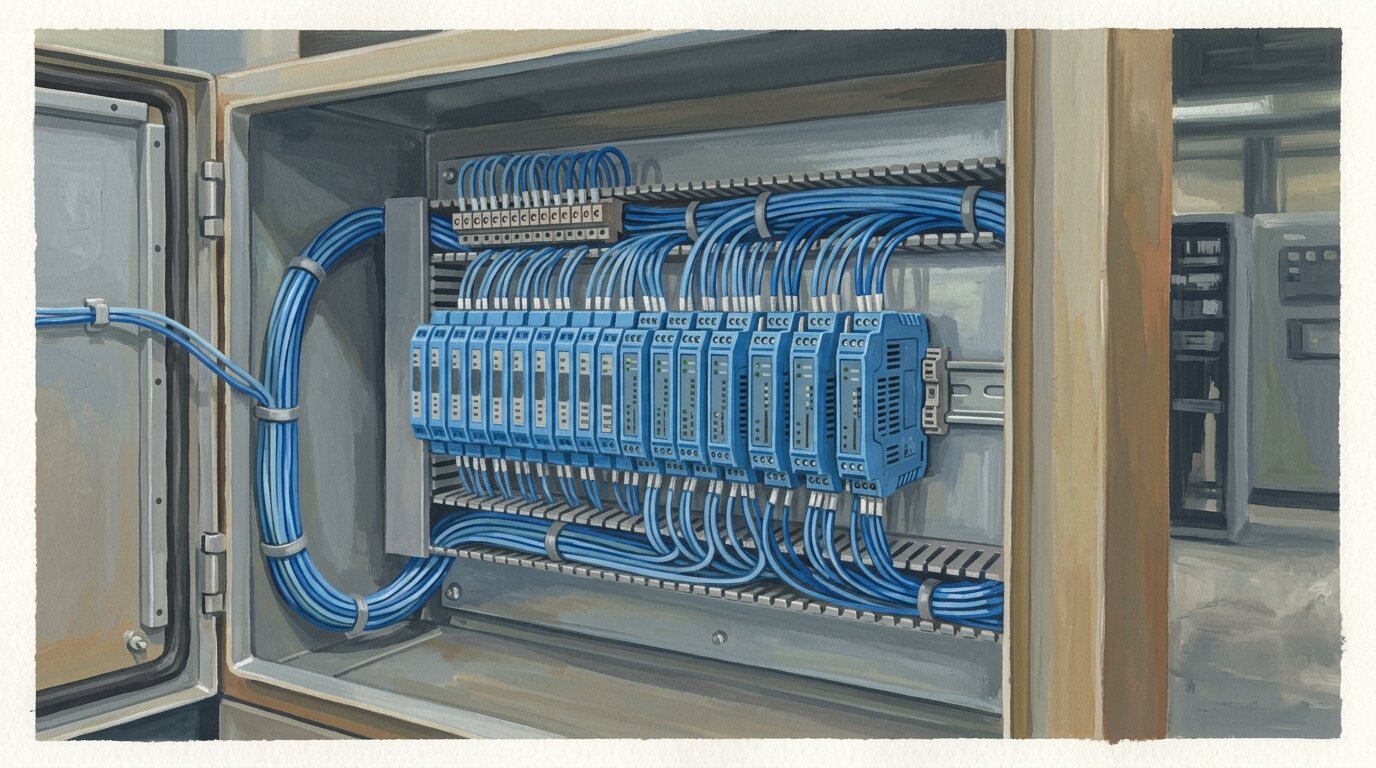
How Does the Barrier Fit Into the Circuit?
The barrier separates safe-area equipment from the energy-limited field circuit. Its certified output parameters define what can be presented to the hazardous-side apparatus, while the field device certificate states the input it can accept.
The cable also contributes capacitance and inductance. Include these stored-energy terms in the entity assessment rather than treating them as ordinary wiring details.
Keep safe-area and hazardous-area terminals, wiring, identification, segregation, and earthing consistent with the barrier instructions and applicable installation standard. A block diagram shows the topology; the certificate and control drawing define the permitted implementation.
Entity Parameters: How Do You Match the Barrier to the Device?
Entity matching compares the barrier output with the field-device input (Intrinsic Safety Protection Systems: Understanding Ex ia, Ex ib, and Ex ic). Every relevant check must pass:
- Uo <= Ui: barrier maximum output voltage does not exceed device maximum input voltage.
- Io <= Ii: barrier maximum output current does not exceed device maximum input current.
- Po <= Pi: barrier maximum output power does not exceed device maximum input power.
- Co and Lo limits: the permitted external capacitance and inductance cover the contributions of the device and field wiring under the certified method.
When the certificate permits the simple subtraction method, the remaining cable allowance is Cc = Co - Ci and Lc = Lo - Li. Follow the rules and combined capacitance/inductance restrictions in the actual certificates; simple arithmetic is not the complete assessment for every circuit.
The former worked example used illustrative barrier and device values that were neither independently checked nor product specifications, so it has been removed. A real design must use data for the exact barrier, field device, accessories, and cable.
Reassess the loop whenever a barrier, field device, accessory, or cable characteristic changes. A similar function or matching connector layout does not prove compatible entity parameters.
Zones, Ex ia/ib/ic, and Cable Length
The grounded packet supports this indicative zone mapping and exposure shorthand (Automation Forum):
| Gas zone | Indicative presence band returned by the source | Protection level returned by the source |
|---|---|---|
| Zone 0 | Over 1,000 hours per year | Ex ia |
| Zone 1 | 10-1,000 hours per year | Ex ib |
| Zone 2 | Under 10 hours per year | Ex ic |
Treat these hour bands as guidance from the cited source, not a do-it-yourself area-classification method. The applicable standard, release sources, ventilation, operating conditions, local regulations, and competent assessment govern the actual zone.
The research did not establish every former fault-count statement for Ex ia, Ex ib, and Ex ic. Use the applicable standard's protection-level requirements instead of a simplified number-of-faults table.
Cable length is an entity result, not a universal distance
Cable capacitance and inductance can impose practical constraints. The allowable length depends on the certified combination of barrier, field device, cable, and hazardous-area requirements.
Calculate cable capacitance and inductance from verified cable data and compare them with the certified loop limits. Shorter runs can still need attention, and a general rule does not approve longer runs.
Intrinsic Safety vs Explosion-Proof (Ex d)
Intrinsic safety and explosion-proof protection control ignition differently. Intrinsic safety limits available energy to prevent ignition. Explosion-proof or Ex d equipment contains an internal explosion so it does not propagate to the surrounding atmosphere.
The prevention-versus-containment distinction is grounded. The former article also treated equipment power, live maintenance, and equipment type as decisive selection rules, but the packet did not establish those universal recommendations.
Select the protection concept from the hazardous-area classification, equipment certification, installation conditions, maintenance method, and governing standards. Do not assume every low-power sensor must use IS, every higher-power device must use Ex d, or an IS marking permits any form of live work. Work practices still follow the certificate, site procedures, and local rules.
Hazardous-area protection also does not establish a functional-safety rating. If the loop performs a safety function, assess that requirement separately; see SIL vs Performance Level.
A Practical IS Loop Review
Before approving or modifying a loop, collect the current documents and check:
- Area classification and the specified gas or dust group and temperature requirements.
- Barrier certificate, control drawing, output parameters, terminal assignment, and installation instructions.
- Field-device certificate and its Ui, Ii, Pi, Ci, and Li values.
- Cable type, route, capacitance, inductance, and any connected accessories.
- Entity calculations, including any certificate-specific combined C/L restrictions.
- Earthing and bonding required by the selected barrier architecture.
- Segregation, identification, terminals, enclosures, and maintenance procedure.
- Change control so replacements trigger a fresh compatibility review.
This safety check is documentation-led. A loop that reads correctly has not necessarily retained a valid protection concept.
Frequently Asked Questions
What is intrinsic safety?
Intrinsic safety limits the electrical and thermal energy available in a hazardous-area circuit so the certified circuit remains incapable of ignition under the assessed conditions.
What is the difference between a Zener barrier and a galvanic isolator?
A Zener barrier uses a passive diode, resistor, and fuse network and relies on a high-integrity earth below 1 ohm. A galvanic isolator transfers the signal through isolation and does not require a dedicated IS earth (G.M. International).
How do you match entity parameters?
Verify Uo <= Ui, Io <= Ii, and Po <= Pi, then ensure device and cable capacitance and inductance stay within the certified Co and Lo limits. Use the exact certificates and cable data for the loop.
How do zones map to Ex ia, Ex ib, and Ex ic?
The grounded source maps Zone 0 to Ex ia, Zone 1 to Ex ib, and Zone 2 to Ex ic. Actual area classification and protection selection must follow the applicable standards and competent site assessment.
Is intrinsic safety the same as explosion-proof protection?
No. Intrinsic safety limits energy to prevent ignition. Ex d protection contains an internal explosion. The correct concept depends on the certified equipment and assessed installation, not on one simplified equipment or power rule.
The Complete Loop Is the Safety Case
Treat an intrinsically safe loop as one certified system: choose the barrier architecture, confirm the apparatus certifications, prove every entity inequality, include cable capacitance and inductance, and implement the required earthing and installation method.
Related: industrial sensors, signal isolators, and 4-20mA analog signals.
]]>That mix-up is more common than it should be, and it comes from treating an IP rating like a single "toughness score" instead of what it actually is: two separate test results written as two digits. Read both digits, and you know exactly what the device survives. Skip one, and you're guessing.
 A sealed enclosure staying clean in a dusty plant floor - the scenario the first IP digit tests.
TL;DR: An IP (Ingress Protection) rating from IEC 60529 is two digits: the first (0-6) covers solids and dust, the second (0-9K) covers water. IP67 survives a 1-metre dunk for 30 minutes; IP68 is continuous immersion at a depth the manufacturer sets; IP69K survives an 80-100 bar hot washdown at roughly 80 C. The catch: the water digit is not a simple ladder past IPX6, so an IP69K sensor is not automatically IP67 - many devices need a dual rating to prove both.
This sits alongside our broader industrial sensors guide, and pairs well with inductive vs capacitive proximity sensors, where IP67 and IP69K variants show up constantly on datasheets.
What Does an IP Rating Actually Mean?
An IP rating is two digits defined by IEC 60529: the first digit (0-6) rates protection against solid objects and dust, and the second digit (0-9K) rates protection against water (Intertek; Turck, 2026). Read left to right, solids then water; an "X" in either slot means that aspect was never tested.
The code starts with the letters "IP," followed by exactly two digits, sometimes trailed by a letter suffix for extra details like high-voltage protection or chemical resistance, which vary by manufacturer. IP67 means the first digit is 6, the second is 7. IPX7 means only the water test ran; the solids digit was skipped, so you don't know how well it keeps out dust.
Higher digits generally mean more protection, but that "generally" is doing real work. It applies within each digit's own ladder, not across the two digits, and (as the water section below shows) not even cleanly within the water digit past a certain point. An IP rating is a specific, repeatable lab test against clean fresh water and standardized dust, not a general verdict on how rugged a device is.
Citation capsule: An IP rating under IEC 60529 is always two digits: the first (0-6) for solids and dust, the second (0-9K) for water, with "X" marking an aspect that was never tested. IP67 decodes to dust-tight (6) plus temporary 1-metre immersion (7). Because the two digits test entirely different hazards, a sensor's dust protection tells you nothing about its water protection, and vice versa - you have to check both (Intertek; Turck, 2026).
What Does the First Digit (Solids and Dust) Mean?
The first digit runs from 0 to 6 and rates how well an enclosure keeps out solid objects and dust, from no protection at all up to fully dust-tight. Industrial sensor and enclosure datasheets - including dust-tight load cells and strain gauges used in hopper and silo weighing - rarely go below a 5 or 6, because anything less lets in fingers, tools, or fine particulate (Turck; Intertek, 2026).
Each level corresponds to a calibrated test probe size that must not touch live or moving parts inside the housing. Level 1 blocks objects larger than 50 mm (roughly a hand); level 2 blocks anything over 12.5 mm (a finger). Level 3 stops objects over 2.5 mm (a tool or thick wire); level 4 stops anything over 1 mm (a thin wire or small screw) (Turck; BONAD; Intertek, 2026).
The two levels that matter most in industrial settings are 5 and 6. Level 5, "dust-protected," allows a limited amount of dust ingress as long as it doesn't interfere with the device's operation or create a safety hazard. Level 6, "dust-tight," permits zero dust ingress, verified by running the device inside a talc-dust chamber under vacuum for up to eight hours (Turck; BONAD; Intertek, 2026). That gap between "some dust is fine" and "no dust at all" is the distinction to check before installing a sensor in a cement plant, grain elevator, or woodshop.
First digit (solids and dust):
| Digit | Protects against |
|---|---|
| 0 | No protection |
| 1 | Solids larger than 50 mm (a hand) |
| 2 | Solids larger than 12.5 mm (a finger) |
| 3 | Solids larger than 2.5 mm (tools) |
| 4 | Solids larger than 1 mm (wires) |
| 5 | Dust-protected: limited ingress, no harmful deposit |
| 6 | Dust-tight: no ingress |
Second digit (water):
| Digit | Protects against |
|---|---|
| 0 | None |
| 1-2 | Dripping water |
| 3 | Spraying water |
| 4 | Splashing water |
| 5 | Water jets (6.3 mm nozzle) |
| 6 | Powerful jets (12.5 mm nozzle) |
| 7 | Temporary immersion (1 m, 30 min) |
| 8 | Continuous immersion (manufacturer depth) |
| 9K | High-pressure hot washdown |
Higher digits mean more protection within each column, but the two columns are independent tests - always check both.
Citation capsule: The first IP digit's top two levels split on a real distinction: level 5 ("dust-protected") tolerates limited dust ingress that doesn't affect operation, while level 6 ("dust-tight") permits none at all and is proven with an eight-hour talc-chamber test under vacuum (Turck; BONAD; Intertek, 2026). Any sensor destined for a genuinely dusty plant floor - foundry, mill, grain handling - should carry a 6, not a 5.
What Does the Second Digit (Water) Mean?
The second digit runs from 0 to 9K and rates protection against water, but it is not one continuous ladder. It climbs from dripping water through sprays and jets (levels 5 and 6), then switches to an entirely different immersion test (7 and 8), and finally to a separate high-pressure washdown test (9K) (Turck; Wikipedia, 2026).
The full ladder: 0 is no protection; 1-2 cover dripping water at various tilt angles; 3 covers spraying water; 4 covers splashing water from any direction; 5 is protection against water jets from a 6.3 mm nozzle; 6 is protection against powerful jets from a 12.5 mm nozzle; 7 is temporary immersion; 8 is continuous immersion; 9K is high-pressure, high-temperature washdown (Turck; Wikipedia, 2026).
Jets vs immersion vs washdown
Levels 5 and 6 fire a directed stream of water at the enclosure from a fixed distance, simulating a hose or spray-down. Levels 7 and 8 submerge the entire device in still water for a set time and depth, no directed pressure involved. Level 9K sprays water at high pressure and high temperature from four specific angles, close to the device, simulating an industrial washdown or pressure-washer scenario. These are three physically distinct rigs, not three points on a single scale.
Why the water ratings do not stack
Because jets, immersion, and washdown are different tests, passing one does not prove you'd pass another. An IP69K device has demonstrated it survives close-range, high-pressure, hot spray - it has not necessarily been submerged in still water for half an hour. IP69K is not automatically IP67 (Turck; Wikipedia, 2026). This is why many sensors and enclosures carry a dual rating on the datasheet, like IP66/IP68 or "IP69K + IP67," listing both tests because each one covers a hazard the other doesn't.
Citation capsule: Water protection under IEC 60529 branches into three separate tests past level 4: jets (levels 5-6, directed pressurized streams), immersion (levels 7-8, still-water submersion), and washdown (9K, close-range hot high-pressure spray). Passing one does not certify the others, so an IP69K rating does not automatically imply IP67 - a device rated for washdown may never have been tested for temporary immersion at all, which is why dual ratings like IP66/IP68 or IP69K plus IP67 appear on datasheets (Turck; Wikipedia, 2026).
How Do IP67, IP68, and IP69K Differ?
IP67, IP68, and IP69K are the three ratings engineers argue about most, and all three sound like "waterproof," but they certify three different tests. IP67 is a 30-minute dunk in 1 metre of water. IP68 is continuous immersion at a depth the manufacturer specifies. IP69K is a close-range, high-pressure, hot-water spray (Turck; Designplan; Banner, 2026).
IP67 requires the device to survive temporary immersion, 1 metre deep, for 30 minutes, and come out working (Turck; Intertek; Banner, 2026). It's the standard for a sensor that might get briefly flooded, dropped in a puddle, or splashed hard during a wash cycle, but that isn't meant to live underwater.
IP68 requires continuous immersion, a more severe test than IP67's temporary dunk. The manufacturer sets the exact depth and duration for that product, typically 1-3 metres, though some products rate much deeper (Turck; Wikipedia, 2026). Because IEC 60529 leaves depth and time up to the manufacturer for IP68, always check the datasheet's stated conditions rather than assuming "IP68" alone means unlimited depth.
IP69K, defined by ISO 20653 and folded into current IEC 60529 references, requires the device to survive water at roughly 80-100 bar and around 80 C, at about 14-16 litres per minute. The spray hits from four angles - 0, 30, 60, and 90 degrees - for 30 seconds each (Designplan; Turck; Banner, 2026). It's the standard for food, beverage, pharmaceutical, and transport equipment - including washdown-rated photoelectric sensors - that gets pressure-washed with hot water and detergent daily.
In the field, I've had a sensor stamped IP69K get pulled off a washdown line and dropped into a parts-cleaning tank overnight because everyone assumed the rating meant "waterproof, full stop." It came back dead. The datasheet never claimed IP67 or IP68; the washdown test and the immersion test weren't the same thing, and nobody had read past the first number that looked impressive.
| IP67 | IP68 | IP69K | |
|---|---|---|---|
| Test | Temporary immersion, 1 m for 30 min | Continuous immersion, manufacturer-specified depth and time | High-pressure hot-water jets |
| Conditions | Fresh water, 1 m, 30 min | Typically 1-3 m, continuous | 80-100 bar, roughly 80 C, 14-16 L/min, sprayed at 0, 30, 60, and 90 degrees |
| Standard | IEC 60529 | IEC 60529 | ISO 20653, now referenced in IEC 60529 |
| Typical use | Occasional flooding or dunk | Permanent submersion | Washdown - food, beverage, transport |
Three different tests, not three points on one scale - a device rated for one is not automatically rated for the others.
 IP69K in practice: a food-grade sensor withstanding a close-range hot washdown jet.
Citation capsule: IP67, IP68, and IP69K each certify a different water test: IP67 is 1 metre for 30 minutes (temporary immersion), IP68 is continuous immersion at a manufacturer-specified depth typically in the 1-3 metre range, and IP69K is roughly 80-100 bar water at about 80 C sprayed from four angles for 30 seconds each per ISO 20653 (Turck; Designplan; Banner, 2026). None of the three implies the other two - check the datasheet for exactly which tests a device has passed.
What About NEMA Ratings?
North American enclosure datasheets often list a NEMA rating instead of, or alongside, an IP code. The two roughly cross-reference, but they are not interchangeable: NEMA tests additional hazards that IP ignores entirely (Rittal; Banner; Turck, 2026).
Approximate mappings that show up often: NEMA 3 is roughly comparable to IP54/IP55, and NEMA 4 and 4X are approximately equivalent to IP66. NEMA 6 is roughly equivalent to IP67, and NEMA 6P is roughly equivalent to IP68 (Rittal; Banner; Turck, 2026). Treat each as an approximation, never a certified equivalence. A device rated NEMA 4X has not automatically passed the IEC 60529 IP66 test procedure, and vice versa.
The "X" suffix in NEMA 4X means corrosion-resistant, a property IP ratings don't test for. NEMA enclosure standards fold in corrosion resistance, ice formation, oil and coolant exposure, and construction requirements that have no IP equivalent, while IP is purely about solids and fresh water (Rittal; Wikipedia; Intertek, 2026). If a spec sheet only lists a NEMA number and your project needs IP-certified proof, ask for the actual IEC 60529 test result rather than converting on the fly.
Citation capsule: NEMA and IP ratings roughly cross-reference (NEMA 4/4X approximately equal to IP66, NEMA 6 approximately equal to IP67, NEMA 6P approximately equal to IP68) but are not certified equivalents, because NEMA also tests corrosion, ice formation, and oil resistance that IP ratings never touch (Rittal; Banner; Turck, 2026). Convert with care, and ask for the actual IEC 60529 test result when a project specifically requires IP certification.
What an IP Rating Does NOT Tell You
An IP rating is a fresh-water and dust test, full stop. It says nothing about chemical resistance, saltwater corrosion, oil exposure, UV degradation, temperature cycling, or mechanical impact (Rittal; Wikipedia; Intertek, 2026). A high IP number is proof against ingress, not a general durability score.
IEC 60529's water tests use clean fresh water, so a device's resistance to saltwater, cutting fluid, cleaning chemicals, or corrosive vapors is a separate material question, governed by the housing and seal materials rather than the IP number. That's why food and beverage washdown equipment specifies 304 or 316L stainless steel housings on top of an IP69K rating: plastic and lower-grade metals can pit, corrode, or harbor bacteria under repeated hot-chemical washdown even when the ingress test passes clean.
Mechanical robustness against drops, impacts, and crushing runs on a separate scale, the IK rating under EN 62262, which spans IK00 (no protection) to IK10 (protection against substantial impact energy). An enclosure can be IP69K and still crack if dropped from a ladder; that has nothing to do with its water or dust rating.
Citation capsule: IP ratings test only fresh water and standardized dust; they say nothing about chemical resistance, saltwater corrosion, oil exposure, or mechanical impact, which is why food-grade washdown sensors specify 304 or 316L stainless housings on top of an IP69K rating (Rittal; Wikipedia; Intertek, 2026). Impact resistance runs on a separate scale entirely, the IK rating under EN 62262, so a high IP number is never a substitute for checking material and impact specs too.
Which IP Rating Do You Actually Need?
Match the rating to the real environment the device will sit in, not the highest number on the shelf. A dry indoor cabinet doesn't need the same rating as a sensor bolted next to a pressure washer, and over-specifying adds cost without adding relevant protection.
Choose by environment:
- Dry indoor panel or cabinet: IP54 (dust-protected, splash-resistant)
- Outdoor exposure or occasional hose-down: IP65/IP66
- Occasional flooding or brief submersion risk: IP67
- Permanent or near-permanent submersion: IP68 (check the manufacturer's stated depth and time)
- High-pressure, hot-water washdown (food, beverage, pharma): IP69K, paired with 304/316L stainless housing where hygiene matters
If a device faces more than one hazard, such as a daily hot washdown and standing water on the floor, check whether the datasheet lists a dual rating like IP69K plus IP67. Don't assume one test covers the other. Material selection matters as much as the digits in food and pharma settings: a plastic housing rated IP69K can still be the wrong choice if it can't be cleaned to sanitation standards or resists the cleaning chemicals in use.
The same IP discipline applies to machine-safeguarding devices, not just measurement sensors - a safety light curtain or laser scanner mounted at a washdown-rated cell needs the matching ingress protection alongside its safety rating, a selection factor covered in our comparison of light curtains, safety laser scanners, and safety mats.
How Are IP Ratings Tested and Marked?
IP ratings come from standardized IEC 60529 lab tests. Calibrated probes and a talc-dust chamber prove the first digit; defined water volumes, pressures, and durations prove the second. The manufacturer or an accredited lab, such as Intertek, performs the testing (Intertek; Turck, 2026).
The dust test runs the device inside a sealed chamber with talc powder circulating under partial vacuum, for up to eight hours to earn a dust-tight (level 6) rating. The water tests use dedicated rigs. Oscillating spray nozzles cover the jet levels, and submersion tanks with a controlled depth and timer cover the immersion levels. For IP69K, the ISO 20653 washdown rig sprays hot water at the specified pressure and flow from four fixed angles.
A correctly marked datasheet states the exact conditions tested, not just the digits. That matters most for IP68, since IEC 60529 leaves the actual depth and duration up to the manufacturer to declare. Two products can both say "IP68" while one survives 1 metre for 30 minutes and another survives 3 metres indefinitely; always read the stated depth and time rather than assuming the digit alone.
Frequently Asked Questions
What does IP mean?
IP stands for Ingress Protection, defined by IEC 60529. The first digit (0-6) rates protection against solid objects and dust, and the second digit (0-9K) rates protection against water (Intertek; Turck, 2026).
Is IP67 waterproof?
Not permanently. IP67 survives temporary immersion in 1 metre of water for 30 minutes. It is not rated for continuous submersion or high-pressure jets, which are separate tests entirely (Turck; Intertek, 2026).
What is the difference between IP67 and IP68?
IP67 is a 30-minute, 1-metre temporary dunk. IP68 is continuous immersion at whatever depth and duration the manufacturer states, typically 1-3 metres, and is the more severe test of the two (Turck; Wikipedia, 2026).
What does IP69K mean?
IP69K certifies a device survives close-range, high-pressure, hot-water washdown: roughly 80-100 bar at about 80 C, sprayed from several angles per ISO 20653 (Designplan; Turck; Banner, 2026).
Does an IP rating protect against chemicals?
No. IP ratings only test fresh water and dust. Chemical resistance, saltwater corrosion, and mechanical impact are separate concerns, with impact covered by the IK rating under EN 62262 (Rittal; Wikipedia; Intertek, 2026).
Conclusion
An IP rating is two digits, not one score: the first for solids and dust, the second for water. Higher is generally better within each digit, but the water digit branches into separate jet, immersion, and washdown tests past level 4, so a high second digit doesn't guarantee a lower one. IP67, IP68, and IP69K each prove a different scenario, and an IP69K device is not automatically IP67.
NEMA ratings roughly map to IP but test extra hazards, so convert with care. And no IP number, however high, covers chemicals, corrosion, or physical impact - those live on entirely separate scales. Read the whole code, check the stated test conditions, and match the rating (and the housing material) to the environment the sensor actually faces.
For another rating that shows up on the same datasheets, see ultrasonic sensors.
]]>That single fact explains most of the confusion around sensor wiring. The number of wires on a sensor isn't a cosmetic spec - it decides where the power path and the signal path sit relative to each other, and that decision has real consequences at the PLC terminal block. Get it wrong and you inherit voltage drop, phantom signals, or a wiring bill you didn't need to pay.
This guide walks through how 2-wire, 3-wire, and 4-wire sensors actually work, where each one breaks down, and how to pick the right configuration before you pull cable. For the broader picture of how these sensors fit into a plant's measurement layer, see the complete guide to industrial sensors.
TL;DR: 2-wire sensors share power and signal on one pair, which costs several volts of drop and 0.5-1.5 mA of leakage current that can false-trigger sensitive PLC inputs. 3-wire sensors add a dedicated power wire and cut leakage to zero. 4-wire sensors separate power and signal (or add a second output) for the cleanest, most isolated wiring. Source: notebook c5a023f0 (Click2Electro; TI current-loop references).
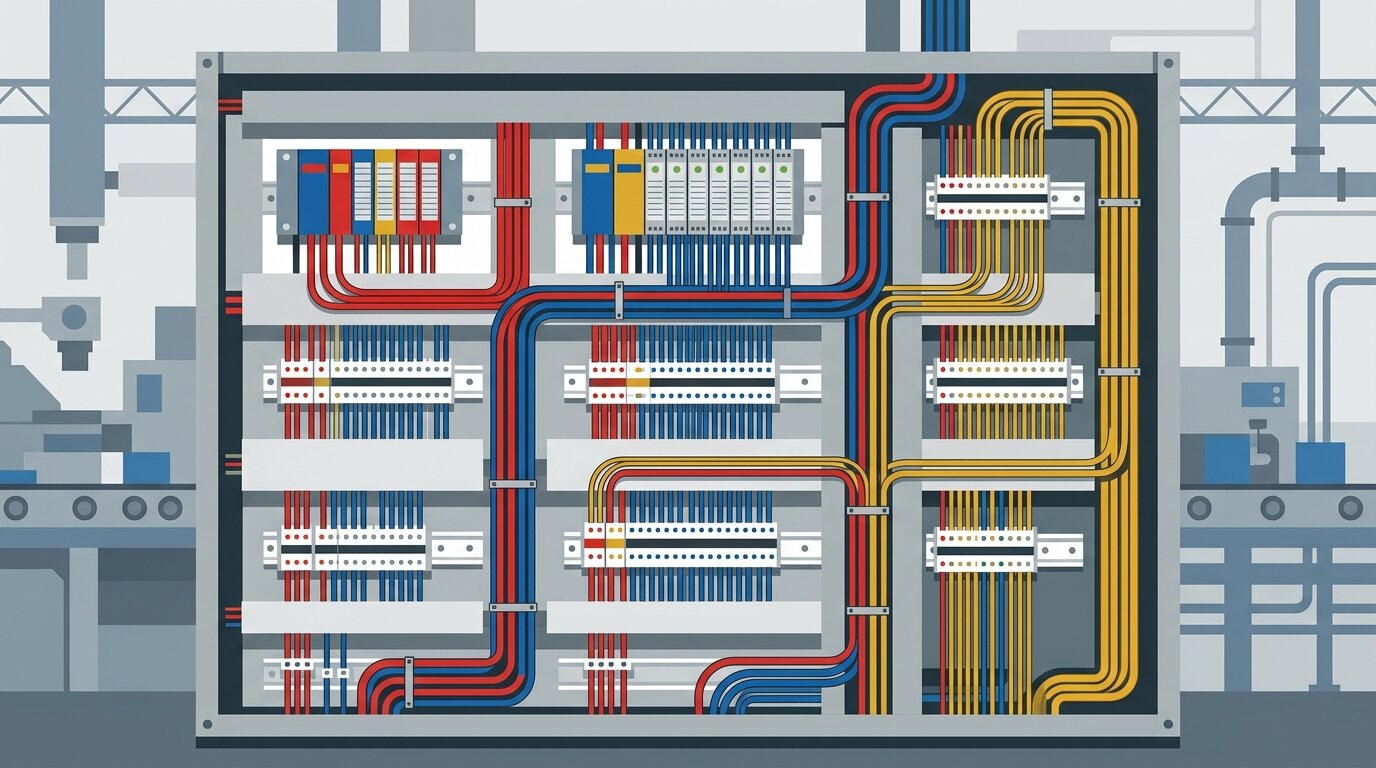
Organized terminal wiring keeps the power path and signal path visibly separate before they ever reach the PLC input card.
What Do the Wires in a Sensor Actually Do?
Every sensor wire does one of two jobs: it carries power to the sensor's electronics, or it carries the switched signal back to the controller. The number of wires tells you whether those two jobs share a conductor or run on separate ones - that's the entire distinction, before you ever look at NPN or PNP.
A 2-wire sensor forces both jobs onto the same pair. It sits in series with the load like a mechanical switch, and its own electronics siphon a sliver of that same current to stay alive. A 3-wire sensor gives power its own dedicated pair and lets the signal wire switch independently. A 4-wire sensor goes further, giving the signal itself a fully separate pair - or a second output wire for redundancy.
Framing it this way - power path versus signal path - makes NPN and PNP easier to understand later, because those terms only describe which direction current flows on the signal wire once it's separated from power. Reading the notebook's source material side by side, most 2-wire versus 3-wire versus 4-wire confusion traces back to one habit: writers explain wire count and switching logic as if they were the same topic. They aren't. Wire count is about where the return path sits; NPN/PNP is about which rail that return path connects to.
How Does 2-Wire Sensor Wiring Work?
A 2-wire sensor's voltage budget stacks a roughly 5V receiver burden, the wire's own resistance drop, and about 7V of internal overhead the sensor needs just to run its electronics (notebook c5a023f0, citing Texas Instruments current-loop transmitter references). All three subtract from whatever supply voltage you started with, before the load circuit sees a single volt.
The sensor sits directly in series with the load, exactly like a mechanical switch would. There's no dedicated power wire - brown and blue carry both the sensor's own operating current and the switched load current together. That's what makes 2-wire wiring so cheap to install: two terminals, no separate power run, done.
The Voltage-Drop Budget
Note that these voltage-budget and loop-resistance limits describe 2-wire analog 4-20mA current-loop transmitters. A discrete 2-wire proximity switch shares the same series-loop principle, but it's governed by its leakage and burden specs rather than an explicit resistor budget.
The receiver burden alone eats about 5V on a 250-ohm sense resistor carrying 20 mA. Add wire resistance and the sensor's own roughly 7V internal minimum. A 24V supply has surprisingly little headroom left for the load itself (notebook c5a023f0). On a 12V supply, that budget can eat the whole thing.
Loop Resistance and Distance Limits
Total loop resistance caps out at 250 ohms on a 24V supply, or 600 ohms on a 30V supply, before the loop can no longer reach full current (notebook c5a023f0). Practically, a 2-wire loop on shielded twisted-pair cable holds up to roughly 1,000 meters before that resistance budget runs out (notebook c5a023f0). Longer runs need heavier wire, a higher supply voltage, or a different configuration entirely.
Why Do 2-Wire Sensors Have Leakage Current?
2-wire sensors must let 0.5 to 1.5 mA flow through the signal line even while "off," because that's the only power source their internal electronics have (Click2Electro, via notebook c5a023f0). Older relay-based panels never noticed this. Modern PLC input cards, with their much higher input impedance, sometimes do.
Where the Leakage Current Comes From
A 2-wire sensor has no dedicated supply wire, so it draws its standby power directly from the same signal line the PLC is watching. That current has to keep flowing - the sensor's internal circuitry would shut down without it. It typically lands between 0.5 mA and 1.5 mA (notebook c5a023f0), consistent with NAMUR EN 60947-5-6 input design guidance (notebook c5a023f0). Some high-impedance DC input cards register ON at just 1-2 mA. That puts the leakage uncomfortably close to a false trigger. The NAMUR interface standard (EN 60947-5-6) exists precisely because low-current proximity switches need a formally defined ON/OFF boundary rather than an ad hoc PLC threshold.
I ran into this on a 2-wire inductive proximity sensor watching a conveyor guard interlock. The target - a steel flag on the guard - would swing clear, the sensor LED would drop out, and the panel's PLC input would sit there reading ON for another two or three seconds before finally clearing. Nothing in the program explained it; the ladder logic was fine, the sensor tested fine on the bench. The input card just had enough impedance that the sensor's own 1.2 mA of standby leakage was enough to hold the input above its turn-on threshold after the target left. It wasn't a bad sensor or a bad program - it was a 2-wire device leaking current into a card that was more sensitive than the relay panel it replaced.
Fixing a Ghost-ON Signal
The standard fix is a bleeder (or load) resistor, typically 2.2 to 3 kilohms, wired from the PLC input terminal to common (Click2Electro, via notebook c5a023f0). That resistor gives the leakage current a path to ground that doesn't run through the input's sensing circuit, pulling the terminal voltage back below the ON threshold. On that conveyor guard, a 2.2 kilohm bleeder killed the ghost signal in about ten minutes. Where the panel design allows it, swapping to a 3-wire sensor removes the leakage path altogether instead of just working around it.
How Does 3-Wire Sensor Wiring Work?
3-wire sensors have zero leakage current on the signal wire when off, because a dedicated power wire means the sensor never needs to borrow standby current from the line the PLC is watching (Click2Electro, via notebook c5a023f0). That single change removes the ghost-ON failure mode completely - not partially, completely.
Brown carries +24V DC supply, blue carries 0V return, and black carries the switched signal - three jobs, three wires, no overlap. The output transistor still has a small drop when it conducts: about 0.3-0.7V for a bipolar junction transistor output, or 0.1-0.5V for a MOSFET output (notebook c5a023f0). Either way, it's a fraction of a volt, not several volts.
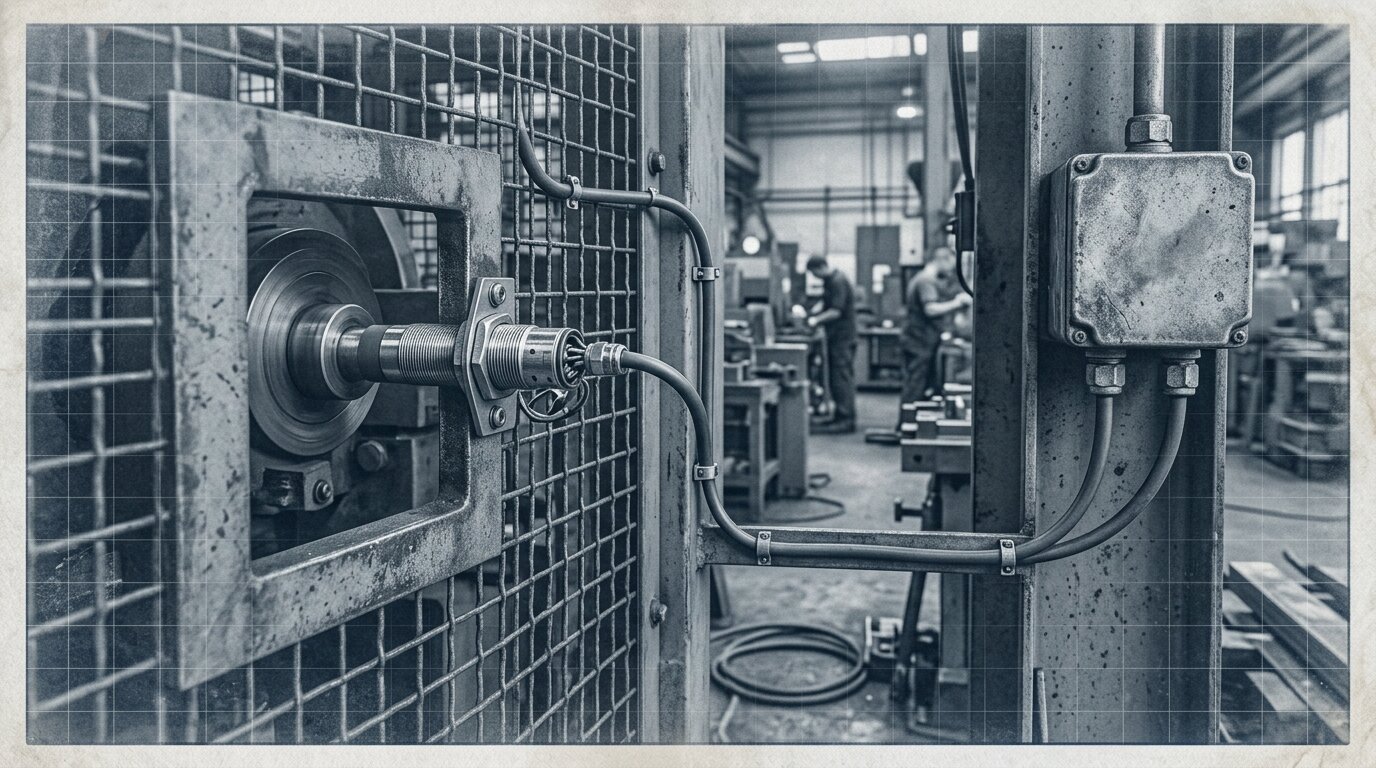
A field-mounted proximity sensor and its cable run from guard to junction box - the wire count decided long before the cable ever reaches this point.
NPN (Sinking) Output
An NPN 3-wire sensor's output transistor pulls the signal wire toward 0V when it activates - it sinks current. The load sits between +24V and the sensor's black wire, and current flows down through the sensor to ground only while the target is present. NPN needs a PLC input wired as sourcing, with its common terminal tied to +24V.
PNP (Sourcing) Output
A PNP 3-wire sensor's output transistor pushes the signal wire toward +24V when it activates - it sources current. The load sits between the sensor's black wire and 0V, and current flows from the supply down through the load only while the target is present. PNP needs a PLC input wired as sinking, with its common terminal tied to 0V.
What Is NPN vs PNP (Sinking vs Sourcing)?
NPN and PNP describe which rail a 3-wire sensor's switched output connects to once power and signal have already been separated - NPN sinks to 0V, PNP sources from +24V. This is the same switching-logic question that trips up engineers wiring NPN and PNP proximity sensors directly to a PLC, and it applies identically whether the sensor is inductive, capacitive, or photoelectric.
The practical trap is that a mismatched sensor and input produce no fault code - the input just never activates. PLC input circuits also apply 5-20 milliseconds of noise-rejection filtering on top of whatever the sensor itself can switch (notebook c5a023f0), so even a correctly matched sensor won't register instantaneously. That filtering rarely matters for guard interlocks or part-present sensing, but it's worth knowing before you chase a "slow" input that's actually behaving as designed.
How Does 4-Wire Sensor Wiring Work?
A 4-wire configuration gives power its own dedicated pair and the signal its own fully separate pair, so voltage drop on the supply side never touches the accuracy of the signal (notebook c5a023f0, current-loop wiring sources). That total independence is the whole point of paying for a fourth conductor.
Some 4-wire digital sensors extend this idea with dual switched outputs instead of a second power pair - one normally open, one normally closed - so a safety relay or monitoring input can watch both states at once. If one output fails to change state when the other does, the mismatch itself becomes the fault signal. That redundancy is why 4-wire sensors show up on guard interlocks and other safety-related switching, even though the base wiring concept - independent power and independent signal - is the same one used in the power-and-isolation tradeoff in analog transmitters.
Where a shared ground reference between two panels isn't reliable, a dedicated signal isolator with galvanic isolation breaks that ground connection entirely rather than relying on the sensor's own wiring to do it. That's a separate piece of hardware from the sensor, but it solves the same class of problem 4-wire wiring is aiming at: keeping one circuit's voltage drop from bleeding into another's signal.
2-Wire vs 3-Wire vs 4-Wire: Full Comparison
| Attribute | 2-Wire | 3-Wire | 4-Wire |
|---|---|---|---|
| Power path | Shared with signal | Dedicated pair | Dedicated pair |
| Leakage current (off) | 0.5-1.5 mA | Zero | Zero |
| Output voltage drop (on) | Several volts (loop budget) | BJT 0.3-0.7V, MOSFET 0.1-0.5V | BJT 0.3-0.7V, MOSFET 0.1-0.5V |
| Practical distance | Up to ~1,000 m (shielded pair) | Longer runs supported by dedicated power | Longest, power and signal fully decoupled |
| Loop resistance limit | 250 ohm at 24V, 600 ohm at 30V | Not applicable (no shared loop) | Not applicable |
| Typical use | Retrofits, simple series switching | Standard NPN/PNP discrete sensing | Safety interlocks, dual-output, isolated wiring |
Source: notebook c5a023f0 (Click2Electro leakage-current analysis; TI and current-loop wiring references).
The pattern across every row is the same: the more the power path and signal path separate, the fewer side effects each one has on the other. That's the entire tradeoff, expressed six different ways.
Which Wiring Configuration Should You Choose?
Choose based on how sensitive your PLC input is and how much you value simplicity over signal purity - a 2-wire sensor into a high-impedance input is the single riskiest combination in this whole comparison, and it's also the cheapest to wire. Match the sensor to the input card, not just to the budget.
| If you need... | Choose | Why |
|---|---|---|
| Cheapest retrofit into an old relay panel | 2-wire | Simple series switching; older relay panels tolerate the leakage current |
| Standard discrete sensing on a modern PLC | 3-wire | Zero leakage current removes the ghost-ON failure mode entirely |
| Safety interlock or redundant monitoring | 4-wire | Dual outputs or fully isolated power and signal for fault-tolerant wiring |
| Long cable run with a shared ground concern | 3 or 4-wire, plus a dedicated signal isolator | Removes shared-ground and voltage-drop interactions |
When 2-Wire Still Makes Sense
2-wire earns its keep when you're retrofitting an old relay-based panel that already tolerates leakage current, or when running a fourth wire is genuinely impractical. Add a bleeder resistor at the input if the replacement PLC card is more sensitive than the equipment it replaced.
When 3-Wire Is the Default
3-wire is the right call for essentially any new discrete sensing point on a modern PLC. Zero leakage current means no ghost-ON risk, and the wiring is no more complicated to pull than 2-wire once you're already running a power conductor to the panel.
When 4-Wire Earns Its Extra Wire
4-wire is worth the fourth conductor when a single point of failure isn't acceptable - guard interlocks, redundant position confirmation, or any circuit feeding a safety relay. It's also the right call when the sensor and PLC genuinely can't share a clean ground reference; for that specific problem, troubleshooting current-loop noise the same way you'd troubleshoot 4-20mA loop noise applies just as directly to discrete wiring.
Frequently Asked Questions
What is the difference between 2-wire and 3-wire sensors?
A 2-wire sensor shares one pair of wires for power and signal, so it drops several volts across the loop and leaks 0.5-1.5 mA even when off. A 3-wire sensor uses a dedicated power pair plus a separate signal wire, cutting leakage current to zero (Click2Electro, via notebook c5a023f0).
Why do 2-wire sensors have voltage drop?
A 2-wire sensor has no dedicated power wire, so it borrows its operating voltage from the loop it switches. The budget stacks a roughly 5V receiver burden, wire resistance drop, and about 7V of internal transmitter overhead, all subtracted from the supply before the load sees anything (notebook c5a023f0).
What is leakage current in a 2-wire sensor?
Leakage current is the 0.5-1.5 mA a 2-wire sensor must draw through the signal line even when "off," just to keep its internal electronics alive. Modern high-impedance PLC inputs can register ON at 1-2 mA, so that leakage alone can false-trigger the input (Click2Electro, via notebook c5a023f0).
When do you use a 4-wire sensor?
Use a 4-wire sensor when you need a fully independent power pair and a fully independent signal pair, or dual complementary outputs for safety monitoring. It costs one extra wire but removes any voltage-drop or leakage interaction between the supply and the switched signal.
Can you connect a 2-wire sensor to a PLC input?
Yes, but check the input impedance first. High-impedance DC input cards can misread 2-wire leakage current (0.5-1.5 mA) as a valid ON signal. A 2.2-3 kilohm bleeder resistor from the input terminal to common shunts that leakage safely to ground (Click2Electro, via notebook c5a023f0).
Conclusion
Wire count tells you where the power path and signal path sit - together on a 2-wire sensor, separated on a 3-wire sensor, fully independent (or doubled) on a 4-wire sensor. That's the whole framework, and it explains the leakage current, the voltage drop, and the distance limits in one shot.
For most new discrete sensing points on a modern PLC, 3-wire is the safe default: it removes the ghost-ON risk that 2-wire leakage current creates, at almost no added cost or complexity. Reserve 2-wire for retrofits into tolerant relay panels, and reserve 4-wire for anywhere a single point of failure genuinely isn't acceptable. For the discrete-switching side of this decision - matching NPN or PNP to your PLC input type - see the companion guide to wiring NPN and PNP proximity sensors. For the analog side of the same power-path-versus-signal-path question, 4-20mA vs 0-10V covers how the same tradeoffs play out on continuous measurement signals.
]]> Verifying sensor output against a traceable reference is the starting point of any calibration check.
Sensor drift is the gradual change in a sensor's output for the same, unchanged input. A pressure transmitter or an RTD that read exactly right at commissioning will not read exactly right forever - the only question is how fast it moves and whether anyone is watching. This guide covers the four causes of drift, how to catch it before it costs you, and a formula for setting a calibration interval that fits your actual sensor and process instead of a generic schedule. It draws on the same measurement-chain thinking behind PT100 vs PT1000 and pressure sensor types.
TL;DR: Sensor drift is inevitable - thermal stress, aging, contamination, and mechanical wear all shift a sensor's output over time. RTDs drift about 0.1-0.5 C/year industrially; pressure transmitters drift about ±0.11%/year. Set your calibration interval from three inputs: historical drift rate, process tolerance, and environment, not a fixed schedule. A 4:1 test uncertainty ratio and NIST-traceable references make the certificate defensible.
What Is Sensor Drift, and Why Does It Matter?
Sensor drift is the gradual change in a sensor's output for an unchanged input, and it is measurable. Industrial RTDs typically drift ±0.1 to ±0.5 C per year (Schaevitz Industries, 2026), while precision RTDs can hold to 0.0025 C per year (Tempco, 2026). A sensor that read 100.0 at installation might read 100.4 eighteen months later, with nothing on the process side having changed at all.
That small a shift sounds harmless until it lands on the wrong side of a tolerance band. In food and pharma production, a temperature reading that's off by half a degree can mean a batch fails a hold-time or sterilization spec that nobody realizes was already compromised. In process control, drift erodes the safety margin an operator is relying on without any alarm ever firing, because the sensor itself never says it's wrong.
The cost asymmetry is the real argument for calibration discipline. A scheduled calibration check costs a technician an hour and a reference standard. An undetected drift event costs a rejected batch, a failed audit finding, or a safety incident traced back to a reading nobody questioned. Calibration is cheap insurance against a problem you cannot see coming any other way.
Citation capsule: Industrial RTDs drift roughly ±0.1 to ±0.5 C per year under normal operating conditions (Schaevitz Industries, 2026). Precision-grade RTDs, meanwhile, can hold stability to about 0.0025 C per year (Tempco, 2026). That range spans two full orders of magnitude, which is exactly why a single fixed calibration schedule can't fit every RTD in a plant - a precision sensor and a general-purpose one belong on very different intervals even though they look identical on a P&ID.
What Are the Four Main Causes of Sensor Drift?
Drift is not random noise; it follows four identifiable mechanisms, and each leaves a distinct signature in trend data. Thermal stress, aging, contamination, and mechanical wear all push a sensor's output in a particular direction. That's why trending - not just spot-checking - is the fastest way to diagnose which one is at work.
Thermal Stress and Cycling
Repeated temperature swings fatigue a sensor's internal structure and electronics, particularly in thermocouples and strain gauges. In nickel-based alloys like Type K, this shows up as an aging process that produces a positive EMF shift - the sensor reads artificially high. It typically appears when the element sits in a gradient between 370 and 540 C (NZ Measurement Standards Lab, TG39, 2026). Platinum-rhodium thermocouples (Types R and S) suffer a related effect: crystallographic ordering between 150 and 650 C shifts the Seebeck coefficient by about 0.2 to 0.5 C after 100 hours at 600 C. Fixed installations above 1100 C warrant recalibration after every 100 hours of continuous use (NZ Measurement Standards Lab, TG39, 2026).
Electronic and Material Aging
Semiconductors degrade, capacitors drift, and structural metals fatigue simply from time in service, independent of any single dramatic event. This is the slow, steady background drift you see in a long trend line even on a sensor that's never been abused - it's the reason "new" and "five years old" are not the same sensor even under identical conditions.
Contamination and Ingress
Moisture, corrosive gases, and particulate settle onto sensing elements and degrade their response over months. A pressure diaphragm exposed to a corrosive process gas, or an RTD probe in a humid enclosure, accumulates a slow offset that has nothing to do with the sensor's electronics and everything to do with what's touching it.
Mechanical Wear, Vibration, and Hysteresis
Vibration fatigues connectors and solder joints, and load cells specifically show two related but distinct behaviors: creep, a time-dependent drift in output under a constant sustained load (MH Force, 2026), and hysteresis, a directional offset where the same weight reads differently depending on whether the load was increasing or decreasing (Tacuna Systems, 2026). Neither is a defect - both are inherent to how a strain-gauge spring element behaves, which the load cells and strain gauges guide covers in more depth.
| Sensor type | Typical drift | Environment sensitivity | Interval range |
|---|---|---|---|
| RTD (industrial) | ±0.1 to ±0.5 C/year | Thermal stress and cycling accelerate aging | Annual default until drift history exists |
| RTD (precision) | ~0.0025 C/year | Low - stable even under normal cycling | Annual default until drift history exists |
| Thermocouple (Type R/S noble-metal, high temp) | Seebeck shift ~0.2-0.5 C after 100 hrs at 600 C | High - crystallographic ordering 150-650 C; sharp acceleration above 1100 C | Recalibrate every 100 hrs above 1100 C |
| Pressure transmitter (standard, outdoor or thermally cycled) | ~0.11%/year | High - environmental cycling accelerates drift | 1-4 years |
| Pressure transmitter (high-stability, indoor) | ~0.01%/year (Fuji Electric) | Low - stable indoor service | 4-6 years indoor, up to 10 years in stable service |
| Load cell | Creep (time-dependent) plus hysteresis under load | High - mechanical wear and vibration, not just electronic aging | Annual, maximum 2 years for stable light-duty applications |
Drift rate and environment sensitivity - not sensor age - are what should set the calibration interval.
Citation capsule: Sensor drift follows four mechanisms - thermal stress, aging, contamination, and mechanical wear - each with a distinct signature. Load cell creep is time-dependent drift under constant load (MH Force, 2026), while hysteresis is a directional offset where output differs between increasing and decreasing load (Tacuna Systems, 2026). Diagnosing which mechanism is active tells you whether the fix is re-terminating a connection, replacing a diaphragm, or simply recalibrating on schedule.
How Do You Detect Sensor Drift Before It Breaks You?
Four detection methods catch drift before it causes a failure: single-point checks against a reference standard, historical trending, parallel comparison against a matched sensor, and spec-sheet cross-referencing against elapsed service hours. None of them requires guessing - they all rely on data you already have or can cheaply collect.
Compare Against a Reference Standard
A single-point drift check compares the sensor's output to a traceable reference at one known input value. It's fast and it catches gross offset error, though it won't reveal span drift on its own. Historical trending plots readings over months or years instead. A rising or falling line, even a slow one, is the clearest early warning a plant can get. It works even without a reference standard on hand.
Running two identical sensors in parallel is a cheap diagnostic when one is suspect. Two RTDs measuring the same process should track within a tight band. Divergence tells you one of them is drifting, even before you know which one. Finally, cross-checking the manufacturer's published drift curve against actual elapsed operating hours and temperature exposure gives a predictive estimate before you ever pull the sensor for a physical check.
Citation capsule: Trending measurements over time catches drift long before a single spot-check would, because a slow, steady shift in the same direction is the signature of drift rather than noise. Running a suspect sensor in parallel with a known-good matched unit isolates which sensor is at fault without needing a calibration lab on standby - a practical field technique when a full reference-standard check isn't immediately available.
A Field Case: The 0.8 C Batch Reject
A food production line I worked with rejected a full batch because a temperature sensor had drifted about 0.8 C - the reading still looked "in tolerance" on the panel, but a downstream check flagged the product as out of spec. The sensor had gone unchecked for roughly 18 months, drifting at a measured rate of about 0.5 C per year, well within its published RTD spec but well outside what the process could tolerate over that stretch of time.
The fix wasn't a tighter sensor spec. It was a process change: six-month interval drift-trend checks, and recalculating the full calibration interval from the sensor's own historical drift data instead of a generic annual assumption. That single change eliminated the false-reject losses and made the audit file defensible, because every calibration decision now traced back to actual measured drift rather than a calendar guess.
The lesson generalizes past food and pharma. Wait for the calendar, or wait for a regulation to force your hand, and you will find out about drift after it has already cost you something.
What Is the Difference Between Zero Drift and Span Drift?
Zero drift and span drift are the two failure patterns behind almost every out-of-calibration sensor, and they need opposite fixes. Zero drift shifts the whole output by a constant offset, while span drift changes the scaling factor so error grows with the reading. Telling them apart before you recalibrate saves a wasted trip and a wrong adjustment.
Zero Drift: The Offset Error
Zero drift means the sensor reads a consistent amount too high or too low across its entire range - if it's 0.5 units off at the low end, it's 0.5 units off at the high end too. The sensitivity hasn't changed; the whole curve has simply shifted up or down. A single-point zero adjustment against a reference at one known value usually corrects it.
Span Drift: The Sensitivity Error
Span drift means the sensor's scaling factor itself has changed - it might read correctly near zero but increasingly wrong as the input rises, or vice versa. This is the drift pattern a two-point or multi-point calibration is built to catch, because a single-point check at one end of the range can miss it entirely. Span drift is common in load cells subject to creep and in pressure transmitters where diaphragm stiffness changes with age.
Citation capsule: Zero drift is a constant offset across the full measurement range; span drift is a change in sensitivity, so the error scales with the reading itself. A single-point calibration check can confirm zero drift but will not reliably catch span drift, which is exactly why two-point calibration - checking both a low and a high reference - is the industrial default rather than an optional extra.
What Calibration Methods Should You Use: Single-Point, Two-Point, Multi-Point, or Loop?
Calibration method should match the sensor's criticality and the drift pattern you're guarding against: single-point for low-stakes zero checks, two-point as the industrial default that catches both offset and span error, multi-point for high-precision or nonlinear sensors, and loop calibration when the whole measurement chain - not just the sensor - needs verifying.
Single-Point Calibration
A single-point check verifies the sensor against one reference value, usually zero. It's fast, cheap, and appropriate for low-criticality sensors where a rough confirmation is enough. It will not catch span drift, so treat it as a screening check rather than a full calibration.
Two-Point Calibration
Two-point calibration checks a low reference (often zero) and a high reference near the top of the operating range. This is the most common industrial method because it catches both zero drift and span drift in a single pass, which is why it's the practical default for RTDs, pressure transmitters, and most process sensors.
Multi-Point Calibration
Multi-point calibration uses three or more reference points spread across the full range. It's reserved for high-precision instruments, nonlinear sensors, or safety-critical applications where a straight-line assumption between two points isn't good enough to characterize the actual response curve.
Loop Calibration
Loop calibration verifies the entire measurement chain together - transmitter, wiring, controller input card, and display - rather than testing the sensor alone. A sensor can calibrate perfectly in isolation and still feed a wrong number to the control system if the 4-20mA signal path or the input card has its own error. Loop calibration is the only method that catches that class of problem.
| Method | What it does | Best for |
|---|---|---|
| Single-point | Verifies the sensor against one reference value, usually zero | Low-criticality sensors needing a quick screening check; catches zero drift but not span drift |
| Two-point | Checks a low reference (often zero) and a high reference near the top of the range | RTDs, pressure transmitters, and most process sensors as the industrial default - catches both zero drift and span drift |
| Multi-point | Uses three or more reference points spread across the full range | High-precision, nonlinear, or safety-critical sensors where a straight-line assumption between two points isn't good enough |
| Loop | Verifies the entire measurement chain - transmitter, wiring, input card, display | Process-critical loops, since a perfectly calibrated sensor can still feed a wrong number if another link in the chain has drifted |
Two-point calibration is the industrial default; loop calibration is the only method that catches errors outside the sensor itself.
Citation capsule: Two-point calibration - a zero check plus one high reference point - is the industrial default because it catches both offset and sensitivity error in a single test, while single-point calibration only confirms zero. Loop calibration goes a step further by verifying the transmitter, wiring, and display together, since a perfectly calibrated sensor can still feed a wrong number downstream if any other link in that chain has drifted.
How Do You Set Your Calibration Interval? (The Formula)
The right calibration interval comes from a calculation, not a fixed schedule: divide your process tolerance by the sensor's measured annual drift rate. A sensor drifting ±0.1 units/year against a ±0.5 unit process tolerance has a maximum safe interval of roughly five years - a completely different answer than a generic "calibrate annually" rule would give.
Calibration Interval ~ Process Tolerance / Annual Drift Rate
For example: a standard-grade pressure transmitter drifts about 0.11%/year (ICS Schneider, 2026). Against a ±0.5% process tolerance, dividing gives a maximum safe interval of roughly 4.5 years. That is why standard-grade transmitters in outdoor or thermally cycled service typically land in the 1-4 year range once environmental stress is factored in. A high-stability transmitter runs a drift rate roughly ten times lower, about ±0.01%/year (Fuji Electric, 2026), and that lower drift rate - not the same formula stretched further - is what earns the longer 4-6 year indoor interval and up to 10 years in stable service.
Adjust the calculated interval down by roughly half for harsh environments, aggressive duty cycles, or regulatory conservatism where a false-accept is expensive. Adjust it up only when you have several calibration cycles of proven low drift on record for that specific sensor in that specific environment - never on a hunch. If no drift history exists yet, annual calibration is the safe starting default until you've built the data to calculate a real number.
Load cells and force sensors follow the same logic but land on tighter numbers in practice: industry guidance recommends annual recalibration, with a maximum of two years for stable, light-duty applications (Tacuna Systems, 2026). That's tighter than a typical indoor pressure transmitter because mechanical creep and hysteresis - not just electronic aging - are actively working against the reading.
Citation capsule: Calibration interval is a calculation - process tolerance divided by measured annual drift rate - not an arbitrary fixed schedule. High-stability pressure transmitters can run 4-6 years indoors and up to 10 years in stable service, while outdoor installations need recalibration every 1-4 years because environmental cycling accelerates drift (Fuji Electric, 2026). The formula, not the calendar, is what should set the number.
What Is the 4:1 Test Uncertainty Ratio, and Why Does Traceability Matter?
A 4:1 Test Uncertainty Ratio means the reference standard used to calibrate a sensor must carry at least four times less measurement uncertainty than the device under test. This keeps the reference itself from becoming a source of error in the calibration. Without that margin, you can't tell whether a borderline reading reflects the sensor drifting or the reference standard being imprecise.
The 4:1 rule matters most at the margins. Every measurement carries an "indeterminate zone" - the range where the reading plus or minus its uncertainty makes a pass/fail call genuinely ambiguous. A wider TUR shrinks that zone; a narrower one forces a lab to widen its guardband and reject more borderline results just to stay conservative (Transcat, 2026).
Metrological traceability is what makes a calibration certificate defensible in an audit. It requires a documented, unbroken chain of comparisons connecting the field sensor back to NIST or another national metrology institute, with a stated measurement uncertainty at every single link in the chain. A NIST number on a certificate alone does not prove traceability - the documentation of the chain is what counts (NIST GMP 13, 2026). ISO/IEC 17025 accreditation certifies that a calibration laboratory maintains exactly that unbroken, documented chain.
 Uncorrected drift compounds gauge by gauge - the case for trending, not guessing, at the calibration interval.
Citation capsule: A 4:1 Test Uncertainty Ratio requires a calibration reference to be at least four times more accurate than the instrument under test, which shrinks the indeterminate zone where a pass/fail decision becomes genuinely ambiguous (Transcat, 2026). Metrological traceability adds a second requirement on top: a fully documented, unbroken chain of comparisons back to NIST or an equivalent body, with stated uncertainty at every step - a NIST test number alone, without that documentation, does not establish traceability (NIST GMP 13, 2026).
What Does a Practical Calibration Program Look Like?
A working calibration program runs on four habits: a documented interval worksheet per sensor, a method assigned by risk class, a logged result after every check, and a clear retire-versus-recalibrate rule. None of these require special software - a spreadsheet with discipline behind it beats an undocumented "someone probably checked it" assumption every time.
Maintain an interval worksheet per sensor listing type, measured annual drift from history, process tolerance, the calculated interval, the calibration method, and the next due date. Document which method - single-point, two-point, multi-point, or loop - applies to each sensor class, and assign a named person responsible for executing it on schedule, not a vague departmental owner.
Log every result: date, method used, before-and-after values, the reference standard's identifier, and the lab certificate number if the work went to an accredited lab. That log is what turns "we calibrate our sensors" into "here is the documented drift history for this specific sensor," which is the difference between passing and failing an audit finding.
Finally, decide retire versus recalibrate with a simple rule: if measured drift exceeds the sensor's stated tolerance, retire it rather than trust a one-time correction. If drift is within tolerance and the repair or recalibration cost is meaningfully below replacement cost, recalibrate and keep going. Applying this consistently, sensor type by sensor type, is what separates a calibration program from a pile of stickers on equipment. For how these sensor technologies compare across a plant floor in the first place, see the complete industrial sensors guide.
Citation capsule: A defensible calibration program logs the calibration method, before-and-after values, reference standard identifier, and lab certificate for every check - not just a due-date sticker on the sensor. That log is what an auditor actually wants to see, and it's the only way to calculate a real drift rate for the interval formula instead of guessing at one.
Frequently Asked Questions
How often should I calibrate sensors?
It depends on drift rate and process tolerance, not a fixed schedule. Use Interval = Process Tolerance / Annual Drift Rate. Without drift history, annual calibration is a common safe default in industry practice; Fuji Electric's own guidance for pressure transmitters spans a wider 1-10 year range once real drift data exists.
What causes sensor drift?
Four main causes: thermal stress and cycling, electronic and material aging, contamination or moisture ingress, and mechanical wear including vibration and hysteresis. Each leaves a different signature in the trend data.
How do I detect if a sensor is out of calibration?
Compare its output to a traceable reference standard, trend the readings over months for a rising or falling pattern, run it in parallel with a known-good sensor, or check the manufacturer drift specification against elapsed service hours.
What is the difference between zero drift and span drift?
Zero drift is an offset error - the sensor reads consistently high or low across the whole range. Span drift is a sensitivity error - the scaling factor has shifted, so error grows with the reading. They need different fixes.
When should I use two-point calibration vs multi-point?
Two-point calibration (zero and one high reference) is standard for most industrial sensors and catches both offset and span error. Multi-point (3+ references) is reserved for high-precision, high-criticality, or nonlinear sensors.
Conclusion
Sensor drift is not a defect - it's physics working on every RTD, thermocouple, pressure transmitter, and load cell in your plant, all the time. The plants that avoid drift-related batch rejects and failed audits aren't the ones with the newest sensors. They're the ones that trend drift, calculate their interval from Tolerance / Annual Drift Rate instead of a calendar, and keep a defensible NIST-traceable record behind every certificate.
Start with your highest-risk loops: the RTDs, thermocouples, and pressure transmitters feeding a safety or quality decision. Pull their drift history, run the formula, and set an interval that fits the sensor you actually have installed. That single change - measuring drift instead of guessing at it - is usually enough to stop the next unexplained batch reject before it happens.
Drift that pushes a sensor outside its rated accuracy matters even more when that loop feeds a safety function, since a SIL-rated device's proof-test interval assumes the sensor still performs to spec; see our SIL vs Performance Level guide for how calibration and proof testing fit into a device's safety integrity rating.
]]>
TL;DR: A PLC scan cycle reads inputs, executes logic, then writes outputs. The evidence does not establish general differences among PLCs, PACs, and RTUs. Verify architecture, timing, protocols, power, environment, redundancy, security, and cost for the exact products being considered.
PLC vs PAC vs RTU: What Does the Source Establish?
The source establishes a basic PLC scan-cycle order: while the controller remains in RUN mode, it reads inputs, executes program logic, and writes outputs. This is the factual core of the matching research packet (Industrial Monitor Direct).
The source does not supply a universal scan time, latency guarantee, or comparison with a PAC or RTU.
How Does the PLC Scan Cycle Work?
The sequence is a loop:
- Read inputs. The controller collects the input state used for the cycle.
- Execute logic. It runs the program against that input state.
- Write outputs. It updates outputs after executing the logic.
- Repeat. In RUN mode, the cycle begins again.
The source includes scan-duration claims, but the matching research packet does not accept them as grounded evidence. Verify timing against the specific controller, program, configuration, and operating conditions.
What Does the Evidence Not Establish About PLC, PAC, and RTU?
It does not establish a general PLC-versus-PAC-versus-RTU winner. In particular, the packet does not support class-wide claims about:
- scan times, timestamp accuracy, failover time, or other performance figures;
- memory models, task scheduling, workload isolation, or communications architecture;
- protocol support or suitability for particular network links;
- power draw, sleep behavior, temperature, humidity, or enclosure suitability;
- safety or security capabilities;
- redundancy, service recovery, or maintenance practices;
- purchase price, engineering cost, downtime cost, or market prevalence; or
- rules that assign local, remote, simple, harsh, motion, vision, or enterprise workloads to one controller class.
A label cannot replace the data sheet, configuration manual, and application requirements.
How Should You Compare Actual Controller Products?
List the application's required behavior, then verify each item against current primary documentation for the exact product and configuration. Record the evidence instead of assuming that products with the same controller label share a capability.
Use a worksheet such as this:
| Requirement | Evidence to collect |
|---|---|
| Program execution | Documented execution model and relevant configuration |
| Timing | Published limits plus measurements from the intended application |
| I/O | Supported modules, update behavior, and channel requirements |
| Communications | Supported interfaces, protocol versions, and tested topology |
| Environment | Product ratings for the installed enclosure and site conditions |
| Power | Supply requirements and measured operating profile |
| Availability | Supported redundancy, recovery, and maintenance procedure |
| Safety and security | Applicable certifications, features, and system design evidence |
| Lifecycle cost | Hardware, software, engineering, spares, and support terms |
This worksheet makes the comparison auditable without presuming that a PLC, PAC, or RTU will lead every row.
Can the Controller Label Decide the Application?
Not from this evidence. The matching packet grounds only the PLC scan-cycle order. It does not justify choosing an RTU for a remote site, a PAC for a multi-domain workload, or a PLC for a local machine. Test those hypotheses against actual products.
Unsupported figures for scan duration, timestamps, power, environmental ratings, bandwidth, recovery, and retrofit cost have been removed. If one of those values controls the project, cite the exact product document or test that supplies it.
For adjacent, separately researched topics, see the industrial sensors guide, safety relays vs safety PLCs, and the IIoT protocol comparison framework. These links are for navigation, not evidence for the claims above.
PLC vs PAC vs RTU Frequently Asked Questions
What PLC behavior is supported by the source?
The source supports the basic PLC scan cycle. While the controller is in RUN mode, it repeatedly reads inputs, executes its program logic, and writes outputs in that order.
Does this evidence establish the difference between a PLC, PAC, and RTU?
No. The available source explains a PLC scan cycle but does not establish a class-wide comparison of PLC, PAC, and RTU architecture, performance, protocols, environmental ratings, power, or cost.
Does this evidence establish a universal or guaranteed PLC scan time?
No. The source includes timing claims, but the matching research packet does not accept them as grounded evidence. Use the documentation and measured behavior of the controller and application under review.
Can this article recommend a controller for a remote or local site?
No. The source does not support geography-based selection rules. Compare the requirements of the site with current product documentation instead of treating the controller label as a complete specification.
]]>TL;DR: OPC UA supplies the information model and communication framework; MQTT can carry messages. OPC UA supports both ClientServer and PubSub patterns, and its PubSub variant can use MQTT as a transport. Compare the modeled information and the messaging path separately.
What Is the Difference Between OPC UA and MQTT?
OPC UA Part 1 describes OPC UA as a platform-independent framework for information modeling, secure communication, and interoperability. Its concepts include an AddressSpace, Nodes, References, Clients, Servers, Services, and Sessions.
The OPC Connect comparison treats MQTT differently: as a transport option for publish-subscribe communication. This narrower role is the central distinction. OPC UA defines how information can be represented and related; MQTT can carry messages between communication endpoints.
The comparison does not make MQTT irrelevant to OPC UA. It shows why asking only “OPC UA or MQTT?” can blur two separate questions: what gives the data its shared structure, and what carries the messages?
How Does OPC UA ClientServer Work?
In OPC UA ClientServer, a Client sends service requests to a Server, and the Server performs those services. The Server exposes an AddressSpace: the collection of information visible to its Clients. Nodes represent elements in that AddressSpace, while References express relationships between Nodes.
This model supports more than reading an isolated value. A Client can interact with a structured set of information through defined Services. OPC UA Part 1 also defines Discovery as the process by which a Client obtains Server endpoint and security information.
These are architectural concepts, not performance promises. Part 1 provides an overview; later parts specify the AddressSpace, Services, mappings, and detailed security model.
Where Does MQTT Fit With OPC UA PubSub?
OPC UA also defines a PubSub variant. Part 1 identifies Publishers, Subscribers, DataSets, DataSetMessages, NetworkMessages, and message-oriented middleware as parts of that pattern. A broker can route NetworkMessages from Publishers to Subscribers.
The OPC Connect article identifies MQTT as an option for transporting OPC UA PubSub traffic in wide-area or cloud environments. In this arrangement, MQTT is not a replacement for the OPC UA information model. OPC UA object encoding preserves the defined data relationships while the chosen transport carries the messages.

That is the bounded way to say the technologies can work together: OPC UA PubSub may use MQTT as its transport. The two sources do not establish that every MQTT deployment uses OPC UA, or that every OPC UA deployment should use MQTT.
OPC UA vs MQTT: What Can Be Compared Directly?
| Question | OPC UA | MQTT in the bound comparison |
|---|---|---|
| What role is described? | An architecture for information modeling and communication | A transport option for publish-subscribe messages |
| What communication patterns appear? | ClientServer and PubSub | Publish-subscribe transport |
| Where does modeled context come from? | OPC UA information models, Nodes, and References | Not established as a feature of MQTT itself |
| Can they be used together? | OPC UA PubSub can retain OPC UA data relationships | MQTT can transport the PubSub messages |
This table is intentionally limited. The two sources do not support general rankings for latency, throughput, implementation effort, cost, market adoption, firewall behavior, or deployment security. Those outcomes depend on specifications and deployment evidence outside this article's evidence set.
How Should You Frame an OPC UA vs MQTT Decision?
Separate the decision into two questions:
- Does the system need OPC UA's standardized information relationships or ClientServer services? OPC UA Part 1 defines those concepts.
- Does an OPC UA PubSub path need a message transport? The OPC Connect comparison identifies MQTT as one option.
This framing does not prescribe a plant-wide architecture. It prevents a category error: comparing OPC UA's full modeling and communication framework with one transport role as though their boundaries were identical.
For more context on OPC UA, see what OPC UA is. For a wider protocol map, see IIoT protocols compared.
FAQ
What is the difference between OPC UA and MQTT?
OPC UA defines an architecture for interoperable information modeling and communication. MQTT is a messaging transport that OPC UA PubSub can use. They therefore describe different parts of a communication solution rather than equivalent feature sets.
Can OPC UA and MQTT work together?
Yes. The OPC Foundation describes MQTT as one transport option for OPC UA PubSub. In that arrangement, OPC UA supplies the information relationships and message encoding, while MQTT carries the PubSub messages.
Is OPC UA only a client-server technology?
No. OPC UA includes both ClientServer and PubSub variants. ClientServer uses service requests and responses between clients and servers; PubSub sends DataSetMessages from publishers to subscribers, potentially through message-oriented middleware.
Does MQTT provide the same information model as OPC UA?
Not by itself. The OPC Foundation comparison treats MQTT as a transport and OPC UA as the layer that preserves standardized data relationships and object encoding. A separate payload convention is not automatically the OPC UA information model.
Conclusion
OPC UA and MQTT occupy different scopes in the two bound sources. OPC UA defines interoperable information models and supports ClientServer and PubSub communication. MQTT can transport OPC UA PubSub messages. A useful comparison keeps those roles separate and avoids unsupported claims about which technology is universally faster, cheaper, safer, or better.
]]>You choose the PLC. Siemens ships PROFINET natively through TIA Portal; Rockwell ships EtherNet/IP natively through Studio 5000 (ScadaProtocols). The protocol is a downstream consequence of that platform decision, not an independent variable to optimize separately. This sits next to our broader IIoT protocol comparison as a narrower, more consequential fork in the road - and if the platform decision itself is still open, our PLC vs PAC vs RTU guide covers which controller class to pick before you get to the network question.
TL;DR: You don't pick PROFINET or EtherNet/IP on technical merit alone. You pick a PLC ecosystem, and the network protocol comes bundled with it. Choose PROFINET if your primary PLC platform is Siemens, or you need IRT-level sub-millisecond motion sync. Choose EtherNet/IP if your primary platform is Rockwell, or your network needs to route across IT subnets. The exception: mixed plants, where a gateway lets both live side by side.
How Do PROFINET and EtherNet/IP Compare at a Glance?
PROFINET and EtherNet/IP both move cyclic I/O over standard Ethernet, but they take opposite architectural routes to get there. PROFINET RT rides raw Layer 2 frames outside the TCP/IP stack; EtherNet/IP wraps everything in CIP over UDP/TCP (PI North America). That single design choice cascades into every row below.
| Dimension | PROFINET | EtherNet/IP | Winner |
|---|---|---|---|
| Best for | Siemens-platform plants, sub-ms motion | Rockwell-platform plants, IT-routed networks | Context-dependent |
| Governing body | PI (Siemens-aligned) | ODVA (Rockwell-aligned) | Context-dependent |
| Cyclic I/O layer | Layer 2, non-routable (RT) | UDP/TCP, fully routable | EtherNet/IP |
| Cycle time | 250 us-10 ms (RT); 31.25 us (IRT) | 1-10 ms; ~1 ms with CIP Sync | PROFINET (IRT tier) |
| Jitter | <1 us (IRT) | 1-5 ms | PROFINET (IRT tier) |
| Switch requirement | Unmanaged OK for RT; certified ASIC switches for IRT | Managed switches with IGMP snooping required | PROFINET (RT tier, cost) |
| Device replacement | LLDP auto-assigns name+IP to a blank spare | Manual IP reconfiguration on adapter swap | PROFINET |
| Ring recovery | MRP, under 200 ms | DLR, under 3 ms | EtherNet/IP |
| Diagnostics | Alarms push to TIA Portal in clear text | CIP objects, often need explicit MSG logic | PROFINET |
| Safety overhead | ~12 bytes (PROFIsafe) | ~10 bytes (CIP Safety) | EtherNet/IP (marginal) |
| Our Verdict | Wins on determinism and zero-touch replacement | Wins on IT routability and ring recovery speed | Depends on which PLC you already bought |
Which Protocol Has Better Determinism and Cycle Times?

PROFINET's IRT mode delivers the tightest timing in this comparison, hitting 31.25 us cycles with sub-microsecond jitter, but that tier only exists for PROFINET. EtherNet/IP tops out around 1 ms cycles even with CIP Sync's IEEE 1588 clock (ScadaProtocols). For most discrete I/O, though, neither number matters.
Standard PROFINET RT runs 250 us to 10 ms cycles with 0.5-2 ms jitter. That's the tier almost every conveyor, packaging line, and material-handling cell uses day to day. EtherNet/IP's implicit messaging sits in the same practical band, 1-10 ms cycles with 1-5 ms jitter, driven by IP-stack overhead and switch buffering rather than any fundamental protocol weakness (ScadaProtocols).
I've walked plenty of plants where the engineer swore they "needed PROFINET's speed" for a servo axis running open-loop conveyor logic at 50 ms cycles. IRT matters for coordinated multi-axis motion and tight electronic camming. It's wasted on a photoeye triggering a diverter gate.
Verdict: PROFINET wins the extreme low end through IRT, but for the 250 us-10 ms band where most discrete automation lives, the two protocols are close enough that platform choice should decide, not timing specs.
What Network Hardware Do You Really Need?
EtherNet/IP needs managed switches with IGMP snooping active almost everywhere, while PROFINET RT tolerates unmanaged switches until you push into IRT territory. That single line item swings your bill of materials more than any cycle-time argument does (Industrial Monitor Direct).
EtherNet/IP's implicit I/O runs as UDP multicast by default. That floods every port on an unmanaged switch unless something filters it. IGMP snooping with an active querier fixes that, but skip it and you'll watch a broadcast storm choke a cell that looked fine on paper. Version 19+ of the CIP spec defaults newer devices to unicast for point-to-point traffic, but large distributed systems still lean on multicast (Industrial Monitor Direct).
PROFINET RT runs fine on plain unmanaged switches with basic 802.1p/Q QoS tagging, since it isn't flooding multicast the same way. IRT is the exception. It needs certified hardware with dedicated ASICs, like Siemens SCALANCE X switches, because the whole scheme depends on hardware-scheduled reserved time slots and PTCP clock sync (PI North America).
I spec IGMP querier settings into every EtherNet/IP panel drawing now, not as an afterthought. I've seen a commissioning delay burn a full shift because a distributor swapped in an unmanaged switch to save fifty dollars, and multicast noise buried the whole cell's I/O scan.
Verdict: EtherNet/IP needs smarter switches from day one; PROFINET gets by cheaper until you need IRT, at which point its switch costs jump past EtherNet/IP's.
How Do the Two Handle Device Replacement and Commissioning?
PROFINET replaces a failed device with almost no manual steps, while EtherNet/IP requires re-entering an IP address by hand. That gap comes from what each protocol treats as a device's identity. PROFINET uses the Device Name via DCP; EtherNet/IP uses the IP address itself (ScadaProtocols).
Drop a blank spare into a PROFINET network and LLDP topology discovery does the rest. The PLC recognizes the empty slot by its physical position, assigns the missing device's name and IP automatically, and the line restarts without an engineer touching a laptop. GSDML files describe the device in modular XML, organized by slot and subslot, which is what makes that auto-discovery possible (Industrial Monitor Direct).
EtherNet/IP has no equivalent handshake. A failed adapter's replacement needs a manual IP set, whether through rotary dials, DIP switches, or DHCP/BOOTP, before the PLC will talk to it. EDS files describe the device too, but in a flat ASCII format without PROFINET's modular slot structure (ScadaProtocols).
Most comparisons treat the commissioning-speed gap as a footnote, but maintenance techs feel it hardest at 2 a.m. A LLDP auto-swap on PROFINET takes the time to physically install the part. An EtherNet/IP swap adds a laptop, a known-good IP list, and someone awake enough not to duplicate an address already on the segment.
Verdict: PROFINET wins commissioning speed decisively; EtherNet/IP's IP-centric identity trades that convenience for addressing that plays natively with the rest of your IT network.
Which Protocol Gives You Better Diagnostics?
PROFINET pushes fault information to the engineering software automatically, while EtherNet/IP often needs custom logic to surface the same detail. TIA Portal parses a device's GSDML file and displays a clear-text fault, down to slot and channel, with zero custom code required (ScadaProtocols).
EtherNet/IP's diagnostic data lives inside CIP objects instead, and getting granular detail out of them commonly means writing explicit MSG instructions in Studio 5000. That's more programming overhead for the same fault visibility PROFINET gives for free (ScadaProtocols).
EtherNet/IP claws that back with standard IT tooling. Because it's plain TCP/IP under the hood, SNMP polling and Wireshark captures work natively, no protocol-specific plugin required. A network engineer who's never touched a PLC can still troubleshoot the wire-level traffic.
Verdict: PROFINET wins on out-of-the-box fault clarity for controls engineers; EtherNet/IP wins when your IT team needs to troubleshoot the network layer with tools they already know.
How Do Ring Redundancy Schemes Compare?
EtherNet/IP's ring recovers faster than PROFINET's on paper, but that gap rarely changes a real design decision. DLR recovers a broken ring in under 3 ms; MRP recovers in under 200 ms (ScadaProtocols). Both protocols support star, line, tree, and ring topologies at the physical layer (iFactoryApp).
DLR's sub-3-ms recovery is fast enough that the requested packet interval on a motion axis rarely notices the break at all, which is the whole point of the spec. HMS recommends capping a DLR ring at 50 nodes for high performance, with 230 as an absolute ceiling (ScadaProtocols).
MRP's 200 ms recovery sounds slow next to that, and for a coordinated multi-axis motion cell, it can be. For a packaging line or a material-handling loop, 200 ms of I/O holdover during a cable fault is a blip nobody on the floor notices, let alone measures against a spec sheet.
Verdict: EtherNet/IP's DLR wins the recovery-speed number outright, but MRP's 200 ms only matters where a motion axis is running directly through the break.
How Does Safety Networking Compare: PROFIsafe vs CIP Safety?
Both safety layers meet the same IEC 61508 SIL 3 / Performance Level e ceiling, running as black-channel protocols over the same wire as standard traffic (ScadaProtocols). The difference is in mechanism, not in the safety rating either one can certify to.
PROFIsafe's Approach
PROFIsafe (IEC 61784-3-3) embeds an F-PDU inside the normal cyclic payload, addressed with a matched F-Source/F-Destination pair. A single F_WD_Time watchdog, typically 4-32 ms, governs the whole safety loop, adding roughly 12 bytes of overhead per message (ScadaProtocols).
CIP Safety's Approach
CIP Safety (IEC 61784-3-2) instead assigns a 6-byte Safety Network Number plus a Connection ID, and confirms timing through round-trip Time Coordination messages carrying timestamps. Safety cycles typically run 10-128 ms, with about 10 bytes of overhead (ScadaProtocols).
Citation capsule: PROFIsafe and CIP Safety both certify to IEC 61508 SIL 3 / PL e over the same standard wire as non-safety traffic; PROFIsafe uses a single watchdog timer (4-32 ms typical) while CIP Safety uses timestamped round-trip Time Coordination messages (10-128 ms typical safety cycle), a mechanism difference rather than a safety-rating difference (ScadaProtocols).
Neither mechanism gives a plant a defensible reason to pick one platform over the other on safety alone. If your PLC is already Siemens, you're getting PROFIsafe. If it's already Rockwell, you're getting CIP Safety. Both will pass the same audit.
Both PROFIsafe and CIP Safety assume the logic solver on the other end is a genuine safety PLC, not a standard controller pressed into service. Whether that safety PLC is even the right call over a simpler hardwired safety relay is a separate architecture question, covered in our comparison of safety relays vs safety PLCs.
Ecosystem Lock-In: The Real Decision Behind the Protocol

Protocol choice is a PLC platform choice wearing a network-standard costume. Siemens S7-1200/1500 controllers run PROFINET natively through TIA Portal. Rockwell ControlLogix and CompactLogix run EtherNet/IP natively through Studio 5000 (ScadaProtocols). Cross that line and you add a gateway, plus weeks of staff retraining and ramp-up.
This mirrors the same divide we've documented at the I/O card level in our Siemens vs Allen-Bradley NPN/PNP input card comparison: the platform decision cascades down to wiring conventions long before anyone talks about the network protocol carrying that data upstream.
Cost follows the same split. EtherNet/IP runs on cheaper commercial-off-the-shelf switches since it doesn't need certified hardware for standard cyclic I/O. PROFINET's IRT tier needs those ASIC-equipped switches, which cost noticeably more per port (ScadaProtocols). Factor that into a bid before you assume PROFINET is the budget-friendly pick.
Regional distributor support tracks the same divide. PROFINET leads in Europe and Asia, especially automotive and process plants. EtherNet/IP leads in North America, where Rockwell's install base runs deep across automotive, oil and gas, and water (EECO Online). Ask what your regional integrators stock and staff for before you fight the platform decision on paper.
I've sat through more than one capital-project kickoff where the "protocol debate" was a turf argument between the controls group's Siemens loyalty and corporate's Rockwell service contract. Once someone names the actual PLC platform, the protocol question answers itself in about thirty seconds.
Can You Run Both Protocols on One Plant Floor?

Yes, because both PROFINET and EtherNet/IP ride standard 802.3 Ethernet frames, so they can physically share the same switches and cable plant without conflict at the wire level (Industrial Monitor Direct). The catch is that EtherNet/IP's multicast traffic has to be contained, or it degrades PROFINET RT nodes sharing the same segment.
The Gateway Setup
I've bridged exactly this setup on a mixed line: Siemens PLCs running the discrete packaging cells, a Rockwell process skid handling batching, both needing to trade a handful of tag values without either side re-platforming. An HMS Anybus Communicator ABC4013 sat in the middle, presenting a PROFINET IO-Device on one side and an EtherNet/IP Adapter on the other, moving up to 1500 bytes each direction (Industrial Networking).
Two Commissioning Gotchas
Two gotchas showed up during commissioning. First, byte order: Siemens runs Big-Endian and Rockwell runs Little-Endian. The Anybus gateway handles that swap in hardware, but only if you configure the mapping table correctly on both sides. Get it backward and a 16-bit tag reads as garbage on one end while looking perfectly valid on the other, which made the first hour of troubleshooting far longer than it needed to be.
Second, IGMP snooping. Without an active querier on the shared switch, the EtherNet/IP skid's multicast implicit messaging flooded every port, including the PROFINET cells that had never needed a managed switch before. Turning on snooping and confirming a querier fixed it in minutes once we knew where to look. Hilscher also makes comparable gateway hardware if Anybus isn't your standard vendor (Hilscher).
The application layers themselves never talk to each other directly; the gateway is doing all the translation work. That's a similar shape to how a Modbus RTU-to-TCP gateway bridges an old serial bus into a new Ethernet network without either side needing to change its native logic.
Verdict: Mixed plants work, and gateways are mature enough to trust for production traffic, but budget commissioning time for the endian mapping and IGMP configuration specifically.
Who Should Choose What?
- Greenfield Siemens shop, discrete or process automation: Choose PROFINET. TIA Portal's native integration, LLDP auto-replacement, and clear-text diagnostics all assume you're already in that ecosystem.
- Greenfield Rockwell shop, or a plant that needs IT-routed subnets: Choose EtherNet/IP. Studio 5000 native support and full IP routability matter more than IRT-tier timing for most discrete work.
- Sub-millisecond coordinated motion, electronic camming, high-axis-count packaging: Choose PROFINET IRT specifically, and budget for certified switch hardware.
- Existing mixed plant with both platforms already installed: Don't re-platform either line. Bridge with an Anybus or Hilscher gateway and plan for the endian swap and IGMP querier setup up front.
- Sensor-level decisions below either network: Check whether your device layer even needs a fieldbus at all; our piece on IO-Link as a fieldbus alternative covers that question separately from the PLC network layer. For cloud-layer decisions above the network, see how OPC UA and MQTT compare for moving data to enterprise systems.
Verdict: PROFINET vs EtherNet/IP
Neither protocol beats the other outright; each wins by being the native language of the PLC platform you already own. PROFINET led 2025's new industrial network nodes at 30%, EtherNet/IP followed at 25%, and EtherCAT took 20% (drivesncontrols.com). For motion control environments where sub-microsecond cycle time and topology precision trump platform choice, see our EtherCAT vs PROFINET comparison. Fieldbuses overall dropped to 14%, down from 17% the year before, confirming the shift toward Ethernet-based networking is still accelerating.
| Category | Winner |
|---|---|
| Determinism (IRT tier) | PROFINET |
| IT routability | EtherNet/IP |
| Commissioning speed | PROFINET |
| Ring recovery speed | EtherNet/IP |
| Diagnostics out of the box | PROFINET |
| Switch cost (standard tier) | EtherNet/IP |
| North America install base | EtherNet/IP |
| Europe/Asia install base | PROFINET |
| Overall | Whichever your PLC platform already speaks |
The decision rule that holds up across every plant I've walked: name your primary PLC platform first, and the protocol answers itself. Only reach for IRT-level PROFINET or DLR-level EtherNet/IP timing specs when sub-millisecond motion or sub-3-ms ring recovery is a genuine requirement, not a nice-to-have. Everything else is a platform decision wearing a protocol argument's clothes.
]]>Everything around that message changes: the wire, the addressing scheme, how many devices fit on one segment, and how fast a transaction completes. That makes this closer to our IO-Link vs Modbus RTU comparison than a real protocol fight. The decision is about infrastructure, not the command set.
TL;DR: Modbus RTU and Modbus TCP carry the identical command set; the difference is the wire underneath it. Choose RTU if you need long-distance runs (up to 1200 m) or cheap multidrop wiring to dozens of simple devices. Choose TCP if you need speed (sub-2 ms transactions), more than 32 devices on one line, or IT-network integration.
How Do Modbus RTU and Modbus TCP Compare at a Glance?
Modbus RTU and Modbus TCP differ most in wire, speed, and node count, not in what they can ask a device to do. RTU reaches 1200 m over RS-485 at low baud rates; TCP completes a transaction in under 2 ms on a 100 Mbps network (FlowFuse, 2026). The table below lines up the rest.
| Dimension | Modbus RTU | Modbus TCP | Winner |
|---|---|---|---|
| Best for | Long runs, cheap multidrop devices | Speed, IT integration, many concurrent sessions | Context-dependent |
| Physical layer | RS-485 twisted pair, 2-4 wires | Ethernet (Cat5e/6 copper or fiber) | Context-dependent |
| Max distance | 1200 m at <=19200 bps; ~250 m at 115200 bps (RTAutomation) | 100 m/segment copper, unlimited with fiber | Modbus RTU |
| Max nodes | 32 unit loads/segment, up to 247 addresses (Industrial Monitor Direct) | IP-based, limited only by subnet size | Modbus TCP |
| Typical transaction time | 50-100 ms at 9600 baud (FlowFuse) | <2 ms round trip on a light network | Modbus TCP |
| Frame overhead | 1-byte address + 2-byte CRC-16 | 7-byte MBAP header, no CRC | Modbus RTU (simpler) |
| Addressing | 1-247, 0 = broadcast (Netburner) | IP address + port 502 | Modbus TCP |
| Topology | Multidrop bus, daisy-chained | Star, via managed switches | Modbus TCP |
| Determinism | No network stack, predictable polling | Higher throughput, but switch/ARP jitter (GNS Ems) | Modbus RTU |
| Interface cost | $5-10 BOM, no licensing fees (FlowFuse) | MAC + PHY + magnetics + switch ports | Modbus RTU |
| Our Verdict | Wins on distance, cost, and determinism | Wins on speed, scale, and IT fit | Depends on the wire you already have |
Which Has Lower Transaction Latency?
Modbus TCP wins on latency by close to two orders of magnitude. A full RTU transaction at 9600 baud takes 50-100 ms per device. The same request over a 100 Mbps Ethernet link routinely completes in under 2 ms (FlowFuse, 2026).
Push RTU's baud rate up and the gap narrows fast. At 115200 baud, a transaction drops under 10 ms, and real-world polling hits 40-60 transactions per second. At 9600, that same loop manages only 2-5 polls per second per device (FlowFuse).
That speed gap matters most when a controller needs to poll dozens of registers per second for a closed loop. A slow-changing tank level rarely cares about the difference, but a vibration threshold on a spinning asset does.
Verdict: Modbus TCP wins on raw speed, but RTU at 115200 baud closes most of that gap for anything short of tight closed-loop control.
Which Reaches Further and Connects More Devices?

Modbus RTU reaches further; Modbus TCP connects more devices per segment without repeaters. RS-485 runs up to 1200 m at 19200 baud or below, dropping to roughly 250 m at 115200 baud (RTAutomation). Ethernet copper caps out at 100 m per segment before you need fiber or a switch.
Distance and node count trade off against each other on RTU. Slower baud rates buy more cable length but cost you transaction speed. A 1200 m run at 9600 baud is a real option, not a spec-sheet number nobody uses.
Standard transceivers support 32 unit loads per segment; fractional-load transceivers (1/4, 1/8 unit load) stretch that toward the full 247-address range (Industrial Monitor Direct).
Modbus TCP flips the constraint. Fiber removes distance as a factor entirely, and node count becomes a function of your IP subnet rather than a wire budget. TCP scales node count effortlessly; RTU scales distance effortlessly. Rarely do you get both at once on the same segment.
I've specified plenty of tank farms where RTU's 1200 m reach settled the question before anyone discussed speed. Nothing on the Ethernet side touches that without adding fiber and switches most remote sites don't have power for.
Verdict: Modbus RTU wins on raw cable distance; Modbus TCP wins on node count once you're past 32 devices on a segment.
Which Scales Better Across Many Registers?
Modbus TCP scales dramatically better once register counts climb, mostly because it parallelizes what RTU has to do one device at a time. A 1600-register scan across 10 slaves takes 5-10 seconds over RTU at 9600 baud. The same scan finishes in under 100 ms with 10 parallel TCP connections (Industrial Monitor Direct).
RTU causes the gap by polling sequentially, one slave at a time, one request in flight. A master waiting on device 3's reply can't ask device 4 anything yet. TCP's full-duplex sessions run concurrently, so hitting 10 slaves at once doesn't multiply your wait time by 10.
That parallelism comes at a cost, though: data skew. RTU's sequential poll reads every register within a known, bounded window, useful when you need values from roughly the same instant. TCP's parallel sessions skew under 1 ms, tighter overall, but a poorly designed polling scheme (one connection, sequential reads) throws that advantage away.
Verdict: Modbus TCP wins decisively on register-count scaling; Modbus RTU still wins where a handful of registers per device is all you'll ever need.
Which Has the Simpler Frame and Less Overhead?
Modbus RTU carries the lighter frame. Its ADU tops out at 256 bytes: just the PDU, a 1-byte address, and a 2-byte CRC-16 checksum. TCP's ADU runs slightly larger, at 260 bytes. It trades the CRC for a 7-byte MBAP header instead (Modbus.org messaging guide).
RTU's timing is unforgiving in a different way. Frames need a silent gap of at least 3.5 character times between them (Modbus.org serial spec). At 9600 baud that's roughly 4 ms; miss it from OS scheduling jitter, and you get a CRC failure, not a usable reply.
TCP skips that problem. Its MBAP header carries a transaction ID, so one connection tracks several in-flight requests without a fixed silence window between them.
Verdict: Modbus RTU wins on raw frame size; Modbus TCP wins on removing the fragile inter-frame timing window entirely.
Which Costs Less to Wire and Install?
Modbus RTU costs less at the interface level. A basic RTU interface runs $5-10 in bill-of-materials cost with zero licensing or certification fees, while a TCP interface needs a MAC, PHY, magnetics, and switch ports on top of that (FlowFuse).
RS-485 wiring itself is simple: 2 to 4 wires plus 120-150 ohm termination resistors at each end of the trunk, nothing more. Ethernet needs Cat5e/Cat6 cable, RJ45 connectors, and managed switches once you're past a handful of devices, plus whatever rack space and power those switches need.
That said, RTU's cost advantage shrinks fast once you factor in engineering time. Hand-mapping register tables across 30 devices on one bus, then troubleshooting a single noisy node that's dragging down the whole segment, eats hours a switched Ethernet topology doesn't demand in the same way.
I've had a single misbehaving RTU slave stall the entire polling cycle for every other device sharing that bus. On TCP, one bad actor doesn't take the rest of the network down with it.
Verdict: Modbus RTU wins on raw hardware cost; Modbus TCP wins on fault isolation once a network grows past a handful of devices.
Which Handles Electrical Noise Better?
RS-485's differential signaling rejects common-mode noise well, but it isn't galvanically isolated by default. Ethernet's RJ45 magnetics provide transformer isolation out of the box, which gives Modbus TCP a real edge on ground-loop protection in noisy plants (GNS Ems engineering guide).
Noise problems on a Modbus RTU segment look a lot like the ones we've documented in troubleshooting 4-20 mA loop noise: shared ground references, VFD interference, and shielding that was never bonded correctly. RS-485's differential pair shrugs off a lot of that, but a ground fault upstream can still ride onto the bus without a transformer stage to break the path.
Ethernet's magnetics handle that automatically, on every port, with no extra design work. M12 connectors add vibration resistance on either wire type.
Verdict: Modbus TCP wins on default isolation; Modbus RTU still performs well as long as grounding and shielding are done correctly, which is the harder part in practice.
Do Gateways Let You Mix RTU and TCP?
Yes, and this is how most real plants run Modbus today. A gateway can either translate transparently, frame by frame, or cache serial data into memory and answer the Ethernet side from that cache instead of polling live every time (Moxa white paper).
A transparent gateway strips the MBAP header off an incoming TCP request, adds a CRC, and polls the serial slave. It then waits, blocking the Ethernet thread until the half-duplex serial reply comes back. Any RTU-side delay leaks straight onto your fast Ethernet network, and your SCADA client waits on the slowest slave every time.
Agent, or cache, mode fixes that. The gateway polls its serial slaves continuously into internal memory, then answers every SCADA query from that cache.
A Moxa MGate running in this mode holds scan times under 100 ms regardless of how slow the serial side is (Moxa). Some gateways, like AutomationDirect's STRIDE line, cache by function code, splitting coils, discrete inputs, input registers, and holding registers into separate blocks. Write commands (FC5/6/16) still pass through live to the actual device (STRIDE manual).
A Real Retrofit: Agent Mode in the Field

I walked a customer through exactly this retrofit last year. Their plant ran a single RS-485 daisy-chain, roughly 20 flow and pressure transmitters strung across a process building, all Modbus RTU at 9600 baud. Management wanted a new SCADA layer with faster dashboard refresh, but nobody wanted to touch 20 years of working PLC ladder logic built against those RTU addresses.
We dropped a gateway in agent mode between the existing serial bus and a new Ethernet switch. The gateway kept polling the serial slaves at their existing pace in the background and cached every register. It answered the new SCADA client's TCP requests from that cache in under 100 ms.
We also cut the SCADA master's request timeout from 2000 ms to 500 ms and dropped retries to one. The cache never needed the long timeout budget RTU's serial polling originally justified (Industrial Monitor Direct). The PLC logic never changed, and the dashboard refreshed at Ethernet speed anyway.
The gateway mode you pick matters more than which protocol wins the argument. Transparent mode inherits RTU's worst-case latency; agent mode hides it almost entirely, at the cost of the SCADA side seeing slightly stale cached values instead of a live read every time.
How Secure Is Modbus TCP vs Modbus RTU?
Neither protocol was built with security in mind, but they fail differently. Standard Modbus/TCP has no authentication at all, so any device that can reach port 502 gets accepted. Writes like FC5, FC6, and FC16 are trivially replayable as a result (Trout Software).
Modbus RTU's security model is physical: to attack it, someone has to tap the RS-485 wire itself. That's a real constraint in a locked cabinet, and close to none in an unattended remote enclosure with an exposed junction box.
What the Modbus/TCP Security Spec Adds
Modbus/TCP Security addresses the Ethernet-side gap directly. It wraps the ADU in TLS 1.2 or 1.3 on port 802 and adds mutual X.509v3 certificate authentication.
Role-based access enforcement runs through certificate OIDs, rejecting violations with an Exception 01 response (Modbus.org security announcement; MB-TCP Security spec).
The catch is legacy hardware: most PLCs already running plain Modbus/TCP can't run TLS at all. The practical fix is network segmentation instead, the kind of compensating control NIST SP 800-82 recommends for protocols that can't authenticate on their own.
That means VLANs, deep-packet-inspection firewalls, and a VPN (IPsec or WireGuard) protecting the last hop into the control network, with MFA required for any remote access (Trout Software).
Citation capsule: Standard Modbus/TCP accepts any request reaching port 502 with no authentication check, making writes trivially replayable; Modbus/TCP Security closes that gap with TLS 1.2/1.3 and mutual certificate authentication on port 802, though most legacy PLCs can't run it and need network segmentation instead (Trout Software; Modbus.org).
Who Should Choose What
Choose Modbus RTU when your devices are far apart, cheap, and few in number per segment. Choose Modbus TCP when you need speed, IT-network integration, or more devices than one RS-485 segment comfortably supports.
- Remote monitoring, tank farms, pipeline sites: Choose Modbus RTU. Nothing about Ethernet's 100 m copper limit fits a site spread across a mile of terrain without fiber and power you may not have. Those same remote sites are where RTU controller hardware itself earns its name; see PLC vs PAC vs RTU for choosing the right controller class.
- New SCADA or MES integration on an existing serial plant: Add a Modbus TCP gateway in agent/cache mode rather than rewiring. Your PLC's RTU register logic never has to change.
- Greenfield builds with many concurrent controller connections: Choose Modbus TCP. Star topology, IT-standard switches, and sub-2 ms transactions fit a modern network far better than a shared serial bus.
- Plants running analog 4-20 mA transmitters instead of digital fieldbus: Neither Modbus variant touches the device itself; HART rides the existing analog loop for digital diagnostics without a new bus.
If neither fits cleanly, for instance when you need deterministic, high-speed controller-to-controller networking, look past both to the broader field of Ethernet fieldbuses covered in our IIoT protocol decision framework. And if the question is device-level, not network-level, our piece on whether IO-Link counts as a fieldbus covers that layer separately.
Verdict: Modbus RTU vs Modbus TCP
Modbus RTU wins on distance, cost, and determinism; Modbus TCP wins on speed, node count, and IT fit. Neither retires the other. HMS Networks measured Modbus TCP and RTU combined at just 8% of new industrial network nodes in 2025, down from 11% in 2022 (drivesncontrols.com), yet both variants keep running in plants that already own the wire. Most of the nodes that replaced them run PROFINET or EtherNet/IP; see our PROFINET vs EtherNet/IP comparison for how the two big industrial Ethernet protocols differ. Once data reaches those Ethernet nodes, the decision of whether to use OPC UA or MQTT for cloud transport becomes the next architectural choice - increasingly structured MQTT via Sparkplug B for industrial deployments.
| Category | Winner |
|---|---|
| Distance | Modbus RTU |
| Node count & scale | Modbus TCP |
| Transaction speed | Modbus TCP |
| Frame simplicity | Modbus RTU |
| Interface cost | Modbus RTU |
| Noise isolation | Modbus TCP |
| Security posture (unsecured baseline) | Tie, both weak by default |
| Overall | Depends on the wire you already have, and how many devices sit on it |
The decision rule that holds up in the field: if you're extending an existing RS-485 run to a device already close to that bus, stay on RTU. If you're adding a new device, a new panel, or connecting to an IT network, default to TCP and gateway back to any legacy RTU segment you can't yet replace. The protocol never changes; the infrastructure decision is the one that matters.
]]>That is the quiet truth about HART. It is not a new network you install. It is a conversation already running inside loops you built years ago. In this guide I will show exactly how HART carries digital data over an analog 4-20mA loop, what that data buys you, and why so much of it goes unheard. If you have ever chased a noisy signal, our companion piece on 4-20mA loop noise pairs well with this one.
TL;DR: HART is a hybrid protocol that superimposes a 1200 bps digital signal on the standard 4-20mA analog loop using frequency-shift keying. The digital tones average to zero current, so they add two-way diagnostics, multi-variable data, and remote configuration without disturbing the analog reading or requiring new wiring (SUCO ESI). It is slow, roughly two updates per second, but it turns an analog loop into a smart device.
Is HART Digital or Analog?
Both, and that hybrid design is the whole point. HART keeps the 4-20mA current carrying the primary measurement, then adds a digital signal on the same two wires using frequency-shift keying (SUCO ESI). The analog value still reaches the PLC exactly as it always did; the digital layer rides along on top.
 Both at once: the analog 4-20mA value and HART's digital signal ride the same two wires without colliding.
This is what separates HART from every pure-digital protocol. A digital fieldbus like Modbus or PROFIBUS replaces the analog loop with a shared network. Modbus itself splits between two wire formats; see how RTU and TCP differ on the wire for that comparison. HART does not replace anything. It preserves the analog investment, then extends it.
The practical result is backward compatibility measured in decades. The 4-20mA standard has run industrial loops for more than 60 years, and analog instruments still outsell all digital fieldbus devices combined (ISA). HART was engineered to sit on that installed base rather than compete with it, which is why a HART transmitter drops into a legacy loop and just works, analog first, digital when you want it.
In one line: HART is an analog loop with a digital voice, not a digital network pretending to be analog.
How Does HART Superimpose Digital Data on a 4-20mA Loop?
HART encodes digital bits as two audio-frequency tones and layers them on the current loop. A 1200 Hz sine wave means a logical "1"; a 2200 Hz sine wave means a logical "0". The signal runs at 1200 bits per second with an amplitude of about 0.5 mA (SUCO ESI).
Here is the elegant part. Those two tones are symmetrical sine waves, so over any full cycle their average current is zero. Add zero to the 4-20mA analog value and the analog value does not move. A controller sampling the loop for its process reading sees a clean current; a HART modem listening for the tones hears the digital conversation. Same wires, same instant, two independent signals.
This scheme is frequency-shift keying, the same idea early modems used to send data as tones. The 4-20mA loop becomes the signaling path, and the transmitter and master trade bits across it as those two frequencies. The analog information sits at DC and very low frequencies; the digital tones sit up at 1.2 to 2.2 kHz. They never collide.
According to the HART specification, the digital signal is a 1200 bps FSK waveform at 1200 Hz and 2200 Hz with roughly 0.5 mA amplitude, and its zero average current is what lets it coexist with the analog reading rather than corrupt it (SUCO ESI). That single design decision, symmetry, is why HART could be added to the analog standard without breaking a single existing loop.
| Parameter | HART value |
|---|---|
| Signal type | Digital FSK layered on the 4-20mA analog loop (hybrid) |
| Modulation | FSK: 1200 Hz = "1", 2200 Hz = "0" |
| Data rate | 1200 bps |
| Signal amplitude | ~0.5 mA, average current zero (does not disturb the analog value) |
| Update rate | ~2 per second (poll); ~3 per second (burst, 333 ms) |
| Process variables | Up to 4 (PV, SV, TV, QV) plus device status and diagnostics |
| Load resistance | 250 ohm minimum; 250 to 1100 ohm workable range |
| Cable | Shielded twisted pair, 18 to 22 AWG, under 200 pF/ft |
| Max distance | ~3000 ft point-to-point |
| Compatibility | Reads HART 5.4 and earlier devices |
Sources: SUCO ESI; Moore Industries.
What Can HART Tell You That 4-20mA Alone Cannot?
Far more than one number. A bare 4-20mA loop carries exactly one value, scaled between 4 and 20 milliamps. HART carries up to four dynamic process variables at once, the primary, secondary, tertiary, and quaternary (PV, SV, TV, QV), plus full device status and diagnostics (Moore Industries).
 The digital half of HART usually goes unheard - on most loops the diagnostics sit dormant, only a few devices ever read.
Consider one transmitter. A Coriolis meter can report mass flow as its PV on the analog loop while sending pressure, temperature, and volumetric flow digitally over HART, three extra measurements with no extra wiring. The analog loop never had room for them; the digital layer does.
The stranded-data problem: The digital half of HART is where the diagnostics live, and in the field it is routinely ignored. Engineers wire the 4-20mA output to the PLC and stop there, leaving device health, extra variables, and calibration status unread. A whole market of HART loop monitors exists to capture data that was already there and going to waste.
The diagnostics are specific and useful. HART devices report status flags such as Primary Variable Out of Limits (when readings violate standards like NAMUR NE 43), Device Malfunction, Cold Start, and "More Status Available," which tells a maintenance system to pull the full fault detail (Moore Industries). One transmitter reads 12 mA. Another reads 12 mA and warns that its sensor is drifting toward failure. That gap is the digital layer.
I have walked into plants where every transmitter was HART-capable and not one was being read digitally. The information to catch a failing sensor before it trips a line was sitting in the loop the whole time. Nobody had connected a master to listen. For the broader picture of what smart sensors expose, see how industrial sensors work.
Why Is HART So Slow, and Does That Matter?
HART is deliberately slow because it was never meant for control. Normal master-device polling returns about two updates per second for the primary variable and diagnostics. Burst mode, where the device pushes data unprompted, reaches roughly three samples per second at a 333 ms response time (Moore Industries).
Does that matter? For its actual job, no. HART handles configuration, calibration, and diagnostics, tasks measured in seconds and minutes, not milliseconds. A drifting sensor or a clogged impulse line does not need a 400-microsecond update to be caught. The fast, deterministic 4-20mA signal still carries the live process value for control; HART just annotates it.
Where the speed does matter is the boundary of what HART should do. If you need high-speed closed-loop I/O, HART is the wrong tool, and a deterministic device-layer protocol fits better. That trade-off is exactly what our IO-Link vs Modbus RTU comparison digs into, where update cycles drop to milliseconds and below.
How Do You Actually Read HART Data Off a Loop?
You add a master and make sure the loop has enough resistance for the modem to work. HART communication needs at least a 250 ohm load resistor in the loop, with a workable range of roughly 250 to 1100 ohms, because the modem detects the FSK tones as a voltage across that impedance (SUCO ESI; Moore Industries). That same resistor relationship is the basis for converting a 4-20mA signal to a voltage.
 What a HART master listens for: two tones on the loop, 1200 Hz for a one and 2200 Hz for a zero.
The wiring itself is ordinary instrument cable, but the details matter. HART runs on shielded twisted pair, 18 to 22 AWG, with capacitance under about 200 pF per foot, out to a maximum of roughly 3000 feet on a point-to-point loop (SUCO ESI). Ground the shield at one end only. Grounding both ends creates a ground loop, the same fault behind most 4-20mA signal noise problems engineers misdiagnose as sensor failure.
Three common ways to listen, from temporary to permanent:
- Handheld communicator. Clip it across the loop terminals to read variables, run diagnostics, and calibrate on the spot. Best for commissioning and troubleshooting.
- HART modem. A USB or wireless modem plus software turns a laptop into a full HART master for configuration.
- HART multiplexer or loop monitor. A permanent installation that reads dozens of loops continuously and feeds diagnostics to an asset-management system. This is how you stop stranding the data for good. If the analog current must feed two receivers, use a purpose-built 4-20mA signal splitter rather than parallel loads.
There is also multi-drop mode, where several devices share one pair. In multi-drop, every transmitter parks its current at a fixed 4 mA and communicates purely digitally, trading the fast analog value for wiring economy (Moore Industries). It suits low-speed monitoring, tank levels, temperature points, where the live analog signal is not needed.
Where Does HART Fit Against a Pure Digital Fieldbus?
HART fits wherever ripping out working analog wiring cannot be justified. A pure digital fieldbus delivers more speed and richer networking. It also carries a documented cost-of-ownership premium of around 60% over analog-based approaches (SUCO ESI), and protocol translation alone can consume 40 to 60% of an integration budget while adding 50 to 200 ms of latency (Frontiers in Mechanical Engineering).
That is HART's enduring advantage. It reuses the two wires you already have, stays backward compatible with the whole 4-20mA installed base, and adds digital intelligence for the price of a master and a load resistor. A greenfield line with no legacy loops might well justify a full digital network. A running plant with thousands of analog loops almost never will, which helps explain why 4-20mA remains in use, and HART lets that plant go smart one transmitter at a time.
For the full decision framework on when to stay analog-plus-HART versus move to a digital bus, work through our IIoT protocol comparison.
Does HART Still Work With Older Devices?
Yes, and staying compatible with older gear is central to how HART spread. HART masters and loop monitors are built to read HART 5.4 and earlier devices, so a newer transmitter drops into an existing HART loop without orphaning the equipment already on it (Moore Industries).
That backward compatibility, paired with the reuse of 4-20mA wiring, is why HART installations tend to grow by addition rather than replacement. You add a master to a loop that already carries HART-capable devices and start reading data that was there all along, without touching the analog side. The pattern is the same one that made HART work in the first place: add capability, break nothing.
Frequently Asked Questions
Is HART Digital or Analog?
Both. HART is a hybrid protocol. The 4-20mA current still carries the primary analog value, and HART adds a low-level digital signal on the same two wires using frequency-shift keying. The digital tones average to zero current, so they ride on top of the analog reading without disturbing it (SUCO ESI).
Does HART Data Disturb the 4-20mA Reading?
No. HART uses a 1200 Hz and 2200 Hz FSK sine wave with an amplitude of about 0.5 mA. Because the tones are symmetrical, their average current is zero, so the analog 4-20mA value a controller reads stays accurate while the digital conversation happens on the same pair (SUCO ESI).
How Fast Is HART Communication?
Slow by digital standards. Normal request-response polling returns roughly two updates per second for the primary variable and diagnostics. Burst mode pushes about three samples per second with a 333 ms response time. HART was built for configuration and diagnostics, not high-speed control (Moore Industries).
What Do You Need to Read HART Data Off a Loop?
A HART-capable master and at least a 250 ohm load resistor in the loop, since the modem needs that impedance to detect the FSK tones. That master can be a handheld communicator, a HART modem, or a permanent multiplexer. The 4-20mA signal keeps working whether or not anything reads the digital layer (SUCO ESI).
Is HART a Fieldbus?
Not in the usual sense. A digital fieldbus replaces the analog loop entirely with a shared digital network. HART keeps the 4-20mA loop and layers digital data on top of it, staying backward compatible with decades of installed analog wiring. That hybrid design is exactly why it persists (SUCO ESI).
The Bottom Line on HART
HART is the pragmatic bridge between analog and digital instrumentation. It superimposes a 1200 bps FSK signal on the 4-20mA loop, adds up to four process variables plus real diagnostics, and asks nothing of your existing wiring beyond a load resistor and a master to listen (SUCO ESI). It is slow, and that is fine, because it was built for insight, not control.
The takeaway is not that you should install HART. On most loops, you already have it. The opportunity is to stop stranding the digital half, connect a master, and read what your transmitters have been trying to tell you all along. Start with the loops that already give you trouble, and the noise-hunting sequence in our 4-20mA loop noise guide is a good place to point that new visibility.
]]>On plenty of factory floors, they run side by side. I spec both protocols routinely: IO-Link masters at the sensor, Modbus RTU devices on the backbone. In the field, the choice usually comes down to distance and diagnostics, not which protocol wins outright. Our companion piece on whether IO-Link is a fieldbus covers why IO-Link sits below the network layer. This comparison goes one level further: distance, speed, diagnostics, wiring, and where each one actually belongs.
TL;DR: IO-Link and Modbus RTU aren't rivals, they're different layers. IO-Link is a deterministic, point-to-point sensor interface with rich diagnostics over a 20 m cable; Modbus RTU is a long-distance multidrop bus connecting up to 247 slaves over 1200 m (Watlow). Choose IO-Link for sensor diagnostics and fast commissioning. Choose Modbus RTU for long runs and cheap multidrop scale.
How Do IO-Link and Modbus RTU Compare at a Glance?
IO-Link and Modbus RTU differ most in topology and reach. IO-Link connects one device per master port over 20 m (ifm), while Modbus RTU multidrops up to 247 slaves across 1200 m of RS-485 cable (Watlow). The table below lines up wiring, speed, and diagnostics side by side.
| Dimension | IO-Link | Modbus RTU | Winner |
|---|---|---|---|
| Topology | Point-to-point, one device per port | Multidrop, many slaves on a shared bus | Context-dependent |
| Cable | Unshielded 3-wire (24V, GND, C/Q) | 2 to 4 wires (RS-485) plus termination | IO-Link |
| Max distance | 20 m, no repeaters | Up to 1200 m / 4,000 ft at low baud | Modbus RTU |
| Max nodes | 1 per master port | 247 slaves (32 per segment without repeaters) | Modbus RTU |
| Data rate | COM1-COM3: 4.8-230.4 kbaud, auto-detected | 1,200-38,400 baud, fixed per network | IO-Link |
| Cycle time | 400 microseconds at COM3, deterministic | No fixed cycle, polling-dependent | IO-Link |
| Typical response | 400 microseconds min, ~2 ms typical (wired hubs) | Polling-dependent, non-deterministic | IO-Link |
| Device description | IODD XML, auto-parameterization | No standard, manual register maps | IO-Link |
| Diagnostics | ID, status, event history, condition monitoring | Generic exception codes, no vendor diagnostics | IO-Link |
| Power | Integrated on cable, up to 2 A (Class B) | Signal only, powered separately | IO-Link |
| Best for | Smart sensors, condition monitoring, fast reconfiguration | Long runs, remote meters, legacy retrofit | Context-dependent |
Which Reaches Further and Connects More Devices?
Modbus RTU reaches further and connects more devices. A single RS-485 segment runs up to 1200 m at low baud and addresses 247 slaves (Watlow), while an IO-Link master port serves exactly one device over a maximum 20 m cable (ifm).
IO-Link's 20 m limit reflects a deliberate design choice. Point-to-point wiring keeps one cable tied to one device, with no shared bus to troubleshoot, consistent with its role as a device-layer interface, not a fieldbus. Each master module typically breaks out four to eight ports, so scale comes from adding modules rather than stretching one cable further.
Modbus RTU's multidrop bus was built for the opposite problem: connecting many simple devices cheaply on one pair of wires. Up to 32 unit loads share a segment without repeaters, and the 247-address range covers most plant networks (Watlow). In practice, few plants need all 247 addresses on one segment. IO-Link masters chain onto a fieldbus uplink to cover far more than 20 m of total footprint, just not on a single device cable.
Verdict: Modbus RTU wins on raw reach and node count; IO-Link wins on keeping each device's wiring simple and isolated.
Which Is Faster and More Deterministic?
IO-Link is faster and deterministic; Modbus RTU is not. A COM3 IO-Link connection cycles in as little as 400 microseconds, and wired IO-Link hubs run a process-data cycle around 2 ms (ISA; Balluff). Modbus RTU has no fixed cycle at all; response time depends on the master's polling queue and slave count.
IO-Link runs three fixed device data rates, and the master auto-detects which one each device uses (ifm; CoreTigo):
- COM1: 4.8 kbaud
- COM2: 38.4 kbaud
- COM3: 230.4 kbaud
Modbus RTU runs standard baud rates from 1,200 to 38,400, with 9600 and 19200 the most common in the field (Watlow; HMS Networks). Every device on the segment must be pre-set to the same fixed rate, since the protocol has no auto-negotiation.
Determinism matters most for fast discrete I/O and closed-loop control. A slow-changing tank level rarely needs a 400 microsecond update.
Verdict: IO-Link wins on speed and determinism; Modbus RTU's polling model was never built to compete on this axis.
Which Is Easier to Configure and Diagnose?
IO-Link is easier to configure and diagnose, because every compliant device ships a standardized IODD file that a master can read and auto-parameterize on the spot (ISA). Modbus RTU has no equivalent: every register map is manual, and diagnostics are limited to generic exception codes rather than device-specific detail.
An IODD file, searchable through the public IODDfinder database, tells the master a device's parameter names, units, and valid ranges with no manual mapping. Beyond configuration, IO-Link exposes a standardized device ID (vendor, device, serial, firmware) plus event history and condition-monitoring data like vibration, temperature, and operating hours (Balluff; ISA).
 IODD files turn a cabinet full of sensors into devices the master identifies and configures on its own.
Modbus RTU offers none of that structure. Every slave defines its own coils, inputs, and holding registers; the integrator reads the datasheet and hand-builds the address map. When something breaks, the Modbus protocol returns only a small set of generic exception codes, illegal function, address, or data, with nothing more specific.
Commissioning is where this bites. In practice, getting an IO-Link sensor running looks like this:
- Import the device's current IODD into the master, from the vendor's library or the public IODDfinder database.
- The master reads the file and auto-populates every parameter with its real name and unit, no manual entry needed.
- Confirm the device against the diagnostics the master now exposes natively, its standardized ID, event history, and condition-monitoring data.
That whole sequence takes a few minutes on an ifm master. Hand-mapping a Modbus RTU device from a PDF register table is a half-day job the first time. It runs longer still if the register addresses turn out to be off by one from what the manual claims.
Modbus RTU's simplicity cuts the other way: a handful of holding registers is easy to understand end to end, and a two-register temperature transmitter never needed the overhead IO-Link solves.
Verdict: IO-Link wins on configuration speed and diagnostic depth; Modbus RTU wins on sheer conceptual simplicity for small point counts.
Which Is Cheaper to Wire and Integrate?
IO-Link is cheaper to wire structurally. Its unshielded 3-wire cable carries power and signal together, while Modbus RTU needs 2 to 4 shielded wires plus a separate power run to each device (ifm; Watlow). That difference is documented at a 15% to 25% wiring cost saving versus shielded analog cabling (Technical Evolution of Industrial Connectivity).
IO-Link's cable carries 24V, ground, and the C/Q line in one unshielded run, terminated with an M8 or M12 connector. Class A ports supply 200 to 500 mA. Class B supplies up to 2 A at 24V DC on that same connector, with no separate power wiring to pull (ifm). Modbus RTU's RS-485 pair needs shielding plus a 120-ohm termination resistor at each end to hold signal integrity. Power for each device comes from somewhere else instead, a separate loop or local supply (Watlow).
None of this is a pricing claim; per-unit hardware costs for IO-Link masters and Modbus gateways aren't published in a way that supports one. What's documented is the structural difference, the same shielding and grounding burden behind most 4-20 mA loop noise problems we see in the field.
Verdict: IO-Link wins on wiring simplicity and integrated power; Modbus RTU carries the added cost of shielding and separate power runs, spread across many more devices per cable.
Which Fits Legacy Plants vs Greenfield?
Modbus RTU fits legacy plants; IO-Link fits greenfield builds and sensor-level upgrades. A 2024 comprehensive review of predictive maintenance across 342 industrial sites found 28% still running Modbus RTU (AI and Robotics in Predictive Maintenance review). Grand View Research, meanwhile, values the IO-Link market at $13.51 billion in 2023, projected to reach $48.57 billion by 2030.
Most Modbus RTU installations get extended rather than ripped out. New deployments favor Ethernet options like Modbus TCP, PROFINET, or EtherNet/IP, but RTU wiring already in the ground keeps running, often for decades, because replacing a working serial loop rarely pencils out.
IO-Link, by contrast, is growing fast at the sensor level. Grand View Research puts the market's compound annual growth at 19.2% from 2024 to 2030. That growth comes from new machine builds and sensor-by-sensor retrofits, not from swapping out existing buses.
In our experience, this plays out as coexistence, not replacement. Customers running long tank-farm or remote-meter Modbus RTU loops rarely touch that backbone. What changes is the discrete sensors nearer the machine, photoelectrics, pressure switches, proximity sensors. Those move to IO-Link one panel at a time, while the Modbus wiring keeps doing what it's always done at distance.
 Modbus RTU still owns the long runs, the tank farms and remote meters where a 20 m IO-Link cable cannot reach.
Greenfield builds skip that legacy pull, which is why IO-Link often wins the sensor-level default when there's no existing serial investment to protect.
Verdict: Modbus RTU wins in plants with existing serial infrastructure to protect; IO-Link wins for new builds and sensor-level upgrades layered on top.
Can You Use IO-Link and Modbus RTU Together?
Yes, and it's common practice. IO-Link masters gateway device data to Modbus TCP alongside PROFINET, EtherNet/IP, EtherCAT, and CC-Link IE (ISA), mapping each sensor's process data into holding registers so a Modbus controller reads it as a native slave.
Turck's multiprotocol IO-Link master is one example, gatewaying connected sensors onto Modbus TCP, PROFINET, EtherNet/IP, or EtherCAT from the same hardware (Turck). Balluff's BNI EIP-507 fills a similar role on its own network stack (Balluff). Both illustrate the same pattern: the master handles the fieldbus translation so the controller side needs no IODD support at all.
Most speak Modbus TCP upstream, since Ethernet has become the default backhaul for new IO-Link master designs. Where a plant's controller only understands serial Modbus, that coexistence typically happens at the backbone level instead, IO-Link at the sensor and a separate Modbus RTU loop carrying data further upstream. For the full wire-level breakdown, see our Modbus RTU vs Modbus TCP comparison.
I've specified this exact pattern for a customer whose PLC program had years of Modbus register logic written against it. Rather than touch that logic, we dropped an IO-Link master at the new equipment and auto-parameterized every sensor over IODD. Then we mapped the process data straight into the holding register range the ladder logic already expected. The PLC never knew IO-Link was involved.
Who Should Choose What
Choose IO-Link when you're adding smart sensors close to the machine and want fast commissioning with rich diagnostics. Choose Modbus RTU when you need to cover long distances or connect many simple devices on one cheap multidrop cable.
- Machine builders adding smart sensors: Choose IO-Link. Auto-parameterization and condition-monitoring diagnostics pay off fastest on equipment with several sensors per panel.
- Plants with an existing Modbus RTU backbone: Keep it, and add IO-Link at the edge through a Modbus-capable master. You get sensor-level diagnostics without rewriting the PLC's register logic.
- Remote monitoring across long distances (tank farms, remote meters): Choose Modbus RTU. Nothing in IO-Link's 20 m point-to-point spec touches that use case.
- Plants running analog 4-20mA transmitters: Neither protocol touches the device itself. HART adds digital diagnostics over the existing analog loop, no new bus required.
If neither fits, for example when you need controller-to-controller networking, look past both to an Ethernet-based fieldbus like PROFINET or EtherNet/IP. That's covered in our IIoT protocol decision framework.
Frequently Asked Questions
Is IO-Link a Replacement for Modbus RTU?
Not usually. IO-Link connects one sensor to one master port over a maximum 20 m cable (ifm), while Modbus RTU links up to 247 slaves on a single multidrop bus running as far as 1200 m (Watlow). Most working plants run both, IO-Link at the sensor and Modbus RTU or Modbus TCP carrying that data further upstream.
Can IO-Link and Modbus RTU Run on the Same Network?
Yes, typically through Modbus TCP rather than RTU directly. IO-Link masters gateway device data to Modbus TCP alongside PROFINET, EtherNet/IP, EtherCAT, and CC-Link IE (ISA), mapping each sensor's process data into holding registers a controller reads as native. Turck's multiprotocol IO-Link master and Balluff's BNI EIP-507 are two examples of this pattern (Turck; Balluff).
Which Protocol Is More Deterministic, IO-Link or Modbus RTU?
IO-Link. A COM3 connection cycles as fast as 400 microseconds, and wired IO-Link hubs run a process-data cycle around 2 ms (ISA; Balluff). Modbus RTU has no fixed cycle at all; it depends on sequential master polling, so response time is not deterministic and varies with how many slaves share the bus.
Why Do Plants Still Use Modbus RTU Instead of IO-Link?
Distance and device count. Modbus RTU's RS-485 pair (2 to 4 wires plus termination) reaches up to 1200 m at low baud rates and addresses up to 247 slaves on one cable run (Watlow), while IO-Link tops out at 20 m per device (ifm). For tank farms, remote meters, and legacy retrofits, that reach still wins.
Does IO-Link Cost Less to Install Than Modbus RTU?
IO-Link's unshielded 3-wire cable is documented to cut wiring costs 15% to 25% versus shielded analog cabling (Technical Evolution of Industrial Connectivity). Modbus RTU also requires shielded twisted-pair cable with 120-ohm termination, so similar savings likely apply, though that specific comparison hasn't been separately quantified. No public data compares IO-Link master and Modbus gateway hardware pricing directly, so we won't state a figure here.
Verdict: IO-Link vs Modbus RTU
IO-Link wins on speed, diagnostics, and wiring simplicity within its 20 m reach; Modbus RTU wins on distance and node count, connecting up to 247 slaves over 1200 m (Watlow). Neither replaces the other, and most working plants run both.
| Category | Winner |
|---|---|
| Distance & node count | Modbus RTU |
| Speed & determinism | IO-Link |
| Configuration & diagnostics | IO-Link |
| Wiring simplicity | IO-Link |
| Legacy fit | Modbus RTU |
| Greenfield / growth | IO-Link |
| Overall | Depends on layer: IO-Link for the sensor, Modbus RTU for the backbone |
If you're specifying a new sensor, IO-Link's determinism and diagnostics make it the easier default inside 20 m. If you're covering distance or connecting many simple devices cheaply, Modbus RTU still does that job better than almost anything else in serial. Most plants we work with run both, and that's the architecture working as intended.
For the broader connectivity picture behind protocol selection, start with how industrial sensors work.
]]>The confusion is about lock-in, not protocol taxonomy. If IO-Link is a competing fieldbus, picking it means picking a side, the same high-stakes commitment as choosing PROFINET over EtherNet/IP. If it's something else entirely, the calculus changes. This article settles that: what layer IO-Link occupies, how that separation keeps you out of a single sensor ecosystem, and where a smaller lock-in risk can still sit, one layer down. For the fuller connectivity picture, see our pillar guide to industrial sensors.
TL;DR: IO-Link is a point-to-point sensor interface (IEC 61131-9), not a fieldbus - it rides underneath PROFINET, EtherNet/IP, or whatever fieldbus you already run. That separation prevents vendor lock-in. The IO-Link market hit $13.51 billion in 2023 (IO-Link Masters notebook, 2023) and keeps expanding across every major fieldbus ecosystem.
Is IO-Link a Fieldbus or Something Else?
No - IO-Link is not a fieldbus. Defined by IEC 61131-9, it's a point-to-point, 3-wire interface that connects one sensor or actuator to one master port over a maximum 20 m cable (ifm IO-Link notebook, 2024). The master, not the sensor, talks to the fieldbus.
Point-to-point means exactly what it sounds like: one wire run, one device, one connection point. A fieldbus, by contrast, is a shared network where dozens or hundreds of devices talk to a controller over the same bus or star topology. IO-Link never touches that shared network directly. The master sits in between, translating.
Those speeds matter for context, not comparison. IO-Link runs three device-level rates: COM1 at 4.8 kbaud, COM2 at 38.4 kbaud, and COM3 at 230.4 kbaud (ifm IO-Link notebook, 2024). Stack that against fieldbus network speeds and IO-Link looks slow, because it moves data 20 meters from sensor to master, not across a plant floor.
Why does the confusion persist? Trade show booths and vendor catalogs list IO-Link right next to PROFINET and EtherNet/IP, as if they compete for the same job. They don't. One standardizes a sensor cable; the other standardizes a plant network. Conflating the two is where the lock-in anxiety starts.
What's the Difference Between IO-Link and Fieldbus Protocols?
IO-Link standardizes the sensor-to-master link at the device level; fieldbus protocols standardize master-to-controller communication at the network level, the layer where PROFIBUS's installed base alone reached 62 million nodes by 2019 (ifm notebook, 2019). They're two different jobs, stacked one on top of the other, not competing standards.
| Attribute | IO-Link | Fieldbus (PROFINET / EtherNet/IP / etc.) |
|---|---|---|
| Layer / scope | Device (sensor to master) | Network (master to controller) |
| Topology | Point-to-point | Bus or star, shared network |
| Max cable length | 20 m | Governed by fieldbus segment rules |
| Device description file | IODD | GSD / EDS |
| Primary role | Sensor parameterization and diagnostics | Controller networking and data transport |
Fieldbus ecosystems are already enormous, and that's why sensor-level neutrality matters. Ripping out an installed base that size and switching networks is a capital decision measured in years, not a weekend project - the kind of commitment IO-Link never asks a plant to make at the sensor level.
IO-Link's own installed base shows a similar growth pattern, moving independently of any single fieldbus's fortunes.
Point-to-Point vs Bus Topology
Picture the physical wiring difference. An IO-Link master port runs one cable to one device. A fieldbus segment daisy-chains or stars out to dozens of controllers, drives, and I/O blocks sharing the same backbone. Swap an IO-Link sensor and you touch one cable. Swap a fieldbus and you touch the whole segment. Modbus RTU is the clearest example of that shared-backbone tradeoff at the serial level; see how IO-Link compares to Modbus RTU for the point-to-point versus multidrop breakdown.
How Does the Three-Layer Automation Stack Work?
Every IO-Link deployment sits inside three layers - enterprise (MES or cloud), network (the fieldbus: PROFINET, EtherNet/IP, EtherCAT, or Modbus TCP), and device (IO-Link sensors, point-to-point per IEC 61131-9, through a master) - and IO-Link touches only the bottom one. That containment is the mechanism behind the lock-in-free claim.
Data flows bottom to top. The device layer generates it, the network layer moves it, and the enterprise layer consumes it. Ever wonder why IO-Link marketing never names a specific fieldbus as a requirement? Swap the network layer's protocol and the device layer doesn't notice, because it was never wired to care.
 Enterprise systems consume data two layers up while IO-Link never touches anything above the device layer it lives in.
The same IO-Link master can present its data up through whichever fieldbus the network layer happens to run, without the sensor firmware caring at all. Buy the sensor once. Change the master's uplink card later, if you ever need to - the sensor never knows the difference.
Device-Level Growth Behind the Stack
IO-Link's device count has scaled independently of any single fieldbus decision. Nodes nearly doubled from 2013 to 2014, reaching 2.2 million (ifm notebook, 2014), passed 3 million by 2015 (ifm notebook, 2015), and hit 16 million compatible devices by 2019 (ifm notebook, 2019). That's the device layer growing on its own, not tied to one network's adoption curve.
The dollar figures show the same trend from a different angle. The IO-Link market was valued at $13.51 billion in 2023 and is forecast to reach $16.94 billion in 2024. From there, it's projected to climb to $48.57 billion by 2030, a 19.2% compound annual growth rate (IO-Link Masters notebook, 2023-2024).
That growth rides on top of every major fieldbus at once, not on one network winning - which is the point a lock-in-anxious buyer should take from the chart below.
How Does IO-Link Avoid the Vendor Lock-In Fieldbus Selection Creates?
Because IO-Link sensors talk to a master, not directly to a fieldbus, the same sensor works behind a PROFINET master today and an EtherNet/IP master tomorrow. A standardized, vendor-independent IODD file, searchable through the public IODDfinder database, makes that swap possible (ifm notebook, 2024). The lock-in decision moves from "which sensor ecosystem" to "which master." For the uplink choice itself, see our PROFINET vs EtherNet/IP comparison.
I once specified an IO-Link master gateway for a customer whose whole plant had already committed to PROFINET years earlier. The sensor family we picked, mostly photoelectric and pressure, would have dropped onto an EtherNet/IP or Modbus TCP line with zero changes at the sensor. Only the master's uplink card would've been different. That's the device layer being protocol-agnostic in practice, not just on a datasheet.
IODD - The Vendor-Neutral Mechanism
IODD stands for IO Device Description, and it's the file format doing the work behind that swap. Any compliant master can read any compliant sensor's IODD file and auto-parameterize it on the spot - no manual mapping, no vendor-specific translation layer in between (ifm notebook, 2024).
Importing a current IODD into a master's web config takes minutes, auto-populating parameter names, units, and value ranges straight from the sensor's own memory. When the IODD is missing or outdated, though, the master falls back to raw index and subindex values with no labels attached, and you're reading a hex table instead of a parameter name. That gap is the single most common commissioning delay I see in the field.
IO-Link also removes a quieter dependency point: the digital-to-analog and analog-to-digital converters that traditional 4-20 mA integration requires (ifm notebook, 2024). Every converter in a signal chain is one more component tied to a specific vendor's catalog. IO-Link sensors skip that hardware, communicating digitally end to end.
What would it cost to reverse a real fieldbus-level commitment? Ask anyone who's lived through a controller platform migration. Choosing PROFIBUS, PROFINET, or EtherNet/IP at the plant-network level means rewiring, controller replacement, and re-certifying safety loops. Swapping an IO-Link master is a gateway-box replacement. One is a capital project. The other is an afternoon.
See our IIoT protocol comparison for how that network-layer decision plays out across PROFINET, EtherNet/IP, and the rest.
What Does Migrating From 4-20mA Wiring to IO-Link Cost?
IO-Link's unshielded 3-wire cable delivers a 15-25% wiring cost saving over shielded analog cabling. A 4-port PROFINET master like the ifm AL1100 runs $533-$627 USD (ifm notebook, 2024; IO-Link Masters notebook, 2024). That's a modest gateway investment against what the wiring and converter savings return.
Shielded analog cable costs more to buy, more to install correctly, and more to troubleshoot when a ground loop shows up years later. IO-Link's unshielded 3-wire cable skips the shielding requirement, which is most of where that 15-25% comes from (ifm notebook, 2024). Add in the D/A and A/D converters IO-Link eliminates, and the hardware savings compound before configuration time even enters the picture.
 Unshielded 3-wire IO-Link cable cuts wiring costs 15-25% versus shielded analog cabling, before converters and labor are even counted.
Ground loops and induced noise are already the most common failure mode behind 4-20mA analog loop troubleshooting calls. IO-Link costs less to install and removes an entire category of the wiring problems that generate those service calls in the first place.
The Gateway Investment
$533-$627 buys a 4-port master that can replace four separate discrete or analog connections at once (IO-Link Masters notebook, 2024). Set that against the wiring savings and converter elimination above, and the payback math favors IO-Link on most multi-sensor retrofits. The gateway price doesn't include a labor-hour estimate for IODD auto-parameterization versus manual analog setup - that figure isn't in the data we have, so we won't guess at one here.
Migration doesn't have to happen all at once. Plants can replace existing 4-20 mA loops sensor by sensor, behind an IO-Link master. The fieldbus and controller layer stay untouched. Swap one transmitter this quarter, another next quarter, and the fieldbus never notices the difference. The same logic covers discrete sensor wiring IO-Link replaces. NPN and PNP proximity sensors can move to IO-Link output on the same incremental schedule.
Is There a Lock-In Risk Hiding Inside IO-Link Itself?
IO-Link removes fieldbus-level lock-in, but a real risk still exists one level down: over-customizing your configuration around a single master vendor's proprietary tooling instead of the standardized IODD format everyone agreed on. No competitor page names this part.
Sound like a contradiction, a lock-in-free protocol carrying its own lock-in risk? It isn't, once you see where the risk sits. It happens gradually. A plant builds its commissioning workflow around one master vendor's configuration software, leans on that vendor's proprietary extensions instead of standard IODD parameters, and trains staff on that vendor's specific tooling quirks. None of that reads as "lock-in" until the vendor discontinues a product line or changes pricing.
The Master-Vendor Recovery Path
This risk is still recoverable, and nothing like a fieldbus-level trap. Because IODD is standardized and multiple vendors sell IO-Link masters, a plant can swap a discontinued or unsatisfactory master line for another vendor's hardware without re-selecting a single sensor (ifm notebook, 2024). Compare that to a fieldbus swap, which touches wiring, controllers, and safety certification all at once.
Two habits keep that recovery path open. Keep IODD files version-controlled outside any one vendor's software, the same way you'd version-control PLC logic. And where a standard IODD parameter already covers what you need, skip the master vendor's proprietary configuration extension - it's convenience today and a dependency tomorrow.
What Trade-offs Come With IO-Link Wireless and IO-Link Safety?
IO-Link Wireless and IO-Link Safety both extend the standard past a single wire, and each brings its own trade-off (ifm notebook, 2024):
- IO-Link Wireless runs on 2.4 GHz with a packet error rate of 10^-9, a 5 ms cycle time, and supports up to 40 devices per master.
- IO-Link Safety adds SIL 3/PLe certification through a Black Channel approach that integrates with PROFIsafe, CIP Safety, and FSoE.
IO-Link Wireless
Trading a cable for radio isn't free. IO-Link Wireless buys freedom from conduit runs on moving equipment or hard-to-reach locations, but it caps you at 40 devices per master and inherits whatever interference already crowds the 2.4 GHz band. Worth trading a cable for a fixed device-count ceiling? Only when running conduit to that point isn't practical - wired IO-Link stays the default.
 IO-Link Wireless buys freedom from conduit runs on moving equipment, but that freedom caps out at 40 devices per master.
IO-Link Safety
Black Channel is the part worth understanding. It means the safety protocol rides inside the existing fieldbus safety layer instead of demanding a separate safety network alongside it (ifm notebook, 2024). That's the same "rides on top" logic already established, extended one layer further, into safety-rated communication.
Neither extension turns IO-Link into a competing network protocol. Wireless still connects one device to one master; Safety still rides inside whatever fieldbus safety layer already exists. The scope never grows past the device layer. That device layer covers most of the sensor families available with IO-Link, from photoelectric to inductive to capacitive.
When Should You Choose IO-Link Plus Fieldbus Over Fieldbus Alone?
Choose IO-Link plus fieldbus when you need per-device diagnostics or standardized sensor replacement across multiple fieldbus-committed sites. Fieldbus choice alone still governs pure controller-to-controller network decisions, where IO-Link doesn't apply.
| Scenario | Recommendation | Why |
|---|---|---|
| Standardizing sensor replacement across multiple fieldbus-committed plants | IO-Link masters per site | Same sensor family works behind any master, regardless of the site's fieldbus |
| Per-device diagnostics and parameterization without touching the controller layer | IO-Link | IODD gives every sensor a standardized, remotely readable configuration |
| Pure network-level, controller-to-controller application | Fieldbus choice still governs | IO-Link doesn't operate at that layer at all |
Go back to the three-layer stack from earlier. If your decision lives in the bottom layer, IO-Link is the answer. If it lives in the middle layer, IO-Link doesn't have an opinion, because it was never designed to have one.
For the network-layer decision itself, our IIoT protocol comparison walks through PROFINET, EtherNet/IP, and the rest in detail.
Frequently Asked Questions
Is IO-Link a fieldbus or something else?
No. IO-Link, defined by IEC 61131-9, is a point-to-point, 3-wire sensor and actuator interface with a 20 m maximum cable length. It sits below the fieldbus layer, connecting individual devices to a master, which then talks to whatever fieldbus the plant runs (ifm IO-Link notebook, 2024).
How does IO-Link avoid vendor lock-in compared to fieldbus?
IO-Link sensors connect through a master, not directly to the network, so the same sensor works behind any compliant master. Standardized IODD files, searchable through the public IODDfinder database, make sensors vendor-independent at the device layer (ifm IO-Link notebook, 2024).
What is the difference between IO-Link and fieldbus protocols?
IO-Link standardizes the sensor-to-master link at the device level, using IODD files for auto-parameterization. Fieldbus protocols like PROFINET and EtherNet/IP standardize master-to-controller communication at the network level, using GSD or EDS files instead (ifm IO-Link notebook, 2024).
Can IO-Link work with any fieldbus system?
Yes. IO-Link masters act as gateways that translate device-level data to whichever fieldbus a plant runs, including PROFINET, EtherNet/IP, EtherCAT, or Modbus TCP. The sensor itself never has to change when the fieldbus does (ifm IO-Link notebook, 2024).
Why should I use IO-Link instead of traditional fieldbus wiring?
IO-Link's unshielded 3-wire cable cuts wiring costs 15-25% versus shielded analog cabling and eliminates D/A and A/D converters entirely. IODD auto-parameterization also removes most manual configuration steps a 4-20 mA retrofit still requires (ifm notebook, 2024).
Conclusion
IO-Link operates one layer below your fieldbus, not in competition with it - which is what keeps you from getting locked into a single sensor ecosystem when a fieldbus decision changes five years from now.
Three things worth keeping:
- IO-Link is point-to-point (IEC 61131-9), not a fieldbus.
- IODD standardization is the mechanism that prevents lock-in at the device layer.
- The real remaining risk is over-customizing around one master vendor's tooling, not the protocol itself.
Migration doesn't have to be a single cutover, either. It happens sensor by sensor, behind a master, without touching the fieldbus layer underneath. For the network-layer decision IO-Link sits on top of, read our IIoT protocol comparison. For the broader picture, start with the complete guide to industrial sensors.
]]>Vendors keep pushing their own answer. VEGA and Endress+Hauser argue radar wins everywhere. Water-utility suppliers point to ultrasonic's decades-long track record instead. Both stories skip the parts that don't favor their product. Buyers end up guessing.
This guide skips the sales pitch. You'll get exact dead-zone numbers pulled from real datasheets, a five-year cost breakdown, and the five specific situations where ultrasonic remains the smarter buy. For broader context on where level measurement fits into a plant's instrumentation stack, see our industrial sensor fundamentals guide, and for the full technology lineup beyond radar and ultrasonic, including float, capacitive, hydrostatic, and guided-wave sensors, see our comparison of level measurement technologies.
TL;DR: 80GHz radar now costs about the same as ultrasonic but wins on beam angle (3-4° vs 5-15°) and dead zone (under 0.1 m vs up to 1.5 m). It's also immune to foam, vapor, and vacuum (Level Measurement notebook, 2026). Ultrasonic still wins on cost-sensitive, clean, atmospheric tanks under 20 m.
Radar vs Ultrasonic Level Measurement: Quick Comparison Table
80GHz radar achieves a 3-4° beam angle against ultrasonic's 5-15° cone, roughly a quarter the spread, and that gap explains most of the accuracy difference between the two technologies (VEGAPULS 64 datasheet). The table below lines up seven specs side by side, so you can scan the numbers and jump straight to the section that matters for your tank.
Price used to decide this argument on its own. Modern radar averages $1,000-1,200, while ultrasonic still runs $500-2,000 depending on range and housing material (Level Measurement notebook, 2026). With that much overlap, cost alone won't settle the choice the way it once did.
Cost rarely settles the argument by itself anymore, now that the price gap between the two technologies has closed this much.
| Spec | 80GHz Radar | 26GHz Radar | Ultrasonic |
|---|---|---|---|
| Accuracy | ±1-3 mm (under 1 mm possible) | ±2-3 mm (resolution ~±5 mm) | ±3-10 mm (±0.25-1% of span) |
| Beam angle | 3-4° | 8-20° | 5-15° |
| Dead zone | Under 0.1 m | 0.3-1 m | 0.2-1.5 m |
| Max range | 100-150 m | 70-80 m | 0.5-40 m |
| Temperature limits | Up to 400-1000°C (special antennas) | Up to 230-1000°C | -40°C to 80°C standard |
| Pressure rating | Full vacuum to 160-400 bar | Full vacuum to 160-400 bar | Atmospheric only, up to ~2 bar |
| Price | $1,000-5,000 | $1,000-5,000 | $500-2,000 |
Each row gets a full explanation in the sections ahead, starting with beam angle and dead zone since they drive almost everything else. If you're speccing a full instrumentation package, our flow meter selection criteria and pressure sensor comparison cover the other two measurement points most tanks need.
How Do Radar and Ultrasonic Level Sensors Actually Work?
Radar sends microwave pulses that reflect off the liquid surface based on its dielectric constant; ultrasonic sends sound pulses that need a gas medium to carry them. That single difference determines which tanks each technology can even enter (Level Measurement: Principles, Technologies, and Applications).
FMCW radar sweeps a continuous range of microwave frequencies toward the surface and back. Distance comes from the frequency difference between the signal sent and the signal returned, a technique borrowed from aircraft radar altimeters and shrunk to fit a 4-inch process fitting.
Ultrasonic works on timing instead. A transducer fires a sound pulse, waits for the echo, and calculates distance from the time of flight and the local speed of sound. No frequency sweep and no phase math, only a stopwatch measuring a round trip. For the underlying mechanics, including blind zone, beam cone, and how ultrasonic compares to optical and inductive sensing outside of level applications, see how ultrasonic sensors work.
Ultrasonic level sensors cannot operate below about 0.1 bar absolute, because sound waves need a gas medium to propagate. Radar has no such floor and reads a full vacuum the same way it reads open air (Level Measurement: Principles, Technologies, and Applications).
 An 80GHz radar's 3-4 degree beam threads past tank internals that scatter a 5-15 degree ultrasonic cone
Does a few degrees of beam angle matter in practice? At 10 meters, an 80GHz radar's 3° beam covers about half a meter across; a 15° ultrasonic cone covers more than two and a half meters. That footprint gap shows up next as a dead-zone difference measured in millimeters.
Which Technology Has Better Accuracy, Beam Angle, and Dead Zone?
80GHz radar reaches ±1-3 mm accuracy with a dead zone near 0.1 m; ultrasonic reaches ±0.25-1% of span with a dead zone of 0.2-1.5 m. The beam-angle gap covered above explains most of that difference (Level Measurement notebook; VEGAPULS 64 and E+H Micropilot FMR67B datasheets).
Dead zone, sometimes called blanking distance, is the stretch directly below the sensor face where the instrument can't trust its own echo. Inside that zone the signal sits too close to separate a real reflection from ringing in the antenna or housing. Siemens documents this limit for its own 80GHz units in the SITRANS LR100 operating instructions. A shorter dead zone means the sensor keeps reading accurately closer to empty.
Line the specs up and the pattern holds. Radar's tight 3-4° beam avoids the tank walls, agitator blades, and ladder rungs that scatter a wider ultrasonic cone back at the transducer. Ultrasonic's 5-15° spread picks up more false echoes, so its dead zone runs two to fifteen times wider as a result.
Does a tighter beam angle translate into better real-world accuracy? In tanks crowded with agitators or ladders, yes, dramatically so.
What the datasheet misses: Beam angle eliminates false echoes in a crowded tank far more effectively than the accuracy spec on a datasheet suggests. A radar unit with a 3° beam physically can't detect an agitator shaft eight inches off its centerline, so there's nothing left to filter in software. A wider beam catches that reflection first, then has to guess whether it's noise.
What Do Vendor Datasheets Actually Show?
VEGA's VEGAPULS 64 uses an 80mm antenna for a 3° beam and a near-zero blocking distance, measuring almost to the vessel bottom (VEGAPULS 64 datasheet). Endress+Hauser's Micropilot FMR67B runs 3-6° depending on antenna size and recommends a 10 mm minimum tip clearance (E+H Micropilot FMR67B datasheet). Endress+Hauser's antenna selection whitepaper explains why antenna size, not frequency, drives that accuracy gap. Ultrasonic dead zones run 0.2-1.5 m as frequency drops, confirmed by an independent AZoSensors overview.
80GHz radar reads within centimeters of a tank bottom, since VEGAPULS 64's blocking distance sits near zero. Ultrasonic needs up to 1.5 m of clearance depending on frequency, a gap that determines how much usable tank volume each technology can measure (VEGAPULS 64, E+H Micropilot FMR67B datasheets).
Is 26GHz Radar the Same as 80GHz Radar?
26GHz radar carries a wider beam, 8-20° against 80GHz's 3-4°, because beam width tracks antenna size relative to wavelength rather than the frequency number alone (Rosemount, Siemens datasheets).
A bigger antenna relative to the signal's wavelength focuses the beam tighter. 80GHz's wavelength runs roughly a third of 26GHz's, so an antenna the same physical size focuses far more sharply at the higher frequency. That's why "80GHz" has become shorthand for "narrow beam" in the industry, though the shorthand hides real variation between models.
Rosemount's 5408 reference manual shows the 24-27 GHz unit ranging from a tight 4.5° with an 8-inch parabolic antenna down to a spread-out 22° on a compact 1.5-inch cone antenna. The same frequency band produces very different beams, depending on antenna choice. Rosemount's 1408H (77-81 GHz) holds a steady 10°, and Siemens' SITRANS LR250 (25 GHz) spans 8-19° depending on antenna size (Rosemount, Siemens datasheets).
A higher GHz number doesn't automatically mean a better radar. The datasheets above show beam angle and antenna design decide that instead.
From the field: Nearly every level-measurement quote brings some version of "should I just get the higher GHz one?" Beam angle and dead zone against the actual tank geometry, agitator placement, and nozzle size settle the answer, not the frequency number alone. A cheap 80GHz unit with a wide-angle antenna can measure worse than a well-specified 26GHz unit with a narrow horn.
FMCW vs Pulse Radar: Why Modulation Matters More Than Frequency
FMCW radar sweeps frequency continuously and calculates distance from the difference between sent and returned signals, giving finer resolution than timing a single pulse. Pulse radar times discrete bursts instead, with simpler electronics but coarser resolution. Neither approach ties to one frequency band, so GHz alone predicts neither beam angle nor dead zone. Antenna design and modulation type decide both.
26GHz radar's beam runs 8-20° while 80GHz radar holds 3-4°, but that gap comes from antenna size relative to wavelength, not frequency itself. Rosemount's 5408 line spans 4.5-22° at a single 24-27 GHz frequency, depending on which antenna gets ordered (Rosemount, Siemens datasheets).
Why Do Ultrasonic Sensors Fail in Foam, Vapor, and Vacuum?
Dense or neutral foam absorbs and scatters acoustic energy instead of reflecting it cleanly. That causes signal loss or badly wrong readings, one of three documented ultrasonic failure modes that push plants toward radar (Level Measurement: Principles, Technologies, and Applications).
Foam has no reliable workaround short of switching technology. Once a foam layer builds up, an ultrasonic pulse either scatters into the foam matrix and never returns, or it bounces off the foam's top surface instead of the liquid underneath. Either way, the sensor has no way to distinguish which happened.
Vapor and condensation cause two separate problems. Heavy vapor in the headspace changes the speed of sound the pulse travels through, throwing off the time-of-flight math. Condensation forming directly on the transducer face is worse: it physically blocks the sound wave from leaving the sensor at all.
Temperature Drift and Vacuum: The Physics Limits
Temperature stratification is a third failure path: vertical gradients inside a tall tank bend sound waves through refraction, the same effect that makes a mirage shimmer over hot pavement. That bending causes drift and instability, not an obvious fault, making it the hardest of the three problems to diagnose from the control room. A similar drift problem shows up in temperature instrumentation, covered in our guide to temperature drift and accuracy in RTD vs thermocouple sensors.
Ever notice an ultrasonic sensor drifting worse in August than in March? A roughly 15% swing in the speed of sound between 0°C and 100°C usually explains it.
From the field: I've quoted radar and ultrasonic on the same tank farm in the same week. One plant kept an existing ultrasonic sensor on a foaming digester tank to save budget. Eight months later, the plant manager called back asking for a radar retrofit. The foam layer had grown thick enough that the level reading had drifted by half a meter before anyone noticed.
Speed of sound shifts roughly 15% between 0°C and 100°C. That's why ultrasonic instruments on outdoor or unheated tanks typically need seasonal recalibration to hold spec, a maintenance cost radar doesn't carry (Level Measurement: Principles, Technologies, and Applications).
 Dense foam absorbs sound instead of reflecting it - the same surface that blinds ultrasonic reads cleanly on radar
What Does 5 Years of Ownership Actually Cost - Radar vs Ultrasonic?
Ultrasonic costs 30-50% less upfront, $500-2,000 versus radar's $1,000-1,200 average, but radar runs about 15% lower total cost of ownership over five years thanks to near-zero maintenance (Level Measurement notebook, 2026).
Run the numbers on a representative install and the crossover shows up fast. A $2,500 radar transmitter (a mid-range industrial spec) needs almost no recurring spend once it's commissioned. A $1,000 ultrasonic unit on the same tank typically adds $350-400 a year in cleaning and seasonal recalibration, and that cost compounds every year the sensor stays in service.
By around year four, the ultrasonic unit's cumulative cost overtakes the radar transmitter's flat total, even though ultrasonic started roughly $1,500 cheaper. Over five years that gap widens enough to match the notebook's ~15% total-ownership advantage for radar (Level Measurement notebook, 2026).
MTBF and the Hidden Cost of Drift
Radar's mean time between failures exceeds 50,000-100,000 hours regardless of conditions. Ultrasonic can reach 229,000 hours, but only in stable, condensation-free environments. Introduce vapor, foam, or a temperature swing, and that number collapses well before the datasheet's headline figure holds true (Level Measurement notebook, 2026).
Field data point: Large storage tanks running legacy ultrasonic instruments with unaddressed drift have shown inventory discrepancies as high as $500,000 a year (Level Measurement notebook, 2026). That gap comes purely from the difference between the reading on the screen and the product actually in the tank. A precision radar upgrade on a site like that typically pays for itself within 6-12 months.
Radar costs more to buy but runs roughly 15% lower total cost of ownership over five years. That gap comes from MTBF above 50,000-100,000 hours, against ultrasonic's 229,000-hour rating that only holds in stable, condensation-free conditions (Level Measurement notebook, 2026).
When Does Ultrasonic Still Win? Five Scenarios Worth Knowing
Ultrasonic remains the right call in five specific situations, and pretending otherwise is exactly the vendor bias this article is trying to avoid.
- Cost-sensitive, simple applications. Ultrasonic delivers solid performance at 30-50% of radar's price when the tank is clean and stable enough that the failure modes above don't apply (Level Measurement: Principles, Technologies, and Applications).
- Open-channel flow and water/wastewater monitoring. Ultrasonic is the historical incumbent here, and most units ship with pre-programmed weir and flume algorithms that output flow rate directly, no separate flow computer needed (KOBOLD).
- Low dielectric constant media. Ultrasonic works with dielectric constants as low as 1.5, since it reflects sound acoustically rather than depending on a strong microwave reflection. Free-space radar needs a dielectric constant above 1.8 to reflect reliably, ruling it out for some solvents and light hydrocarbons (KOBOLD, via Level Measurement notebook).
- Clean, stable plastic or fiberglass tanks. Atmospheric pressure, low humidity, and a still surface are ultrasonic's sweet spot, the exact conditions under which its foam and vapor failure modes never come into play.
- Large multi-sensor networks on a constrained budget. When a site has dozens of measurement points, upgrading only the priority tanks to radar and leaving the rest on ultrasonic often makes more financial sense than a blanket switch.
New installs shouldn't default to radar in these five situations.
Why Vendor Comparisons Hide These Cases
The gap competitors skip: Search "radar vs ultrasonic level measurement" and most top results come from VEGA, Endress+Hauser, or Emerson, companies selling radar transmitters with an obvious incentive to declare radar the universal winner. VEGA's own 2019 comparison barely mentions when ultrasonic still makes sense.
Radar remains the pricier option for a job ultrasonic already handles well in these five cases.
How Do You Choose Between Radar and Ultrasonic for Your Tank?
Four questions settle 90% of cases: is the medium vapor- or foam-prone, what's its dielectric constant, is the vessel under vacuum or pressure, and what's the budget per measurement point?
Start with the vessel, not the sensor. A vacuum distillation column or a high-pressure reactor rules out ultrasonic immediately, since it can't function outside atmospheric conditions. If foam, vapor, or wide temperature swings are part of daily operation, radar is the safer default even before cost enters the conversation.
If neither applies, check the medium's dielectric constant. Below 1.5, ultrasonic's acoustic reflection outperforms free-space radar, which needs a constant above 1.8 to bounce back a usable signal. Above that threshold, and without vacuum or foam concerns, budget and application type, like open-channel flow, settle the choice (KOBOLD, via Level Measurement notebook).
Can four questions settle 90% of level-measurement decisions? In our experience specifying both technologies across dozens of tanks, yes.
An instrumentation engineer speccing a new chemical reactor with a pressure rating and occasional foam should default to radar. The higher purchase price is a small line item against the process risk. A procurement lead managing a 40-tank retrofit on a fixed budget should upgrade only the tanks with documented drift or foam history, leaving stable, clean tanks on ultrasonic. A plant running a single atmospheric clean-water tank has little reason to pay radar's premium at all.
One factor can override every branch above: hazardous-area certification. A tank in a classified Zone 0/1 or Class I Division 1 area needs a transmitter with the matching ATEX or IECEx rating. It also needs an appropriate SIL loop rating - a gate that can rule out an otherwise ideal sensor regardless of what the flowchart says.
For point-level detection alongside continuous measurement, see our comparison of photoelectric, inductive, and capacitive proximity sensors.
Frequently Asked Questions
What is the difference between radar and ultrasonic level sensors?
Radar sends microwave pulses that need no medium to travel through; ultrasonic sends sound pulses that require air or another gas to propagate. That distinction makes radar immune to vacuum and most vapor interference, while ultrasonic depends on stable atmospheric conditions to read accurately (Level Measurement notebook, 2026). For related output-side troubleshooting, see our guide to troubleshooting 4-20 mA loop noise.
What is the dead zone (blanking distance) in level measurement?
The dead zone is the blind stretch directly below the sensor face where echoes can't be trusted. 80GHz radar's dead zone runs about 0.1 m; ultrasonic's runs 0.2-1.5 m depending on frequency, so radar reads much closer to an empty tank (VEGAPULS 64 and E+H Micropilot FMR67B datasheets).
Why do ultrasonic level sensors fail in foam?
Dense or neutral foam absorbs and scatters the acoustic signal instead of reflecting it cleanly back to the transducer. That causes signal loss or badly wrong readings, a documented failure mode with no reliable fix short of switching technology (Level Measurement: Principles, Technologies, and Applications).
What is the difference between 26GHz and 80GHz radar?
80GHz radar produces a narrower beam, 3-4° against 26GHz's 8-20°, because beam width tracks antenna size relative to wavelength, not frequency alone. It comes down to beam-forming and modulation, not a higher frequency number (Rosemount, Siemens datasheets).
Can ultrasonic level sensors work in a vacuum?
No. Ultrasonic needs a gas medium to carry sound and cannot operate below roughly 0.1 bar absolute. Radar has no such limit and reads from full vacuum up to 160-400 bar, which explains why vacuum distillation columns and degassing vessels typically default to radar (Level Measurement notebook, 2026).
Conclusion
80GHz radar has closed the price gap that used to make ultrasonic the automatic choice. Its narrow beam, plus immunity to foam, vapor, and vacuum, now make it the stronger pick for most new tank installs. Ultrasonic hasn't disappeared. It still wins on cost-sensitive, clean, low-dielectric, atmospheric applications, and especially on open-channel flow monitoring.
Match the technology to your medium and vessel conditions first, then let budget settle any remaining ties. Before finalizing a multi-instrument spec, our industrial sensor fundamentals guide and IIoT protocol comparison for level transmitters cover the rest of the measurement and connectivity stack this sensor plugs into.
]]>TL;DR: PNP outputs source positive voltage and need sinking inputs. NPN outputs sink current toward 0 V and need sourcing inputs. One recovered source describes broad Siemens and Allen-Bradley conventions, but it does not establish the behavior of any S7, 1756, 1769, or other named module. Never turn brand shorthand into a wiring instruction; verify the exact module and sensor documentation.
Which sensor pairs with which input?
The generic pairing is straightforward:
| Sensor output | Output action | Compatible input |
|---|---|---|
| PNP | Sources positive voltage | Sinking input |
| NPN | Sinks toward 0 V | Sourcing input |
This rule is grounded by Industrial Monitor Direct's sourcing and sinking overview. It is the safe core of the selection decision.
The terms describe complementary sides of a current path. A sourcing output needs an input that accepts its current; a sinking output needs an input that supplies current. This explanation does not determine terminal assignments, supply limits, off-state leakage tolerance, or commoning for a particular module.
For the sensor-side mental model, see how to wire NPN and PNP proximity sensors. In both cases, the exact device documents remain the authority.
What can the source say about Siemens and Allen-Bradley?
The recovered source characterizes Allen-Bradley inputs as conventionally sinking and Siemens inputs as typically sourcing, tying those descriptions to American and European conventions. That is a broad characterization from one secondary source, not a module specification.
Brand shorthand can conflict with product-family claims and with the viewpoint used for sinking and sourcing. The packet lacks the exact module manuals needed to resolve those conflicts, so it cannot support claims about any named Siemens or Allen-Bradley module, family, common terminal, configurability, or leakage tolerance.
Treat the convention as a warning against assumptions: two engineers can repeat a brand rule while discussing different products or opposite sides of the circuit. The wiring diagram settles the matter.
Why named-model claims do not belong in this comparison
A family label can cover multiple electrical designs. This packet does not establish that:
- a Siemens S7 family always expects one sensor polarity;
- an Allen-Bradley 1756 or 1769 family is universally configurable;
- a named card accepts mixed NPN and PNP devices;
- any family has a particular leakage-current tolerance or integrated resistance network; or
- changing only a common terminal converts a module between input types.
Those are product claims. Each needs the exact order number, revision, wiring diagram, and electrical specifications. A broad vendor convention cannot replace them.
 Treat comparative wiring artwork as a prompt to inspect the two manuals, not as a terminal-level instruction. Exact module diagrams control.
A safe card-selection process
- Record the exact sensor order number and whether its output is PNP or NPN.
- Record the exact input-module order number and find its manufacturer wiring diagram.
- Confirm that the module provides the complementary input type: sinking for PNP, sourcing for NPN.
- Check every remaining electrical and commoning requirement in the two product documents.
- If the documents do not show a compatible connection, stop rather than choosing a converter or relay by rule of thumb.
This process avoids brand defaults and does not assume that a mismatch will be dead, inverted, false-ON, or harmless; the outcome depends on the devices and circuit.
What about regional conventions?
 Plants may contain equipment from several vendors and regions. Inventory exact devices instead of inferring polarity from origin.
The source links its brand characterizations to American and European conventions, but the packet does not ground market-share percentages, regional histories, purchasing trends, or safety explanations. Those claims are unnecessary for wiring a card correctly.
Imported or inherited equipment makes the practical lesson stronger: inspect the installed part and its documentation. Do not infer an input circuit from the continent, panel builder, or PLC logo.
Frequently Asked Questions
Does Siemens use NPN or PNP sensors?
There is no safe brand-wide answer in this packet. The source reports a broad Siemens convention, but no exact Siemens module manual was recovered. Match the output and input types shown in the exact device documents.
Are Allen-Bradley inputs sinking or sourcing?
The source characterizes Allen-Bradley inputs as conventionally sinking, but that does not establish any named module's design. Check the exact order number and wiring diagram.
Can NPN and PNP sensors share one input card?
This packet does not establish that for any module. Mixed use depends on the exact card's circuits and commoning. Use the module manual rather than a family-level claim.
What should I do when a sensor and input do not match?
Do not choose a relay, converter, or reconfiguration procedure from this article. Confirm the mismatch in the exact manuals, then use a remediation explicitly supported by the devices and the machine design.
The takeaway
Compare a PNP output with the sinking input, or an NPN output with the sourcing input, on two exact products. Brand conventions are context, not specifications. Read the module wiring diagram before buying or connecting the sensor.
]]>Most troubleshooting guides call this "contact bounce" and recommend a longer debounce timer. That diagnosis is wrong, and so is the cure - but it's an understandable mistake, because proximity sensors behave nothing like the pushbuttons and limit switches that debouncing theory was originally designed for.
Proximity sensors have solid-state transistor outputs. Nothing physically moves when the output switches. There is no contact to bounce. IEC 60947-5-2 defines a "false pulse" as an undesired output change lasting more than 2 ms - and false pulses on a solid-state proximity output have three specific root causes: target dwell at the sensing boundary, machine vibration that exceeds the sensor's hysteresis band, and EMI coupling from VFDs, welders, or large contactors. A debounce timer doesn't touch any of them. This guide shows you what actually causes proximity sensor chatter and how to eliminate it at the source.
For a broader view of how industrial sensors work across measurement domains, the complete guide covers the full landscape.
TL;DR: Proximity sensor chatter is not mechanical contact bounce - solid-state transistor outputs don't physically bounce. The three real causes are target dwell at the switching boundary, vibration amplitude exceeding the sensor's hysteresis band, and EMI from VFDs or welders. IEC 60947-5-2 caps hysteresis at 20% of rated sensing distance. Fix mounting and hysteresis first. Use a PLC debounce timer (2-3 ms for EMI, 10-50 ms for boundary or vibration chatter) only as a backstop, not a solution.
What Is Proximity Sensor Chatter, and Why Does It Happen?
Chatter is rapid, unintended toggling of the sensor output. IEC 60947-5-2 defines a false pulse as any undesired output change lasting more than 2 ms, and industrial automation guidance identifies three root causes: target dwell at the sensing boundary, machine vibration whose peak amplitude exceeds the sensor's hysteresis band, and EMI coupling from nearby high-power equipment (Rockwell Automation, 2023). Which of the three is active determines which fix works.
 Conveyor vibration is a prime chatter source: when peak amplitude exceeds the sensor's hysteresis band, the output toggles on every pass.
The sensing boundary is the thin zone where the sensor's oscillator field crosses the switching threshold. Most sensors spend the vast majority of their service life with the target either well inside the field (output firmly ON) or well outside it (output firmly OFF). Chatter only happens when the target lingers right at the edge. A slow-moving target, a part with loose mechanical fixturing, or a worn conveyor chain can all put the target into that unstable zone on every machine cycle.
Machine vibration is a subtler mechanism. Every inductive and capacitive sensor has a hysteresis band - a deliberate gap between the switch-on point and the switch-off point. Vibration whose amplitude is smaller than the hysteresis band produces no problem: the output stays stable even as the target oscillates slightly. But when vibration amplitude exceeds the hysteresis band, the target crosses both the switch-on and switch-off thresholds with every vibration cycle. That's not an occasional glitch - it's guaranteed chatter at the vibration frequency (Rockwell Automation, 2023). A machine with a 25 Hz resonance and a target mounted too far from the sensor face produces exactly 25 false pulses per second.
EMI from variable-frequency drives, welding equipment, and large motor starters is the third cause. It couples electrically into the sensor signal cable and appears at the PLC input as short-duration noise spikes. Unlike the other two causes, EMI-driven chatter doesn't track the machine cycle - it tracks the interference source. A count spike that happens every time the VFD ramps to full speed isn't random.
What do all three causes have in common? None of them involve mechanical contact bounce. And that distinction changes everything about how you fix it.
Is Sensor Chatter the Same as Contact Bounce?
Mechanical contact bounce and proximity sensor chatter are completely different phenomena. Contact bounce is a physical event: relay and limit switch contacts vibrate at the moment of closure, producing microsecond-scale multiple closures before settling. Solid-state proximity sensors have no moving contacts - their outputs are transistors, and transistors don't bounce (Balluff, 2024). Misidentifying the cause is the single most common reason a "fixed" chatter problem returns within a week.
This distinction is worth slowing down on. Pushbutton debounce filters - the ones built into most PLC input modules by default, and the ones described in dozens of ladder logic tutorials - were designed for mechanical contacts bouncing at 50 to 500 microsecond intervals. A standard 5 ms filter is more than adequate for pushbutton bounce. Applied to a proximity sensor with vibration-driven chatter at 25 Hz, that same 5 ms filter might suppress the shortest spikes but won't stabilize the output if the target is physically crossing the hysteresis boundary twenty-five times per second. The timer only masks the symptom while the root cause keeps producing false pulses.
Here's the field consequence. A maintenance tech increases the PLC input filter from 5 ms to 100 ms and declares victory. For the rest of that shift, it works. Three days later, a different product runs on the same conveyor - slightly different target mass, slightly different machine resonance - and the counts drift again. Now the only remaining fix is a filter long enough to introduce real detection delay, and that delay starts causing missed parts on faster products. The "fix" has made the situation worse.
The durable solution starts by asking which of the three root causes is present, then eliminating it at the source. Software filtering is the final step, not the first.
Citation capsule: Solid-state proximity sensors use transistor outputs with no moving parts and cannot produce mechanical contact bounce. IEC 60947-5-2 defines a false pulse as an undesired output change lasting more than 2 ms. The root causes of proximity sensor chatter are target dwell at the switching boundary, vibration amplitude exceeding the hysteresis band, and EMI coupling from high-power equipment. Source: IEC 60947-5-2; Rockwell Automation, 2023.
Before You Start: What to Check First
Before adjusting any PLC filter or writing debounce logic, a five-point pre-diagnosis checklist saves hours of trial and error. IEC 60947-5-2 specifies that a sensor's "time delay before availability" - the startup latency before the output is valid - must not exceed 300 ms (IEC 60947-5-2). Give the sensor a power cycle and watch for false pulses during that window before assuming the problem is steady-state chatter.
Work through these checks in order:
1. Identify the sensor technology. Inductive, capacitive, and photoelectric sensors have different hysteresis specs and different EMI susceptibilities. The fix differs by type. If you're unsure, the datasheet will say. Look for "inductive," "capacitive," or "diffuse/retroreflective/through-beam" in the product description.
2. Find the hysteresis specification. The datasheet lists hysteresis as a percentage of rated sensing distance (Sr). General-purpose inductive sensors typically run 10% of Sr; precision flat-pack models around 5%; harsh-environment models 12-15% (Rockwell Automation, 2023). Compare this to the vibration amplitude you can measure or estimate at the target face.
3. Verify the actual mounting gap. Measure the gap between the sensor face and the target using a feeler gauge or digital caliper. It should be no more than 80% of the sensor's assured operating distance (Sa). Sensors mounted at the very edge of their rated range have almost no margin for vibration amplitude or thermal drift before the target enters the boundary zone.
4. Inspect the cable run. Is the sensor cable routed parallel to VFD output cables, motor power leads, or welding return conductors? Long parallel cable runs between sensor cables and power cables are the primary EMI coupling path. Note the total cable length - longer cables have higher antenna gain for high-frequency transients.
5. Confirm PLC input module filter capability and scan time. When selecting the right PLC input card, check the module manual for available filter settings. Record the PLC scan time - a software debounce timer shorter than the scan time cannot observe the pulse and therefore cannot filter it. Both numbers constrain what's achievable in software.
Once you've answered these five questions, the correct fix usually becomes apparent before you've changed anything.
How Does Hysteresis Stop Chatter at the Source?
Hysteresis is the deliberate gap between the switch-on and switch-off points in a proximity sensor's output. IEC 60947-5-2 caps it at 20% of the sensor's rated sensing distance (Sr) and requires it to be non-zero - a zero-hysteresis sensor would oscillate continuously at the switching boundary (IEC 60947-5-2). General-purpose sensors run about 10% of Sr; precision flat-pack models around 5%; harsh-environment sensors 12-15% (Rockwell Automation, 2023). When hysteresis exceeds the peak vibration amplitude at the target face, the target cannot cross both thresholds in a single vibration cycle - and chatter stops.
 On rotating equipment, hysteresis larger than the peak vibration amplitude is what keeps the output from oscillating at the switch point.
The logic is straightforward. Say a sensor has a 10 mm rated operating distance and 10% hysteresis. The switch-on point might be at 8 mm, the switch-off point at 9 mm - a 1 mm hysteresis band. If the machine vibrates with 0.3 mm amplitude at the target face, the target oscillates within a 0.6 mm window. Since 0.6 mm is less than 1 mm, the target never crosses both thresholds in a single vibration cycle. Output stays stable.
Now change one variable. Same sensor, same mounting, but machine resonance shifts and vibration amplitude grows to 0.7 mm - a 1.4 mm window. That window exceeds the 1 mm hysteresis band. Guaranteed chatter, every vibration cycle, until something changes (Rockwell Automation, 2023).
The fix has two paths. First, reduce the vibration amplitude at the sensor bracket. Stiffer mounting, vibration-damping hardware, or addressing the machine resonance that drives the amplitude. Second, choose a sensor with a wider hysteresis band. Harsh-environment proximity sensors with 12-15% hysteresis exist precisely for high-vibration applications.
Mounting distance matters too. A sensor installed at 50% of its rated range operates near the center of its sensing field, where the hysteresis band is widest. A sensor at 90% of rated range is near the boundary where the band is narrowest. Moving the sensor 1-2 mm closer to the target is often the cheapest and fastest fix for boundary-dwell chatter. For a comparison of sensor types, switching frequency limits, and selection criteria by material, see the guide to choosing the right proximity sensor by technology and application.
Citation capsule: IEC 60947-5-2 caps proximity sensor hysteresis at 20% of rated sensing distance (Sr) and requires it to be non-zero. Typical values by sensor class: precision flat-pack 5%, general-purpose 10%, harsh-environment 12-15% of Sr (Rockwell Automation, 2023). Vibration-driven chatter is guaranteed when the vibration amplitude at the target face exceeds the hysteresis band width, because the target crosses both switch-on and switch-off thresholds in every vibration cycle. Source: IEC 60947-5-2; Rockwell Automation, 2023.
How Do PLC Input Filters Work?
PLC input modules include configurable digital filters that require the signal to remain stable for a set time before registering a state change. For electrical noise and EMI-driven spikes, 2-3 ms of filtering is usually sufficient. Mechanical contacts require 50-100 ms because physical bounce intervals can last that long. Proximity sensor chatter driven by boundary dwell or vibration typically falls between those extremes, needing 10-50 ms (industrial automation guidance; IEC 60947-5-2).
Here's the vendor reality check: most PLC manufacturers don't publish universal default input filter values in public web documentation. Filter time is a parameter you configure in the vendor's programming tool, and it varies by module. Siemens digital input modules reference approximately 3.2 ms in some module documentation - that's a reasonable EMI filter starting point for a proximity sensor signal, but it's not a universal default and it doesn't apply to all Siemens modules. For Rockwell (Studio 5000), Omron (CX-Programmer, Sysmac), or any other platform, open the I/O module properties in your programming environment and read the filter parameter directly. Don't assume a number found in a forum post applies to your hardware.
Does the filter time even matter in your application? Run a quick sanity check: the filter must be shorter than the valid detection window. At 100 parts per minute, each part is present for 600 ms - a 20 ms filter is fine. At 3000 parts per minute, each part is present for only 20 ms. A 20 ms filter means the confirmed output barely latches before the next part arrives. The filter time and machine cycle rate must both fit on the same timeline.
EMC immunity at the sensor level is a separate line of defense. IEC 60947-5-2 in conjunction with the IEC 61000-4 series specifies Electrical Fast Transient (EFT) immunity of +/-2 kV on power lines and +/-1 kV on I/O lines, plus ESD immunity of +/-8 kV air discharge and +/-4 to 6 kV contact discharge (IEC 60947-5-2 / IEC 61000-4). A sensor that meets these specifications will reject most plant-floor EMI on its own. A sensor wired with unshielded cable running adjacent to a VFD output can fail EFT immunity in practice regardless of what the spec sheet says - the cable becomes an antenna. Fix the cable first, then evaluate whether any software filter is still needed.
How Do You Debounce a Proximity Input in Ladder Logic?
The standard TON (timer-on-delay) pattern requires the input signal to stay stable for a defined period before the confirmed output latches. Set the TON preset to the filter time appropriate for the chatter cause: 2-3 ms for EMI, 10-50 ms for boundary or vibration chatter. Every noise spike resets the timer - only a signal that stays continuously active for the full preset duration produces an output (industrial automation guidance).
Here's how the pattern works across three rungs:
Rung 1 - Start the timer when the raw sensor signal goes ON:
The raw proximity input (not yet debounced) starts the TON timer. The timer's Done bit is wired in series as a normally-closed contact so the timer resets automatically once it completes - this keeps the rung clean without a separate reset rung for the ON condition.
Rung 2 - Latch the confirmed output when the timer completes:
The timer's Done bit directly energizes the confirmed output coil. Until the timer runs its full preset, the confirmed output stays OFF even if the raw input is active. This is the "stable for X ms" gate.
Rung 3 - Reset the timer if the signal drops before the preset expires:
A normally-closed contact from the raw input drives a reset (RES) instruction on the timer. If the raw signal goes OFF at any point during the preset period - a noise spike, a brief target crossing - the timer resets to zero and must start over. The confirmed output never fires for a transient.
A critical scan-cycle caveat applies here. If the PLC scan time is 10 ms and the TON preset is 20 ms, the timer needs at least two full scans to complete - that's fine. But if a noise spike lasts only 3 ms and the scan time is 15 ms, the PLC may never observe the spike within a single 15 ms scan window. In that case, the PLC hardware input filter is the right tool, not a software timer. Software debounce works best for chatter events longer than the scan time; hardware filters catch transients shorter than the scan.
There's one more timing interaction to verify. Capacitive proximity sensors in standard housings are limited to roughly 10 Hz typical (IS 13947 / IEC) - a switching period of about 100 ms. A 50 ms TON filter on top of a 10 Hz sensor leaves very little margin for a valid pulse to arrive, be recognized, and latch before the target moves on. Always check sensor switching frequency against filter time and machine cycle time together, not independently. The proximity sensor comparison guide covers switching frequency specs across inductive, capacitive, and photoelectric technologies.
Hardware vs Software Debounce: Which Should You Use?
The right answer is hardware first, then software as a backstop. Hardware fixes - correct mounting distance, a sensor with adequate hysteresis for the vibration environment, and properly shielded cable - eliminate the root cause. A PLC software filter only masks the symptom while adding response delay to every detection event, not just the chattery ones (industrial automation guidance).
The decision splits cleanly by cause:
Chatter correlates with machine vibration? Choose a sensor with a wider hysteresis band for the operating environment, or stiffen the sensor bracket. Harsh-environment proximity sensors with 12-15% hysteresis exist for exactly this reason. Adding a software filter on a vibration-driven input treats the symptom while the root cause continues to stress the sensor and bracket hardware.
Chatter correlates with VFD speed changes or motor starts? Run shielded cable, terminate the shield at one end only (panel end, not sensor end), and route the cable at least 200 mm away from power wiring. An RC filter plus Schmitt trigger on the sensor output provides hardware hysteresis that sharpens noisy signal edges without adding delay to valid detections. Double-ended shield termination creates a ground loop that can induce the very noise you're trying to suppress.
Chatter correlates with a target approaching a specific conveyor position? The sensor is mounted too far from the target. Moving the sensor 1-2 mm closer centers the target in the hysteresis band during that position and eliminates boundary dwell without any logic change.
Software debounce adds delay uniformly - it slows down every detection, not just the noisy ones. On fast-cycling applications, that latency reduces effective throughput. Fix the hardware root cause, then confirm the fix with a short (2-3 ms) software filter as a final backstop against residual transients that occasionally slip through. That's the correct order of operations.
The machines most prone to proximity sensor chatter are welding cells and stamping presses. Both have high vibration, high EMI, and targets that dwell at the sensing boundary during tooling transitions. All three root causes can appear simultaneously on the same sensor. The fastest field triage: disconnect the sensor cable at the PLC input card and connect a known-good DC supply directly to that input through a toggle switch. Toggle manually and watch the PLC point. If the point is rock-solid with the external supply, the chatter is in the sensor or cable - not in the PLC logic. If the point still glitches with the external supply connected, suspect the input card or backplane noise.
How Do You Diagnose a Chattering Proximity Input?
If you're not already confident about NPN vs PNP wiring and sinking/sourcing input conventions, verify the wiring first. A type mismatch or a loose connection at the input terminal can produce input glitches that look identical to chatter but have a completely different fix. Correct wiring is the prerequisite before any chatter diagnosis.
 Scope the raw signal wire first: EMI-driven chatter shows up as sub-2 ms spikes that line up with VFD or welder activity.
Step 1 - Capture the chatter pattern with a data logger or scope. Open the PLC online monitor and watch the raw input bit in real time. Note the duration of the glitches. Sub-2 ms spikes point to EMI (per the IEC 60947-5-2 false-pulse definition). Longer, irregular transitions at a fixed frequency point to vibration. Transitions that track a slow-moving target approaching a specific position point to boundary dwell. Without capturing the pattern, every subsequent fix is guesswork.
Step 2 - Correlate chatter events with machine activity. Does it happen when the VFD ramps to full speed? When the weld fires? When a specific servo axis accelerates? Correlation identifies the energy source. If chatter appears random and uncorrelated with any machine event, check cable continuity and connector contact quality first. Intermittent connection resistance mimics EMI chatter and is surprisingly common on connectors in high-vibration environments.
Step 3 - Measure the actual mounting gap. Use a calibrated feeler gauge or digital caliper. Compare the gap to the sensor's rated operating distance. If the gap exceeds 80% of the rated range, the sensor is operating near the boundary zone. Move it closer.
Step 4 - Check cable shielding and routing. Verify the shield is terminated at one end only. Measure the separation between the sensor cable and any VFD output cable along the full run. If any parallel run exceeds 500 mm at less than 200 mm separation, that's the coupling path.
Step 5 - Swap in a known-good sensor. If chatter persists after addressing mounting gap and cable routing, replace the sensor with a unit of the same type from sealed stock. If chatter disappears, the original sensor's internal oscillator has drifted out of spec. Replace it.
The same correlation-first methodology applies to analog noise problems on 4-20 mA current loops. For the analog diagnostic counterpart, see troubleshooting 4-20 mA loop noise.
Frequently Asked Questions
What is the difference between proximity sensor chatter and mechanical contact bounce?
Mechanical contact bounce is physical vibration of relay or limit switch contacts at the moment of closure, producing rapid microsecond-scale closures before the contacts settle. Proximity sensors have solid-state transistor outputs with no moving parts - they cannot mechanically bounce (Balluff, 2024).
Proximity sensor chatter comes from target dwell at the sensing boundary, vibration amplitude exceeding the hysteresis band, or EMI coupling from nearby VFDs or welders. The root causes are completely different from contact bounce, which is why pushbutton debounce timers only mask the symptom rather than fixing it.
What hysteresis value should I specify for a proximity sensor?
IEC 60947-5-2 caps hysteresis at 20% of rated sensing distance (Sr) and requires it to be non-zero. Typical values by class: general-purpose inductive runs about 10% of Sr, precision flat-pack around 5%, and harsh-environment models 12-15% (Rockwell Automation, 2023).
Specify a sensor whose hysteresis band exceeds the expected peak vibration amplitude at the target face. If your machine vibrates with 0.8 mm amplitude at the sensor bracket and the rated distance is 10 mm, you need at least 10% hysteresis (1 mm band) to remain stable. Harsh-environment sensors at 12-15% add further margin.
What PLC input filter time should I use for a proximity sensor?
Match filter time to the chatter cause: 2-3 ms clears electrical noise and EMI, 10-50 ms handles boundary dwell and vibration-driven chatter (industrial automation guidance). Mechanical contacts need 50-100 ms - proximity sensors rarely need that much.
Always verify the specific value in your module manual rather than assuming a generic default. Siemens digital input modules reference approximately 3.2 ms in some module documentation, but Rockwell and Omron values vary by module and must be read from the programming tool directly. Unlike a software timer, a hardware module filter runs in real time, independent of the scan cycle, so even a 3 ms filter stays effective on a slower scan.
How do I tell if EMI is causing my proximity sensor to chatter?
Chatter that correlates with VFD speed changes, welder firing cycles, or large motor starts is almost always EMI. Verify with a scope or data logger on the raw sensor signal wire: look for short spikes under 2 ms coinciding with the interference event (per the IEC 60947-5-2 false-pulse definition).
The hardware fix is shielded cable with single-point shield termination at the panel end, routing the cable at least 200 mm away from VFD output and motor power wiring. After fixing the cable, a 2-3 ms PLC input filter clears most residual EMI-driven spikes (industrial automation guidance).
Should I fix proximity sensor chatter in hardware or software?
Hardware first. Correct mounting distance within 80% of rated range, adequate sensor hysteresis for the vibration environment, and properly shielded cable remove the root cause. A PLC debounce timer adds the same response delay to every detection event - on fast targets that delay causes missed counts, not fewer false ones.
Standard capacitive sensors are already limited to roughly 10 Hz typical in many standard housings (IS 13947 / IEC); stacking a long software filter reduces effective throughput further. Fix the source, then add the minimal filter needed as a backstop against residual transients.
Conclusion
Three things to take away from this guide:
-
Proximity sensor chatter is not contact bounce. Solid-state transistor outputs don't physically bounce. The three real causes are target dwell at the sensing boundary, vibration amplitude exceeding the sensor's hysteresis band, and EMI coupling from VFDs or welders. Identifying which cause is active determines which fix is right - and none of them respond well to a longer debounce timer alone.
-
Hysteresis is the primary hardware defense against chatter. IEC 60947-5-2 caps it at 20% of rated sensing distance. General-purpose sensors run about 10%; harsh-environment models 12-15%. When machine vibration amplitude exceeds the hysteresis band, chatter is guaranteed regardless of any software filter you apply. Fix the mounting distance and sensor selection first.
-
PLC debounce filters are a backstop, not a solution. Use 2-3 ms for EMI, 10-50 ms for boundary or vibration chatter. A software debounce timer must exceed one PLC scan cycle to take effect; a hardware module filter works independently of scan time. Never substitute a longer timer for a hardware fix - it adds detection delay uniformly and leaves the root cause in place.
For context on how proximity sensors fit into the broader industrial measurement landscape, see the complete guide to industrial sensors. For the next logical diagnostic step - troubleshooting noise on analog sensor signals using the same correlation-first approach - see the guide on troubleshooting 4-20 mA loop noise.
]]>For broader context on how industrial sensors work across measurement domains, the complete guide covers the full landscape. For the wiring step that follows sensor selection, the guide to wiring NPN and PNP proximity sensors covers every output type you will encounter.
TL;DR: Pick inductive for ferrous and non-ferrous metal targets at close range (1-80 mm) - it ignores dust, oil, and moisture and costs $15-35. Pick capacitive when the target is plastic, liquid, glass, or granular material (~3-60 mm standard) - it costs 20-40% more and is sensitive to humidity. Pick photoelectric when range exceeds 60 mm or when you need to detect any material at distances up to 30 meters - budget $30-200+ depending on mode (Sense-the-World, 2025; WEHO Power, 2024). Start with material, then distance, and the technology choice is automatic.
How Does Each Technology Detect Targets?
Inductive uses an oscillating electromagnetic field that is damped by conductive metal targets only. Capacitive uses an electrostatic field that responds to any material with a dielectric constant above air - plastic, liquid, wood, glass. Photoelectric uses a beam of light interrupted, reflected, or returned by virtually any surface (WEHO Power, 2024). The operating principle sets material compatibility, range limits, and environmental vulnerability before you open a single spec sheet.
An inductive sensor generates eddy currents in nearby metal that damp its oscillator amplitude. A threshold circuit fires the output when the damping crosses a set point. No metal, no detection - that constraint is absolute. High-precision models such as the Keyence EX-V series achieve accuracy of ±0.3% full scale with a temperature coefficient of 0.07% F.S./°C, making them suitable for dimensional gauging as well as presence/absence.
A capacitive sensor's sensing face forms one plate of a capacitor; the target forms the other. Any material with a higher dielectric constant than air - liquid, plastic, wood, glass, granular bulk material - increases capacitance enough to trigger the output. A potentiometer on the body adjusts sensitivity for different materials, which is both the strength and the maintenance burden of capacitive technology. Change the product and you may need to retune.

A photoelectric sensor's emitter sends infrared or visible light; the receiver detects it. Three operating modes determine range and reliability. Diffuse mode is self-contained - the target reflects light back to a collocated receiver. Retroreflective mode uses a polarized corner-cube reflector to return the beam. Through-beam mode splits emitter and receiver onto opposite sides of the target zone, delivering the highest range and the best tolerance to airborne contamination.
IEC 60947-5-2 defines three distance grades. Sn (rated operating distance) is the nominal designation value - it ignores manufacturing tolerance, supply voltage variation, and temperature drift. Sr (real operating distance) is measured at 23°C +/- 5°C and must fall within 90-110% of Sn. Sa (assured operating distance) is the guaranteed range under all specified conditions; for inductive sensors Sa <= 0.81 x Sn (IEC 60947-5-2 / Technical Analysis of Proximity Sensing Systems). Use Sa as your installation setpoint - not Sn. The difference prevents nuisance trips from temperature drift and target variation in the field.
[ORIGINAL DATA]: In practice, the operating principle eliminates candidates before any other filter. An inductive sensor cannot be made to detect plastic. A capacitive sensor in a steam-wash zone will false-trigger on condensation before the first production shift is over. A through-beam photoelectric in a welding cell saturates from arc light unless specifically specified for high-ambient-light immunity. Know the principle, and roughly two-thirds of the selection work is already done.

How Do Sensing Ranges Compare Across All Three Technologies?
Inductive tops out at 80 mm extended range. Standard capacitive sensing reaches ~3-60 mm (OMCH, industrial sensor manufacturer); only specialized long-range models exceed that. Photoelectric starts where the others end - diffuse mode covers 0.5-2 m, retroreflective 3-10 m, through-beam 10-30 m (Weisho Electric, 2024; WEHO Power, 2024). The through-beam maximum of 30,000 mm versus the inductive standard of 20 mm is a 1,500x difference - they operate on fundamentally different scales.
Inductive and Capacitive: Short-Range Precision Sensing
Standard inductive housings in M12, M18, and M30 form factors cover 1-20 mm and are rated for a standard 1Fe steel target (Fe360). Extended-range models reach up to 80 mm but require larger housings and higher cost. All inductive ranges are calibrated for steel; non-ferrous metals reduce the effective range significantly (see the reduction factor section below).
Capacitive sensors cover ~3-60 mm in standard housings; specialized long-range models can exceed this but are not standard catalog items (OMCH; Weisho Electric, 2024). The effective range also varies by target dielectric constant - water has a high dielectric value and is detected at full rated range, while dry wood at reduced range. Sensitivity adjustment compensates for this, but it requires a field setup step for each new material.
Photoelectric: Orders of Magnitude Beyond Proximity Sensors
Photoelectric diffuse mode depends on target reflectivity. Matte black surfaces absorb light and shorten range; shiny metal can cause false triggers from secondary reflections. Background suppression variants use triangulation optics to reject objects beyond a programmed distance - useful when a conveyor wall or machine frame sits close behind the target. Through-beam mode requires two mounting points but eliminates reflectivity dependence entirely.
Citation capsule: The sensing range spread across proximity sensor technologies spans roughly three orders of magnitude. Inductive sensors cover 1-20 mm standard and up to 80 mm extended. Capacitive sensors cover ~3-60 mm standard (OMCH); specialized long-range models exceed this. Photoelectric through-beam sensors reach 10-30 m. Sources: OMCH; Weisho Electric 2024; WEHO Power 2024.
Why Does Non-Ferrous Metal Cut Your Inductive Range?
Inductive sensors are calibrated for standard steel (Fe360 = reduction factor 1.0). Every other metal reduces effective range. Aluminum cuts it by 65%. Copper cuts it by 70%. Specify a 20 mm sensor for a steel target, swap in aluminum fixtures, and your effective range drops to 7 mm - a change that produces intermittent part-present signal dropout with no obvious cause (WEHO Power, 2024; Sense-the-World, 2024). In practice, the most common field mistake I see is speccing a standard inductive sensor for an aluminum or stainless target, then chasing phantom dropouts caused by the reduction factor rather than a wiring fault. Accepted industry ranges for key metals are: stainless steel ~0.6-1.0, brass ~0.35-0.5, aluminum ~0.35-0.5, copper ~0.25-0.45 (Festo; Rockwell Automation). The single chart values below sit inside these ranges.
[ORIGINAL DATA]: This is the single most common field failure in inductive proximity sensor installation. The reduction factor is printed in every manufacturer datasheet, but most selection guides skip the worked calculation. Here it is explicitly: a sensor with nominal Sn = 20 mm aimed at an aluminum target (factor 0.35) gives an effective range of 20 x 0.35 = 7 mm. The assured operating distance Sa per IEC 60947-5-2 is then 7 x 0.81 = 5.7 mm. Install the sensor no farther than 5.7 mm from the target face. Not 20 mm.
| Target Material | Reduction Factor | Effective Range (Sn = 20 mm) |
|---|---|---|
| Steel (Fe360) | 1.00 | 20.0 mm |
| Stainless steel | 0.75 | 15.0 mm |
| Brass | 0.45 | 9.0 mm |
| Aluminum | 0.35 | 7.0 mm |
| Copper | 0.30 | 6.0 mm |
Sources: Sense-the-World, 2024; Festo; Rockwell Automation Literature Library
If the target is aluminum at a fixed mounting gap of 12 mm, a 20 mm rated inductive sensor fails - 7 mm effective range cannot cover a 12 mm gap. Three paths forward: use an inductive sensor rated at 35 mm or higher (35 x 0.35 = 12.25 mm effective range, just sufficient), switch to capacitive, or switch to through-beam photoelectric where conductivity is irrelevant.
Capacitive and photoelectric sensors carry no reduction factor tied to electrical conductivity. Capacitive range does vary by target dielectric constant - a different but analogous consideration - and photoelectric range is entirely unaffected by material conductivity.
Citation capsule: Non-ferrous metals silently cut inductive sensor effective range - a common root cause of intermittent field failures. Aluminum carries a reduction factor of approximately 0.35 (range ~0.35-0.5, Festo), meaning a 20 mm rated sensor (Sn) detects aluminum at only 7 mm - a 65% range reduction. Copper reduces range by 70% (factor 0.30, range ~0.25-0.45, Festo). Assured operating distance Sa = effective range x 0.81 per IEC 60947-5-2. Sources: Sense-the-World 2024; WEHO Power 2024; Festo; Rockwell Automation Literature Library.
Which Technology Survives Your Plant Environment?
Inductive is the most robust of the three - immune to dust, cutting oil, coolant, and ambient light. Capacitive is sensitive to humidity and condensation on the sensing face. Photoelectric is sensitive to dust, fog, steam, and strong ambient light from welding arcs or direct sunlight (WEHO Power, 2024). The wrong technology in the wrong environment typically produces random false triggers rather than clean failures, which makes root-cause diagnosis harder than it should be.
Inductive: Immune to Dust, Oil, and Moisture
Inductive sensors have no optical surface to contaminate and no sensitivity adjustment to drift. Units in limit-switch housings achieve MTBF up to 100,000 hours (Sense-the-World, 2024). Temperature range runs typically -10 to +60°C (Keyence EX-V, 2024). They are unaffected by EMI from welding at typical sensor-to-arc distances and require essentially zero maintenance in clean metal-target applications over the machine's service life.
Capacitive and Photoelectric: Conditional Environments
Capacitive sensors need sensitivity retuning whenever the target material or product changes. In food and beverage lines that rotate between products, retuning becomes a maintenance task. Condensation and humidity on the sensing face generate false outputs even with no target present - a critical limitation in washdown-intensive installations and outdoor environments. Typical capacitive sensors operate roughly -10 to +70°C (manufacturer datasheets), but the humidity vulnerability often limits practical deployment to indoor, controlled environments.
Photoelectric sensors require unobstructed optical paths. Dust and oil film attenuate the beam progressively until the sensor drops out - in food processing and machining environments, this means scheduled lens cleaning as part of the maintenance plan. Through-beam mode is the most dirt-tolerant: both emitter and receiver must be blocked simultaneously to trigger a false output, which means partial contamination on one lens only reduces signal margin rather than causing an immediate misread. Ambient light from welding arcs can saturate receivers unless the sensor uses high-frequency modulation to distinguish its own signal.
IP ratings note: All three technologies are available in IP65, IP67, IP68, and IP69K housings (AutomationDirect, 2024). IP69K - high-pressure steam washdown at 80°C - is the standard requirement for food and beverage. IP rating is a housing specification, not a technology specification per IEC 60529. Select the appropriate IP for the environment regardless of which sensor type is correct for the target material.
Citation capsule: Inductive proximity sensors are immune to dust, cutting oil, moisture, and ambient light, giving them the broadest environmental tolerance of the three technologies. Capacitive sensors false-trigger from condensation and humidity on the sensing face. Photoelectric sensors require unobstructed optical paths and are vulnerable to progressive dust attenuation and ambient light saturation from welding arcs or direct sun. Source: WEHO Power, 2024.
How Do Response Time and Switching Frequency Affect High-Speed Applications?
Inductive and capacitive sensors switch in sub-millisecond to a few milliseconds, per manufacturer datasheets; some through-beam photoelectric models take up to 30 ms. Per IS 13947 / IEC, photoelectric turn-on response is measured to an excess gain of 2 and turn-off to an excess gain of 0.5. Inductive switching frequency reaches up to ~3,000 Hz (Festo). Standard capacitive housings are much slower - typically ~10 Hz (IS 13947 / IEC). Matching the sensor's switching frequency to the machine cycle rate is the most overlooked specification - a capacitive sensor at ~10 Hz cannot keep up with even a modest high-speed counting application even when material and sensing range are both correct.
Inductive switching frequency of up to ~3,000 Hz (Festo) makes it the default choice for high-speed metallic part counting, camshaft position sensing, and gear-tooth detection on rotating shafts. The high switching rate comes from the eddy-current oscillator circuit, which resets essentially instantly when the metal target leaves the electromagnetic field.
Capacitive sensors in many standard M18 and M30 housings are limited to ~10 Hz typical (IS 13947 / IEC). That ceiling handles fill-level sensing and slow presence/absence checking, but it becomes a problem on any application cycling faster than roughly 10 times per second - rotary indexers, bottle lines, and high-speed part counting all exceed it easily.
Most datasheets list switching frequency only in Hz, which obscures the application-rate limit. The real risk is on gear-tooth detection: 1,500 RPM with 30 teeth produces 750 detection events per second. That exceeds capacitive's ~10 Hz typical ceiling by 75x, yet stays well within inductive's capability of up to ~3,000 Hz. The conveyor checking part presence once every few seconds has no problem with either technology. The gear encoder eliminates capacitive entirely.
For photoelectric sensors, verify the response time in the individual datasheet. Most diffuse and retroreflective units respond in 0.1-2 ms - equivalent to 250-5,000 Hz cycle rate capability. Some long-range through-beam models take up to 30 ms, limiting them to approximately 33 Hz and making them unsuitable for anything beyond slow gate-open detection or large-object presence checks.
Citation capsule: Response time is sub-millisecond to a few milliseconds typical across all three proximity sensor technologies (manufacturer datasheets); some through-beam photoelectric models reach up to 30 ms. Photoelectric turn-on response is measured to an excess gain of 2, turn-off to excess gain of 0.5 (IS 13947 / IEC). Inductive switching frequency reaches up to ~3,000 Hz (Festo). Standard capacitive housings are typically ~10 Hz (IS 13947 / IEC) - adequate for slow presence/absence sensing but insufficient for gear-tooth detection or high-cycle-rate applications. Sources: Festo; IS 13947 / IEC.
How Much Do Proximity Sensors Cost in Practice?
Inductive is the cheapest technology per unit at $15-35 economy tier for an M18 housing ($10-20 basic, $30-50 industrial per RealPars). Capacitive runs 20-40% above an equivalent inductive. Photoelectric spans the widest range at $30-200+ because through-beam systems require two mounting points - emitter and receiver - plus alignment hardware (Sense-the-World, 2025). Unit price is only part of the cost story.
[ORIGINAL DATA]: Full cost ranges by tier for M18/M30 housings: inductive economy $15-35, mid $35-70, premium $70-150+; capacitive runs 20-40% above the equivalent inductive tier; photoelectric diffuse $30-80, retroreflective $40-100 (plus reflector hardware), through-beam $60-200+ for the emitter-receiver pair. These are real transaction ranges, not manufacturer list pricing. Source: Sense-the-World, 2025.
Total cost of ownership diverges from unit price in three specific ways. Photoelectric sensors in dusty or oily environments require periodic lens cleaning - scheduled maintenance labor over a 10-year machine life closes much of the initial unit cost gap. Capacitive sensors may need potentiometer retuning every time the target product changes, adding technician time on multi-product filling lines. Inductive sensors in clean metal-target applications carry essentially zero maintenance cost, with MTBF up to 100,000 hours (Sense-the-World, 2024).
A useful procurement point: standardizing on one housing size across all three technologies from a single manufacturer simplifies spare-parts inventory. Sick, Omron, Keyence, Pepperl+Fuchs, and Balluff all offer inductive, capacitive, and photoelectric sensors in identical M18/M30 form factors with the same M12 connectors.
Citation capsule: Inductive M18 sensors cost $15-35 at the economy tier, $35-70 mid, $70-150+ premium. Capacitive runs 20-40% higher than a comparable inductive at each tier. Photoelectric spans $30-200+ depending on mode; through-beam pairs require two mounting points and add installation labor. Inductive sensors in metal-target applications have essentially zero maintenance cost at MTBF up to 100,000 hours. Source: Sense-the-World 2025; Sense-the-World 2024.
Decision Framework: How to Choose the Right Sensor in Three Steps
Step 1 is target material. Metal points to inductive. Non-metal (plastic, liquid, glass, wood, granular) points to capacitive. Material varies between products, or range exceeds 60 mm, points to photoelectric. Step 2 is sensing range. Apply the reduction factor for non-ferrous metal inductive targets. If effective range falls short of the required installation gap, move to the next technology. Step 3 is environment and frequency. Humidity or condensation eliminates capacitive. Heavy dust or fog attenuates photoelectric - use through-beam or switch to inductive. Switching frequency above ~10 Hz eliminates most standard capacitive housings; above ~3,000 Hz eliminates even inductive (WEHO Power, 2024; Festo; IS 13947 / IEC).
That three-step sequence eliminates most wrong selections before you open a catalog. The verdict table handles the remaining specific cases.
| Application | Best Choice | Reason |
|---|---|---|
| Steel part on conveyor, gap <= 15 mm | Inductive | Fastest, cheapest, zero maintenance |
| Aluminum bracket, gap 10 mm | Inductive extended-range (verify Sa >= 10 mm after reduction factor) | Factor 0.35 - need Sn >= 29 mm rated |
| Plastic bottle presence/absence, gap 50 mm | Capacitive | Non-metal target, within range |
| Liquid level through tank wall | Capacitive | High dielectric of liquid, no tank penetration required |
| Any target, gap > 60 mm to 30 m | Photoelectric | Inductive and capacitive cannot reach |
| Dusty or oily environment, metal target | Inductive | Immune to contamination |
| Food/beverage washdown, non-metal target | Capacitive IP69K | Retune sensitivity for each product |
| Translucent object detection | Through-beam photoelectric | Diffuse fails; retroreflective unreliable on transparent surfaces |
| Gear-tooth detection at 1,500 RPM, 30 teeth (750 Hz) | Inductive | Capacitive at ~10 Hz typical cannot keep up; inductive handles up to ~3,000 Hz (Festo) |
Once the technology is confirmed, the next step is output type and wiring. See the guide to wiring NPN and PNP proximity sensors for step-by-step instructions and our guide on matching the sensor to your PLC input card for equipment-specific selection. For connecting sensor outputs into supervisory or cloud systems, see connecting sensors to the cloud for a protocol and gateway comparison.

Frequently Asked Questions
What is the difference between inductive and capacitive proximity sensors?
Inductive sensors detect conductive metal targets by damping an electromagnetic oscillator field - they cannot detect plastic, liquid, or wood at all. Capacitive sensors use an electrostatic field that responds to any material with a higher dielectric constant than air, including metals, liquids, plastics, and granular materials. Inductive is simpler, more robust, and less expensive; capacitive is more versatile but sensitive to humidity and condensation on the sensing face, which can cause false triggers even with no target present.
When should I use a photoelectric sensor instead of a proximity sensor?
Use photoelectric when the required sensing distance exceeds 60 mm standard capacitive range, when the target material varies between production runs, or when you need to detect transparent or translucent objects. Inductive tops out at 80 mm extended; standard capacitive at ~60 mm (OMCH). Photoelectric through-beam sensors reach 30 meters (WEHO Power, 2024), making them the only viable option for long-distance object detection and for targets that proximity sensors physically cannot see.
How do I choose the right proximity sensor for my application?
Start with target material: metal targets point to inductive, non-metal and liquid targets point to capacitive, any material at long range points to photoelectric. Then verify the sensing range fits - apply the reduction factor for non-ferrous metal inductive targets. Finally, filter by environment (humidity eliminates capacitive; heavy dust attenuates photoelectric) and by switching frequency requirement. Applications above ~10 Hz eliminate standard capacitive; above ~3,000 Hz eliminate inductive as well (Festo; IS 13947 / IEC). Most selections resolve in under two minutes following that sequence.
What does reduction factor mean in inductive proximity sensors?
Reduction factor is the multiplier that converts a sensor's rated operating distance (Sn, calibrated for standard steel Fe360 at factor 1.0) to the effective range for a different conductive material. Aluminum has a reduction factor of approximately 0.35, meaning a 20 mm rated sensor detects aluminum at only 7 mm effective range. Always calculate effective range = Sn x reduction factor, then assured operating distance Sa = effective range x 0.81, before finalizing the installation gap. Operating distance definitions are governed by IEC 60947-5-2 (Sense-the-World, 2024).
What is switching frequency and why does it matter?
Switching frequency is the maximum on/off cycles per second the sensor can reliably execute. Inductive sensors reach up to ~3,000 Hz (Festo); standard capacitive housings are typically ~10 Hz (IS 13947 / IEC). If your machine cycle rate exceeds the sensor's switching frequency, the sensor misses detections with no fault code or warning - the count simply drops. On a system requiring 750 Hz (1,500 RPM, 30-tooth gear), it eliminates capacitive but stays within inductive's range. On applications requiring more than ~3,000 Hz, it eliminates both (Festo).
Which Proximity Sensor Should You Specify?
The material-first framework makes proximity sensor selection close to deterministic. Ask what the target is made of, check whether the sensing range fits after applying any reduction factor, then filter for environment and switching frequency. Most applications resolve cleanly before you reach the third filter.
Key takeaways:
- Inductive is the default for metal targets - fast, cheap ($15-35 economy), immune to dust, oil, and moisture, essentially zero maintenance when sized correctly for the actual target material.
- Apply the reduction factor before finalizing any inductive sensor on non-ferrous metal. Aluminum at 0.35 turns a 20 mm rated sensor into a 7 mm effective-range sensor. That 65% cut is the most common field failure in inductive sensor installations.
- Capacitive adds non-metal and liquid detection at a 20-40% cost premium but fails in high-humidity and condensation environments - avoid it in outdoor installations and steam-wash zones without a robust sensitivity-tuning plan.
- Photoelectric is the only choice beyond roughly 80 mm sensing range and handles any material including transparent and translucent targets. Through-beam mode provides the best dirt tolerance of any mode.
- Switching frequency eliminates capacitive on any application above ~10 Hz typical (IS 13947 / IEC) and eliminates inductive above ~3,000 Hz (Festo) - always check the datasheet value before specifying.
- All three technologies are available in IP67/IP69K for washdown environments per IEC 60529. IP rating is a housing specification, not a technology constraint.
For the full measurement and control landscape across sensor families, read how industrial sensors work and our guide to debouncing sensor chatter for PLC-side signal conditioning. For cross-domain selection reading using the same exclusion-rules approach, see pressure sensor types and flow meter comparison. None of these three technologies are built for machine safeguarding - that's a separate exclusion-rules decision covered in our comparison of light curtains, safety laser scanners, and safety mats.
]]>TL;DR: Identify the sensor output and PLC input from their exact documentation. Pair PNP with a sinking input and NPN with a sourcing input. Do not assume wire colors, common-terminal polarity, voltage limits, leakage values, or configurable behavior from a generic diagram. Those details belong to the specific sensor and input-module manuals.
This guide provides a compatibility and documentation workflow, not a universal terminal-by-terminal recipe for every proximity sensor and PLC card.
What is the difference between NPN and PNP outputs?
A PNP output switches positive voltage to the load and sources current. It needs a sinking input to complete the current path. An NPN output switches the load toward 0 V and sinks current. It needs a sourcing input.
| Sensor output | What the output does | Required PLC input |
|---|---|---|
| PNP | Sources positive voltage | Sinking input |
| NPN | Sinks toward 0 V | Sourcing input |
This pairing is grounded by Industrial Monitor Direct's sourcing and sinking overview.
This model describes current direction without claiming to describe the protected output circuit inside every industrial sensor. It does not establish transistor drive details, supply ranges, voltage drops, load limits, or off-state leakage.
How do you connect the right sensor to the right PLC input?
Use the documents as a matched pair:
- Find the exact sensor order number and its manufacturer datasheet.
- Confirm whether the selected output is PNP or NPN.
- Find the exact PLC input-module order number and its wiring diagram.
- Confirm whether that input is sinking or sourcing.
- Match PNP to sinking, or NPN to sourcing.
- Follow the documented pin, terminal, supply, common, and protection requirements for those exact products.
- Check the completed circuit using the manufacturers' commissioning procedure.
This practical wiring method rejects one dangerous shortcut: treating a generic color or terminal convention as proof. A wrong assumption can damage equipment or produce an unexpected input state.
Why does the exact wiring diagram matter?
A generic NPN/PNP label does not tell you the sensor's connector pinout, cable colors, number of outputs, protective circuitry, operating limits, or inactive behavior. It also does not tell you the PLC module's terminal assignments, input thresholds, commoning, isolation, or configurability.
The packet does not support claims that brown, blue, black, or white always serve particular functions, or that a PLC common must connect to a particular rail. These may be familiar conventions, but installation instructions must come from the exact product documents.
The same limit applies to brand shorthand. Claims about Siemens, Allen-Bradley, Mitsubishi, or any named input family require the exact module manual. The companion Siemens versus Allen-Bradley input-card guide explains why a brand convention is not a module specification.
What about two-, three-, and four-wire sensors?
Wire count alone does not establish a safe connection. The packet does not ground universal claims about series topology, complementary outputs, safety monitoring, voltage drop, leakage current, minimum load, or preferred use for two-, three-, or four-wire devices.
Count the conductors only to identify the cable in front of you. Then use the exact wiring diagram to determine what each conductor or pin does. If the device offers more than one output, confirm each output's type and function rather than assuming a standard arrangement.
For a broader device-category discussion, see two-wire versus three-wire versus four-wire sensor wiring, but keep the product manual open when making a connection.
What should you do when the types do not match?
Stop and confirm the mismatch before energizing the circuit. The generic rule can identify incompatibility—PNP needs sinking; NPN needs sourcing—but it does not select the remedy.
A relay, signal converter, replacement sensor, replacement input module, or configuration change may be possible in a particular design. This packet does not establish that any one of those choices is compatible, safe, or cost-effective. Choose only a remedy supported by the exact hardware documentation and the machine's design requirements.
Do not predict the symptom from polarity alone. An input that is always OFF, inverted, falsely ON, or apparently normal can depend on the actual input topology, output protection, grounding, and leakage paths.
What should you verify before power-up?
Use a short, product-specific record:
- exact sensor and input-module order numbers;
- sensor output identified as PNP or NPN;
- module input identified as sinking or sourcing;
- compatible pairing confirmed;
- terminal and pin assignments copied from the current manuals;
- electrical limits checked between the two documents; and
- commissioning steps taken from the manufacturers' instructions.
This product-specific record lets another technician trace every connection to the installed hardware, unlike a generic field diagram.
Frequently Asked Questions
What does PNP mean in this wiring decision?
The output sources positive voltage. It must feed a sinking input.
What does NPN mean in this wiring decision?
The output sinks current toward 0 V. It must connect to a sourcing input.
Can I identify the wiring by conductor color?
Not from this research packet. Use the exact product pinout or cable diagram. Do not treat a common color convention as a universal installation instruction.
Can I determine compatibility from the PLC brand?
No. Compatibility belongs to the exact module. Verify its wiring diagram and electrical specifications.
Is PNP inherently safer or more reliable than NPN?
This packet does not establish that comparison. Safety and failure behavior depend on the complete circuit and safety architecture, not the output label alone.
Conclusion
PNP sources into a sinking input; NPN sinks from a sourcing input. Wire every product-specific detail—colors, terminals, commoning, voltage limits, diagnostics, mismatch behavior, and remedies—from the two exact manuals, not from a regional habit or generic diagram.
]]>